
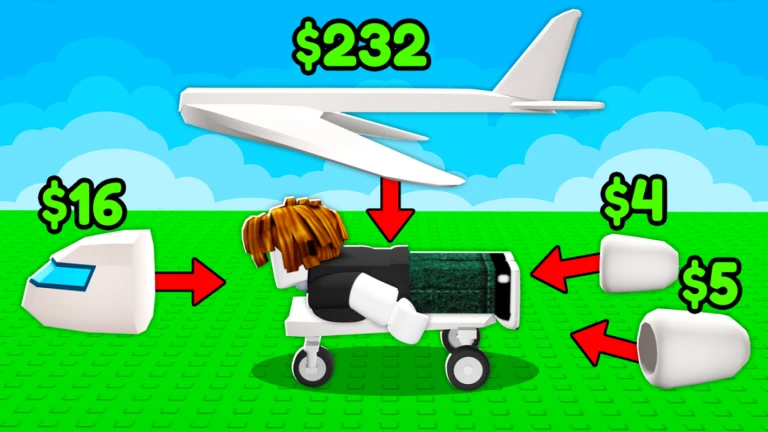

Become a Plane and Fly is a popular Roblox simulator where your character literally turns into a human plane.
Instead of controlling a normal aircraft, you train your body, launch from a runway, and glide through the sky to see how far you can go. The farther you fly, the more money you earn, which helps you unlock upgrades, pets, and new areas.
While the game looks simple at first, knowing the controls properly makes a huge difference.
Small mistakes in movement, boosting, or camera control can end your flight early. This guide explains all controls clearly for both PC and mobile so you can fly farther and improve faster.
How Flying Works in Become a Plane and Fly
Before jumping into the controls, it helps to understand the core loop of the game.
You start each run by training on treadmills to build energy. Once you have enough energy, you run down the runway and launch into the air.
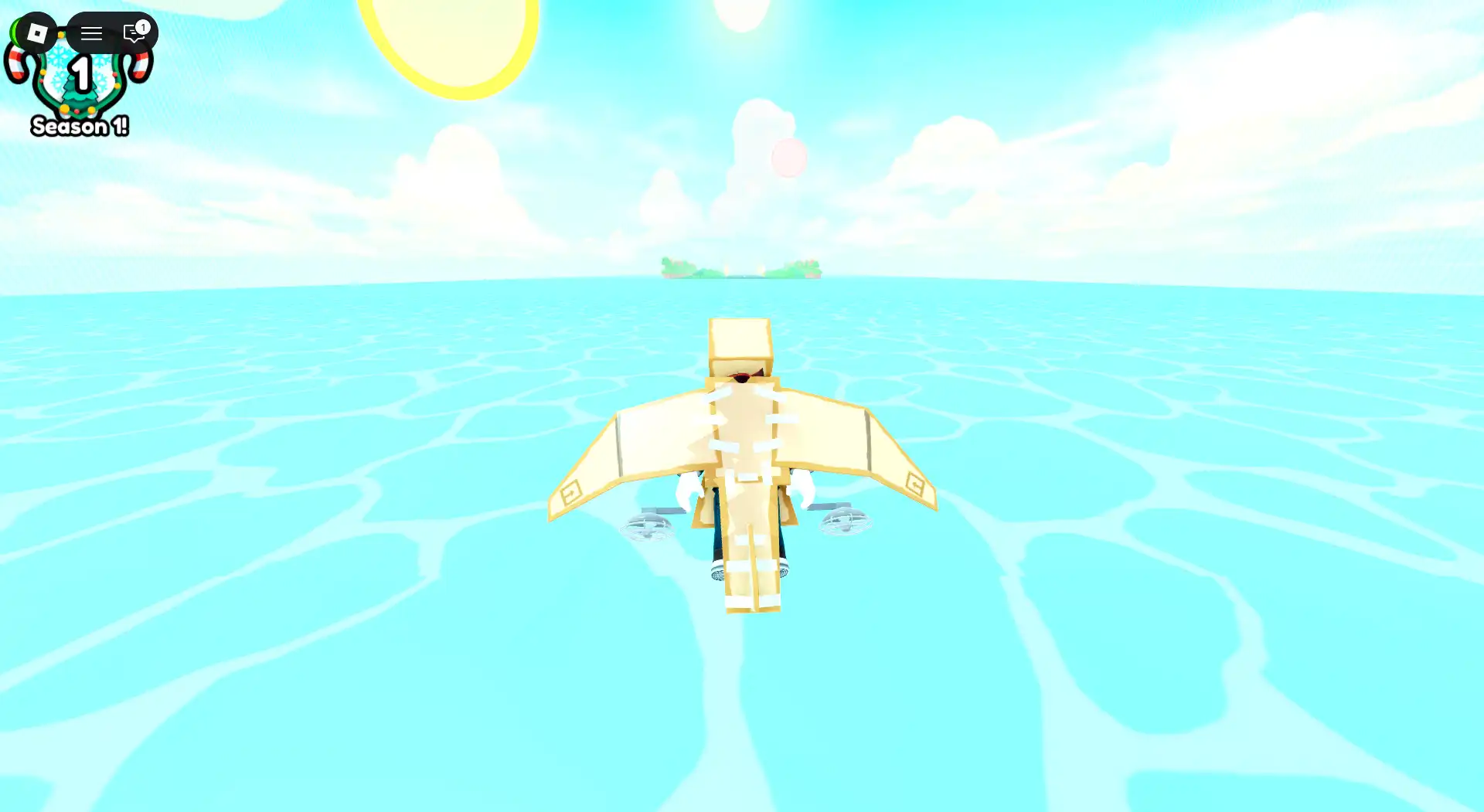
During flight, you control your direction, height, and speed using pitch, roll, and boosts. When you finally lose momentum, you land or fall into the water, ending the run.
Good control usage directly affects how long you stay airborne and how much cash you earn.
Become a Plane and Fly Controls on PC
If you are playing on a keyboard and mouse, these are the main controls you will use during training and flight.
Movement and Flight Controls on PC
- W or Up Arrow pitches your plane upward, helping you climb and gain altitude.
- S or Down Arrow pitches your plane downward, causing you to dive and lose height.
- A or Left Arrow rolls your plane to the left, useful for steering and adjusting direction.
- D or Right Arrow rolls your plane to the right for turning and alignment.
These four keys are the most important for controlling your flight angle and direction.
Boost and Training Controls on PC
- Spacebar is used to jump and boost. During flight, it converts stored energy into extra speed or height.
- Left Shift is used to sprint on treadmills before launch to build energy.
Using boost too early or too aggressively can drain energy quickly, so timing matters.
Camera Controls on PC
Moving the mouse lets you look around and adjust the camera angle while flying. This does not affect flight direction directly, but it helps you see where you are going and plan your descent.
Become a Plane and Fly Controls on Mobile
Mobile controls are simplified and touch based, but they still give you full control over your flight.
Movement and Flight Controls on Mobile
The left joystick controls pitch and roll. Pushing it forward or backward changes your climb or dive angle, while moving it left or right steers your plane.
Boost and Training Controls on Mobile
The jump or boost button on the right side of the screen activates boosts during flight.
The sprint button is used while training on treadmills to build energy before launch.
Just like on PC, boosting too much at once can shorten your flight.
Camera Controls on Mobile
Touch and drag on the screen to move the camera and look around while flying. This helps with awareness and landing decisions.
Some versions of the game may include light auto stabilization to make mobile flying easier, especially for new players.
How to Take Off Properly
To start flying, you must first build energy. Run on the treadmill using Left Shift on PC or the sprint button on mobile. Once your energy bar is filled enough, move to the runway.
As you reach the end of the runway, press Space on PC or the jump button on mobile to launch. A smooth takeoff with a gentle upward pitch gives you the best start.
Common Mistakes That Cause Early Crashes
Many players crash quickly because they tilt too sharply right after takeoff. Pitching straight up or diving too early kills momentum.
Another common issue is boosting too much at the start. It is better to gain some natural glide distance first, then boost when your speed starts dropping.
Lack of training energy also causes short flights. Always spend time on the treadmill before launching.
Tips to Fly Farther and Earn More Money
- Pitch up gently instead of sharply to maintain speed.
- Use boosts in short bursts rather than holding them continuously.
- Upgrade your stats regularly to improve glide and boost efficiency.
- Use pets if available since they provide passive bonuses.
- Aim to land on islands instead of falling into the water for better rewards.
FAQs About Become a Plane and Fly Controls
How do I start flying in Become a Plane and Fly
Train on the treadmill to build energy, run down the runway, and press jump or space to launch into the sky.
Why do I crash right after takeoff
You may be pitching too aggressively, boosting too early, or launching without enough energy.
How do I earn more money in the game
Fly farther by mastering controls, upgrading stats, using pets, and landing on new islands instead of the ocean.

Abhigyan identifies himself as a tech geek, gaming cognoscenti, and also a connoisseur of music. Unidentified and mysterious phenomena never fail to gather his undivided attention. When not reading about bizarre and perplexing entities across the Universe, he can often be found cheering for his favorite teams in Football.