
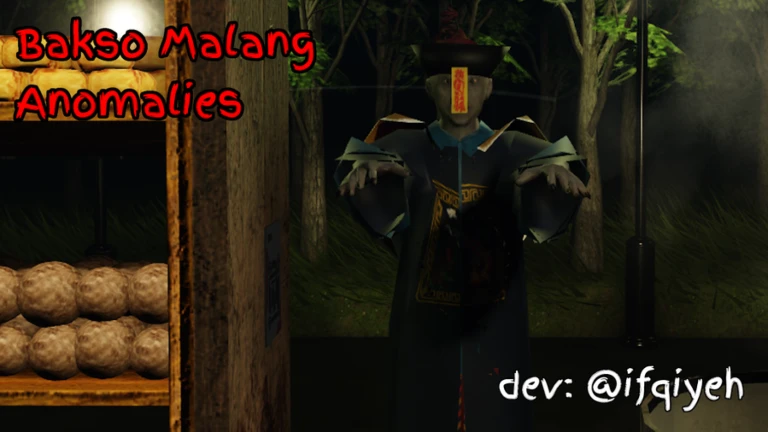

To survive your shift at the Warung Bakso, you need to react quickly to customers and anomalies.
Use these controls to manage your stall and keep your sanity intact.
Bakso Malang Anomalies : PC Controls
On PC, your left hand manages movement and supernatural detection, while your right hand handles the camera and precision clicking.
| Action | Key / Input |
| Move | W, A, S, D |
| Interact / Pick Up | E |
| Third Eye | Q (Hold to reveal anomalies) |
| Night Vision | F (While viewing the CCTV monitor) |
| Sprint | Left Shift |
| Switch Camera | Click directly on the monitor screen |
| Close Shutter | Click the red lever/handle by the window |
Sanity Warning: Holding
Qfor too long will drain your sanity. Watch for visual distortions on your screen; if they appear, release the key immediately.
SEE ALSO:
- Roblox Bakso Malang Anomalies (Wiki) [Anomalies, Endings, Rules]
- (9) All Endings Bakso Malang Anomalies (7 Main & 2 Secret)
Bakso Malang Anomalies: Mobile Controls
The mobile version uses a custom HUD (Heads-Up Display) to ensure you have all the tools of the trade at your fingertips.
-
Movement: Use the Dynamic Joystick on the bottom-left of the screen.
-
Interaction: Tap the Hand Icon that appears when you are near ingredients, bowls, or the shutter.
-
Third Eye: Press and hold the Eye Icon located on the right side of the screen.
-
CCTV System: Tap the physical monitor in your stall to cycle through the camera feeds.
-
Night Vision: Tap the Moon Icon while you are looking at the camera feed.
-
Sprint: Tap the Running Person icon to move faster (essential during the Inspector’s visit).
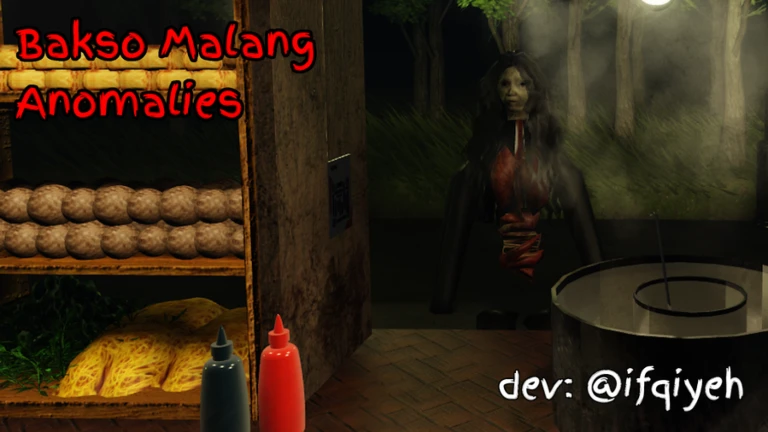
Quick-Start: How to Serve
-
Grab a Bowl: Walk to the stack and press
E(or tap the Hand Icon). -
Add Ingredients: Move to the noodles and meatballs, then interact to fill the bowl.
-
Add Broth: Interact with the large pot.
-
Check the Customer: Before serving, press
Q(or the Eye Icon) and check your CCTV to ensure they aren’t an anomaly. -
Serve: Interact with the counter window to complete the order.
SEE ALSO:

Nishant Singh is a gaming writer with a passion for Roblox and the Call of Duty franchise. He enjoys exploring new titles, sharing tips, and writing stories that bring the gaming world to life.