

Last updated on June 26th, 2026 at 09:32 am
Good news if you’re shopping on a budget: Roblox and Minecraft are two of the least demanding games you can play on a laptop.
You genuinely do not need a $1,500 RTX powerhouse for either one. What you do need is a laptop that doesn’t cut corners in the wrong places — and under $700, a lot of them do.
Quick answer: look for an RTX 4050 or RTX 2050 with at least 16GB RAM and an SSD — the HP Victus 15 and ASUS TUF A15 are the two most consistently solid picks in this price range right now.
What Actually Matters for Roblox & Minecraft (Most Guides Get This Wrong)
The Spec Checklist
| Spec | Minimum to Get | Why |
|---|---|---|
| CPU | Intel Core i5 (12th-gen+) or Ryzen 5 (7000-series+) | Handles modded Minecraft and multitasking (Discord + browser + game) |
| RAM | 16GB | 8GB technically runs Roblox, but chokes the moment Discord/Chrome are open too |
| GPU | RTX 2050 or better (RTX 4050 ideal) | Overkill for Roblox, but matters if you ever want shaders in Minecraft or branch into other games |
| Storage | 512GB SSD (NVMe ideal) | No spinning hard drives in 2026 — kills boot and load times |
| Display | 1080p IPS | Avoid TN panels — washed-out colors, bad viewing angles |
Best Picks Under $700
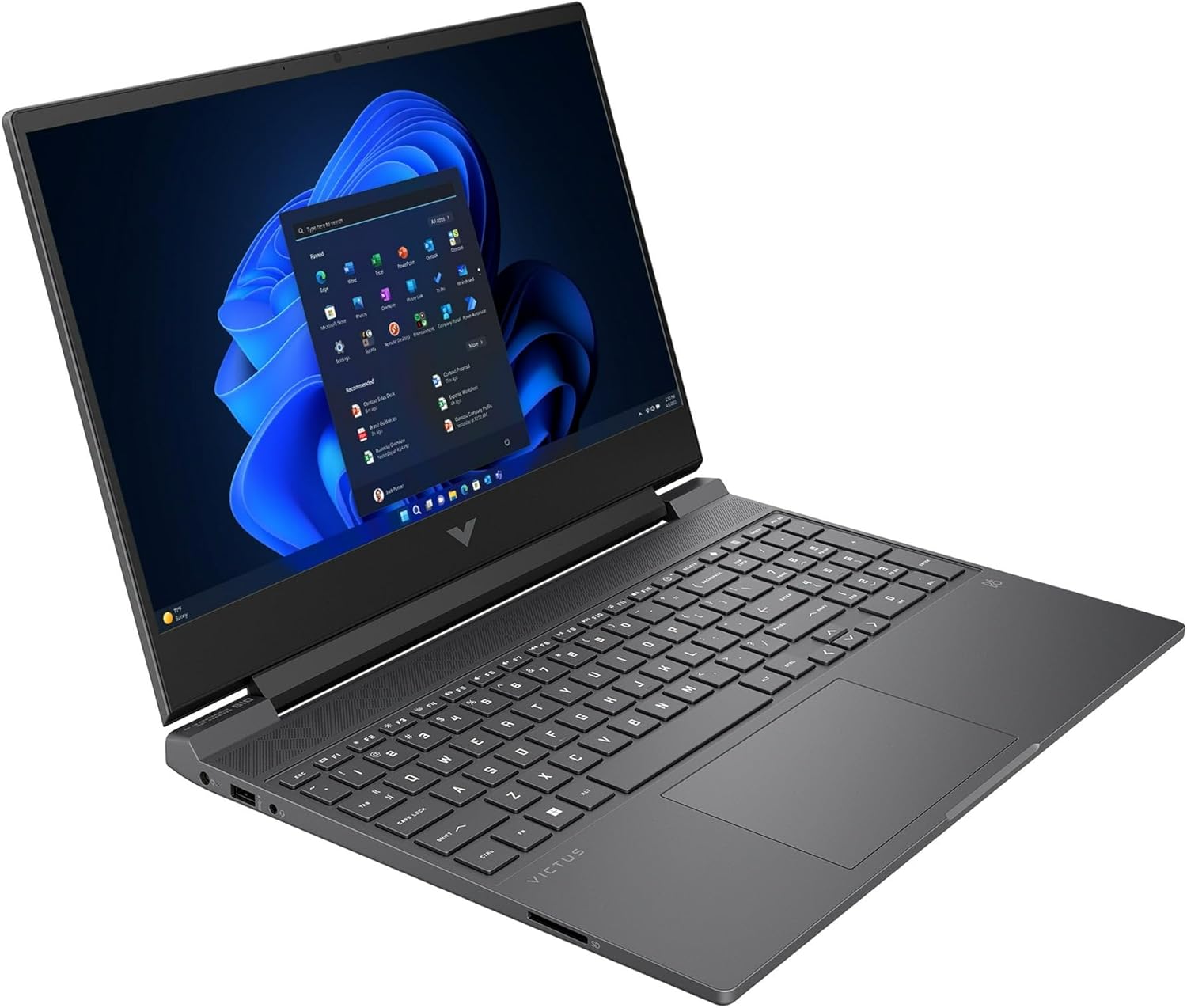
1. HP Victus 15 (RTX 4050) — Best Overall
The HP Victus 15 has become the go-to budget recommendation for a reason: configurations with an AMD Ryzen 5/7 processor, RTX 4050 graphics, 16GB RAM, and a 512GB SSD regularly show up between $550-650 on sale (list price runs closer to $900, so watch for Best Buy/Amazon discounts — they happen often).
For Roblox and Minecraft specifically, this is genuinely more laptop than you need, which means real headroom if you eventually want to add shaders, try Fortnite, or run a heavier modpack.
Watch for: battery life drops fast under gaming load (expect 1.5-4 hours depending on settings), and it runs loud under sustained load. Neither matters much for Roblox/Minecraft sessions at a desk.
2. ASUS TUF Gaming A15 (RTX 2050) — Best Build Quality
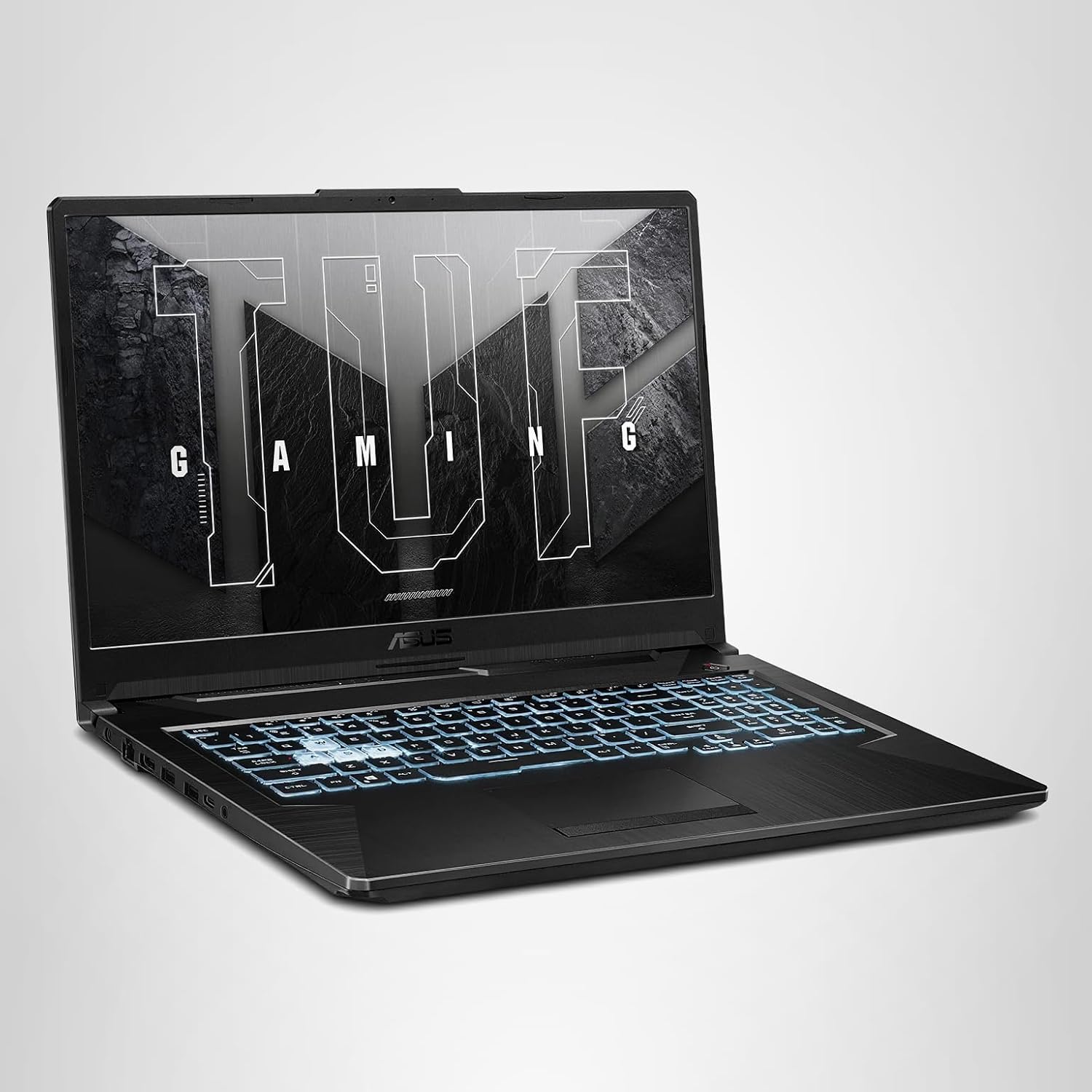
The TUF A15’s main selling point is durability — it’s passed military-grade stress testing, which matters if this laptop is getting carried to a friend’s house or tossed in a backpack often.
The RTX 2050 and Ryzen 5 combo handles Roblox and Minecraft (even lightly modded) without issue, and discounted configurations land in the $550-680 range.
3. Acer Nitro V 16 AI (RTX 5050) — Best Future-Proofing
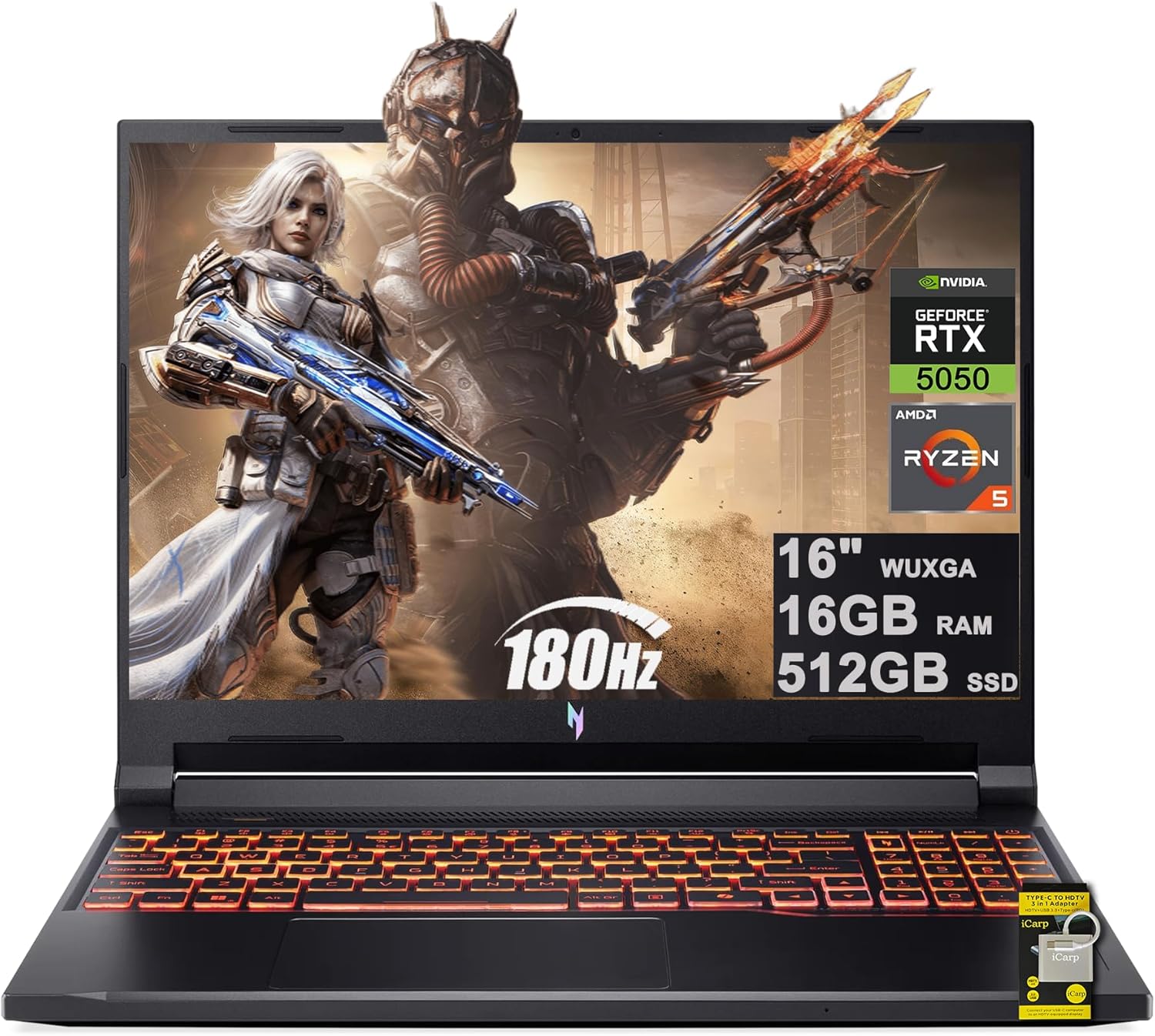
If you can find a configuration near the top of the $700 range, the Nitro V 16 AI’s RTX 5050 with DLSS 4 support gives you more headroom than anything else on this list — useful if “just Roblox and Minecraft” might turn into other games later.
The tradeoff: its Ryzen AI 5 240 chip can bottleneck in CPU-heavy scenarios like heavily modded Minecraft, so it’s a slightly worse pick than the Victus 15 specifically for mod-heavy play, despite the newer GPU.
4. Acer Aspire Go 15 – Best if You Truly Don’t Need a Dedicated GPU
Worth a mention for a different use case: if it’s purely Roblox, vanilla Minecraft, and basic schoolwork/browsing with no other games on the radar, the Aspire Go 15 skips the discrete GPU entirely but doubles up on RAM (16GB) and includes a 512GB SSD, often well under $400.
Roblox and Minecraft both scale down gracefully enough to run fine on integrated graphics — you’re trading future flexibility for a lower price.

Quick Comparison
| Laptop | GPU | RAM | Best For |
|---|---|---|---|
| HP Victus 15 | RTX 4050 | 16GB | Best all-around value |
| ASUS TUF A15 | RTX 2050 | 16GB | Durability, portability |
| Acer Nitro V 16 AI | RTX 5050 | 16GB+ | Future-proofing beyond these 2 games |
| Acer Aspire Go 15 | Integrated | 16GB | Tightest budget, Roblox/Minecraft only |
One Thing Worth Knowing: Modded Minecraft Changes the Math
Everything above assumes vanilla or lightly-modded Minecraft and standard Roblox play.
If shaders or heavier modpacks (RLCraft, All The Mods, Pixelmon) are the plan, lean toward the higher-RAM, higher-CPU-clock options above rather than the integrated-graphics pick — those modpacks lean hard on both CPU and RAM in ways that will expose a weaker laptop fast. Check our Minecraft modding guides if you’re planning to go that route.
Don’t Get Distracted By These
- RGB lighting — does nothing for performance; budget laptops with flashy RGB often cut RAM or display quality to afford it
- Core count over clock speed — Minecraft cares more about single-thread speed than how many cores you have
- 4K displays at this price — basically nonexistent under $700, and unnecessary for either game anyway
The Bottom Line
For Roblox and Minecraft specifically, you’re shopping for a sturdy CPU and 16GB of RAM more than you’re shopping for the biggest GPU number.
The HP Victus 15 is the safest pick if you can catch it on sale near $600, the ASUS TUF A15 is the better choice if durability matters more than raw power, and the Acer Aspire Go 15 is a smart move if a dedicated GPU genuinely isn’t on your radar at all.
Whatever you pick, just don’t let a flashy GPU number talk you out of 16GB of RAM — that’s the spec that actually keeps these two games running smoothly.

Abhigyan identifies himself as a tech geek, gaming cognoscenti, and also a connoisseur of music. Unidentified and mysterious phenomena never fail to gather his undivided attention. When not reading about bizarre and perplexing entities across the Universe, he can often be found cheering for his favorite teams in Football.