
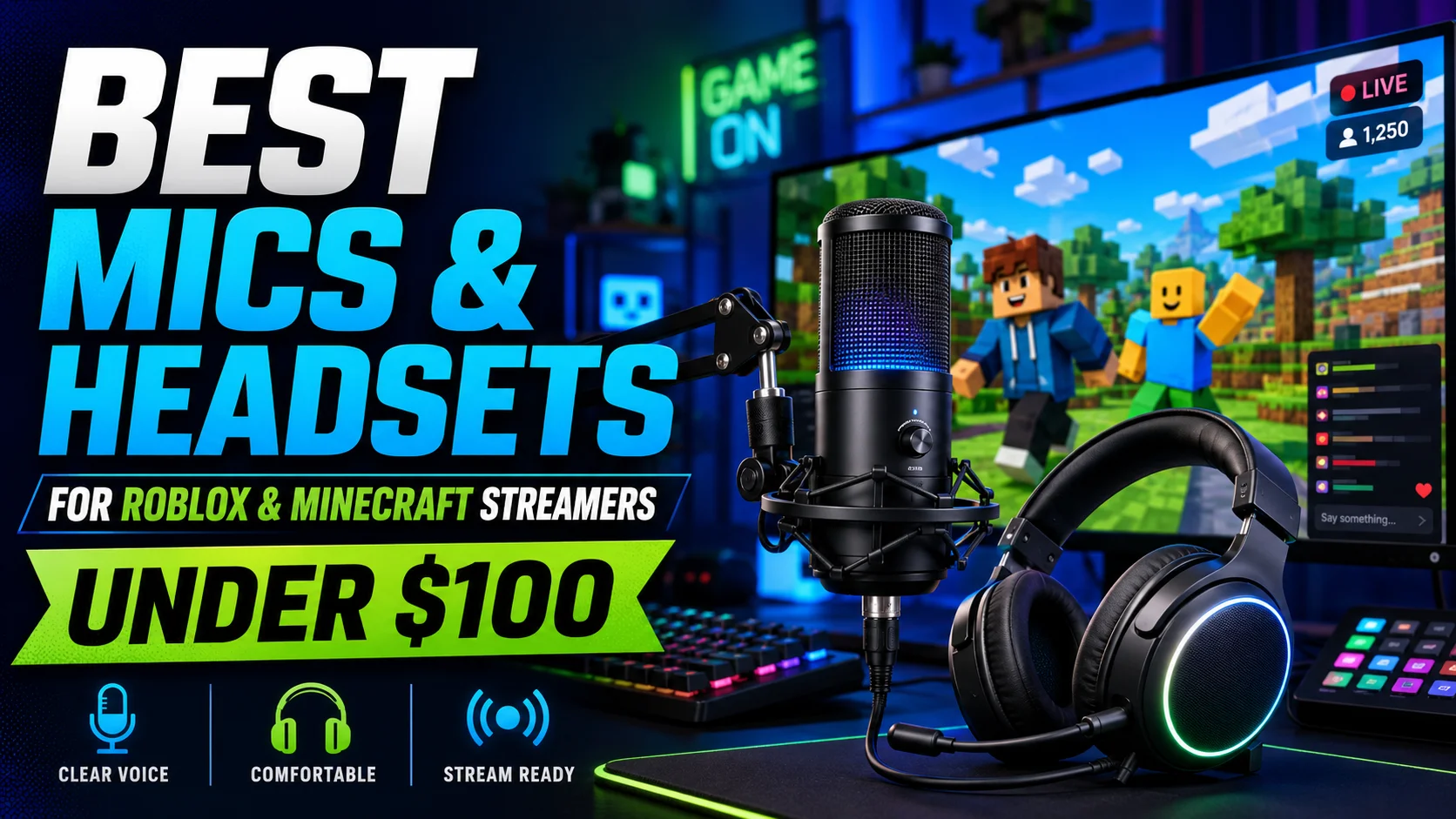

You don’t need a podcast studio to sound good on a Roblox or Minecraft channel – you need one decent mic and one comfortable headset, and both exist well under $100 each.
The mistake most new creators make is buying a flashy RGB combo that looks great on camera but sounds thin or picks up every keyboard click.
Here’s what actually holds up.
Quick answer: HyperX SoloCast for the simplest good-sounding mic, Logitech Blue Yeti if you want more control, and the HyperX Cloud Core or SteelSeries Arctis Nova 1 for a comfortable, clear-sounding headset that won’t fatigue you after a 3-hour session.
Microphones: Quick Comparison
| Mic | Price | Best For |
|---|---|---|
| HyperX SoloCast | ~$40-50 | Beginners who want plug-and-play simplicity |
| Razer Seiren V3 Mini | ~$40-50 | Tight desk space, noisy mechanical keyboard |
| Fifine K669B / T669 | ~$25-35 | Tightest budget, just starting out |
| Logitech Blue Yeti / Yeti Orb | ~$60-100 | More control, multiple pickup patterns |
| HyperX QuadCast S | ~$90-100 | Streamers who want RGB + tap-to-mute + 4 polar patterns |
Best Microphones for Roblox/Minecraft Streamers Under $100
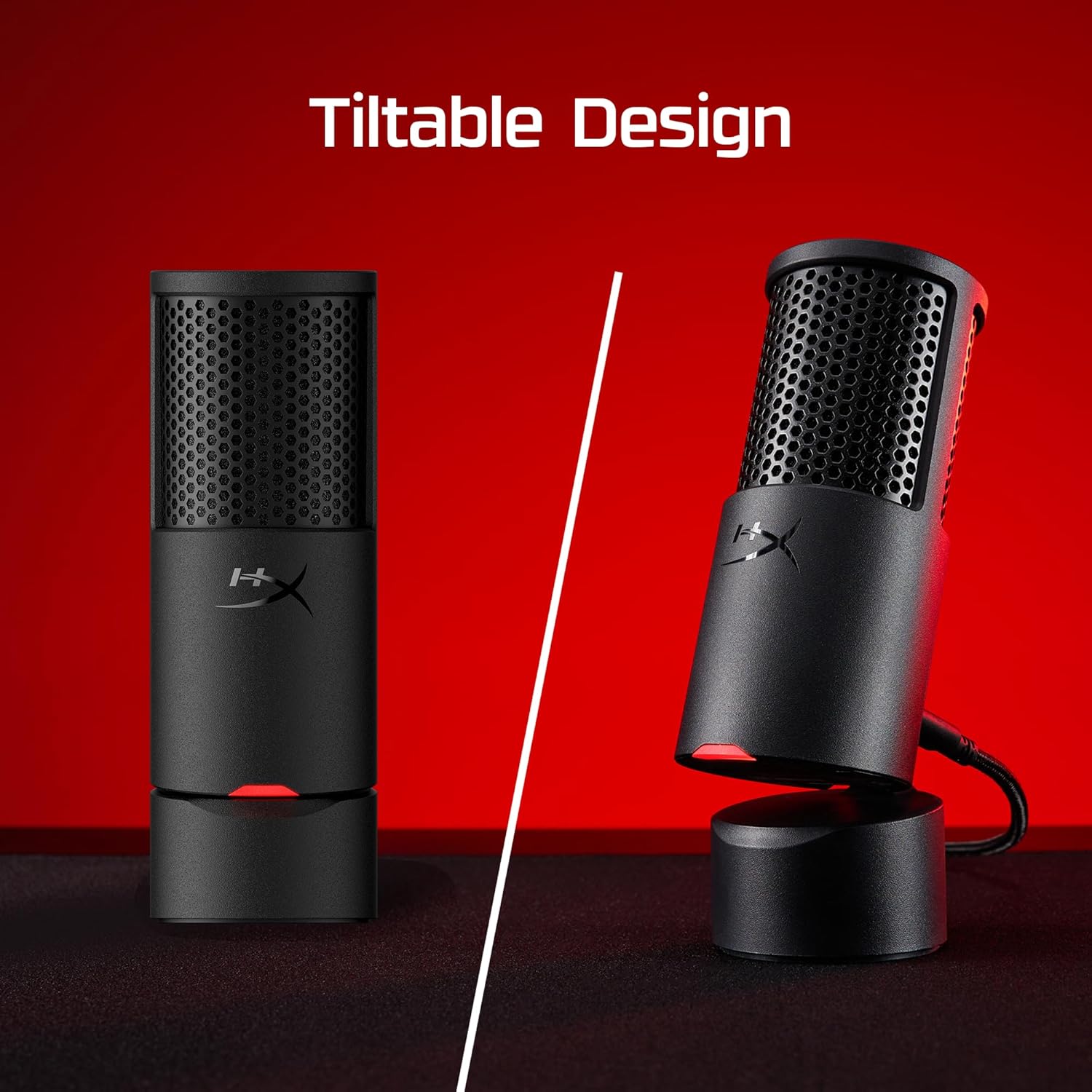
1. HyperX SoloCast – Best for Beginners
This is the easiest mic on the list to recommend to someone starting their first channel: plug it in via USB, and you’re streaming-ready in minutes with no software to configure.
The all-metal build feels sturdy for the price, and the tap-to-mute sensor on top is genuinely handy mid-session when a sibling walks in or your dog starts barking.
Sound quality punches well above its price point for voice — exactly what you need layered over Roblox or Minecraft gameplay audio.
🔗 Check current price on Amazon
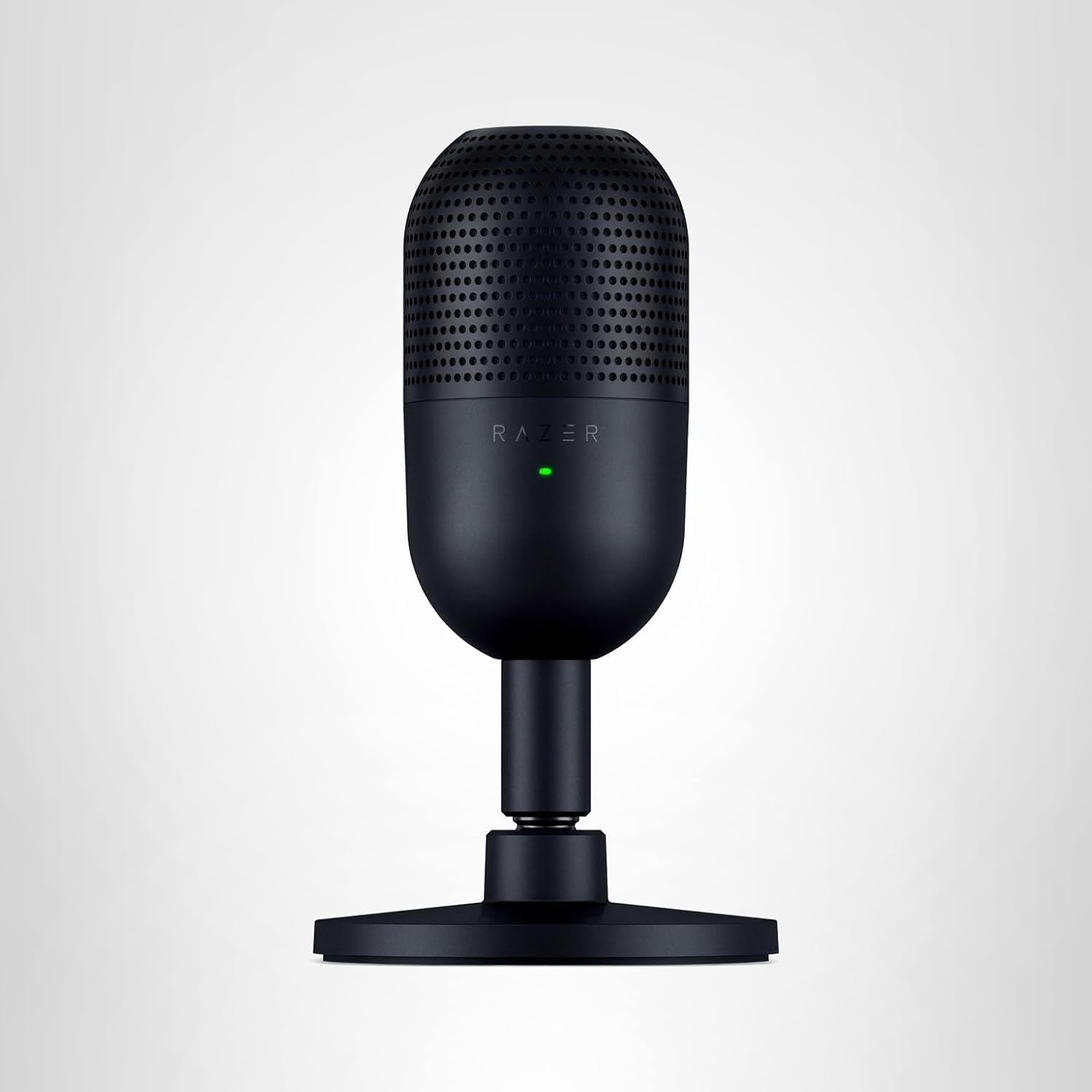
2. Razer Seiren V3 Mini – Best for Tight Desks & Loud Keyboards
At just over 3.5 inches across, this is the pick if your desk setup is cramped between a monitor and keyboard.
Its supercardioid pickup pattern is noticeably tighter than the standard cardioid pattern most budget mics use, which matters if you’re recording Minecraft builds or Roblox gameplay with a mechanical keyboard clacking nearby – it rejects that side noise better than most mics in this price range.
🔗 Check current price on Amazon
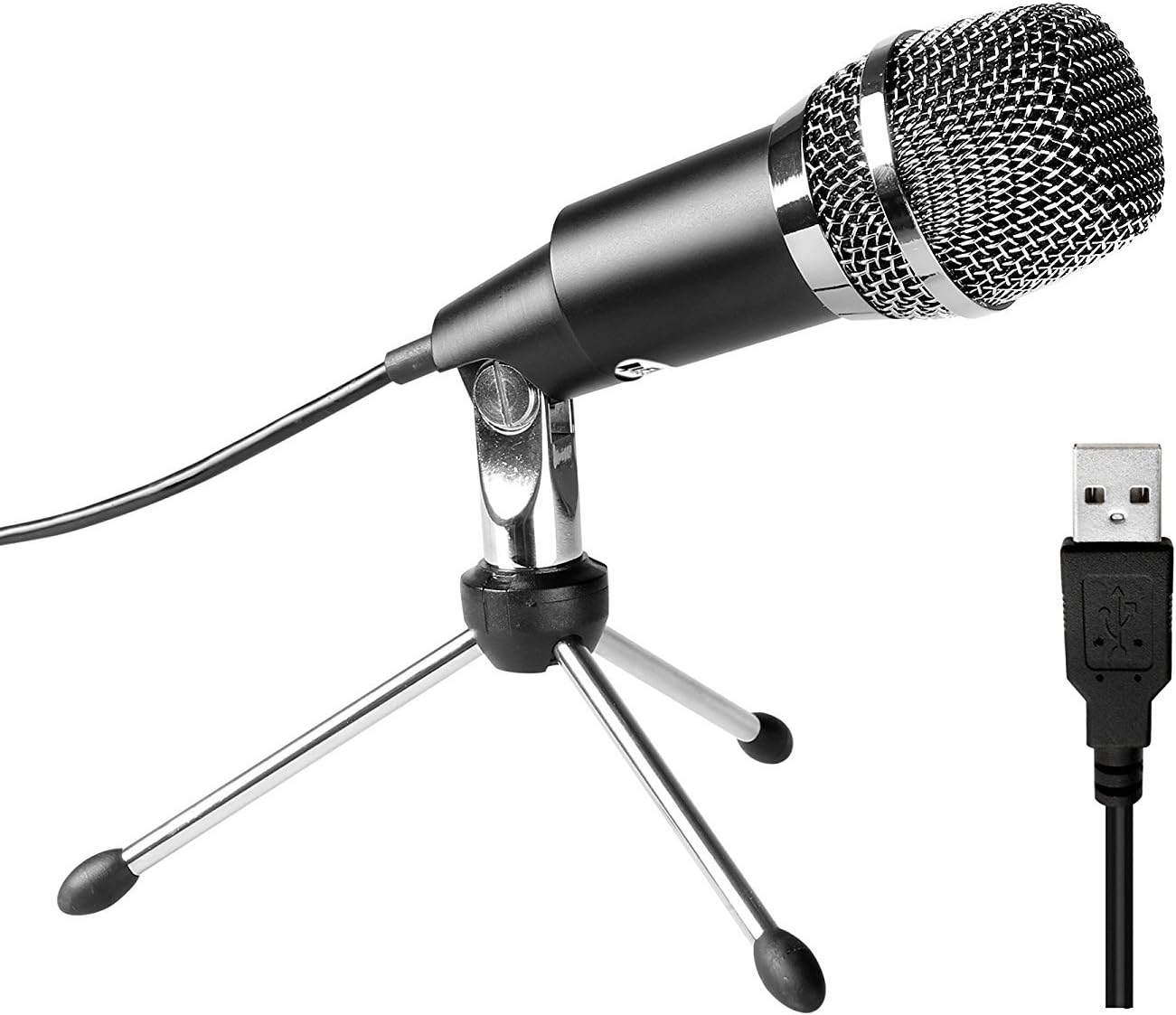
3. Fifine K669B / T669 – Best for the Tightest Budget
If $25-35 is genuinely your ceiling, Fifine’s budget condenser mics are the honest “good enough to start” pick — not studio quality, but a clear step above your laptop’s built-in mic or a basic headset mic.
A sensible choice if you’re not sure yet whether the channel is going to stick, and want to avoid spending much before finding out.
🔗 Check current price on Amazon
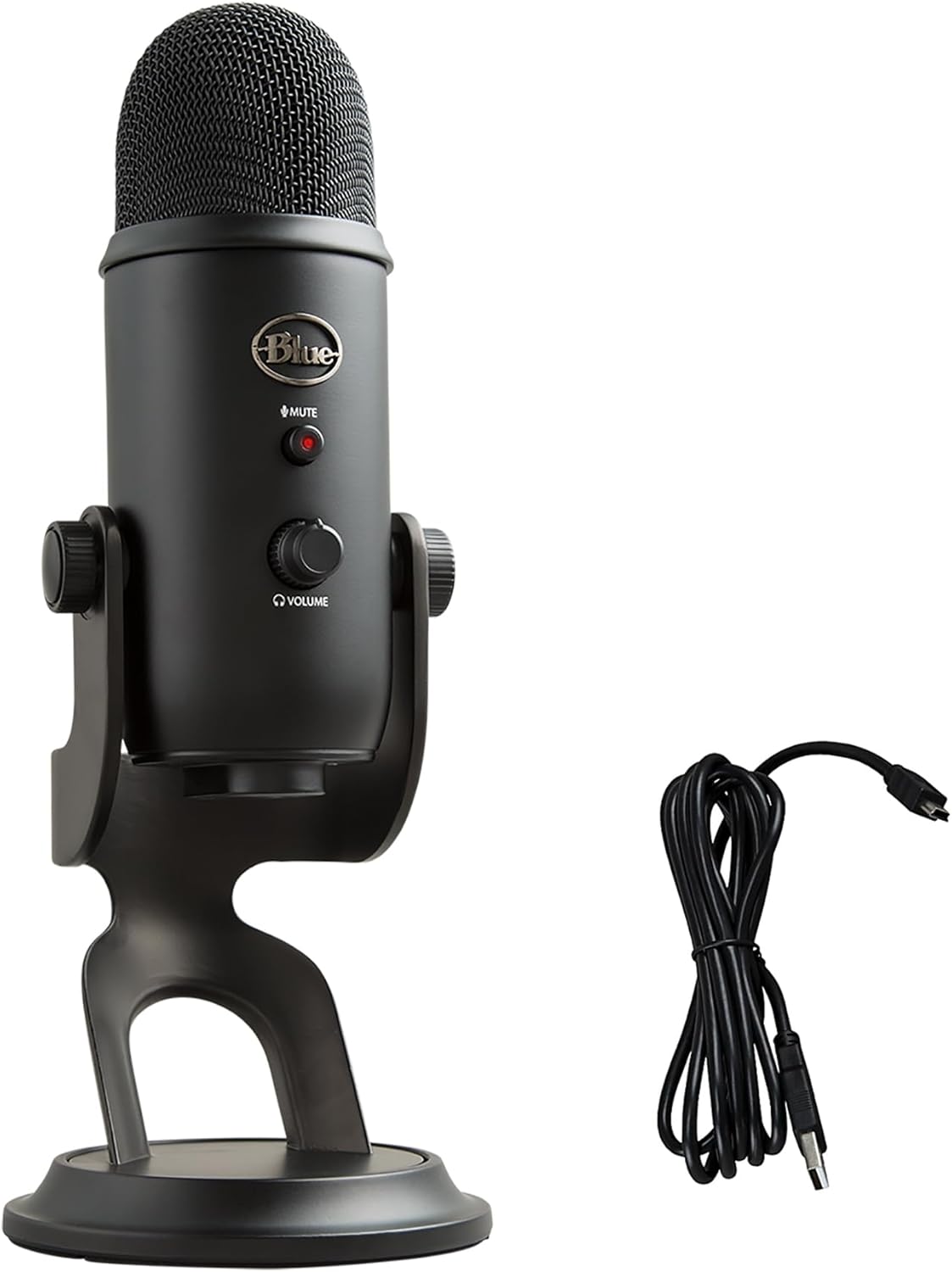
4. Logitech Blue Yeti / Yeti Orb — Best for More Control
The Yeti name has been a streaming staple for years, and for good reason — it gives you multiple pickup pattern options (cardioid, stereo, omnidirectional, bidirectional) so you can adjust for solo commentary versus recording with a friend in the room.
The Yeti Orb is the smaller, cheaper sibling if desk space or budget is tighter, with a similar sound signature in a more compact shape.
🔗 Check current price on Amazon
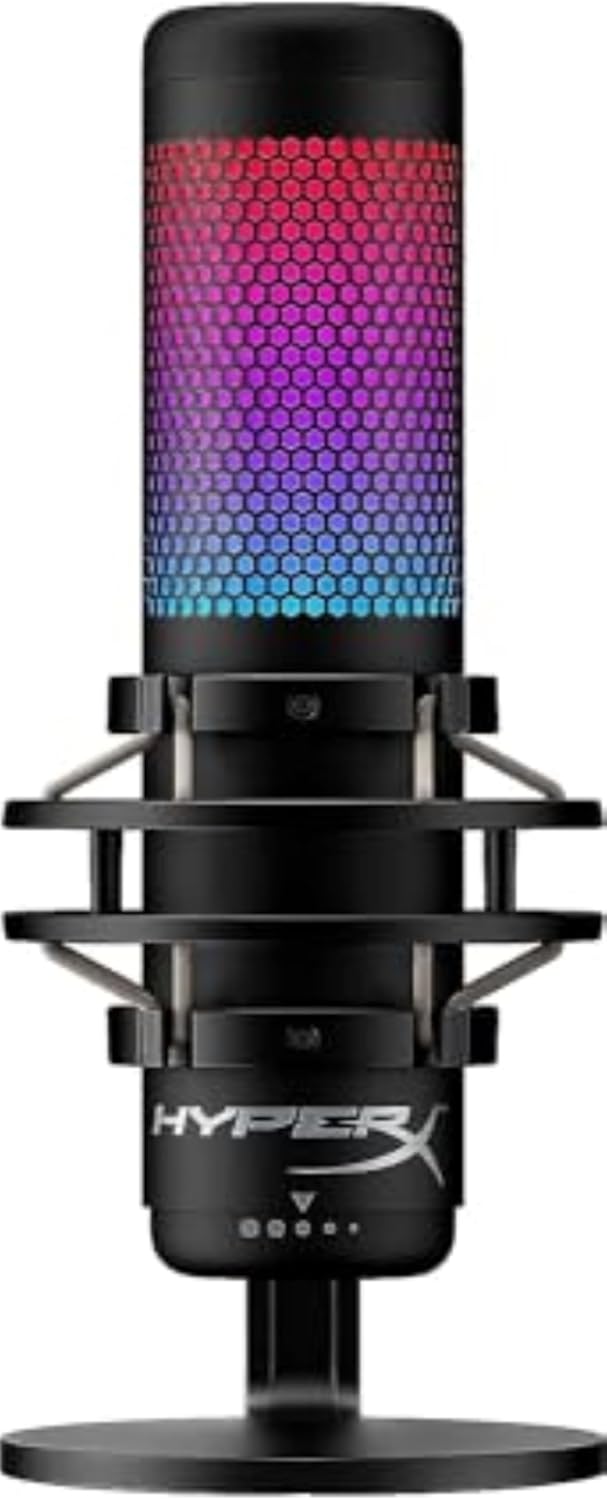
5. HyperX QuadCast S — Best if You Want the Full Streamer Look
This is the closest thing to a “premium” pick on this list, and it shows — four selectable polar patterns, a built-in shock mount to dampen desk vibration, customizable RGB lighting that turns red when muted (so there’s never ambiguity mid-stream), and genuinely solid sound for the price.
The main limitation is its 48kHz/16-bit recording ceiling, which doesn’t matter for gaming commentary but rules it out if you ever want to do music or podcast-quality production on the same mic.
🔗 Check current price on Amazon
Headsets: Quick Comparison
| Headset | Type | Best For |
|---|---|---|
| HyperX Cloud Core | Wired | Best simple, comfortable pick (~$70) |
| SteelSeries Arctis Nova 1 | Wired | Lightweight, tightest budget (~$60) |
| HyperX Cloud III | Wired | Best all-around balance (~$100) |
| Logitech G435 | Wireless + Bluetooth | Lightest wireless, switching between PC/mobile (~$60-80) |
| Corsair HS55 / HS35 | Wired | Best budget all-rounder (~$50-60) |
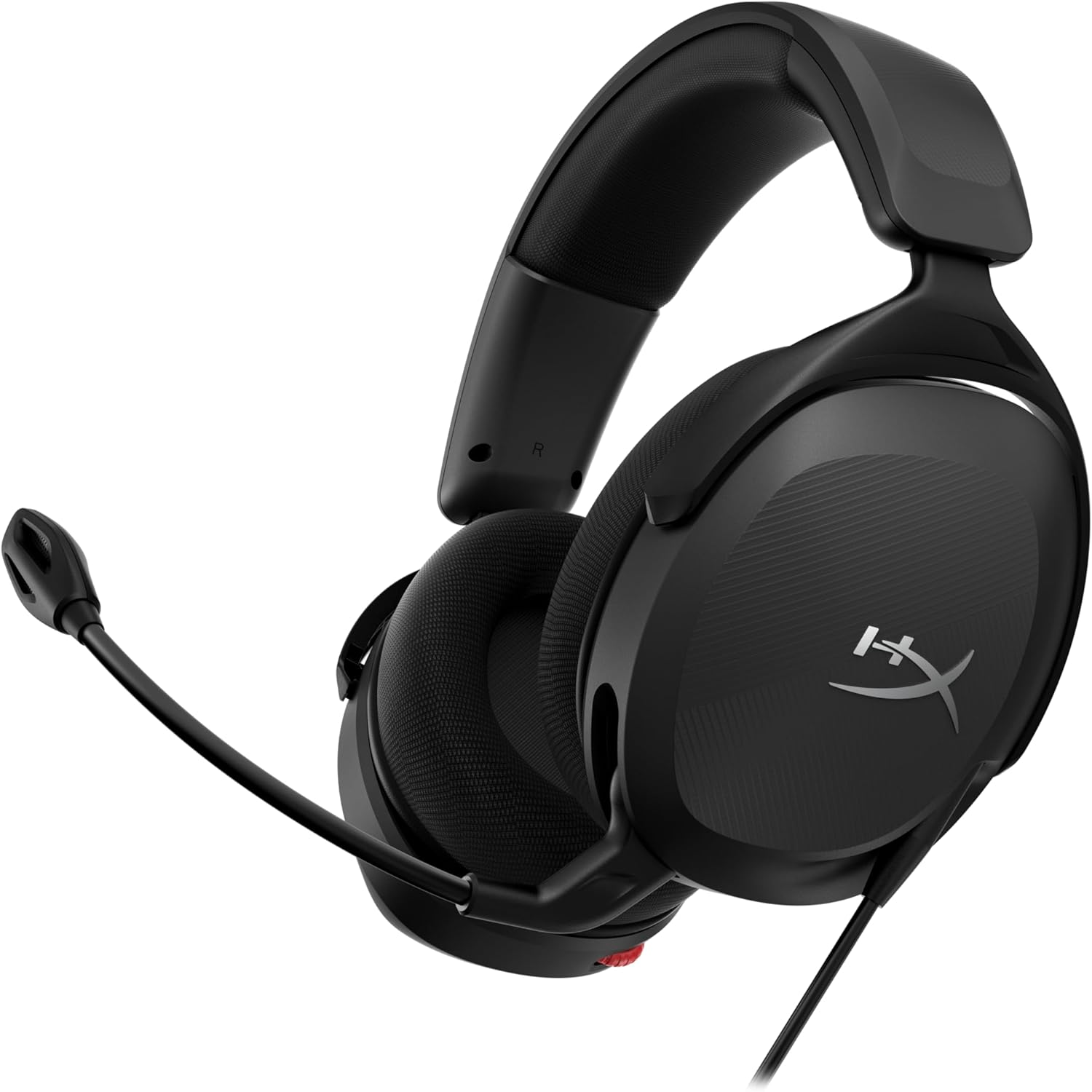
1. HyperX Cloud Core – Best Simple Pick
No wireless, no RGB, no companion software – just solid 53mm drivers (the same size used in the pricier Cloud III) tuned well for gaming, in a genuinely comfortable build.
For Roblox and Minecraft sessions that run long, comfort matters more than spec-sheet flash, and this headset gets that part right.
🔗 Check current price on Amazon
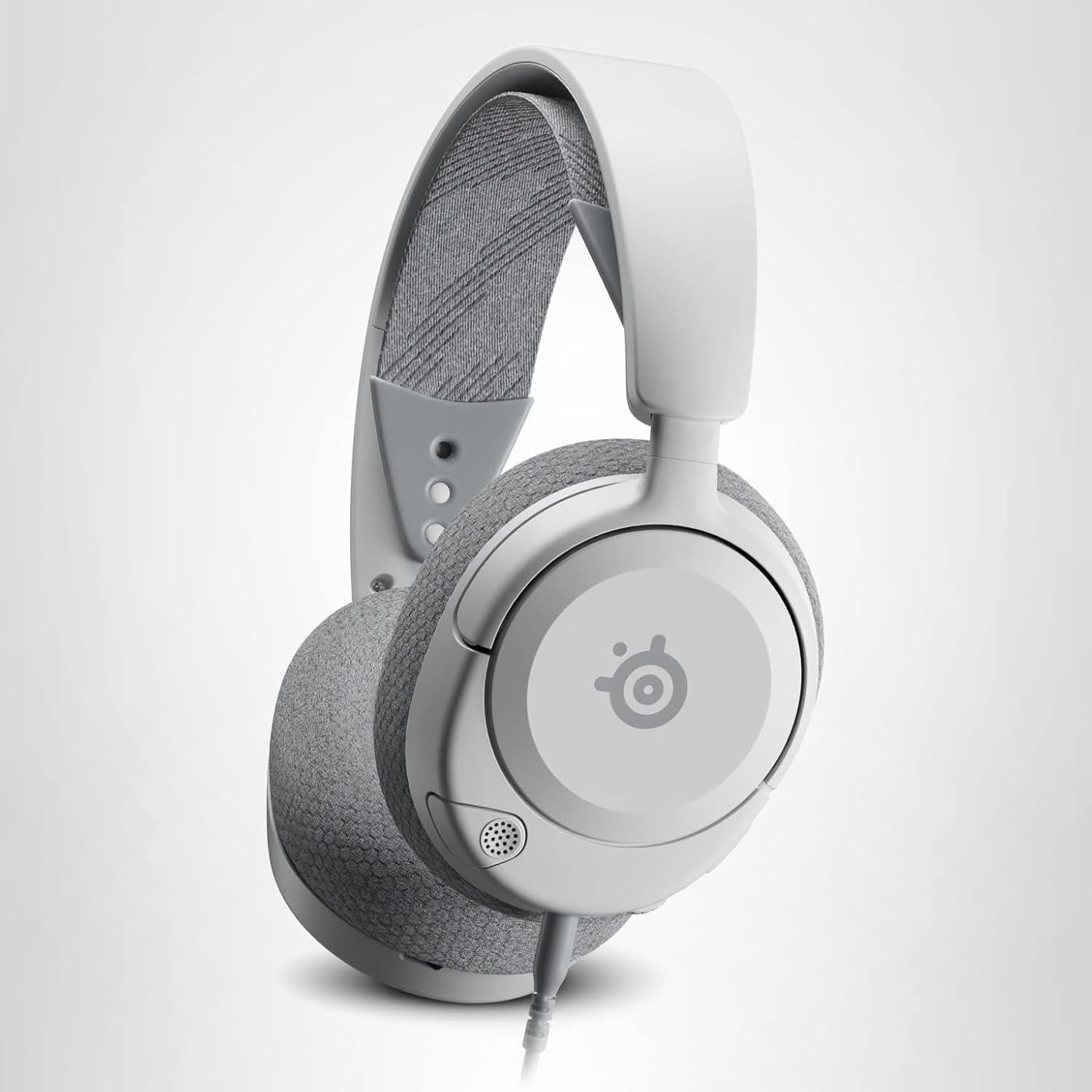
2. SteelSeries Arctis Nova 1 – Best Lightweight Budget Pick
At around $60, the Nova 1 is the headset to grab if you want to spend less without sacrificing comfort – it’s notably lightweight, has a retractable boom mic that’s better than most built-ins at this price, and a suspended headband design that holds up well through multi-hour sessions.
🔗 Check current price on Amazon
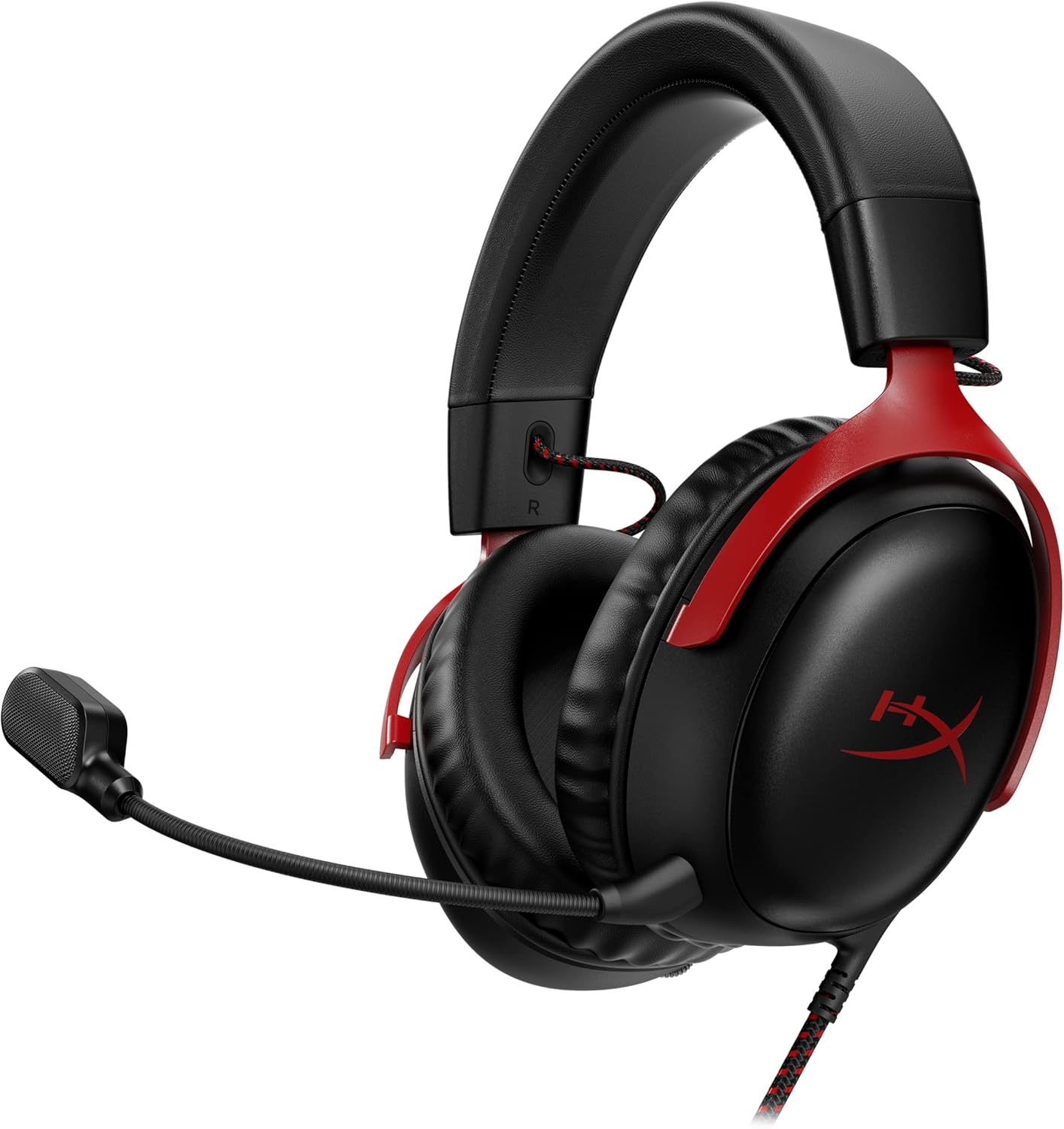
3. HyperX Cloud III – Best All-Around Balance
If you can stretch closer to the $100 ceiling, the Cloud III is the most consistently recommended wired headset in its price range for a reason – angled 53mm drivers tuned specifically for positional gaming audio, a detachable noise-cancelling boom mic, and durable build quality that holds up over years of daily use, not just months.
🔗 Check current price on Amazon
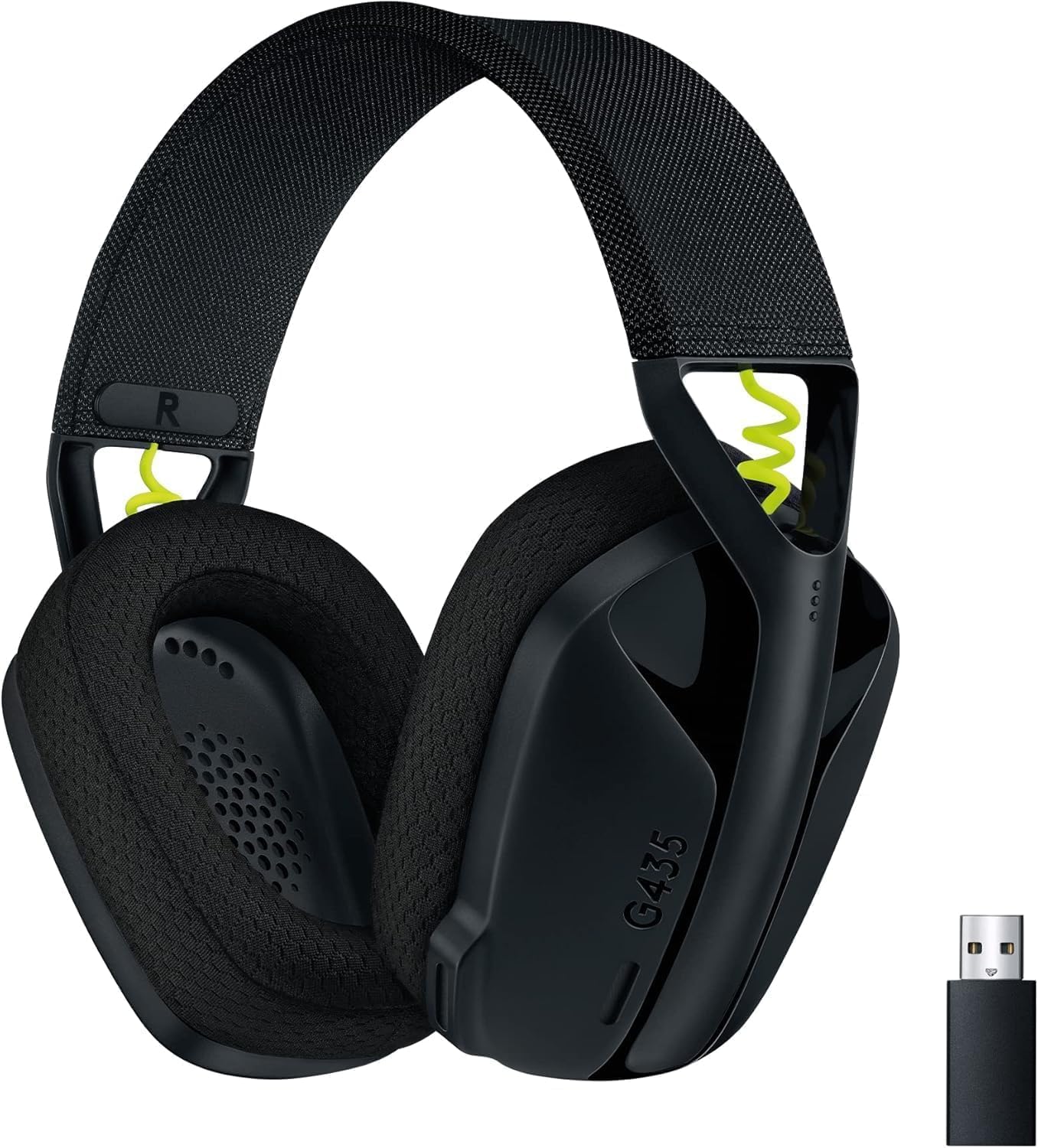
4. Logitech G435 – Best Lightweight Wireless
If cutting the cord matters to you, the G435 is unusually light for a wireless headset and supports both 2.4GHz wireless (for gaming) and Bluetooth simultaneously – handy if you’re switching between a gaming PC and a phone for Discord on the go.
Trade-off: it skips the boom mic for built-in mics, which are decent but not quite at the level of a dedicated boom mic for clarity.
🔗 Check current price on Amazon
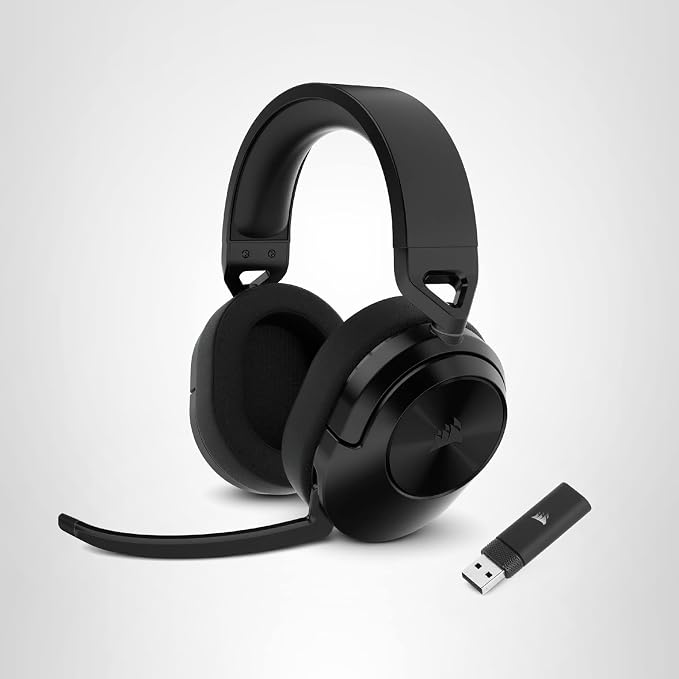
5. Corsair HS55 / HS35 – Best Budget All-Rounder
Routinely praised for punching above its price class – solid build, balanced sound, and a genuinely usable mic, all in the $50-60 range.
If you want a “no surprises, does everything fine” headset without spending close to $100, this is the safe pick.
🔗 Check current price on Amazon
Wired or Wireless? The Honest Answer for This Use Case
Best Combos by Budget
| Total Budget | Mic | Headset |
|---|---|---|
| ~$90-100 | Fifine K669B (~$30) | SteelSeries Arctis Nova 1 (~$60) |
| ~$120-140 | HyperX SoloCast (~$45) | HyperX Cloud Core (~$70) |
| ~$180-200 | Logitech Blue Yeti (~$90) | HyperX Cloud III (~$100) |
Quick Setup Tips Either Way
- Position the mic slightly off to the side, not directly in front of your mouth — reduces plosive “pop” sounds without needing a separate pop filter
- Mute your mic during loud Minecraft/Roblox sound effects if your mic doesn’t have great background rejection — explosions and notification dings bleed through more than voice does
- Use your headset for monitoring, your USB mic for recording — don’t rely on a headset’s built-in mic once you’ve bought a dedicated one, even though it’s tempting to skip the extra cable
- Record a 10-second test clip before every session — catching a loose cable or wrong input device before recording an hour of gameplay saves real heartache
The Bottom Line
You don’t need to spend close to $100 on either piece to sound clear on a Roblox or Minecraft channel — the HyperX SoloCast and SteelSeries Arctis Nova 1 combo covers most beginners well under $100 combined. Save the bigger spend for once you know the channel is sticking around; a $30 mic upgrade matters far less to viewers than consistent uploads and decent gameplay.
Need recording software to pair with your new setup? Check our screen recording software guide for free and paid picks that won’t lag your gameplay.

Hi, I’m Ankit Kumar, the founder of StealthyGaming. I handle everything from SEO to researching and writing gaming articles. I’m passionate about helping fellow gamers stay updated with the latest tips, guides, and news. When I’m not optimizing content, I’m probably testing out new games or digging into strategies to make my articles as helpful and engaging as possible.