
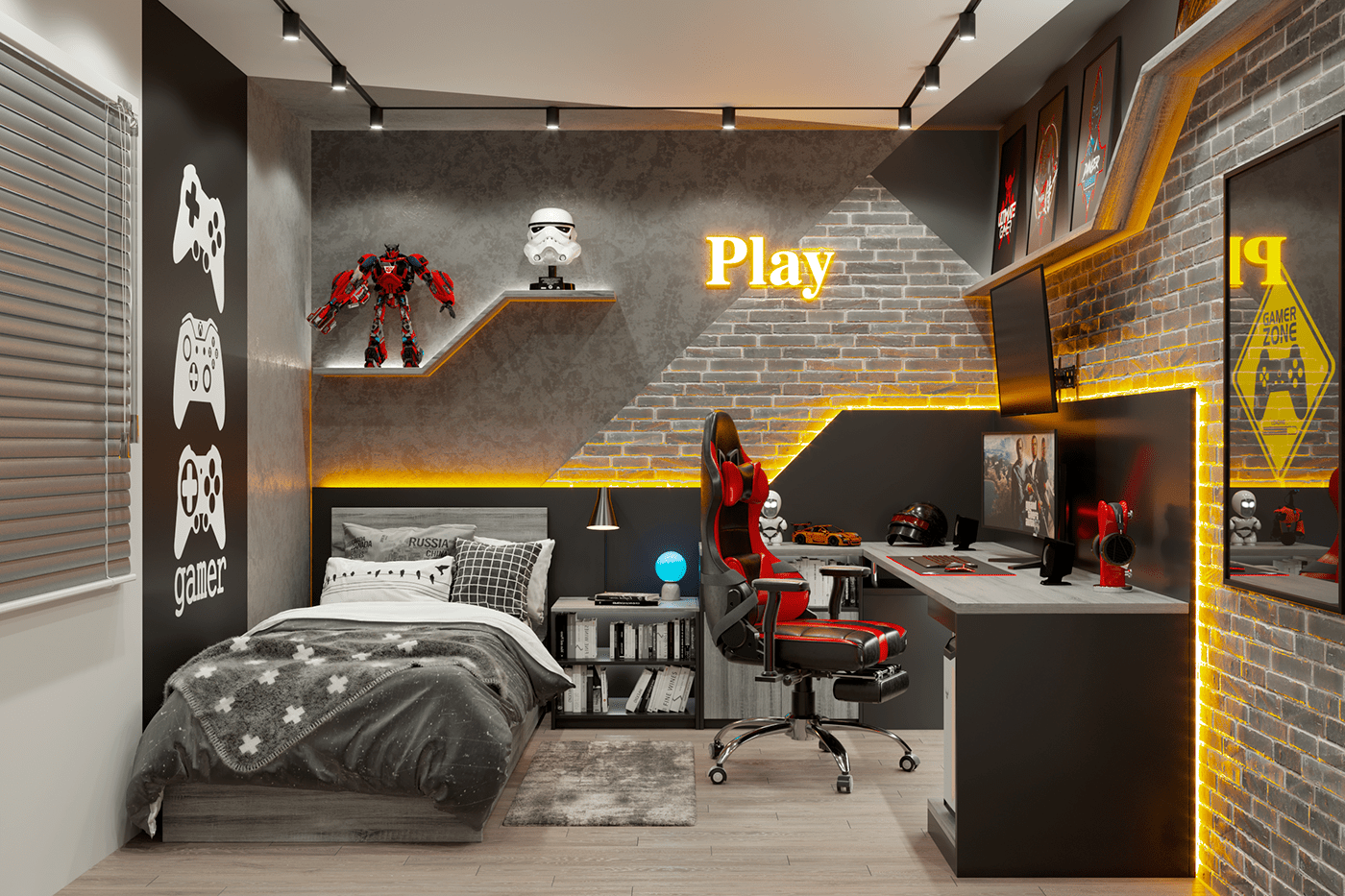

A gamer bedroom should do more than hold a computer or console. The best designs balance a dedicated gaming setup with the comfort and personality you expect from a bedroom. Lighting, furniture placement, storage, bedding, wall decor, and even the color palette can work together to create a room that feels intentional rather than simply packed with technology.
Whether you prefer a sleek black setup, a soft neutral room, colorful RGB lighting, or a cozy gaming corner, these 26 gamer bedroom design ideas offer practical ways to create a space that works for both gaming and everyday life.
26 Gamer Bedroom Ideas at a Glance
- Clean black gaming bedroom
- Minimal white gaming setup
- Warm neutral gaming bedroom
- Gray and black gaming room
- Organic modern gaming bedroom
- Matte black desk setup
- Luxury dark gaming bedroom
- Soft beige gaming room
- RGB LED gaming wall
- Backlit monitor setup
- Under-bed LED gaming setup
- Hexagon light panel wall
- Soft blue gaming lights
- Purple gaming bedroom
- Warm white LED gaming setup
- Neon sign gaming station
- Corner gaming bedroom setup
- Compact console gaming bedroom
- Bedside gaming station
- Dual-monitor bedroom setup
- Ultra-wide monitor setup
- Retro arcade gaming bedroom
- Space-themed gaming bedroom
- Racing-inspired gamer bedroom
- Gaming display shelf wall
- Cozy bed and gaming setup
How to Plan a Gamer Bedroom
Before buying new furniture or lighting, decide how the room needs to function. Measure the available wall space, note the location of doors and windows, and identify where the electrical outlets are located. Then decide whether your gaming station will be used for PC gaming, console gaming, streaming, studying, or a combination of activities.
| Bedroom Style | Suggested Palette | Key Design Detail |
|---|---|---|
| Dark & immersive | Black, charcoal, purple | Controlled accent lighting |
| Minimal | White, gray, pale wood | Clean surfaces and hidden cables |
| Cozy | Cream, beige, warm wood | Soft textiles and warm lighting |
| Colorful | Blue, purple, pink | RGB or colored accent lights |
| Retro | Red, blue, yellow | Arcade-inspired artwork |
26 Gamer Bedroom Design Ideas
1. Clean Black Gaming Bedroom
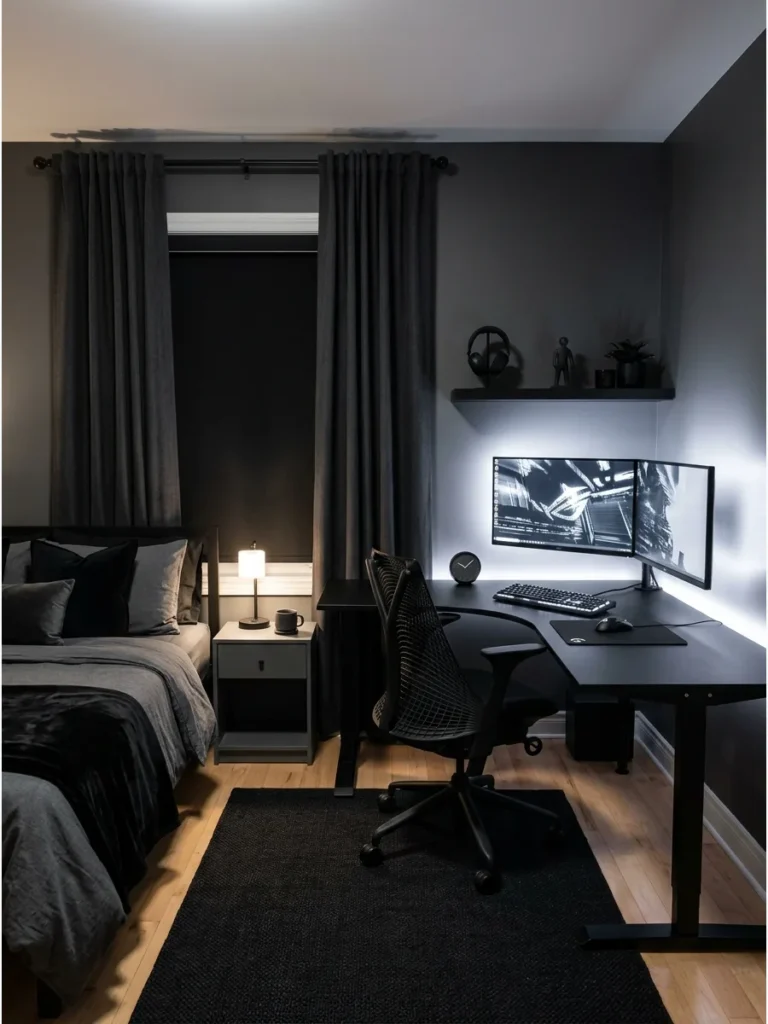
A black gaming bedroom creates an immersive backdrop for monitors, consoles, and colorful lighting. Start with a dark desk and repeat the shade through the chair, shelving, or accessories. To keep the room from feeling flat, mix matte surfaces with softer textures such as a woven rug, upholstered chair, or layered bedding. A small amount of LED lighting behind the monitor can provide contrast without turning the entire room into an RGB display.
For a smaller bedroom, use black on one feature wall rather than every surface. Keep the remaining walls lighter to maintain visual balance and make the room feel more open.
2. Minimal White Gaming Setup
White furniture can make a gaming station feel lighter and less visually dominant in a bedroom. Pair a white desk with matching shelves, light bedding, and a simple monitor arrangement. Black accessories can provide just enough contrast, while subtle backlighting keeps the setup from looking too clinical.
This style works especially well near a window because natural daylight reinforces the bright palette. Use white or light-colored cable sleeves where possible so dark wires don’t become an obvious visual distraction.
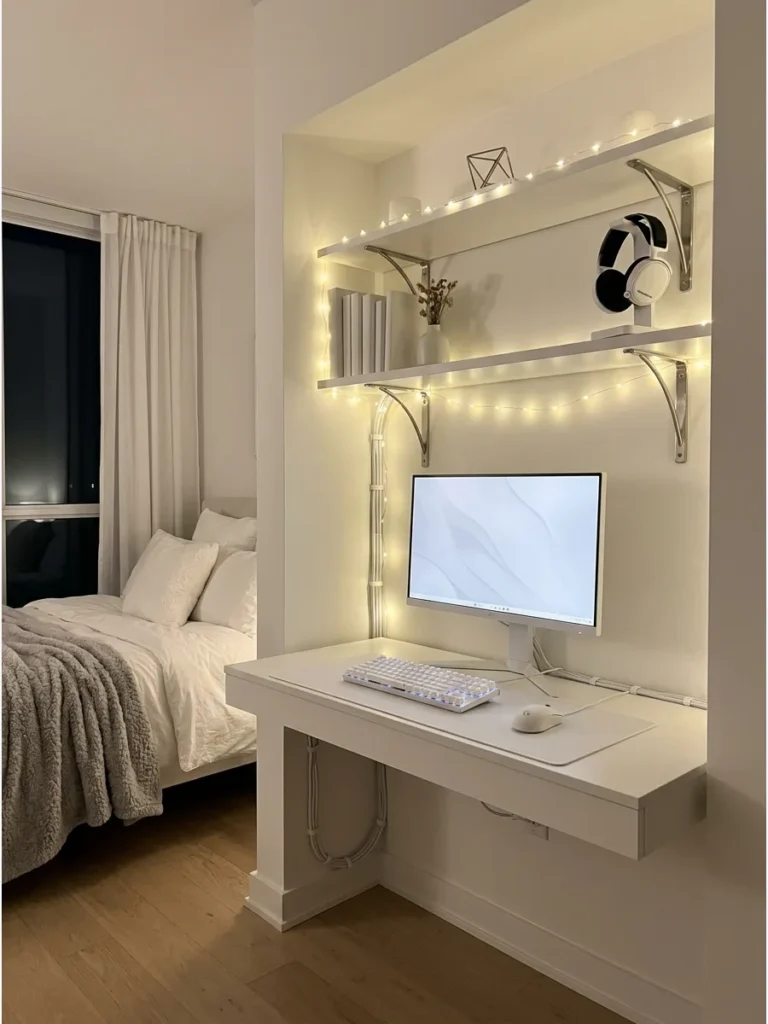
Amazon Find: White Gaming Desk Mat
A light desk mat can protect the work surface while helping a white gaming setup maintain its clean, coordinated appearance.

3. Warm Neutral Gaming Bedroom
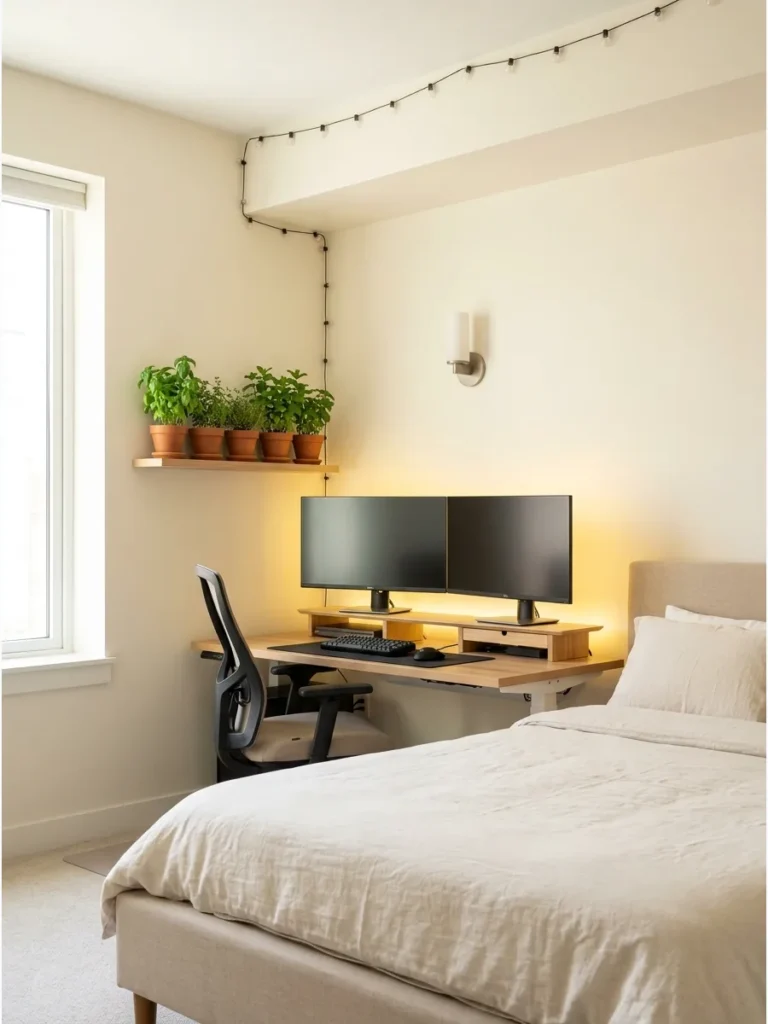
If you want a gaming room that still feels unmistakably like a bedroom, use warm neutrals as the foundation. Beige walls, light wood furniture, cream bedding, and warm lighting can soften the hard lines of computers and monitors.
Place the desk in a defined corner while keeping the bed visually separate. A woven or natural-fiber rug can help connect the two areas. Choose warm ambient lighting for the room and use brighter task lighting only when needed at the desk.
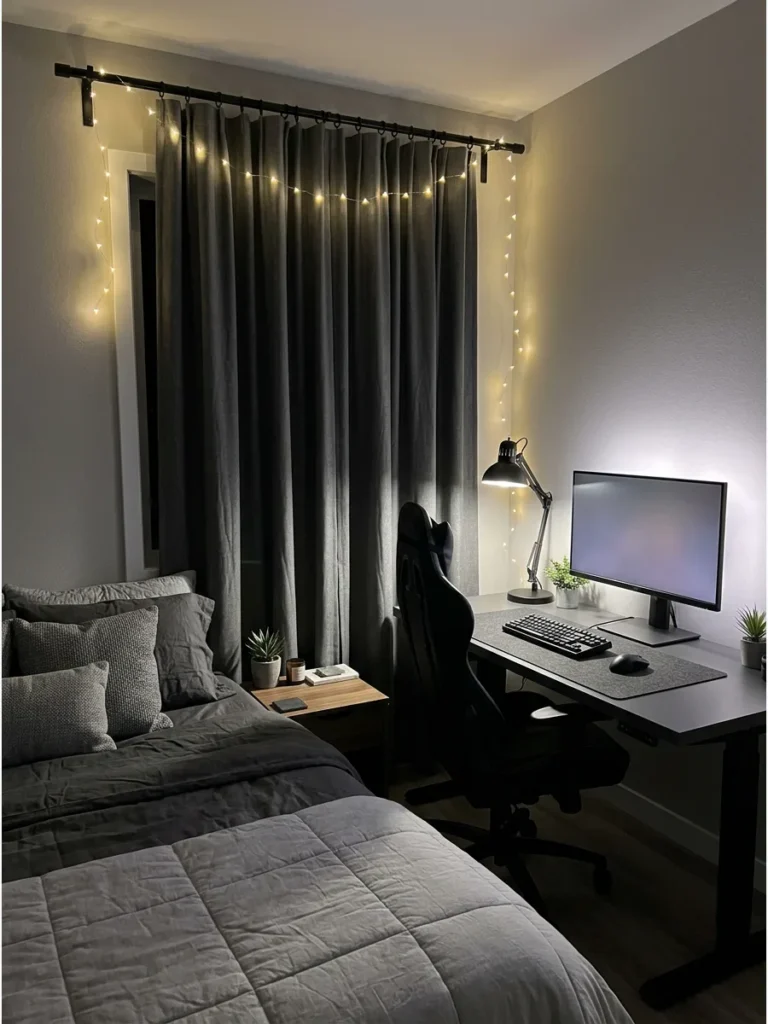
4. Gray and Black Gaming Room
Gray and black create a balanced gaming aesthetic without requiring bright colors. Try charcoal furniture with medium-gray bedding and lighter gray curtains or walls. Repeating several shades of gray gives the bedroom depth while keeping the overall design simple.
For a practical layout, place the gaming desk perpendicular to the bed if the room allows. This creates a natural division between sleeping and gaming areas without requiring a physical room divider.
5. Organic Modern Gaming Bedroom
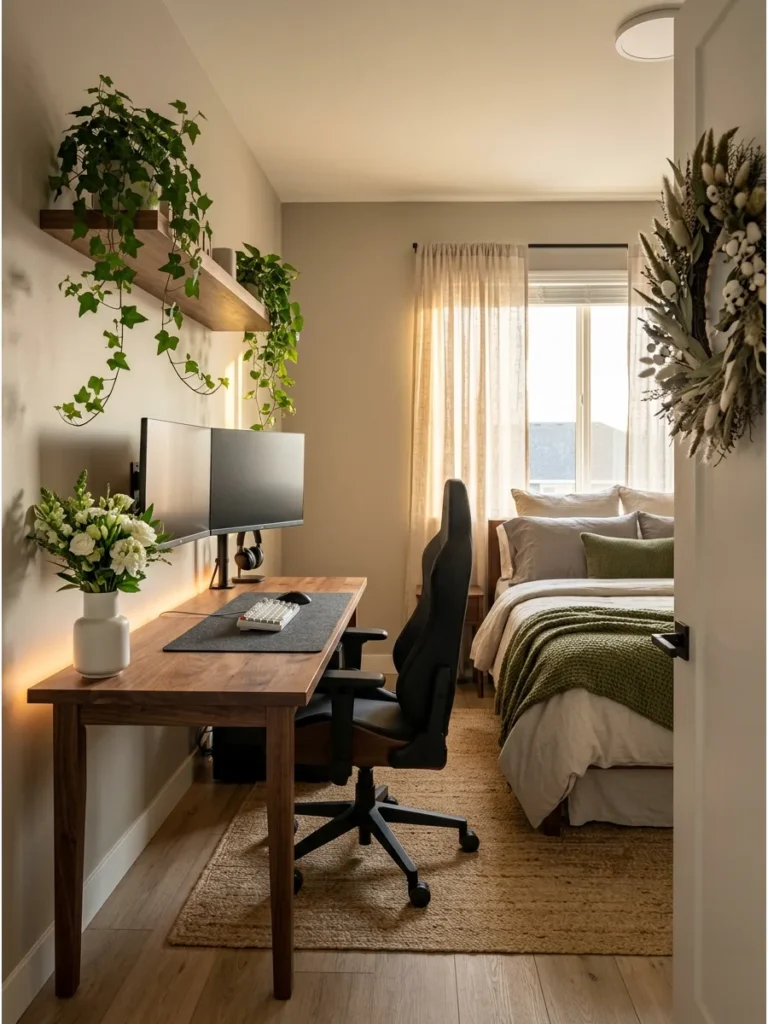
Bring natural materials into the gaming bedroom to make the technology feel more integrated with the rest of the decor. A walnut or oak-look desk, neutral bedding, woven accessories, and a few plants can soften an otherwise equipment-heavy space.
Wall-mounted monitors can free up some desk space, while wireless peripherals can reduce the number of visible cables. If you add plants, position them safely away from electronics and areas where watering could create a spill risk.
Amazon Find: Monitor Arm
A compatible monitor arm can free up desk space and make it easier to position the screen at a comfortable viewing height.

6. Matte Black Desk Setup
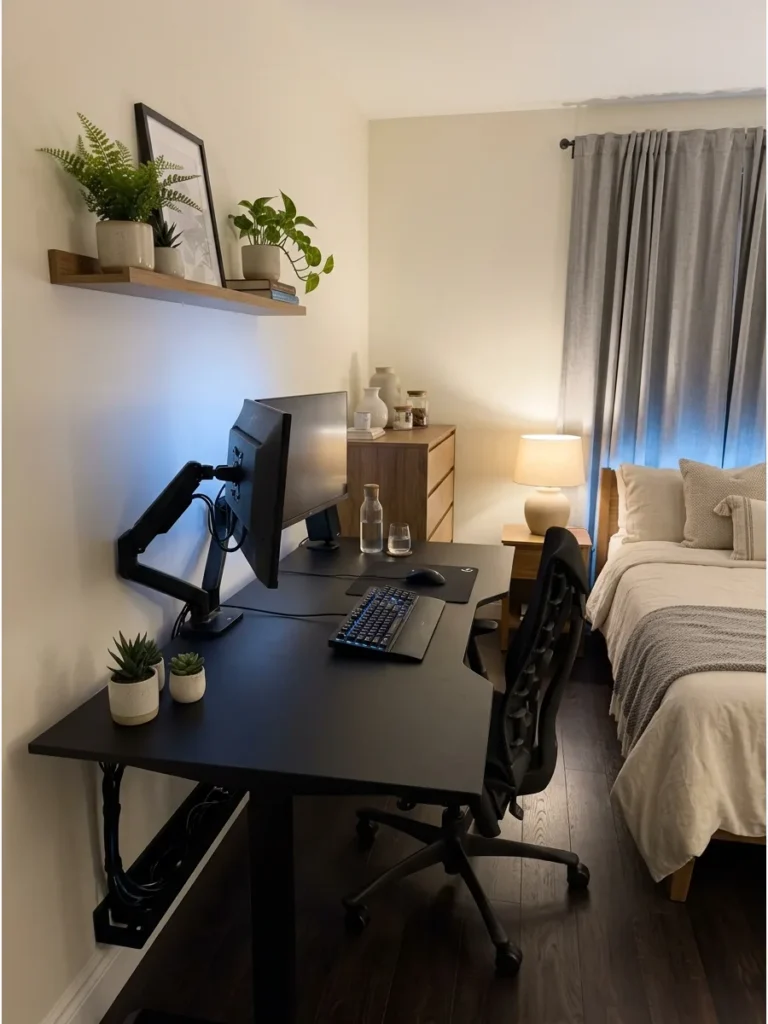
A matte black desk gives a gaming bedroom a clean, understated foundation. Add black monitor arms, a matching desk mat, and simple storage to keep the workstation visually consistent. Unlike a highly decorated desk, this approach lets the monitor and lighting provide most of the visual interest.
A cable tray mounted beneath the desk is particularly useful here. Keeping power adapters and excess cable length underneath the work surface makes the black furniture look more streamlined.
7. Luxury Dark Gaming Bedroom
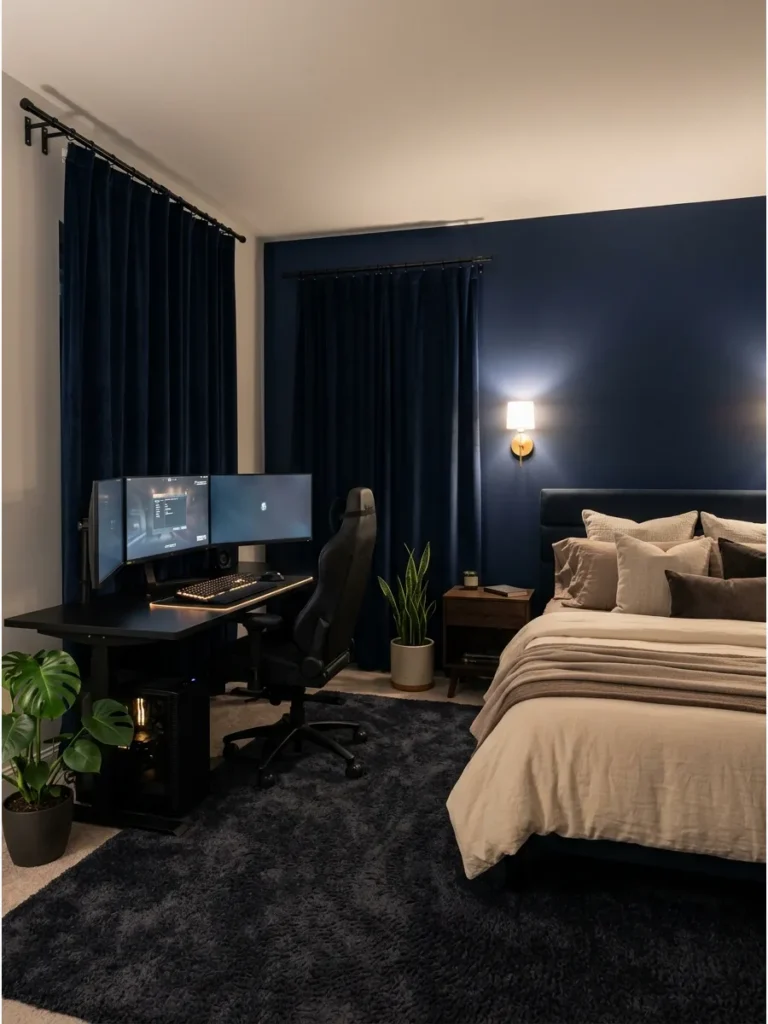
For a more sophisticated gamer bedroom, combine dark walls with plush bedding, a substantial desk, and carefully controlled lighting. Instead of filling the room with bright RGB, use a few warm lamps or dimmable accent lights to create an atmospheric look.
A large area rug, textured bedding, and blackout curtains can make the bedroom feel more comfortable while also helping visually separate the room from a traditional office setup.
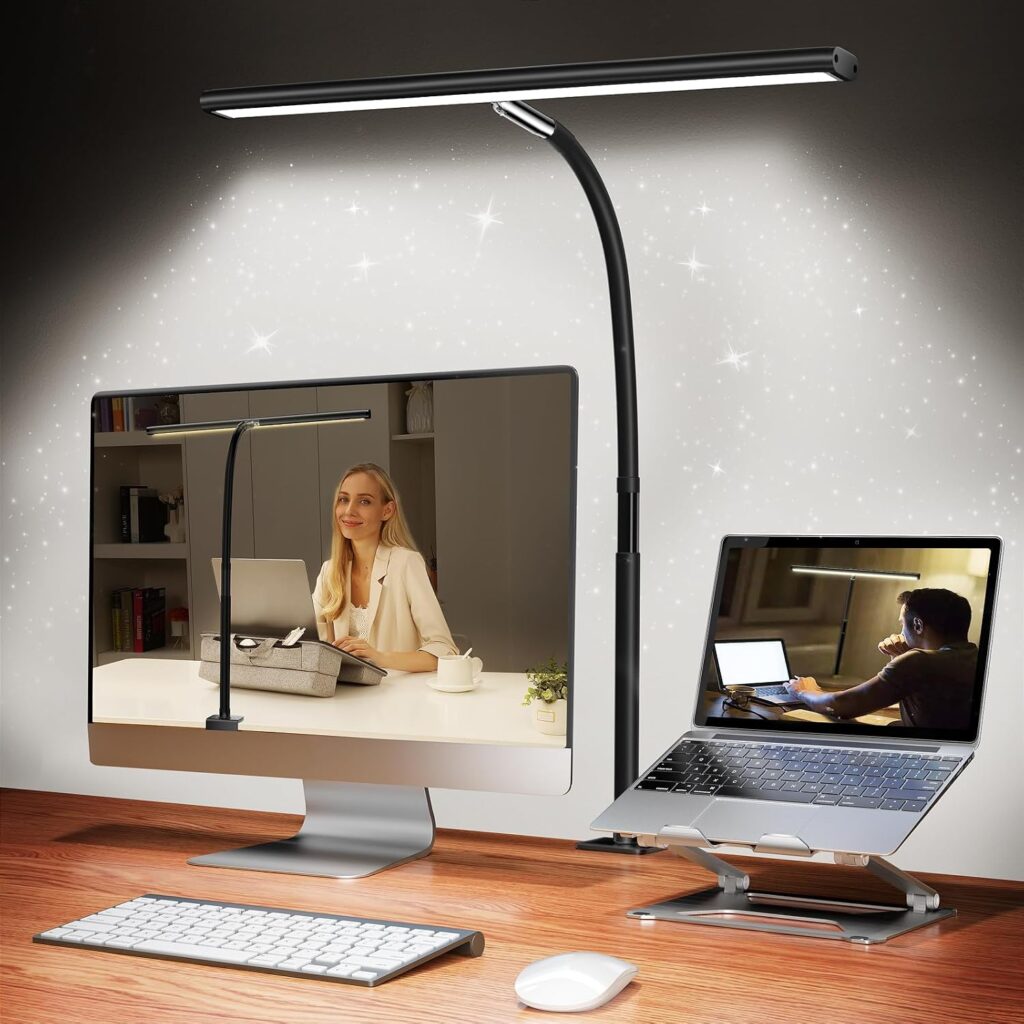
Amazon Find: Dimmable Gaming Room Lamp
A dimmable lamp gives you a softer alternative to bright overhead lighting when the gaming setup is also used as a relaxing bedroom space.
8. Soft Beige Gaming Room
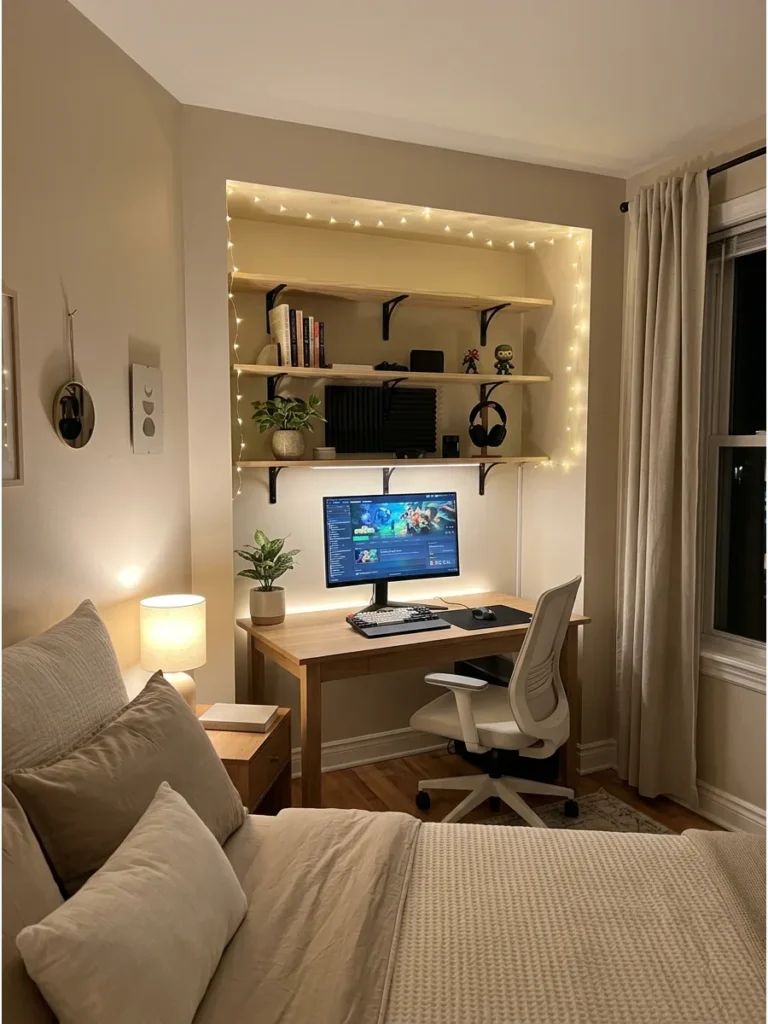
Beige and cream are excellent choices when you want the gaming station to blend into a softer bedroom aesthetic. Pair light wood shelving with a pale desk and a neutral ergonomic chair. Small amounts of black from the monitor, keyboard, or PC provide useful contrast.
This palette is especially effective in compact rooms because the lighter furniture helps preserve a sense of openness. Use closed cream-colored storage bins to hide controllers and accessories when they aren’t being used.
9. RGB LED Gaming Wall
An RGB wall can become the visual centerpiece of a gamer bedroom without taking up floor space. Install LED strips behind the desk, shelves, or headboard so the light reflects off the wall instead of shining directly toward the gaming chair.
For everyday use, select one color or a subtle gradient rather than running multiple colors simultaneously. Hide the power cable along the furniture or wall edge to keep the installation tidy.
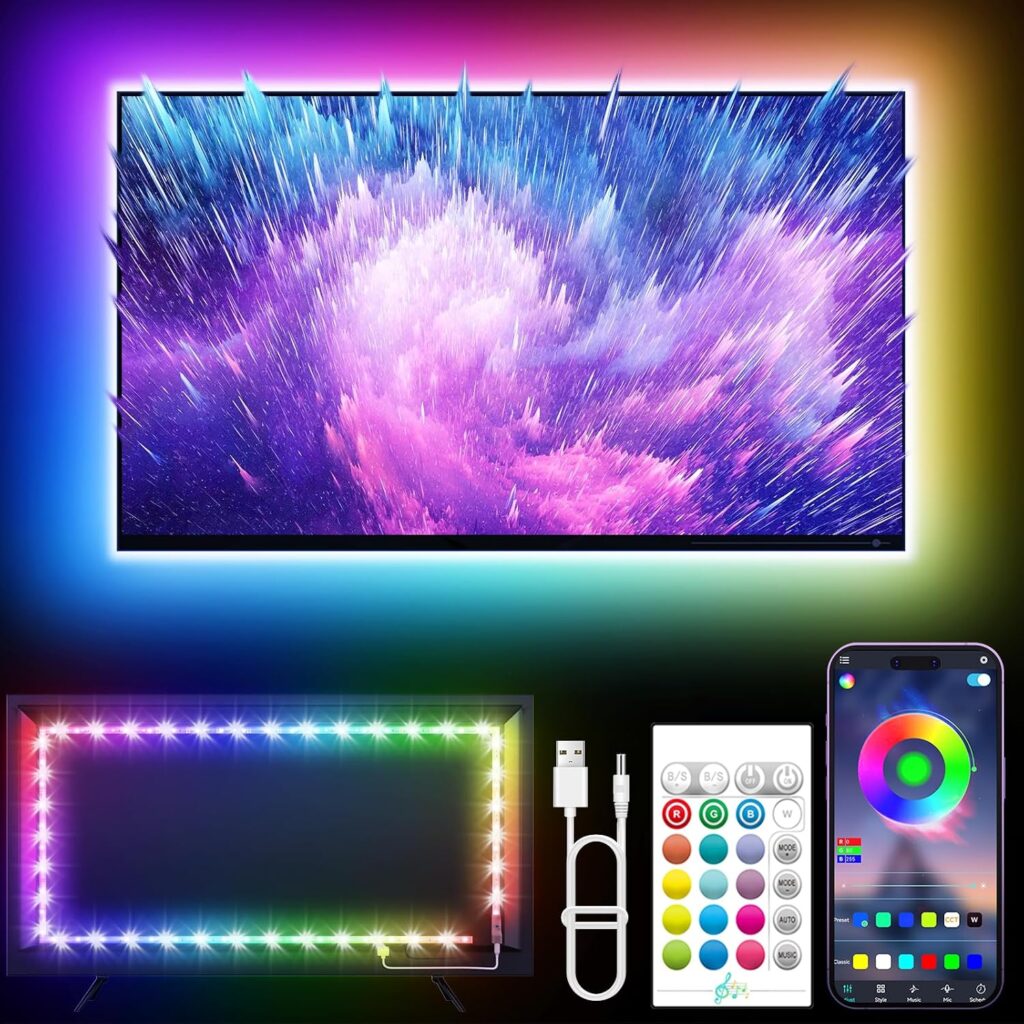
Amazon Find: RGB LED Light Strips
LED strips can add indirect color behind a desk or bed and are an easy way to change the atmosphere without replacing furniture.
10. Backlit Monitor Setup
Give the gaming desk a polished appearance by adding a soft light source behind the monitor. The glow creates separation between the screen and the wall and can make the setup feel more finished during evening gaming.
Warm white, neutral white, or a subtle blue can work depending on the rest of the room. Keep the brightness adjustable so the lighting can be lowered when you want the bedroom to feel calmer.
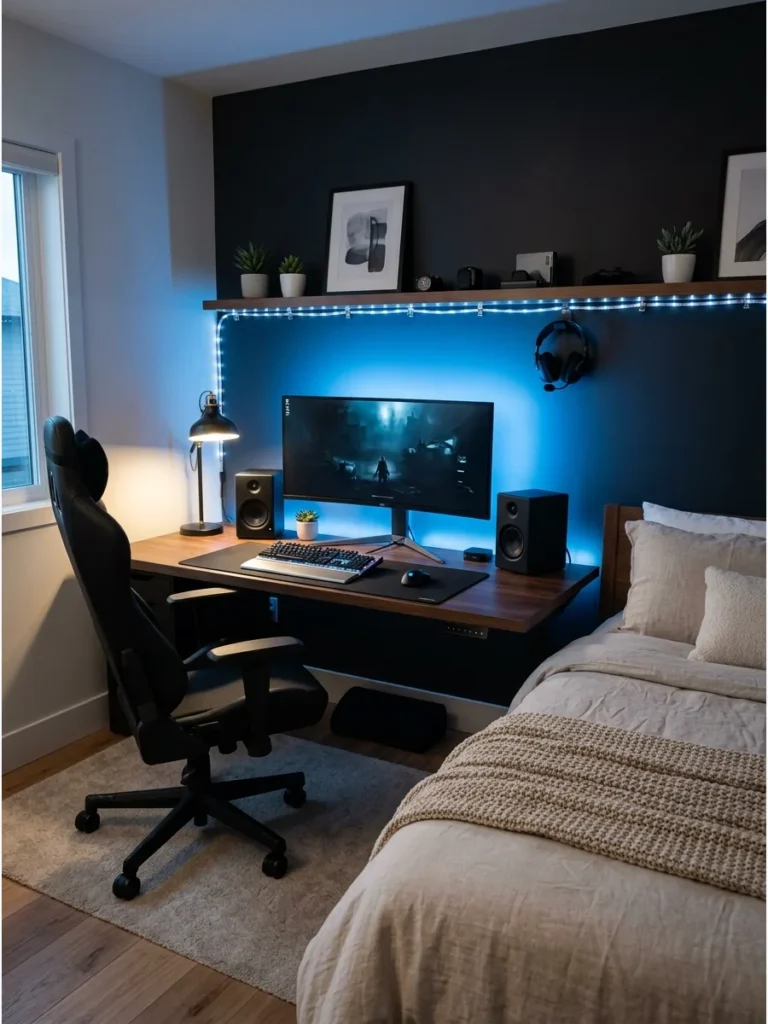
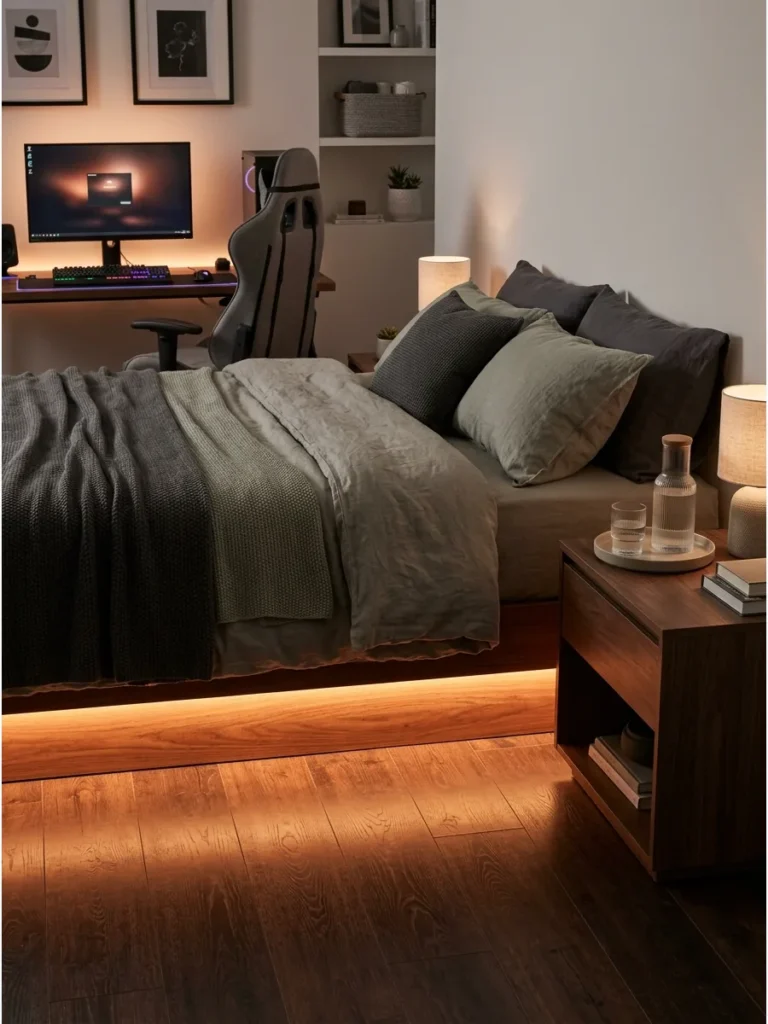
11. Under-Bed LED Gaming Setup
Carry the gaming aesthetic from the desk to the sleeping area with concealed lighting underneath the bed frame. When installed along the recessed underside, the light creates a soft floating effect rather than exposing the individual LEDs.
Keep the brightness low if the lights will be used at night. Motion-activated lighting can also be useful as a gentle pathway light when getting out of bed, provided the system is installed securely and cords are kept out of walking areas.
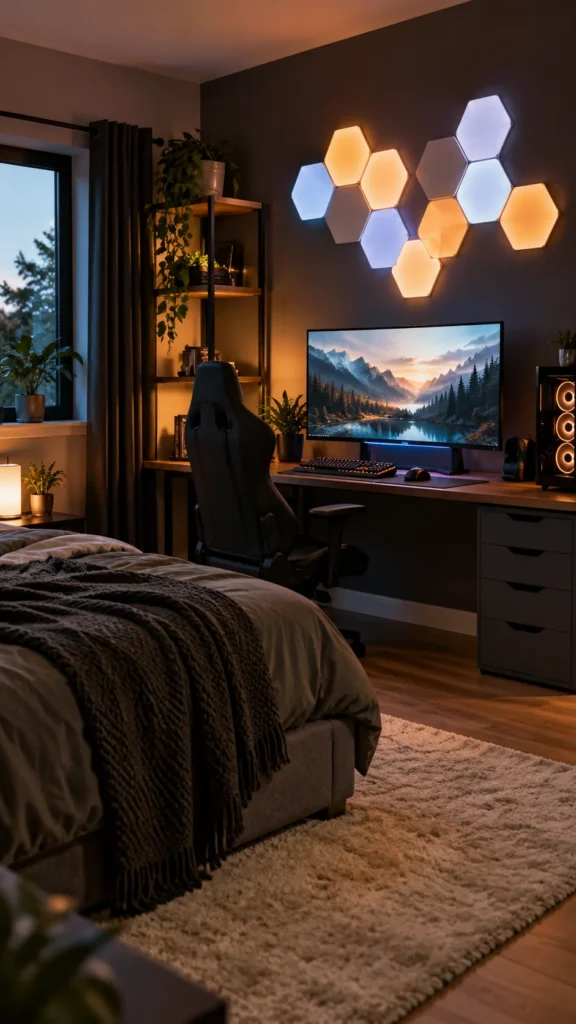
12. Hexagon Light Panel Wall
Hexagonal light panels combine gaming illumination with geometric wall decor. Arrange several panels above or beside the gaming desk to create a custom pattern. An asymmetrical arrangement can look more relaxed, while a balanced cluster gives the room a more structured appearance.
Before attaching the panels, lay out the arrangement on the floor or use removable paper templates on the wall. This makes it easier to adjust the spacing before committing to the final position.
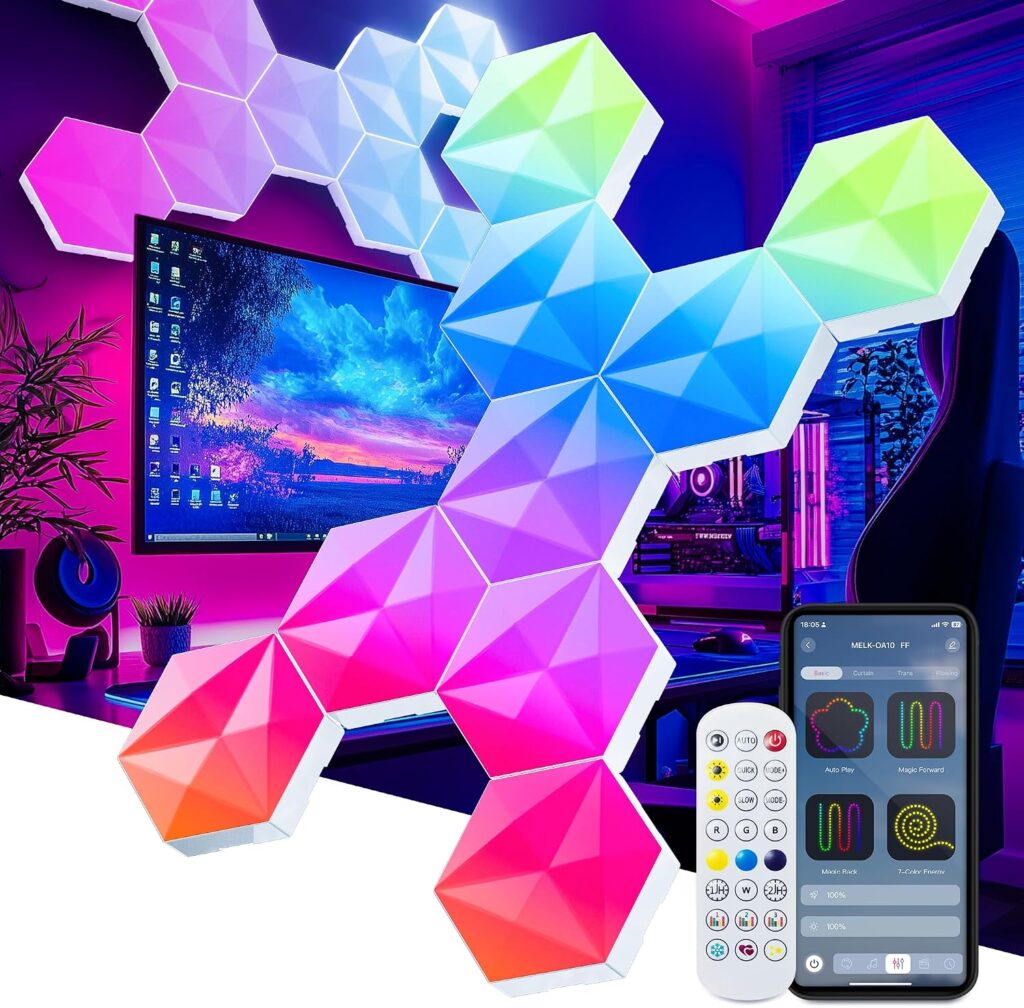
Amazon Find: Hexagon RGB Light Panels
Geometric light panels can create a decorative backdrop behind a gaming desk while adding controllable ambient lighting.
13. Soft Blue Gaming Lights
Blue is a classic gaming color, but it doesn’t have to dominate the entire room. Use soft blue lighting behind the monitor, under a shelf, or along the back edge of the desk. Pair it with gray, white, or natural wood to prevent the room from becoming too visually cold.
An adjustable lighting system lets you shift from brighter gaming illumination to a softer nighttime setting without changing the physical decor.
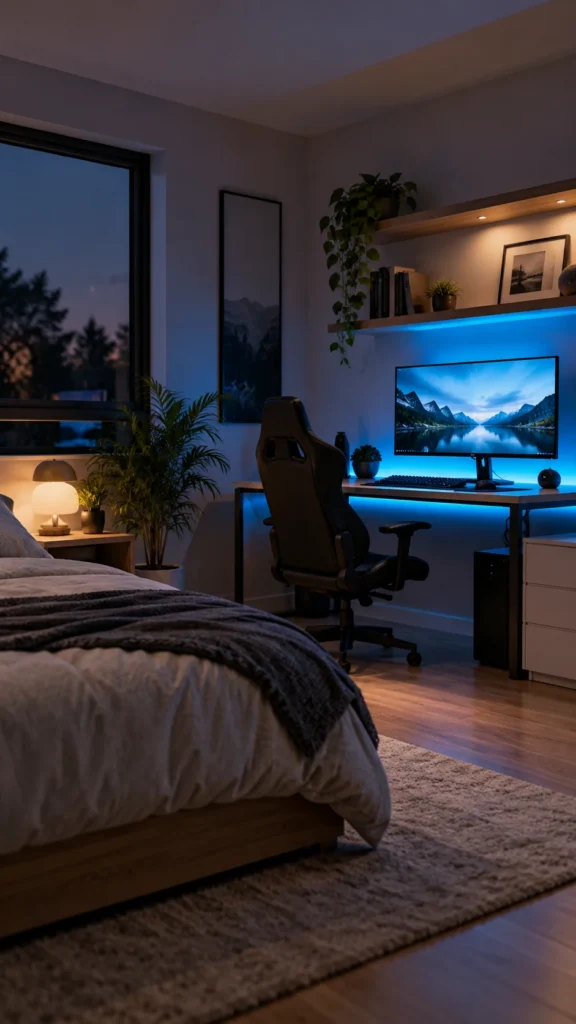
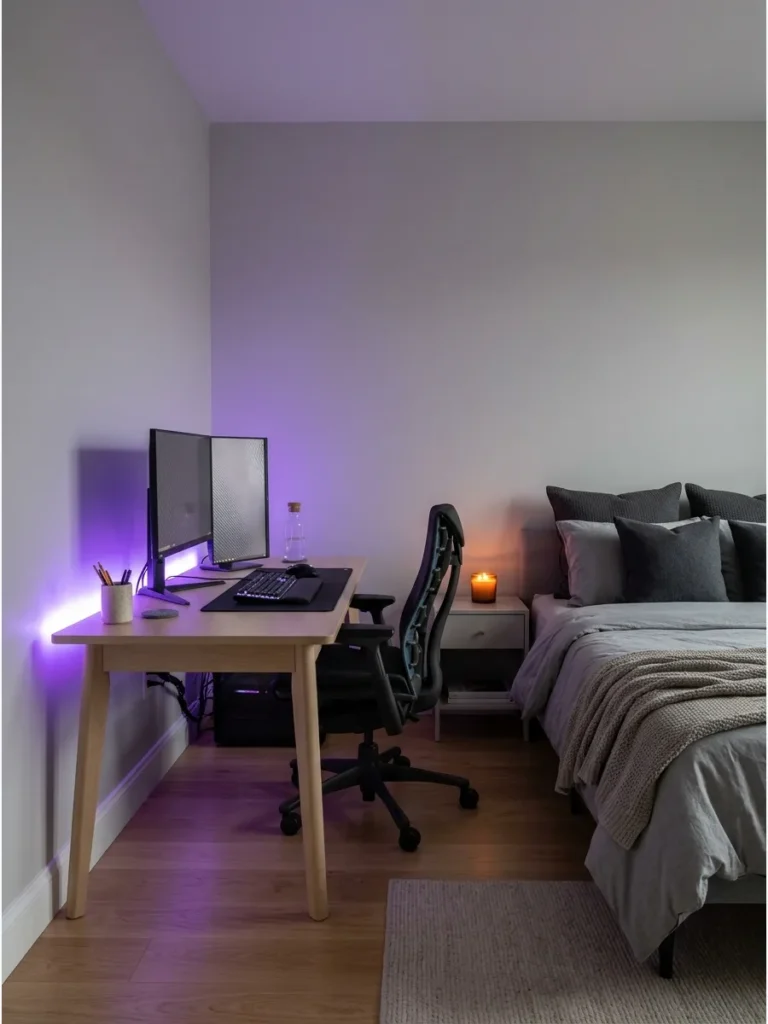
14. Purple Gaming Bedroom Lights
Purple lighting gives a gamer bedroom a cozy, creative feel and works especially well with black, charcoal, or dark wood furniture. Use purple behind the headboard or gaming desk to create a halo effect rather than placing exposed lights directly in your line of sight.
For a softer aesthetic, blend purple with pink or warm white. A gradual color transition can create a more relaxed look than a single intense color.
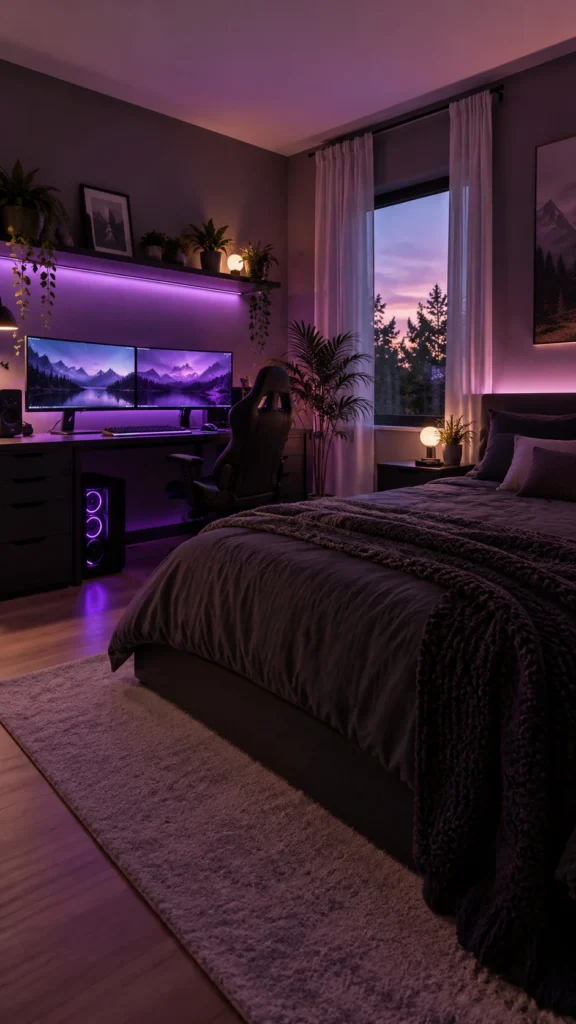
15. Warm White LED Gaming Setup
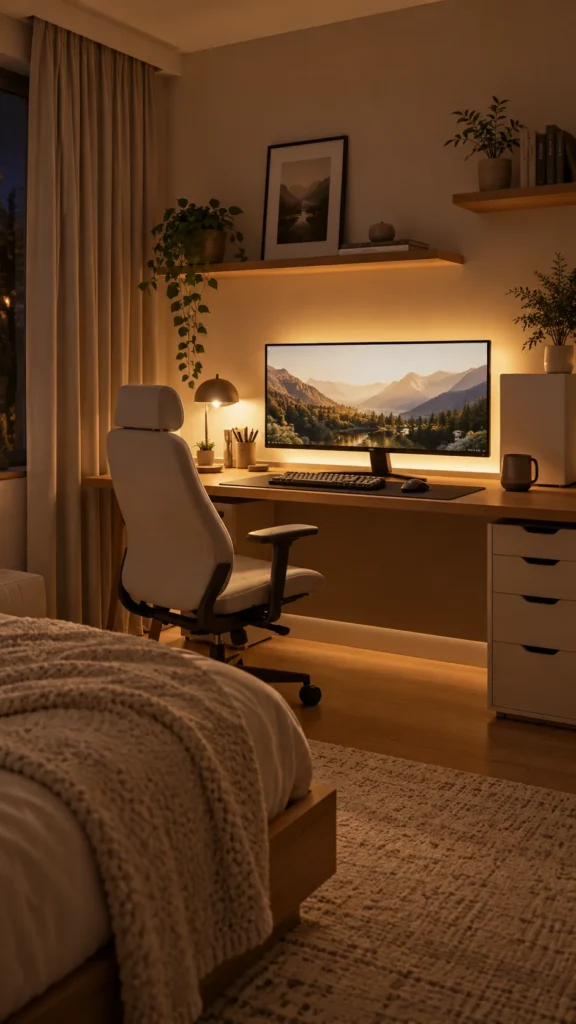
If colorful RGB isn’t your style, use warm white lighting throughout the gaming area. This makes the workstation feel more like part of a carefully decorated bedroom or home office. A warm desk lamp can provide focused illumination, while a strip behind the monitor adds depth.
Use adjustable brightness and keep the room’s general lighting comfortable for the activity. The goal is to create enough illumination for the space without relying on a harsh overhead fixture.
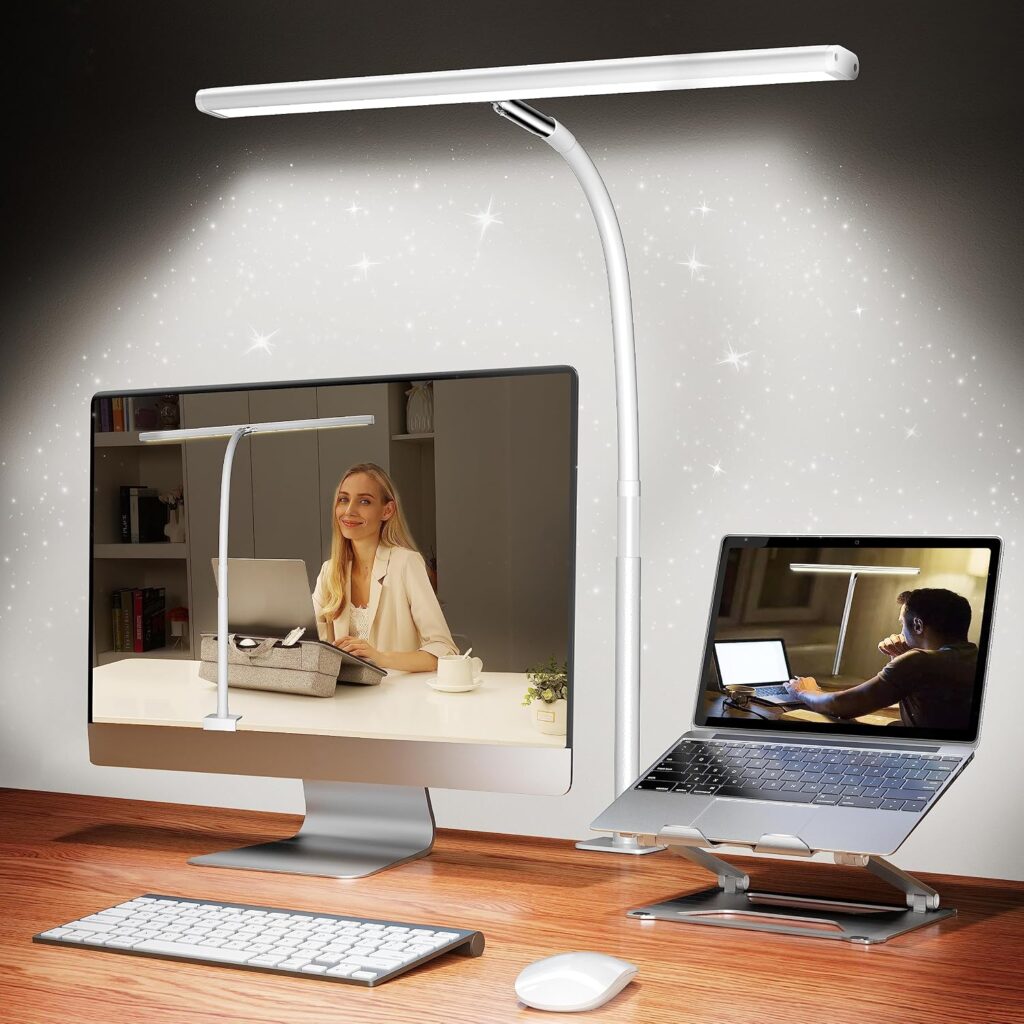
Amazon Find: Warm LED Desk Lamp
An adjustable warm-light desk lamp adds focused illumination while fitting naturally into a bedroom-focused gaming setup.
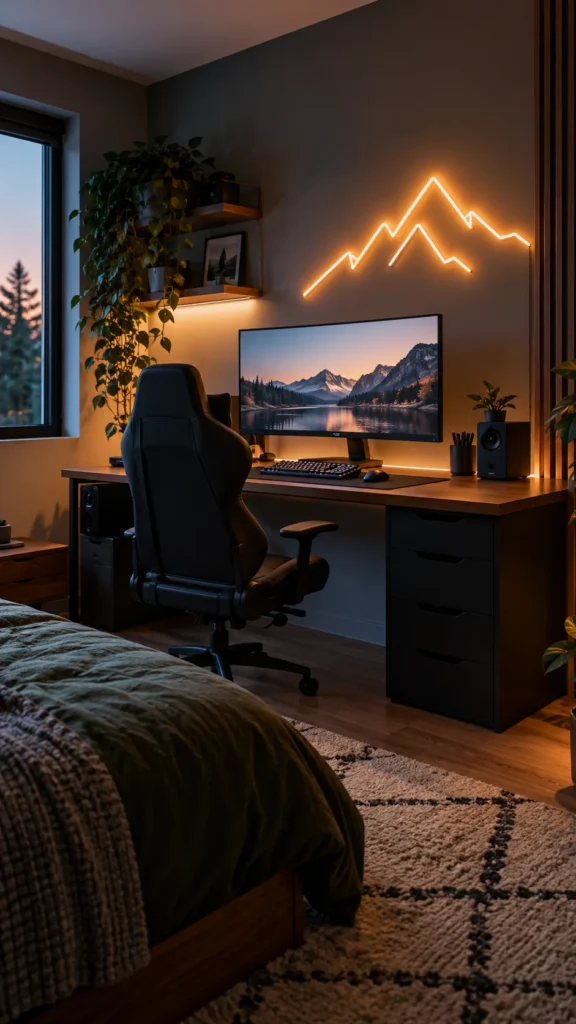
16. Neon Sign Above the Desk
A single neon-style sign can give the gaming area a strong focal point without filling the wall with posters. Choose a simple symbol, word, or gaming-inspired shape that complements the room’s color palette.
Place it above or beside the monitor rather than directly in front of the gaming screen. If the sign has a visible power cable, route it down the wall edge with suitable cable clips so it doesn’t become part of the visual clutter.
17. Corner Gaming Bedroom Setup
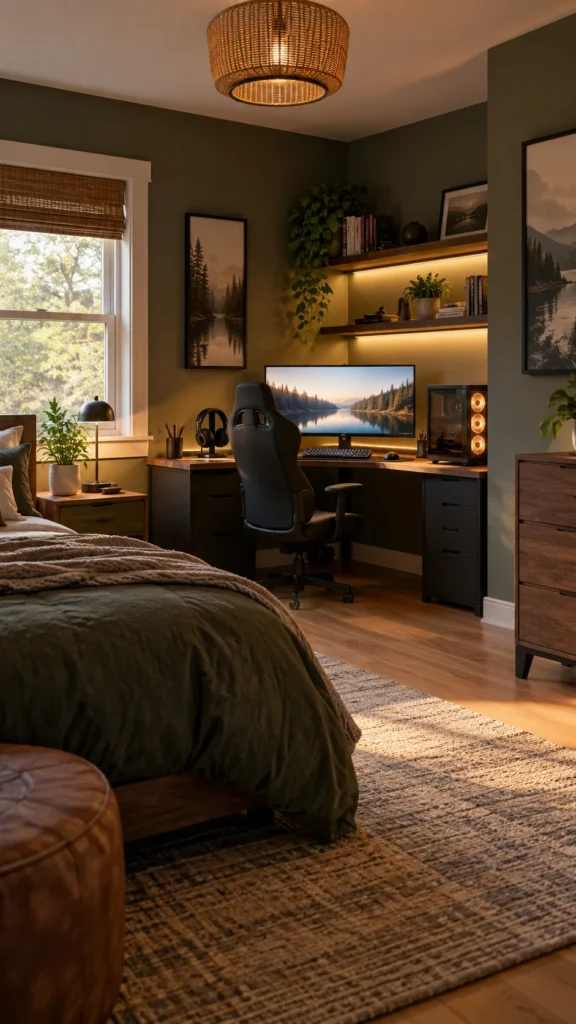
A corner is often the easiest place to create a dedicated gaming zone without allowing the equipment to dominate the bedroom. A straight desk can sit against one wall, while an L-shaped desk can take advantage of two adjoining walls when more surface area is needed.
Use the wall above the desk for shelves or artwork and keep the surrounding floor relatively open. This makes the gaming area feel like a deliberate zone rather than furniture squeezed into leftover space.
18. Compact Console Gaming Bedroom
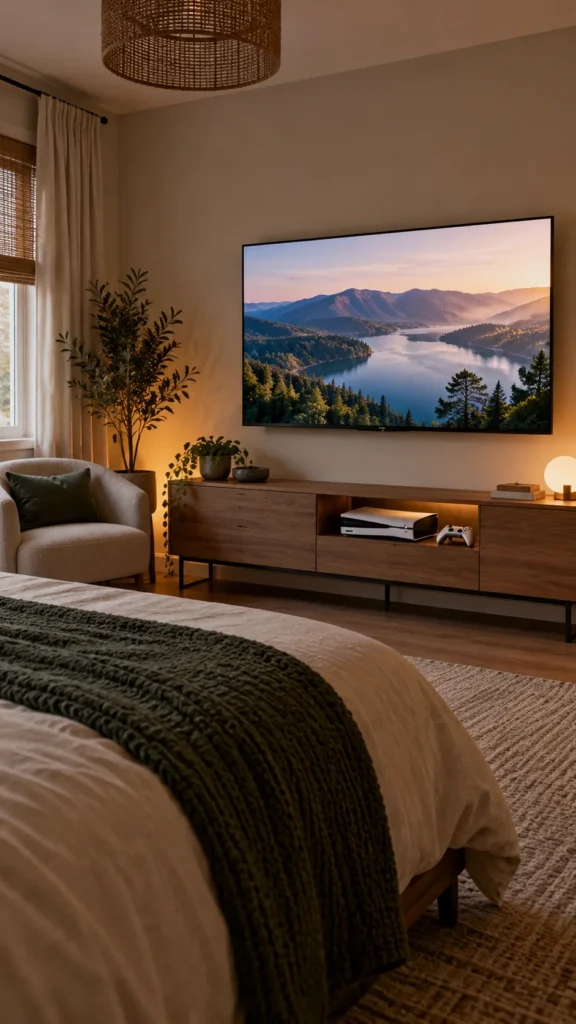
Console gamers can create a streamlined bedroom setup with a wall-mounted television, slim media console, and comfortable seating. If you prefer gaming from bed, position the screen so it can be viewed comfortably without forcing you to crane your neck.
Keep consoles in an adequately ventilated location and avoid enclosing them in a tight cabinet. A narrow cabinet with open ventilation areas can provide storage while keeping the equipment accessible.
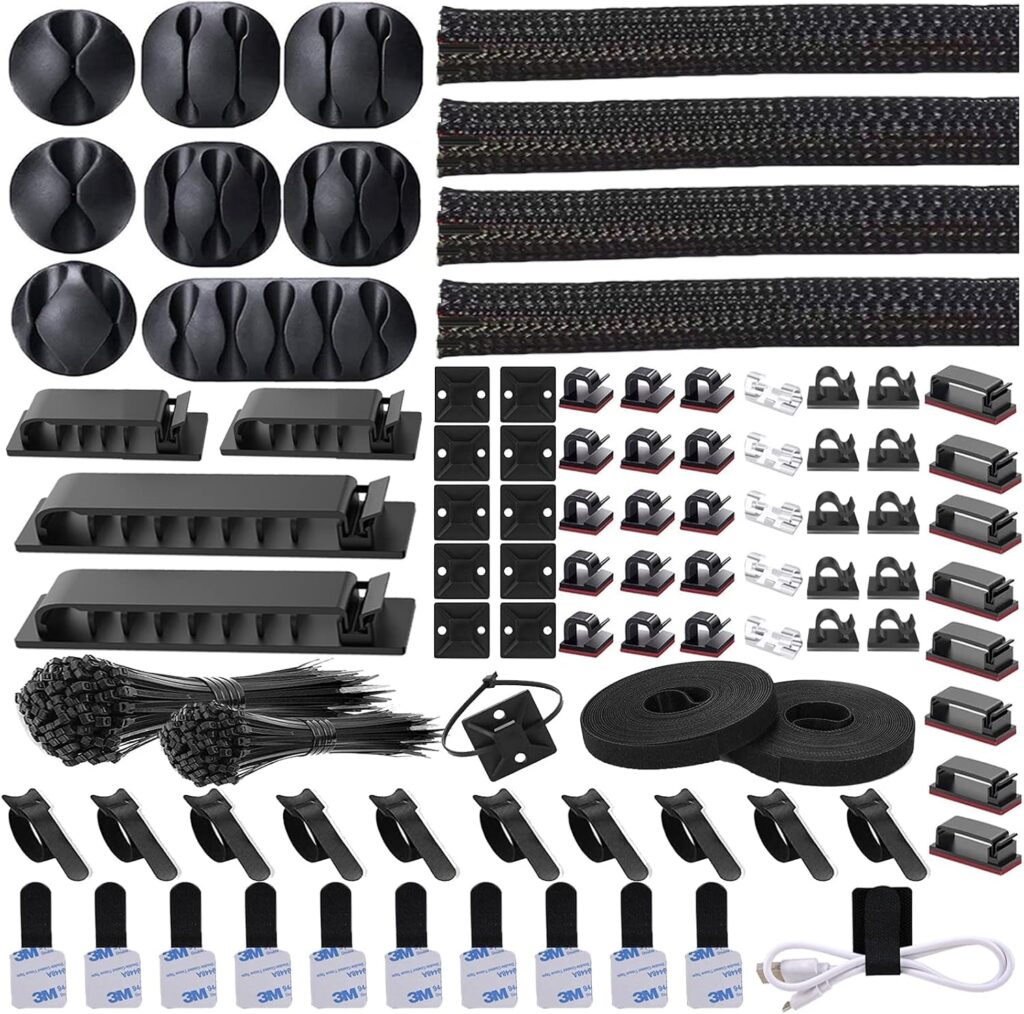
Amazon Find: Gaming Cable Management Kit
Cable clips, sleeves, and organizers can help hide television and console wiring in a compact bedroom gaming area.
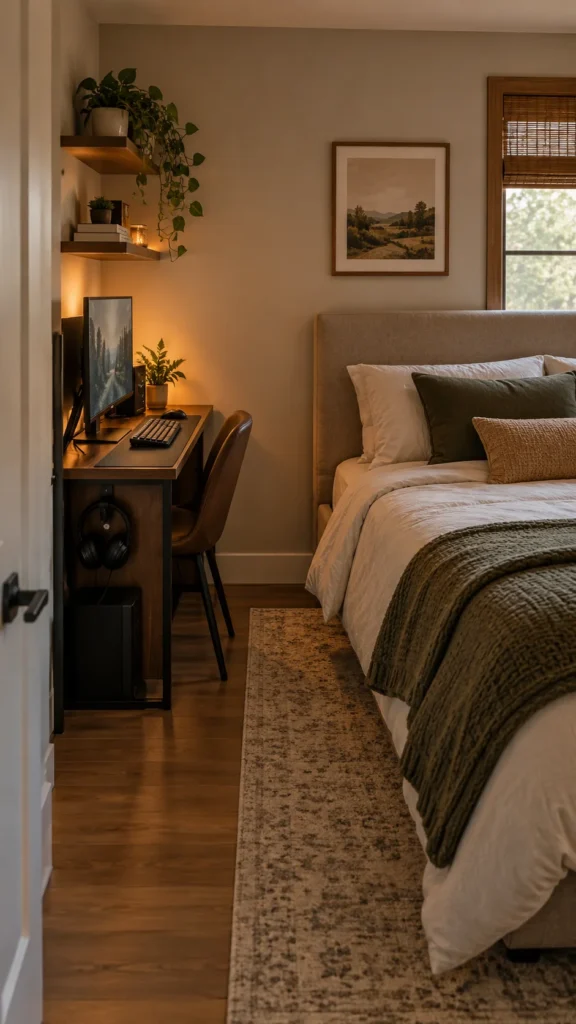
19. Bedside Gaming Station
When floor space is limited, replace a traditional nightstand with a compact desk. This creates a small gaming station beside the bed while preserving the rest of the room for storage and movement.
Choose a desk that is deep enough for the monitor and keyboard but narrow enough to maintain a comfortable walkway. A chair that slides completely underneath can make the area easier to navigate when the desk isn’t being used.
20. Dual-Monitor Bedroom Setup
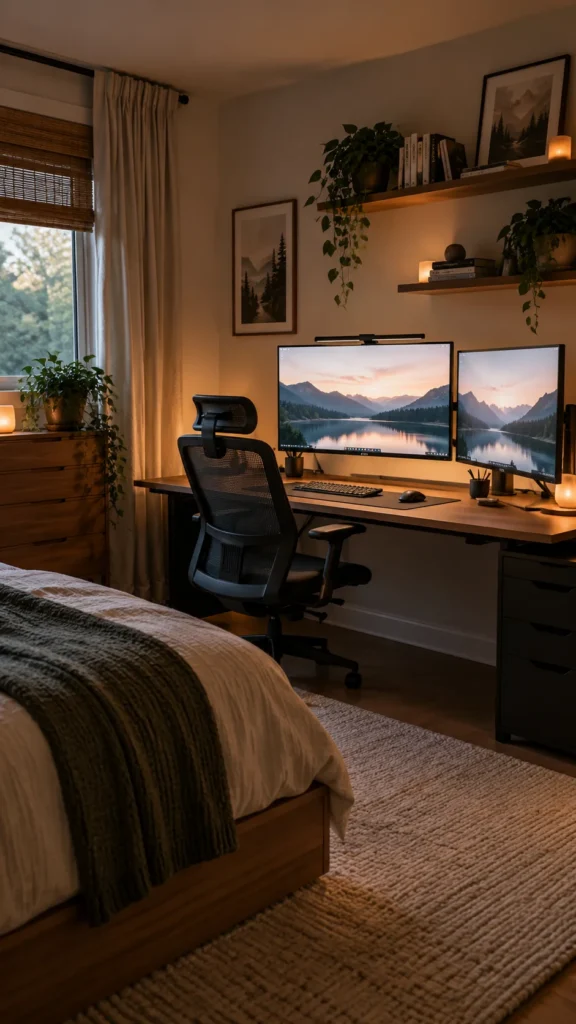
Two monitors can be useful for gaming, streaming, studying, editing, and multitasking. Place the primary screen directly in front of your chair and angle the secondary display toward you so you don’t need to constantly twist your neck.
A sufficiently wide desk or monitor arm can keep the arrangement organized. Before purchasing a second monitor, check that your computer has compatible display outputs and enough graphics capability for the intended use.
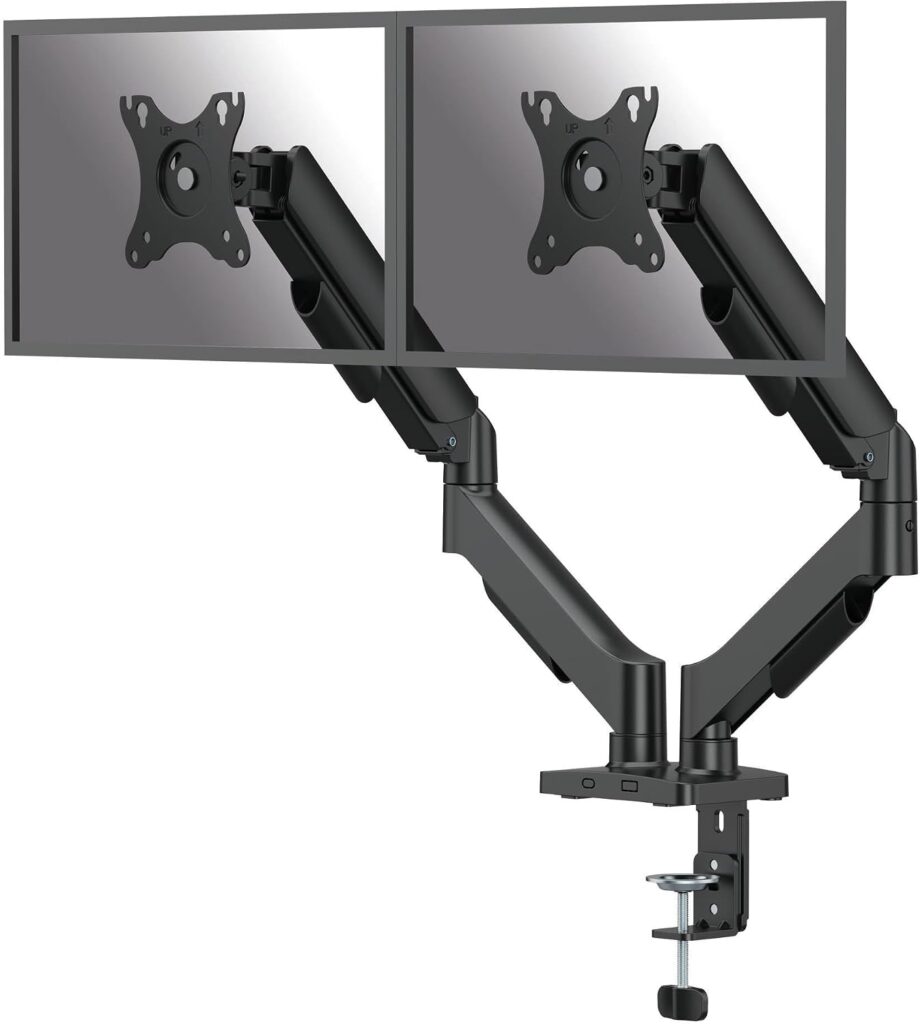
Amazon Find: Dual Monitor Mount
A dual-monitor mount can free up desk space and make it easier to align two displays at comfortable viewing positions.
21. Ultra-Wide Monitor Setup
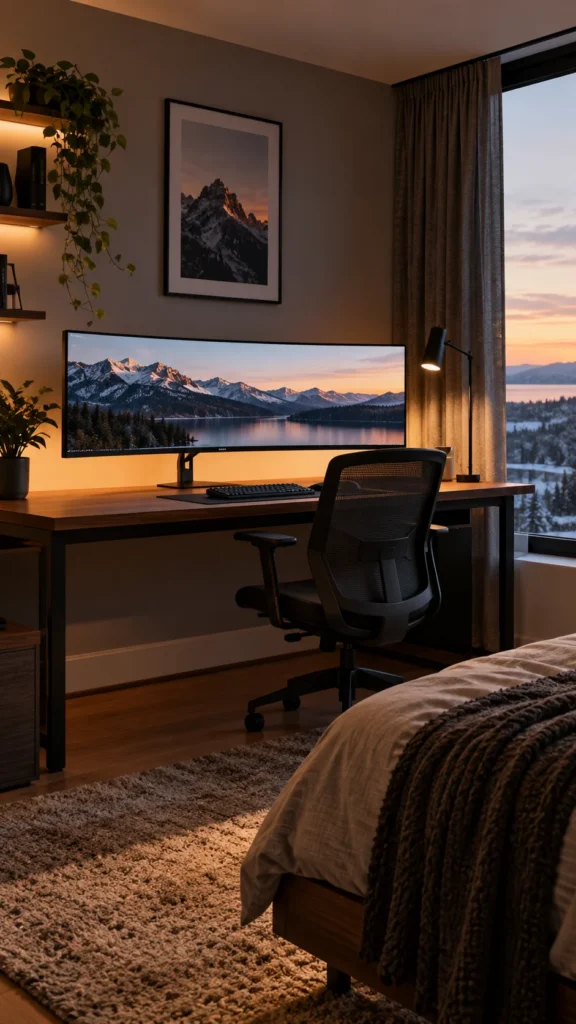
An ultra-wide monitor can provide a broad viewing area while keeping the desk visually simpler than a multi-monitor arrangement. Center the display on the desk and keep the rest of the surface relatively minimal so the large screen remains the focal point.
This approach can work especially well in bedrooms where you want the gaming area to look clean rather than highly technical. Use a monitor arm if the desk and display are compatible and the mount is properly rated for the screen.
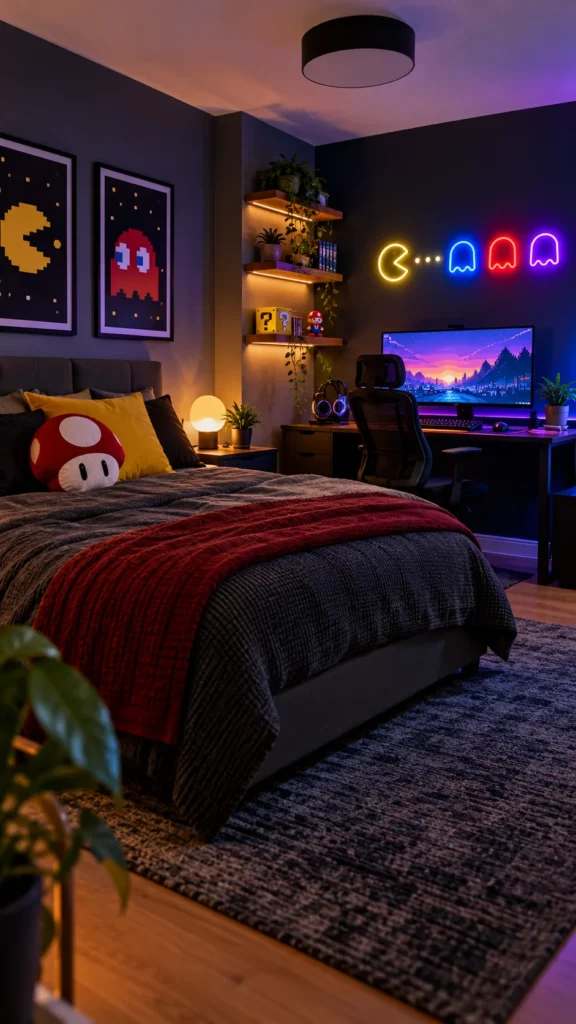
22. Retro Arcade Gaming Bedroom
Bring some nostalgic personality into the bedroom with arcade-inspired artwork, pixel graphics, colorful accents, and classic gaming memorabilia. Red, blue, yellow, and purple can create a playful palette without requiring every piece of furniture to match.
Keep the furniture modern and use retro details as accents. A framed poster, small display shelf, or single arcade-style sign can communicate the theme without making the room feel like a recreation of an arcade.
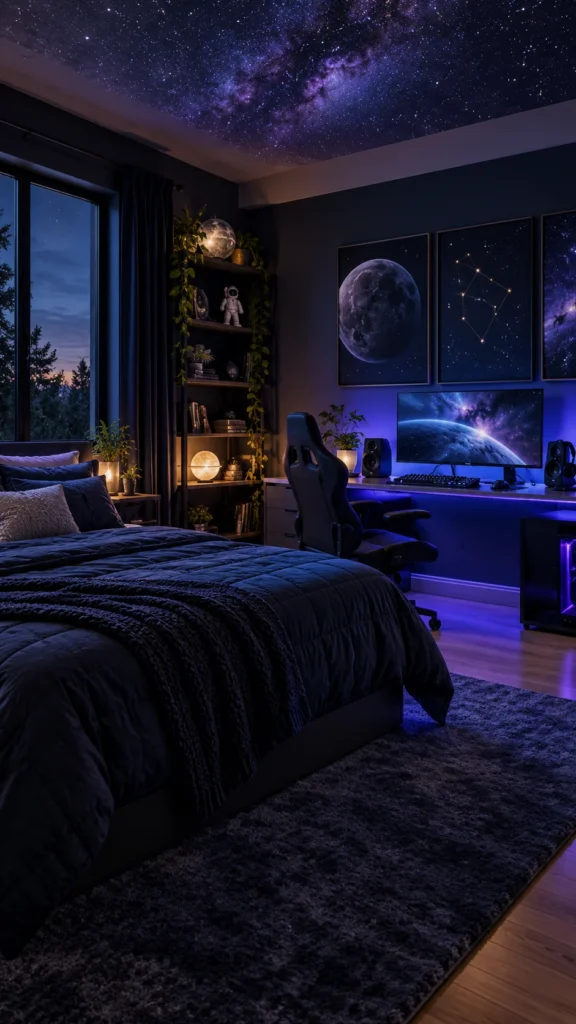
23. Space-Themed Gaming Bedroom
A space theme pairs naturally with gaming because both lend themselves to dark colors and atmospheric lighting. Try navy walls, star-inspired artwork, subtle galaxy accents, and blue-purple illumination around the desk.
For a temporary makeover, use removable wall decals or a small projector rather than permanently painting elaborate graphics. Keep the lighting adjustable so the bedroom can return to a calmer atmosphere when gaming is finished.
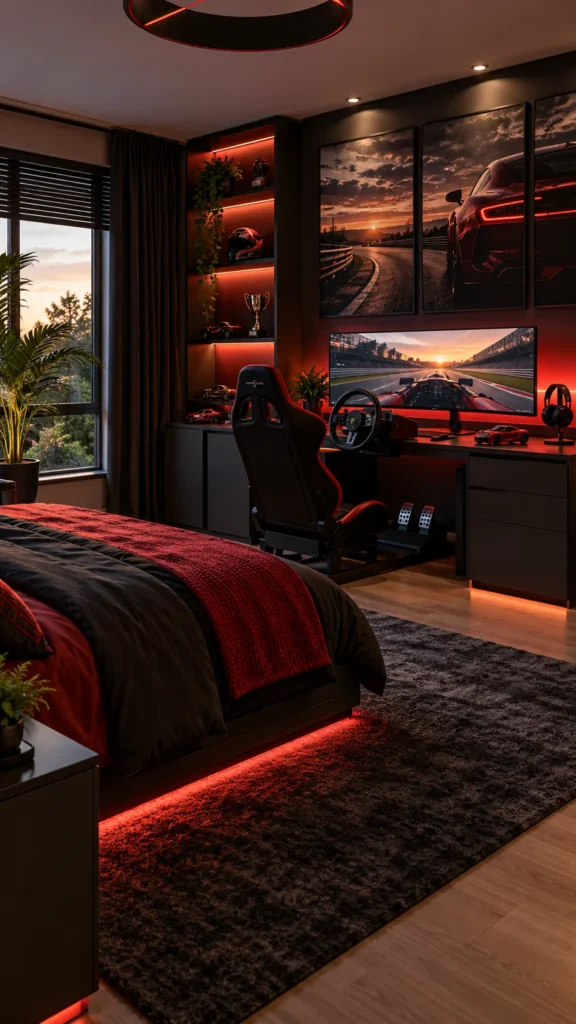
24. Racing-Inspired Gamer Bedroom
If racing games are your favorite, let that interest guide the room’s accents. A black and red palette, automotive artwork, racing-inspired chair, and a clean desk can establish the theme without overwhelming the bedroom.
If you use a dedicated racing wheel or simulator seat, plan the floor area before installing it. Keep cables routed along walls or under furniture so the equipment doesn’t create a trip hazard around the bed.
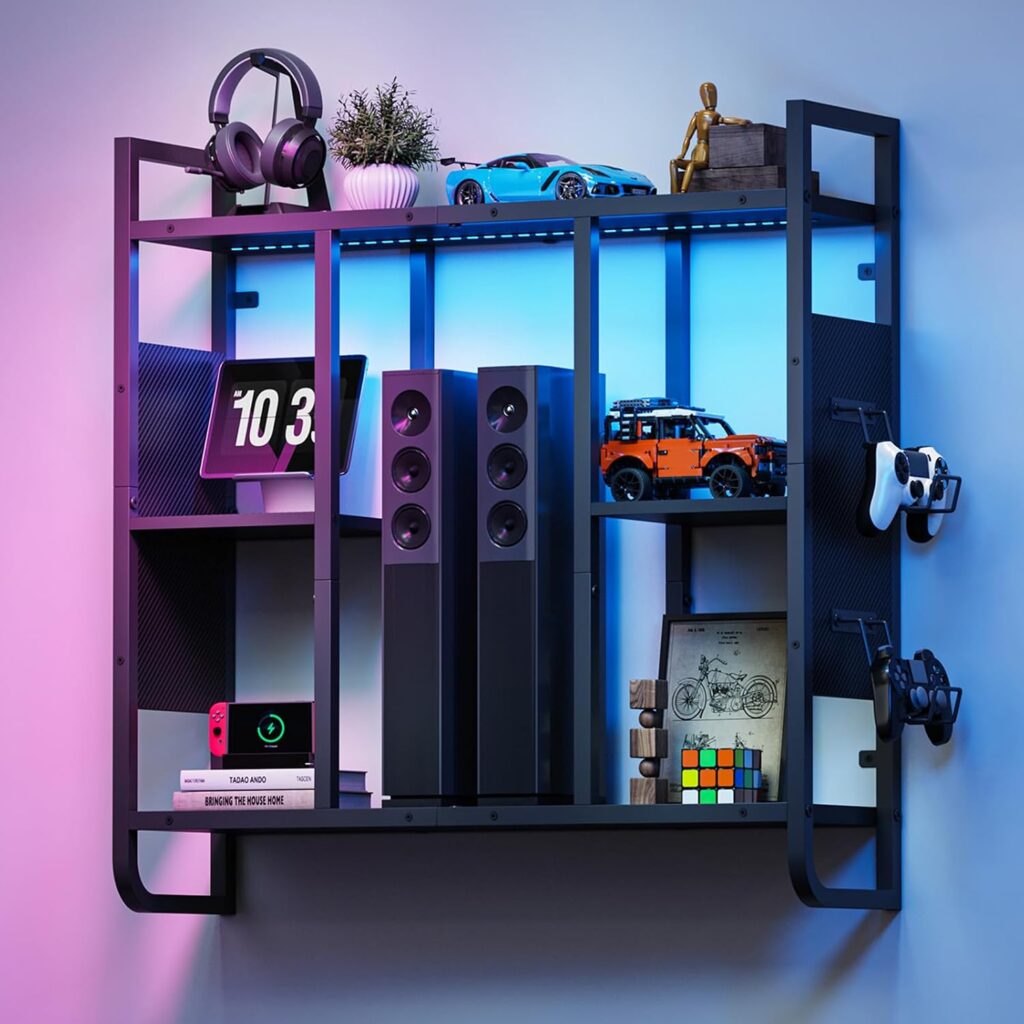
25. Gaming Display Shelf Wall
Turn your gaming collection into part of the room’s decor with a dedicated display wall. Floating shelves can hold games, controllers, figures, artwork, and smaller accessories while keeping the main desk clear for actual gaming.
Arrange objects by size, color, or theme rather than filling every shelf. If you are mounting shelves into drywall, use hardware appropriate for the wall and the weight being supported. For renters, a narrow freestanding bookcase can provide a similar vertical display effect.
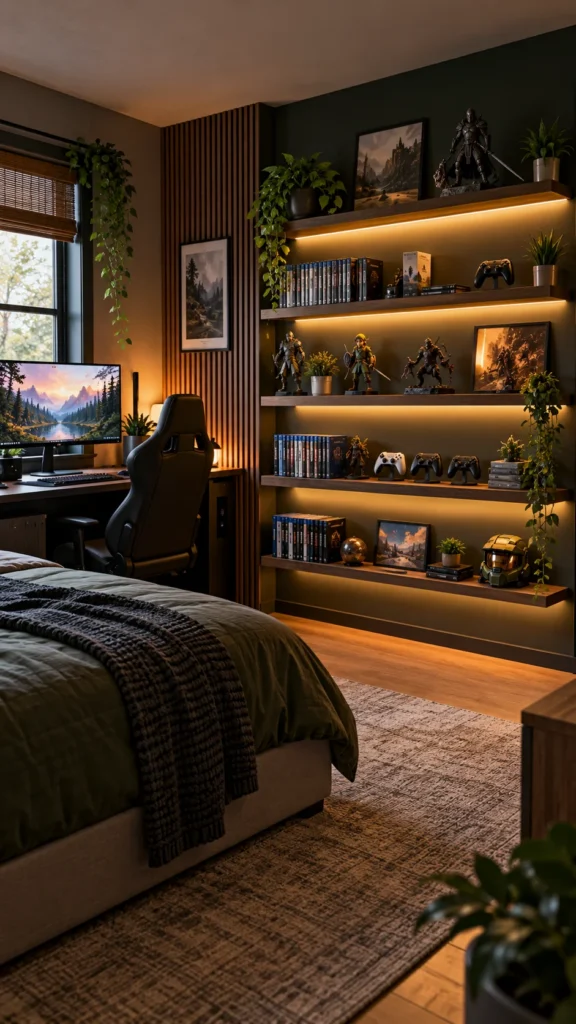
Amazon Find: Gaming Display Shelves
Wall shelves provide dedicated space for games and collectibles while keeping the gaming desk available for peripherals.
26. Cozy Bed and Gaming Setup
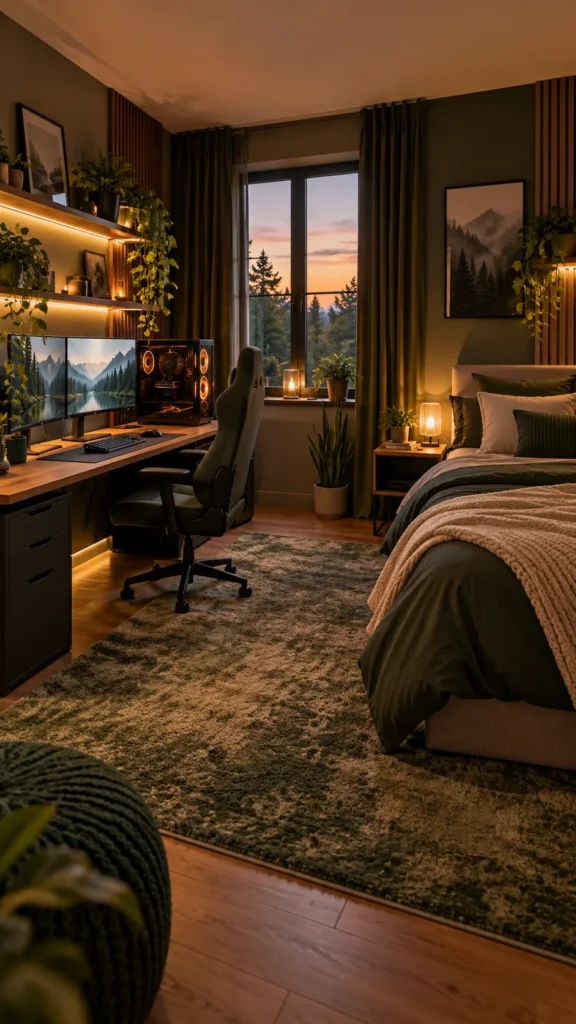
The final idea focuses on making the entire bedroom feel cohesive. Instead of treating the gaming station as a separate zone, repeat its colors and materials in the bedding, rug, curtains, and wall decor. A dark desk can work with charcoal bedding, while a white setup can pair with cream and pale wood.
Add a few comfortable textures such as a soft throw, pillows, or an area rug. Keep enough space between the bed and desk for the chair to move comfortably, and avoid allowing cables to cross the walking path. The result is a bedroom that feels equally suited to gaming, relaxing, and sleeping.
Gamer Bedroom Shopping Checklist
Essentials:
- Desk sized appropriately for the room
- Comfortable gaming or ergonomic task chair
- Monitor or television
- Appropriate power strip and charging setup
- Cable-management clips or tray
- Storage for controllers and accessories
- Suitable task and ambient lighting
Optional decor:
- RGB LED strips
- Geometric light panels
- Gaming artwork
- Floating shelves
- Plants
- Area rug
- Neon-style sign
- Collectible display pieces
Before shopping, check what you already own. Existing shelves, lamps, rugs, bedding, baskets, and artwork can often be incorporated into the new design, leaving more of your budget for equipment that actually improves the gaming setup.
Common Gamer Bedroom Design Mistakes
Using Too Much RGB
A few carefully positioned lights usually create a more polished look than covering every wall, shelf, and piece of furniture with LEDs. Give your eyes some darker or neutral areas to balance the glow.
Ignoring Cable Management
Multiple monitors, speakers, chargers, consoles, and peripherals can quickly create a tangled mess. Plan cable routes before setting up the desk and use trays, sleeves, clips, or cable boxes to keep cords organized.
Blocking the Bedroom’s Natural Flow
A gaming desk shouldn’t make it difficult to open a wardrobe, reach the bed, access a window, or walk through the room. Measure furniture before buying it and leave comfortable clearance around frequently used areas.
Forgetting Ventilation
Computers and consoles need appropriate airflow. Don’t push equipment into cramped cabinets or cover ventilation openings with decor. Follow the manufacturer’s placement and clearance guidance for your specific hardware.
Choosing Style Over Comfort
A beautiful chair isn’t useful if it becomes uncomfortable during longer gaming sessions. Prioritize a desk height, chair, and monitor position that suit the way you actually use the setup.
Frequently Asked Questions
How do I make a small bedroom into a gaming room?
Choose a compact desk, use vertical shelving, and keep the floor as open as possible. A corner workstation or bedside desk can provide a dedicated gaming area without taking over the entire bedroom.
What colors work well for a gamer bedroom?
Black, gray, white, navy, purple, blue, beige, and natural wood are versatile choices. Pick a main palette first and then use lighting or small accessories for brighter accent colors.
How can I make my gaming setup look less cluttered?
Start by reducing what stays on the desk. Use a cable tray underneath, wall shelves for collectibles, and drawers or storage boxes for accessories. Wireless peripherals can also reduce visible wiring.
Is RGB lighting good for a bedroom gaming setup?
RGB lighting can add atmosphere, but it isn’t necessary. If you use it in a bedroom, adjustable brightness and indirect placement can make it easier to switch between an immersive gaming look and a calmer nighttime setting.
Where should I put my gaming desk in a bedroom?
A corner, alcove, or long wall often works well. Position the desk so it doesn’t block doors, wardrobes, windows, or walking routes. If possible, avoid placing the monitor where direct sunlight creates distracting reflections.
Recommended Finds
- RGB LED light strips — useful for adding indirect color behind desks, shelves, or beds.
- Dual monitor mounts — helpful when you want two displays while preserving desk space.
- Floating display shelves — a practical option for keeping gaming collectibles organized and visible.
Final Thoughts
The best gamer bedroom design ideas combine gaming equipment with the things that make a bedroom comfortable: good lighting, soft textures, practical storage, and a layout that leaves room to move.
Start with the layout and your essential equipment, then choose a color palette before adding decorative details. Whether you prefer a dark RGB setup, a warm n
