
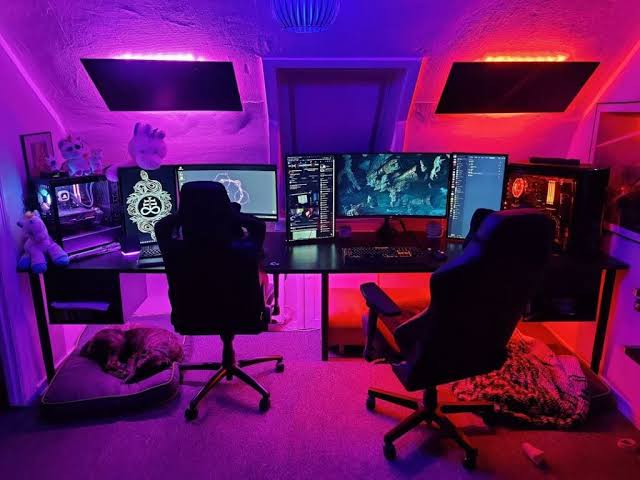

A shared gaming space can be much more than two desks squeezed into one room. The right couple gaming setup gives both players enough room for their gear while still creating a space that feels connected, comfortable, and personal.
From symmetrical side-by-side stations to cozy console corners and compact apartment layouts, these couple gaming setup ideas cover different room sizes, gaming styles, and decorating preferences. The goal is to create a setup that works for both people without making either side feel like an afterthought.
17 Couple Gaming Setup Ideas at a Glance
- Side-by-Side Gaming Stations
- Matching Minimalist Desks
- L-Shaped Couple Gaming Setup
- Back-to-Back Gaming Stations
- Opposite Wall Gaming Setup
- T-Shaped Shared Gaming Desk
- His-and-Hers Color Zones
- Coordinated Black and White Setup
- Dual RGB Gaming Stations
- Cozy Couple Gaming Nook
- Dual Streaming Setup
- Small Apartment Couple Gaming Setup
- Console Gaming Corner for Two
- Gaming Setup With a Shared TV
- Couple Setup With a Decor Wall
- Clean Setup With Hidden Cables
- Multi-Purpose Gaming and Workstation
How to Plan a Couple Gaming Setup
Before buying two of everything, measure the room and decide how each person actually uses the space. Two competitive PC gamers may need separate monitors, keyboards, mice, and plenty of desk depth. A couple who mainly plays console co-op games may need more comfortable seating and a shared screen instead.
Think about walking space, monitor placement, storage, lighting, and where cables will travel. A little planning makes a shared setup feel intentional instead of crowded.
| Room Situation | Setup to Consider | Useful Detail |
|---|---|---|
| Long open wall | Side-by-side stations | Use one long desktop or two matching desks. |
| Small corner | L-shaped setup | Use the corner to create two defined zones. |
| Large square room | Opposite walls | Leave a comfortable walkway through the center. |
| Small apartment | Compact shared nook | Choose shallow desks and wall-mounted storage. |
| Console-focused room | Shared TV corner | Prioritize comfortable seating and controller storage. |
17 Couple Gaming Setup Ideas
1. Side-by-Side Gaming Stations
A side-by-side arrangement is a natural choice when both people enjoy gaming at the same time. Place two desks next to each other along one wall, leaving enough room between the chairs to move comfortably. Matching monitor sizes and similar desk accessories create a balanced look without requiring every item to be identical.
For a softer shared aesthetic, use one long desktop supported by separate legs or drawer units. Add individual desk mats and personalized accessories so each person still has their own territory.

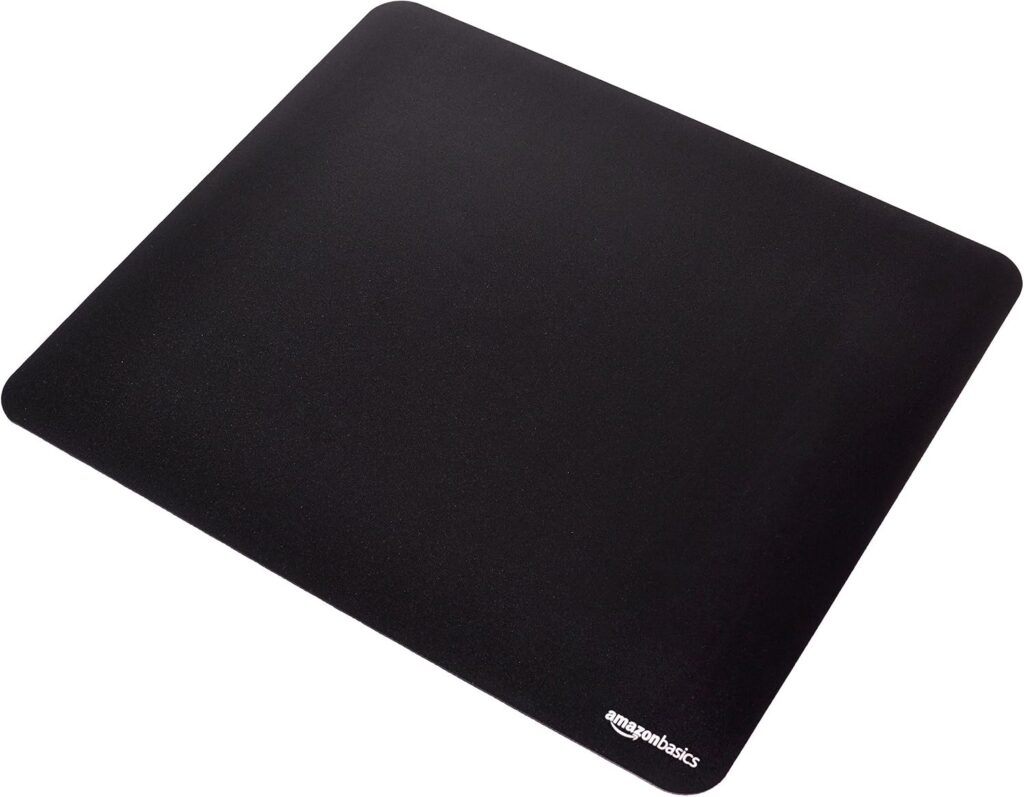
Amazon Find: Large Gaming Desk Mat
A large desk mat can visually connect two adjacent gaming stations while protecting the desktop underneath keyboards, mice, and other accessories.
2. Matching Minimalist Desks
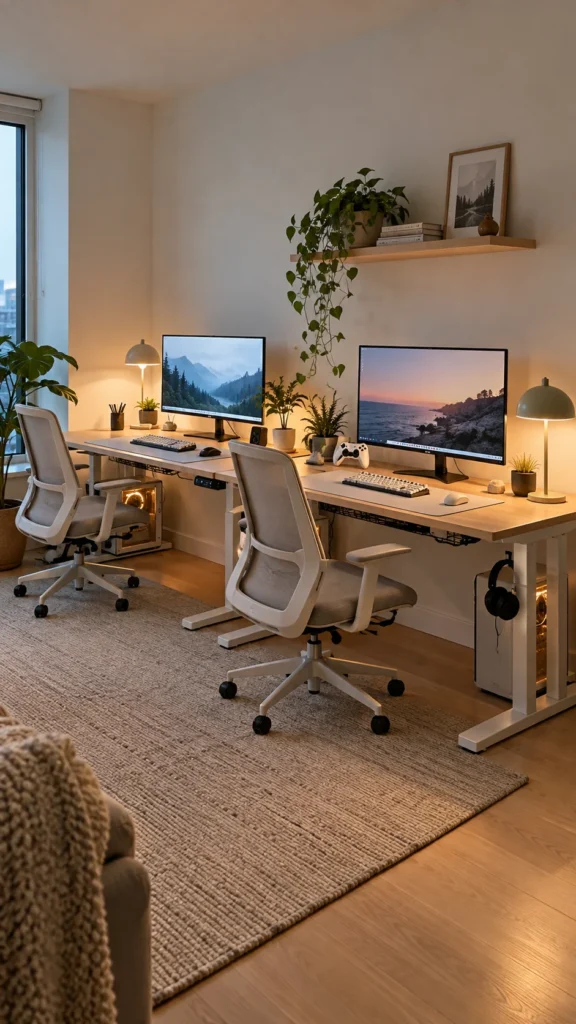
Keep the room calm with two matching desks in white, natural wood, or matte black. Instead of filling the wall with gaming decorations, let the clean desk silhouettes and carefully arranged monitors become the main feature.
Use matching monitor stands, simple desk lamps, and identical cable trays to reinforce the symmetry. A few personal items on each side prevent the setup from feeling too uniform.
3. L-Shaped Couple Gaming Setup
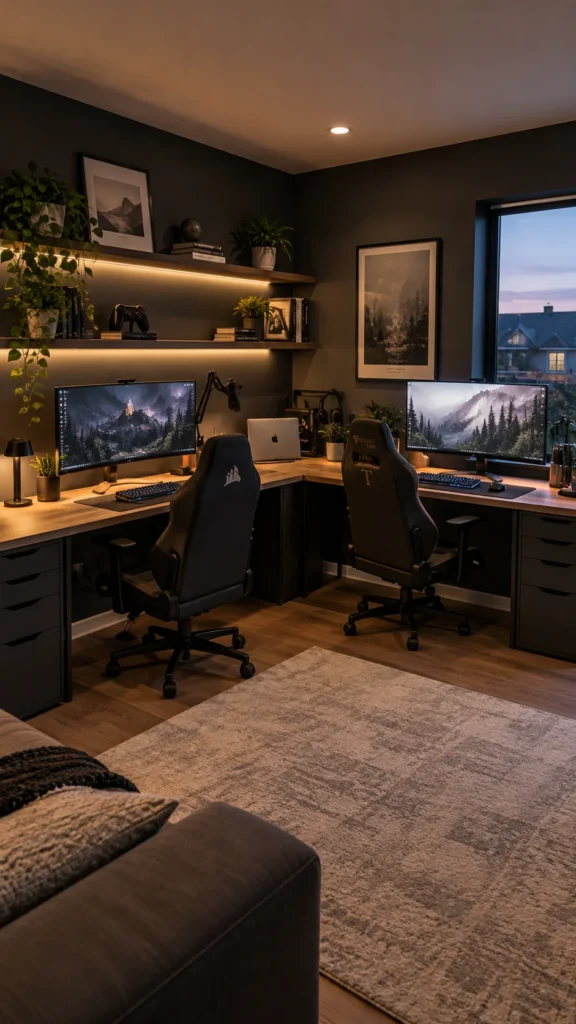
An L-shaped arrangement makes excellent use of a corner while giving two players separate working surfaces. One person can use the longer side while the other takes the shorter section, or both can share the longer desktop depending on the room.
This layout is especially useful when one partner needs extra room for a microphone, drawing tablet, laptop, or streaming equipment. Add shelves above the desk to keep smaller accessories off the surface.
Amazon Find: Under-Desk Cable Tray
An under-desk tray gives a shared gaming corner a cleaner appearance by keeping power strips and cable bundles below the desktop.

4. Back-to-Back Gaming Stations
Back-to-back desks create two independent gaming zones in one room. Place the stations facing opposite directions so each person has a defined workspace and their own visual background.
This arrangement works nicely when partners have different gaming preferences or need more concentration. Keep a clear walkway around the chairs and avoid placing large storage pieces where they restrict movement.
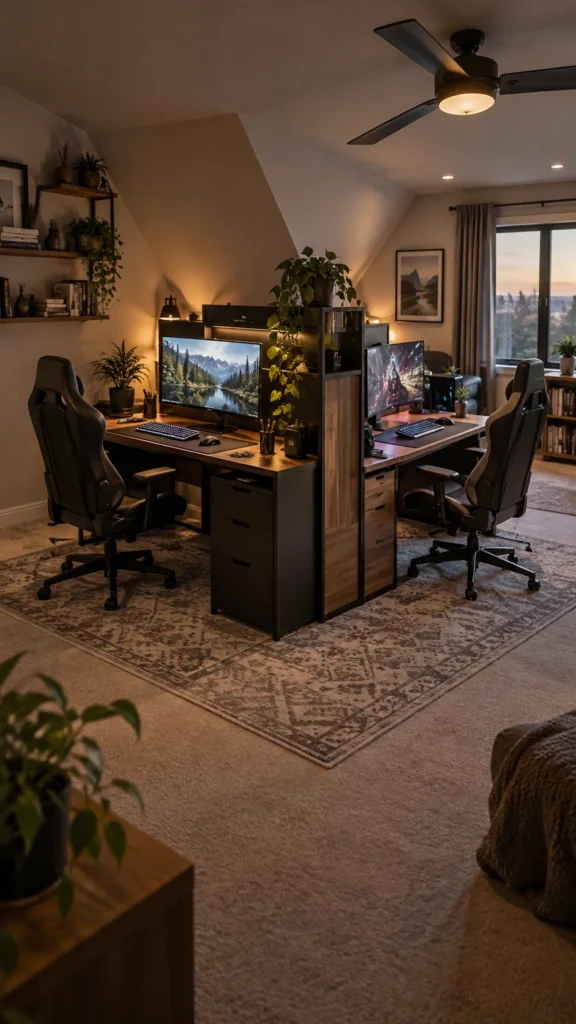
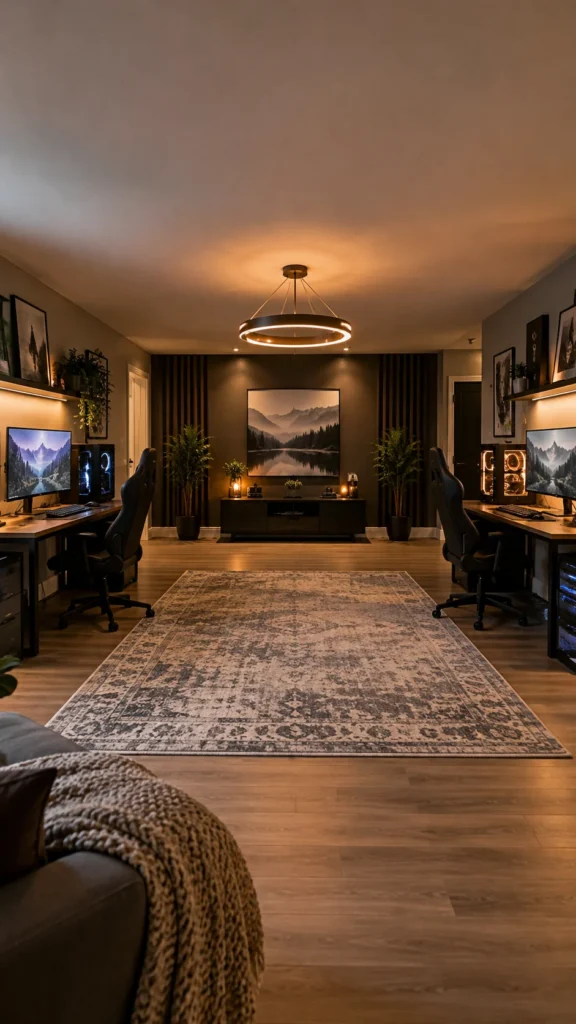
5. Opposite Wall Gaming Setup
If you have a larger room, put one gaming station on each of two opposite walls. This gives both players plenty of personal space and creates an interesting symmetrical view from the center of the room.
Use similar desk heights and related colors to connect the two sides. A shared rug, ceiling light, or piece of artwork can visually tie everything together without making the stations identical.
6. T-Shaped Shared Gaming Desk
A T-shaped desk arrangement can separate two players while keeping them close enough to chat. The center section can hold shared equipment, speakers, a charging station, or decorative pieces, while each person gets a dedicated side.
This is also a practical choice when the room doubles as a workspace. Use drawers or shelving underneath to prevent the shared desktop from becoming a storage pile.

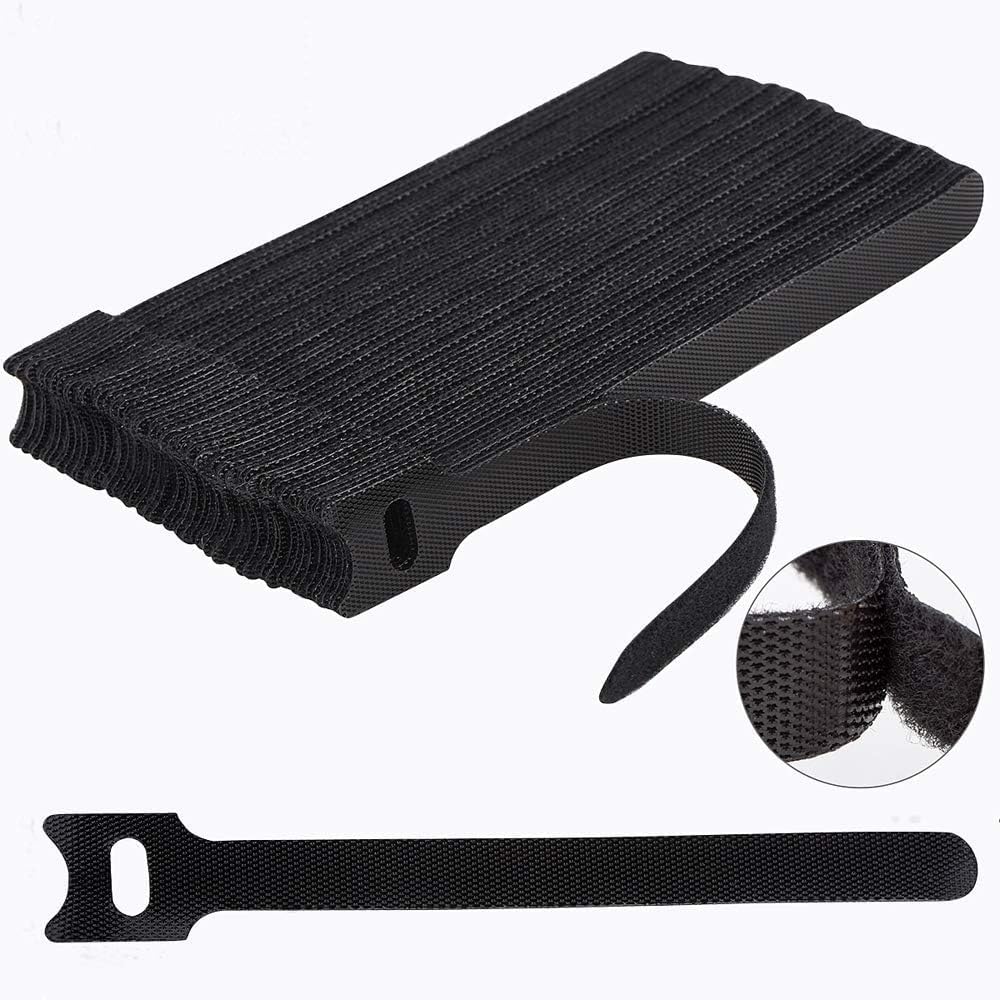
Amazon Find: Velcro Cable Ties
Reusable cable ties are useful when two gaming stations share a power area because they keep related cords grouped without permanently fastening them together.
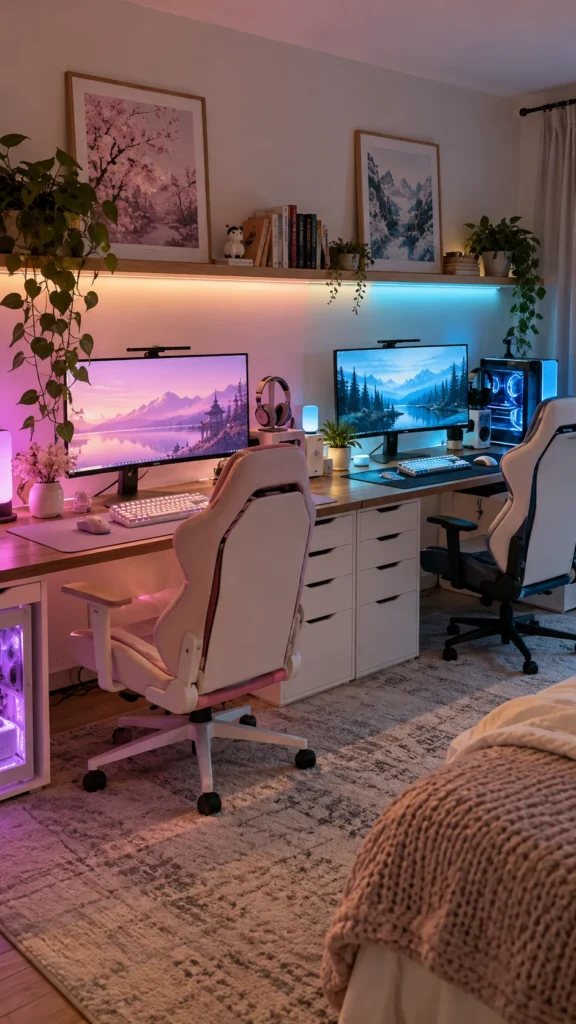
7. His-and-Hers Color Zones
Give each side of the room a different accent color while keeping the furniture consistent. One station might use lavender and pink accessories while the other uses blue and teal, for example.
The trick is to repeat one neutral shade throughout the room so the different colors still feel connected. Black, white, gray, or natural wood can act as the common foundation.
8. Coordinated Black and White Setup
A black-and-white palette gives a couple gaming room a crisp, modern appearance. Try a white desk with black accessories on one side and reverse the combination on the other for a subtle mirror effect.
Keep the walls relatively simple and introduce personality through controller displays, framed artwork, small shelves, or a few plants. This palette also makes colorful screen lighting stand out when the room is darker.

9. Dual RGB Gaming Stations
For couples who love colorful gaming rooms, build two coordinated RGB stations with lighting behind the monitors and beneath the desks. You can keep the colors synchronized for a unified look or give each person control over their own lighting.
Avoid covering every surface with bright lights. A few carefully positioned strips can create a more polished effect than multiple competing sources.
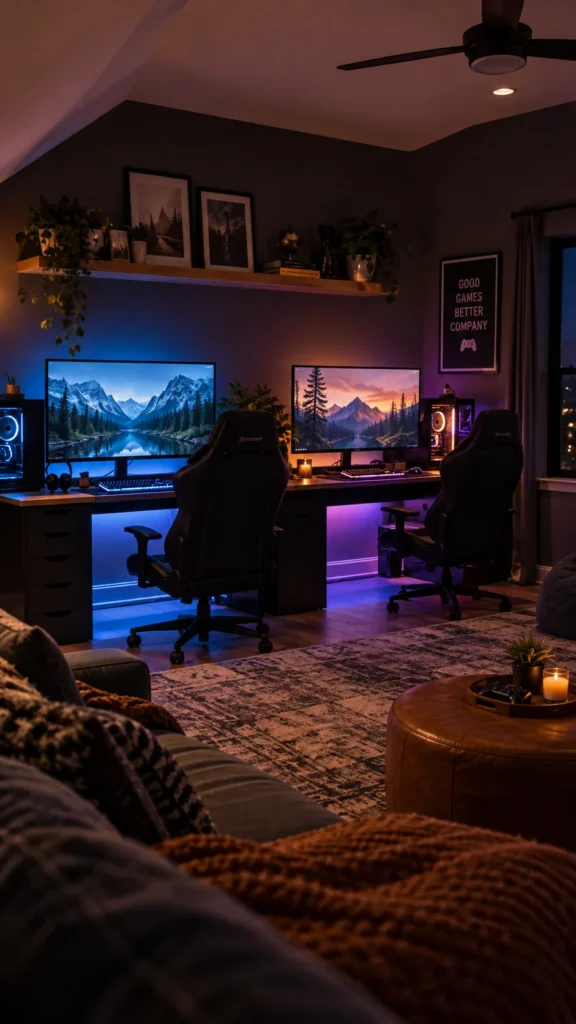
Amazon Find: RGB LED Strip Lights
LED strips can add a colorful glow behind desks or monitors while taking up almost no desktop space.

10. Cozy Couple Gaming Nook
Not every couple needs a dedicated gaming room. A small nook with two compact desks, comfortable chairs, warm lighting, and a few soft accessories can become a welcoming shared gaming area.
Choose shallow desks if floor space is limited and use vertical storage for controllers, headphones, and games. A small rug and warm lamp can make the area feel more like part of the home instead of an office corner.

11. Dual Streaming Setup
Couples who stream or record together can create two coordinated stations with separate microphones, cameras, monitors, and lighting. Position the desks so each person has enough room for recording equipment without interfering with the other setup.
A shared background can make the room look cohesive on camera. Matching shelves, framed artwork, or a central sign can connect both camera views while still allowing each person to decorate their own desk.
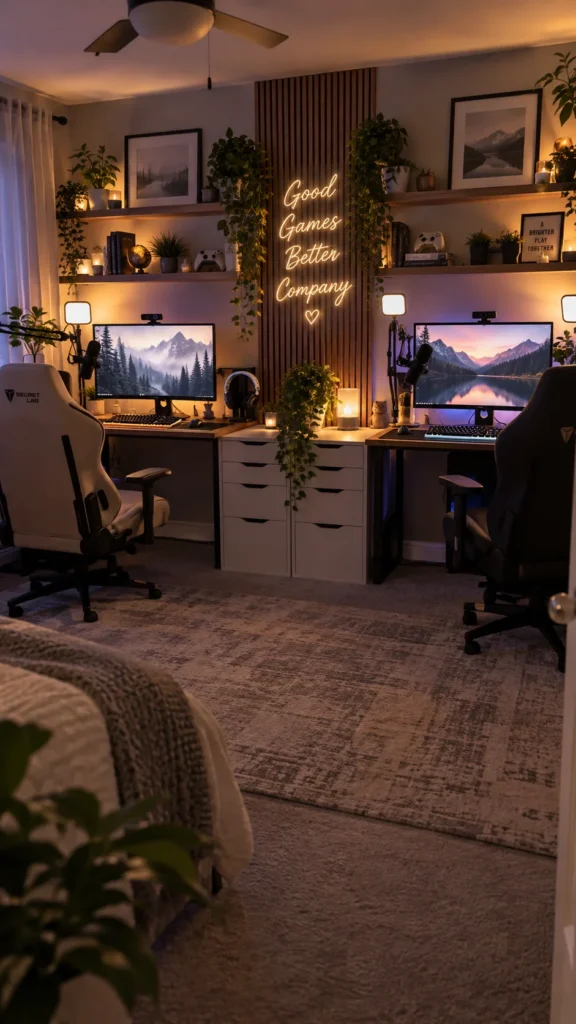
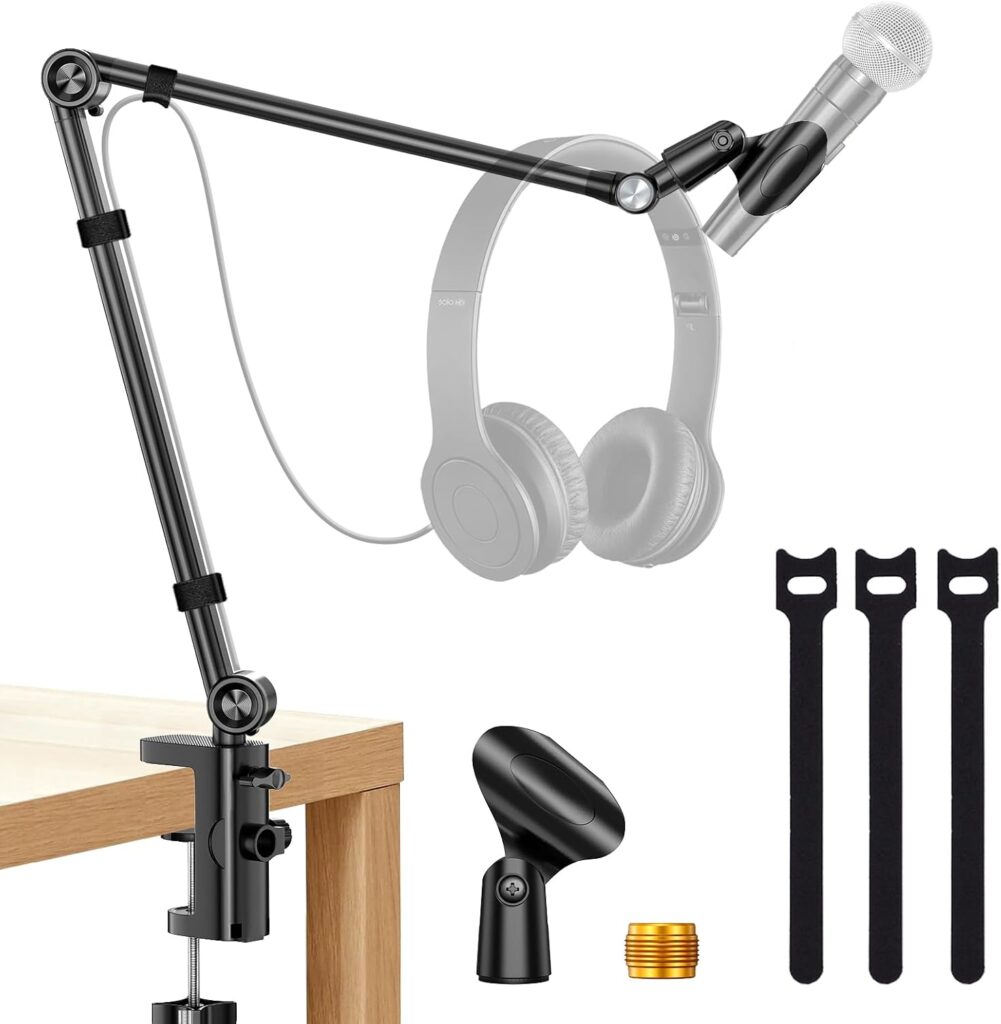
Amazon Find: Adjustable Microphone Arm
A desk-mounted microphone arm can free up valuable surface area and make it easier to position microphones consistently during gaming or recording sessions.
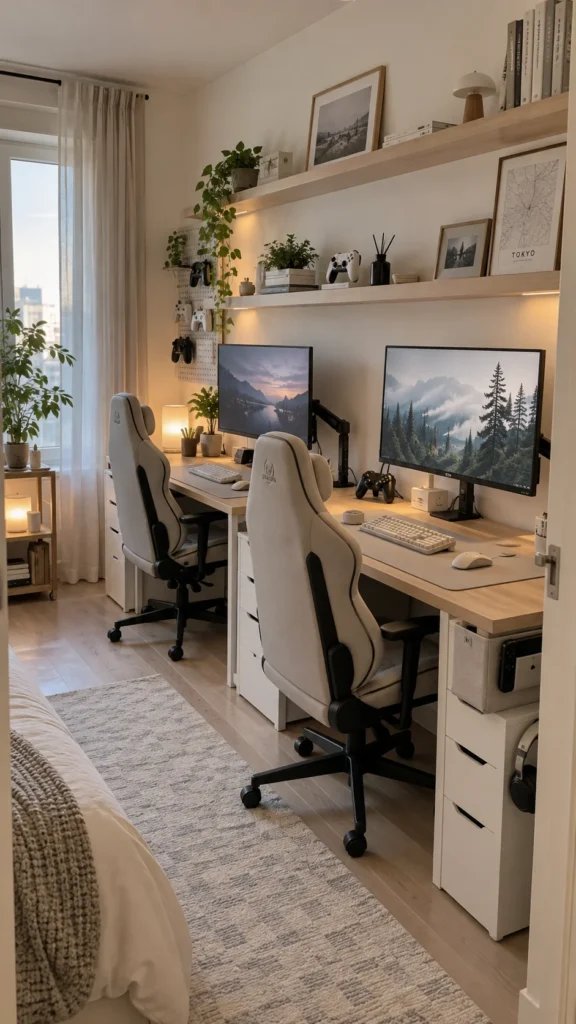
12. Small Apartment Couple Gaming Setup
For an apartment, make every inch work harder. Two narrow desks can fit against one wall, while wall-mounted shelves take care of storage above. Choose chairs that can slide completely under the desks when gaming is finished.
Keep the palette light and avoid oversized furniture that makes the room feel crowded. Cable clips, vertical organizers, and monitor arms can also reduce the amount of desk surface needed for equipment.
13. Console Gaming Corner for Two
A couple who prefers console gaming may not need two large computer desks at all. Create a shared console corner with a wall-mounted or media-center TV, comfortable seating, and a compact storage unit for controllers and games.
Use baskets or drawers to hide extra controllers and charging cables. A small shelf can display favorite games and collectibles without taking over the entertainment area.

14. Gaming Setup With a Shared TV
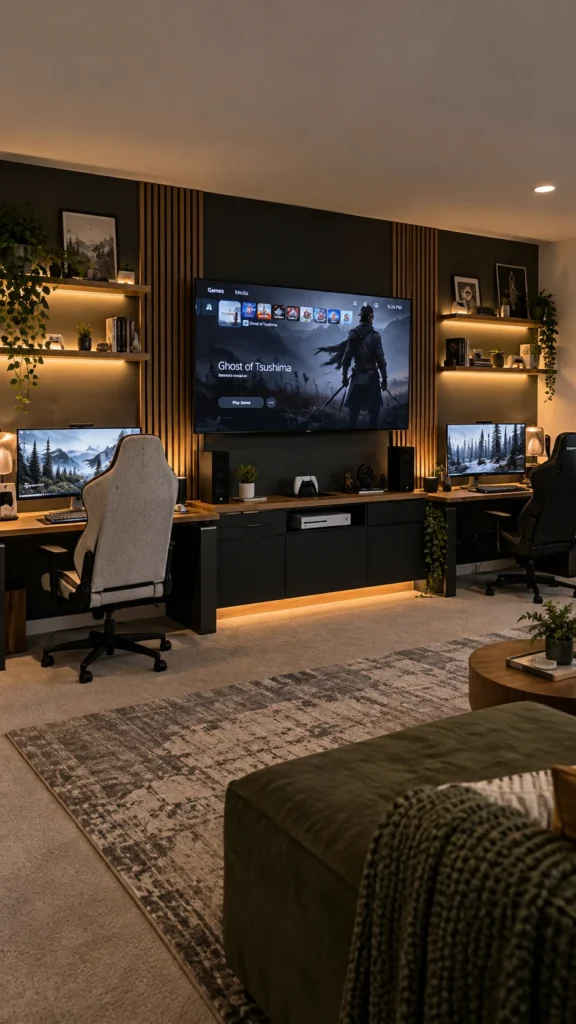
Combine personal gaming stations with one shared screen for co-op nights. The two desks can sit on either side of a central TV, creating a gaming wall that supports both individual and shared play.
Use the central area for the items you both use, such as a console, speakers, charging dock, or game storage. Keep personal accessories on each desk so the arrangement stays organized.
Amazon Find: Controller Charging Station
A dedicated charging station keeps controllers together and gives a shared console setup a more organized appearance.

15. Couple Setup With a Decor Wall
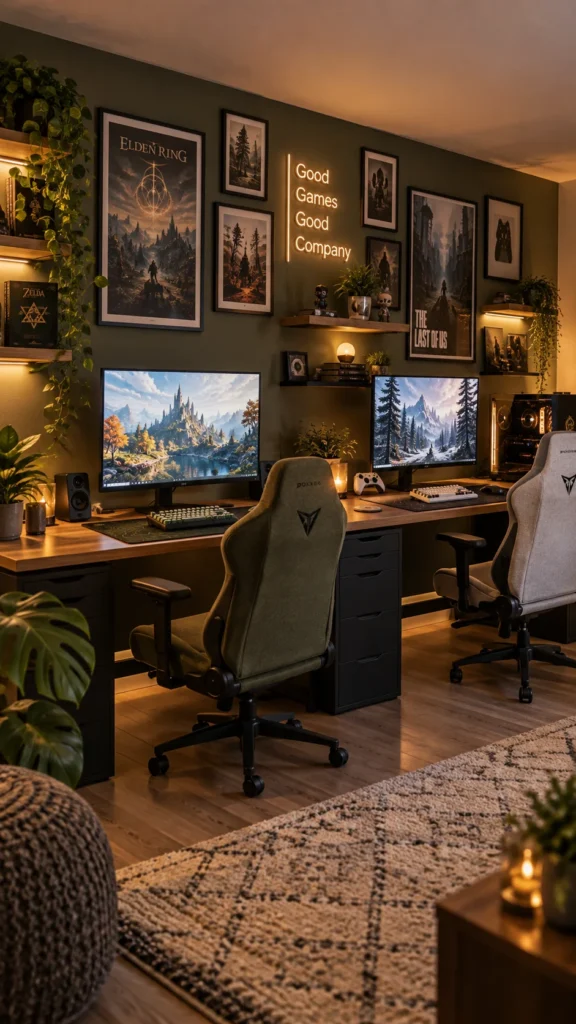
Make the wall behind the gaming stations part of the design. Arrange framed game artwork, small shelves, LED accents, posters, or a neon-style sign above the desks to create one shared focal point.
Keep the wall balanced rather than filling every available inch. Leave enough breathing room around the monitors so the gaming stations remain the visual focus.
16. Clean Setup With Hidden Cables
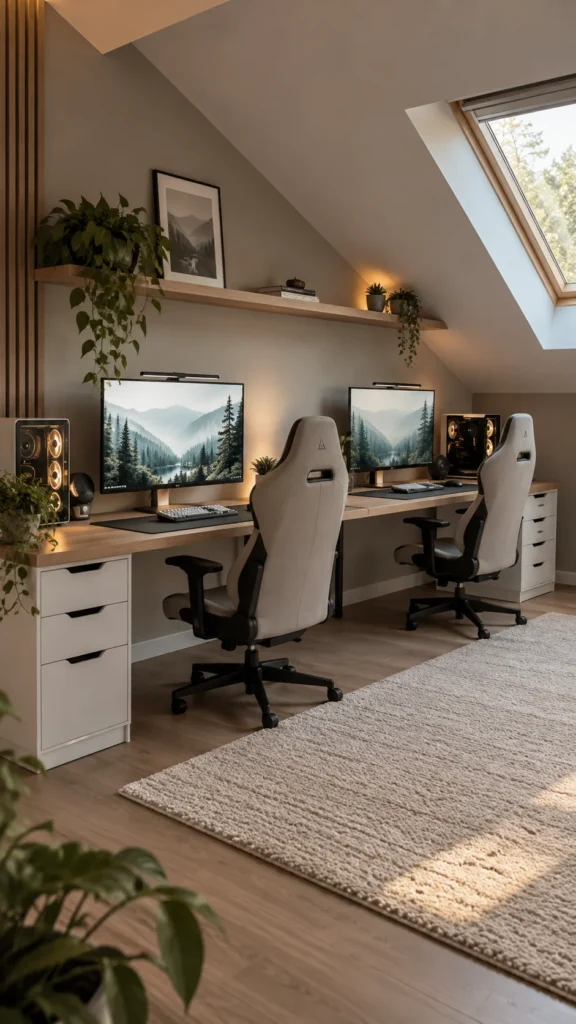
Two gaming stations can produce a surprising number of cables, so make cable management part of the design from the beginning. Attach a cable tray underneath each desk, route cords toward a common power area, and use reusable ties to keep similar cables together.
Labeling cords can also save time when you need to unplug or replace equipment. Keep power strips securely positioned and avoid creating cable loops where feet or chair wheels can catch them.
Amazon Find: Cable Management Kit
A basic cable management kit can provide clips, sleeves, ties, and other small organizers for keeping two gaming stations neat.

17. Multi-Purpose Gaming and Workstation
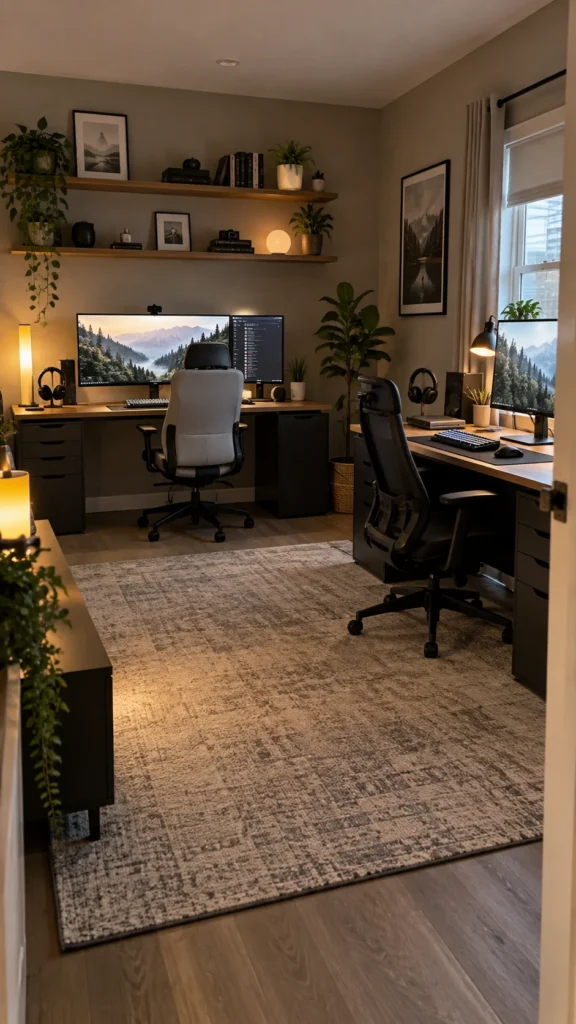
If the room needs to function as both a gaming area and home office, design each station with flexibility in mind. Choose desks with enough depth for a monitor and keyboard while leaving room for a laptop, notebook, or other daytime work essentials.
Use monitor arms, drawers, and wall shelves to clear the desktop when it is time to work. A neutral base palette can also help the room transition from gaming space to practical workspace without needing to rearrange everything.
Shopping Checklist for a Couple Gaming Setup
Essentials:
- Two suitable desks or one shared desktop
- Comfortable seating for both players
- Monitors or a shared gaming display
- Keyboard and mouse sets for PC gaming
- Headsets or suitable audio equipment
- Power strips and organized cable routing
- Dedicated storage for controllers and accessories
Optional extras:
- RGB or ambient lighting
- Desk mats
- Monitor arms
- Wall shelves
- Framed gaming artwork
- Small plants
- Decorative lamps
- Charging docks
Before buying new accessories, check what you already own. Matching existing furniture with a few coordinated additions can often create a more personalized room than replacing everything at once.
Common Couple Gaming Setup Mistakes
- Trying to fit too much gear: Leave enough open desk space for comfortable mouse movement and everyday use.
- Ignoring chair clearance: Make sure both chairs can move backward without hitting walls, cabinets, or each other.
- Using one power area without planning: Map out where each station’s power and charging cables will travel before positioning the desks.
- Overloading the wall with decor: Choose one focal area and let the monitors and desks remain visually clear.
- Forgetting individual preferences: A shared color palette does not mean every accessory needs to match.
- Blocking ventilation: Keep computers and other heat-producing electronics in positions where their vents have adequate clearance.
Frequently Asked Questions
What is the best layout for a couple gaming setup?
The best layout depends on the room and how both people game. Side-by-side desks work well for couples who play together often, while back-to-back or opposite-wall arrangements provide more personal space. Measure the room first and leave enough clearance for both chairs.
How do you fit two gaming setups in a small room?
Use narrow desks, an L-shaped workstation, or a shared long desktop. Wall shelves can move storage upward, while monitor arms can free up valuable desk space. Choose furniture that allows the chairs to tuck underneath when the room is being used for something else.
Should a couple gaming setup match?
It does not have to. Matching desks or a shared color palette can create visual unity, while different accessories allow each person to show their personality. A neutral furniture base is an easy way to combine two different decorating styles.
How can couples manage cables with two gaming stations?
Start with cable trays underneath the desks and route cables toward a planned power location. Use reusable ties and clips to group cords by station. Labeling cables can also make future upgrades and troubleshooting much easier.
How can I make a couple gaming setup feel cozy?
Mix gaming equipment with warmer elements such as soft lighting, a rug, plants, framed artwork, and comfortable seating. You can also use warm ambient lighting outside the immediate monitor area to soften the room when you are not actively gaming.
Recommended Finds
Cable management supplies can help keep two stations organized without taking up desk space.
RGB LED strip lighting is a simple way to add color behind desks or monitors.
Wall-mounted gaming shelves can provide storage and display space while keeping the desktop clear.
Final Thoughts
The best couple gaming setup is one that gives both players enough room while still making the space feel shared. Start with the layout, then work out desks, storage, lighting, and cable management before adding decorative extras.
You do not need identical equipment or a huge dedicated room. A compact nook, coordinated pair of desks, shared console corner, or flexible workstation can all become a great couple gaming setup when the design reflects how you actually use the space together.
