
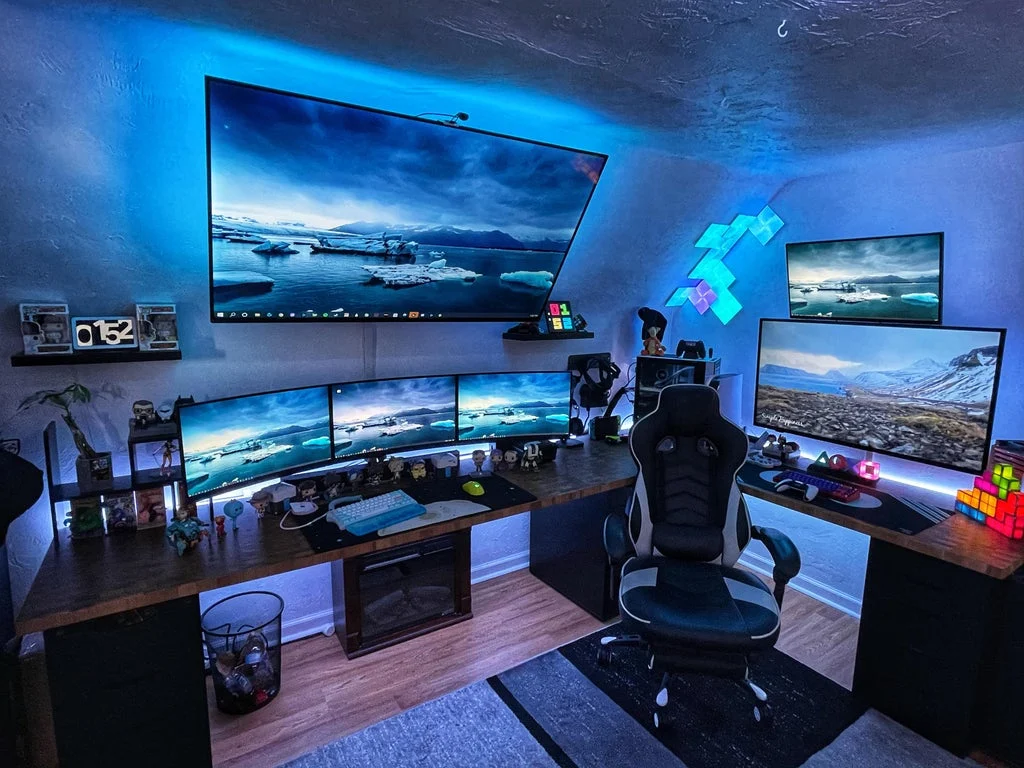

A great PC gaming setup does not have to mean filling an entire room with oversized furniture and glowing accessories. With the right desk, smart storage, intentional lighting, and a little personality, even a compact corner can become a seriously fun gaming station.
These 27 PC gaming setup ideas range from futuristic RGB battle stations and dramatic dark rooms to floating desks, compact corners, wall-mounted storage, and flexible layouts. Use the ideas that fit your room, budget, and gaming style, then mix the details to create a setup that feels like your own.
27 PC Gaming Setup Ideas at a Glance
- Set a Gaming Budget First
- Measure Your Gaming Corner
- Floating Desk Gaming Station
- Compact L-Shaped Battle Station
- Maximized Dual-Monitor Setup
- Monitor Arm Command Center
- Clean Under-Desk Cable Management
- Hidden Cable Raceway Setup
- Compact Ergonomic Gaming Chair
- Gaming Chair With an Open Layout
- Curved Monitor Gaming Station
- Dual-Monitor Productivity Setup
- Wall-Mounted Gaming Shelves
- Tall Vertical Storage Wall
- Corner Gaming Command Center
- Under-Desk Storage Station
- Monitor Stand Storage Setup
- Pegboard Gaming Wall
- Hidden Controller Storage
- Floating Display Gaming Setup
- Ambient RGB Lighting Setup
- Gaming Desk With a Task Lamp
- Blackout Curtain Gaming Room
- Compact Keyboard and Mouse Zone
- Rolling Gaming Cart
- Futuristic Themed Gaming Room
- Cozy Dark PC Gaming Setup
How to Plan a Crazy PC Gaming Setup
Start with the room rather than the equipment. Measure the wall where the desk will sit, check where outlets are located, and make sure your chair has enough room to move comfortably. A setup that looks amazing but blocks a door or leaves no space to pull out the chair will quickly become frustrating.
Then decide what deserves the most space. A competitive PC gamer may prioritize a large mouse area and multiple monitors, while a streamer may need room for a microphone, camera, lights, and other equipment. Once the essentials are planned, decorative pieces can be added without creating unnecessary clutter.
| Setup Style | Best For | Key Feature |
|---|---|---|
| Floating desk | Small rooms | Keeps the floor visually open. |
| L-shaped station | Corner spaces | Creates additional surface area. |
| Dual monitors | Gaming and multitasking | Separate screen space for different tasks. |
| Pegboard wall | Accessory storage | Uses vertical wall space. |
| Rolling cart | Flexible rooms | Can move accessories when needed. |
| Themed setup | Decor-focused gamers | Uses color and accessories to create a strong visual identity. |
27 Crazy PC Gaming Setup Ideas
1. Set a Gaming Budget First
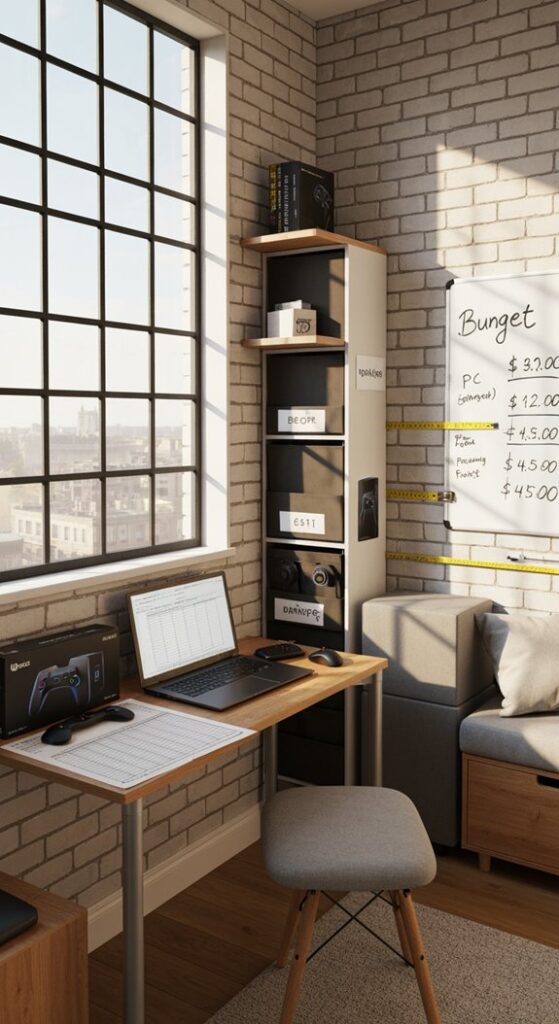
Before building a crazy PC gaming setup, decide how much of your budget belongs to the actual computer and how much can go toward the room. It is easy to spend heavily on lighting, accessories, desk decorations, and upgrades before realizing there is not much left for the essentials.
Make a simple list of must-haves such as the PC, monitor, desk, chair, keyboard, mouse, and audio equipment. Treat decorative lighting, wall art, shelves, and collectibles as optional additions that can be purchased over time.
2. Measure Your Gaming Corner
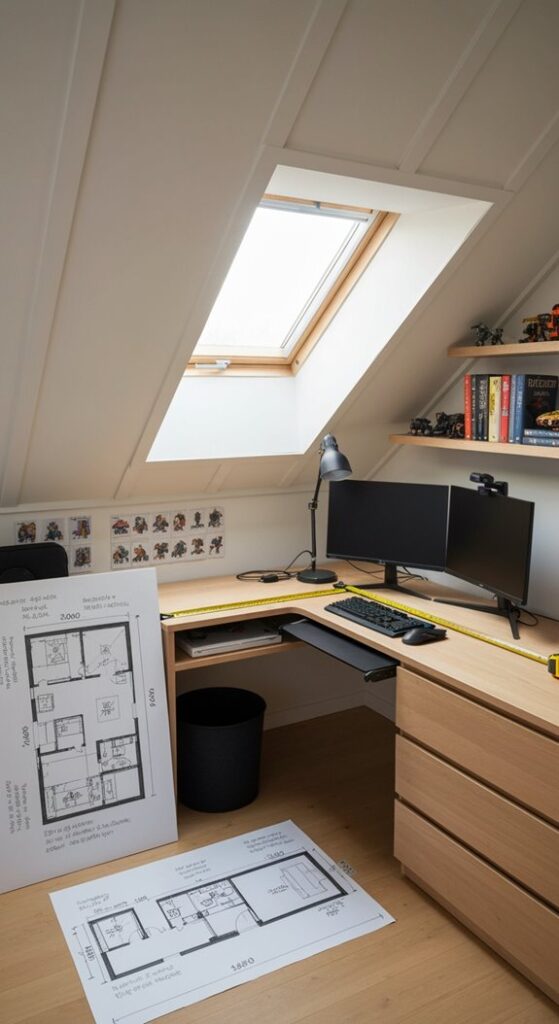
A tape measure can save you from buying furniture that simply does not fit. Record the width and depth of the available area, then check door swings, windows, outlets, and the amount of room needed for your chair.
For smaller rooms, consider compact desks, corner layouts, or floating worktops. Planning the footprint first also helps you decide how much room is actually available for monitors, speakers, storage, and decorative pieces.
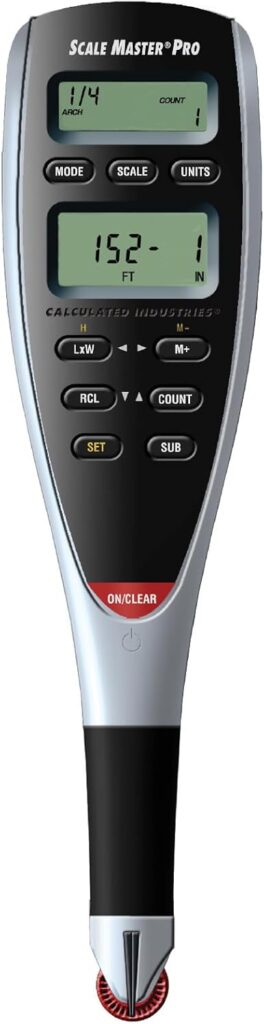
Amazon Find: Digital Measuring Tape
A measuring tool makes it easier to check your available wall, desk, and furniture dimensions before committing to a gaming-room layout.
3. Floating Desk Gaming Station
A floating desk gives a PC gaming setup a sleek appearance while keeping bulky desk legs off the floor. Mount a sturdy desktop along the wall and position your monitor, keyboard, mouse, and speakers above it.
This idea works particularly well in bedrooms and small apartments where every bit of floor space matters. Use wall-mounted shelves above the desk for headphones, controllers, and collectibles instead of adding another cabinet below.

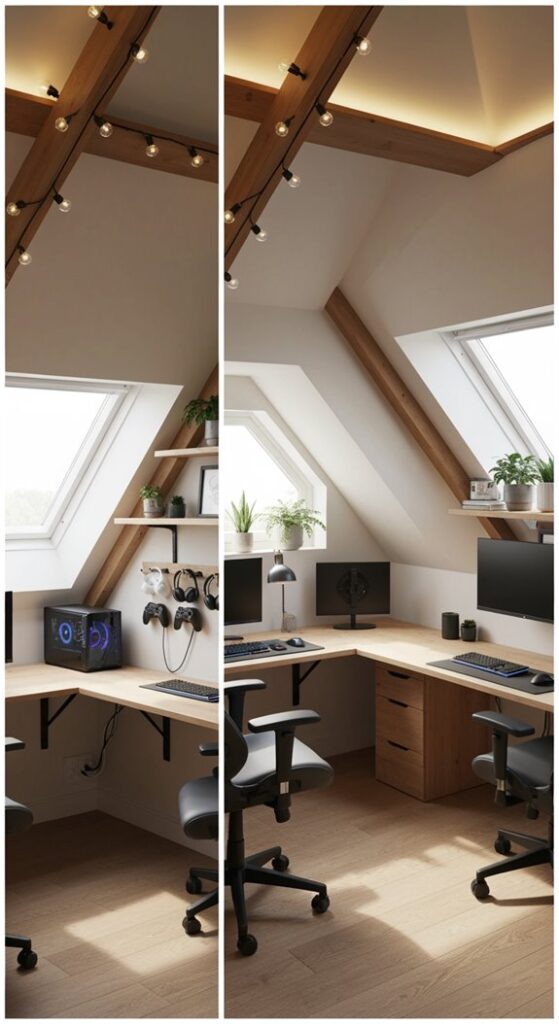
4. Compact L-Shaped Battle Station
Turn an unused corner into a serious gaming zone with an L-shaped desk. One side can hold the primary monitor and keyboard while the other provides room for a second screen, speakers, a microphone, or a laptop.
Keep the center corner organized because it can become difficult to reach once equipment is installed. A monitor arm can also help free up the surface beneath the screens.
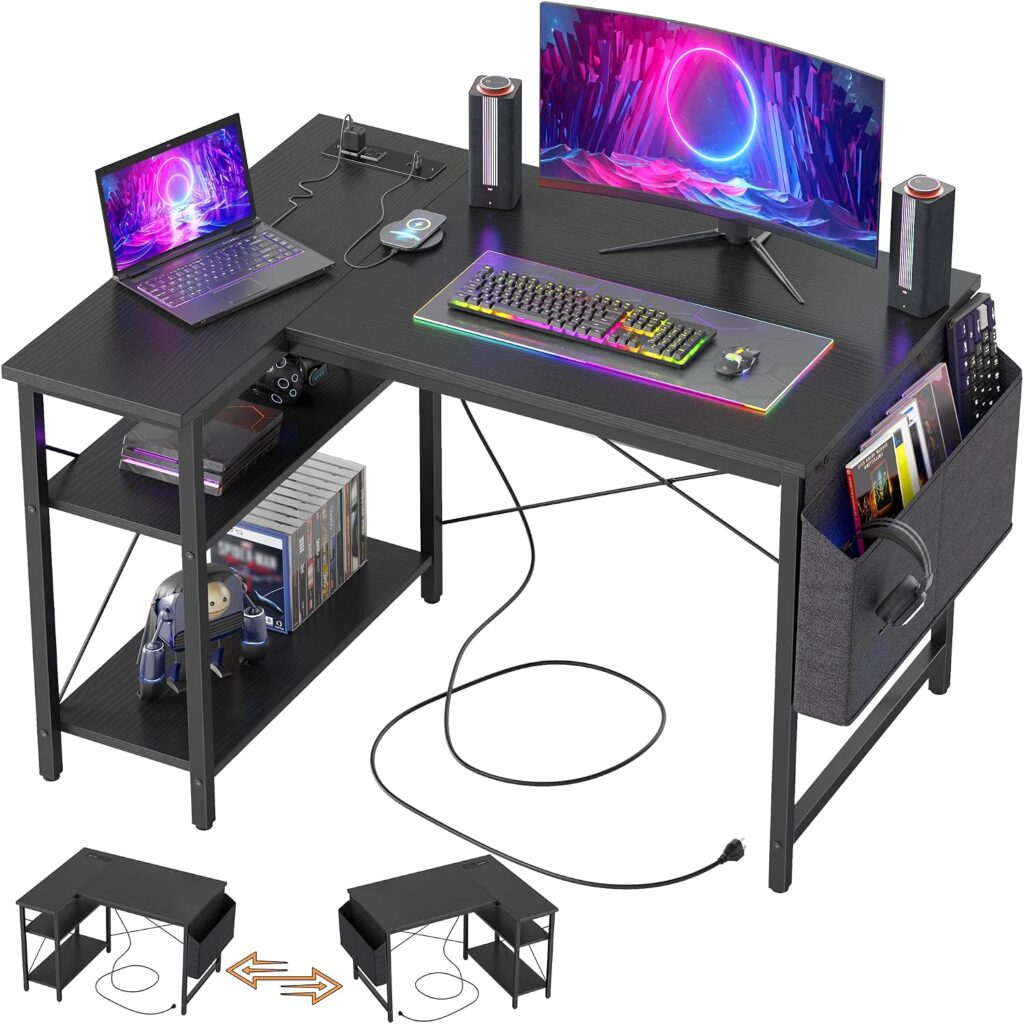
Amazon Find: L-Shaped Gaming Desk
An L-shaped desk can make an awkward corner useful while giving you more surface area for monitors, peripherals, and gaming accessories.
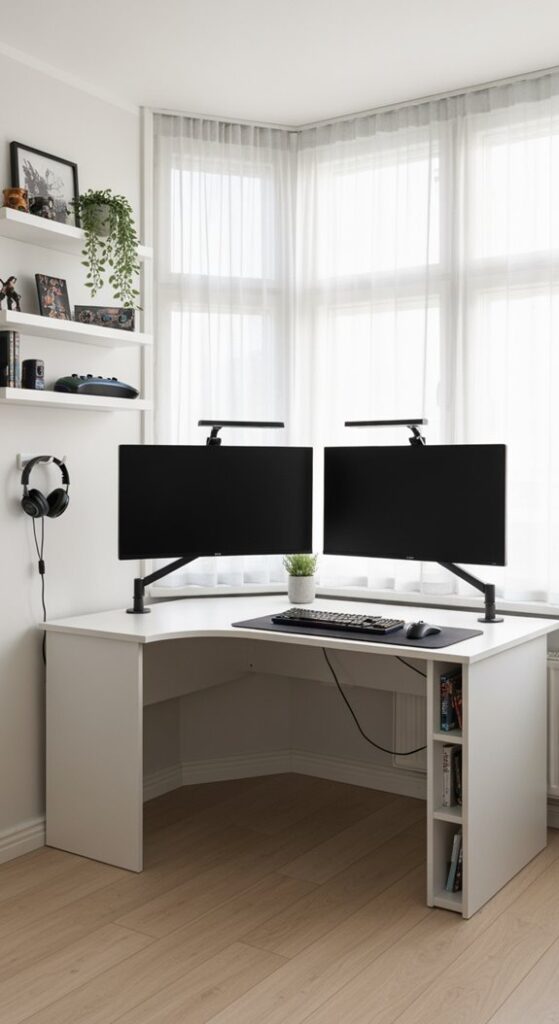
5. Maximized Dual-Monitor Setup
Two monitors instantly give a gaming desk a more serious workstation feel. Place the primary display directly in front of your chair and angle the secondary screen slightly toward you for quick access.
If your desktop is narrow, monitor arms are an easy way to reclaim the area underneath the screens. Keep the keyboard and mouse centered rather than pushing them awkwardly to one side.
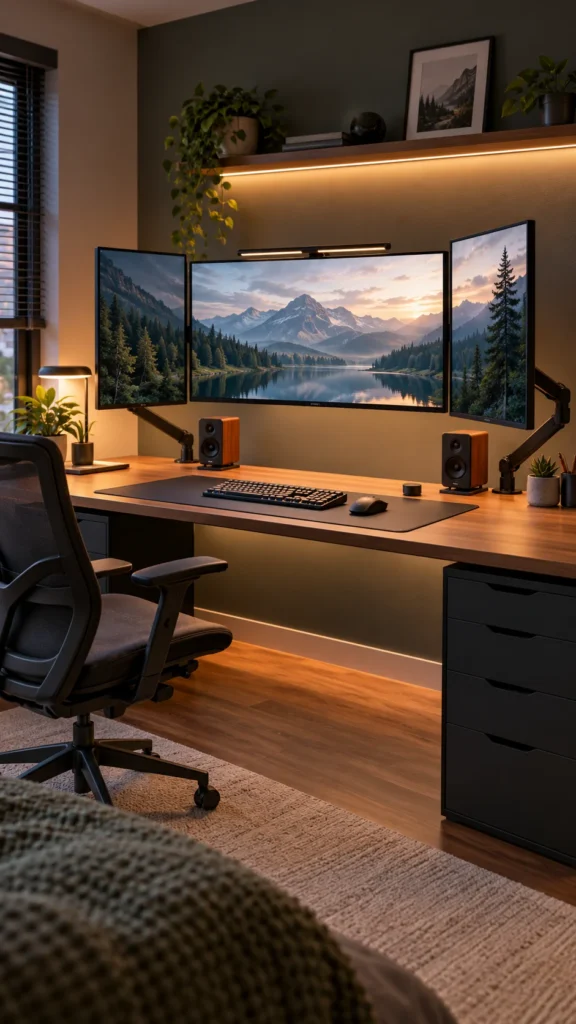
6. Monitor Arm Command Center
For a cleaner, futuristic workstation, lift your monitors off the desktop with adjustable arms. This leaves more room for a large mouse pad, speakers, notebooks, or other accessories.
Choose an arrangement that keeps the primary display centered with your normal sitting position. Hide the monitor cables along the arms where possible for a much cleaner visual effect.
Amazon Find: Dual Monitor Arm
A dual monitor arm can clear valuable desktop space while making it easier to adjust screen positioning.

7. Clean Under-Desk Cable Management
A wild collection of wires can make even an expensive PC gaming setup look unfinished. Mount a cable tray underneath the desk and route power cables toward one organized area rather than letting everything hang behind the chair.
Group similar cables with reusable ties and leave enough slack for equipment to move safely. Keep power and data cables organized so future upgrades are easier.

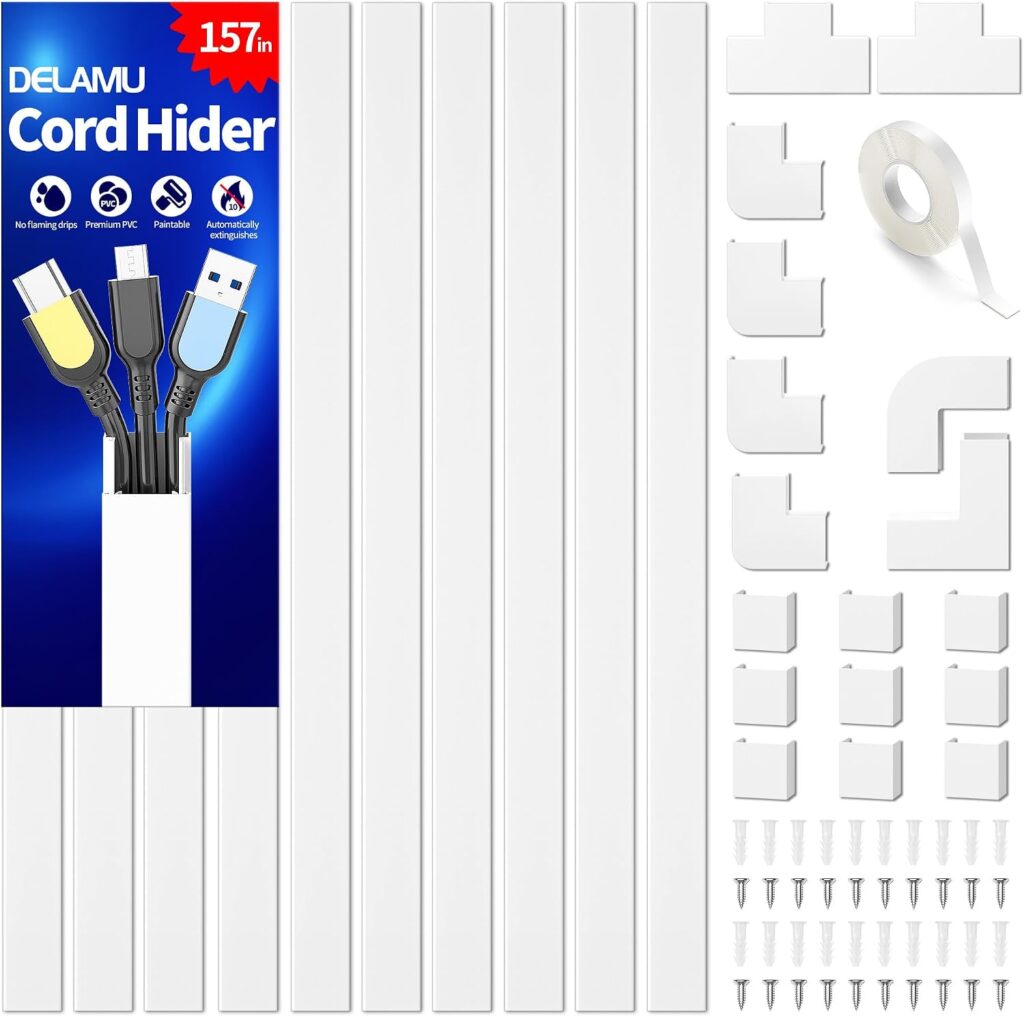
8. Hidden Cable Raceway Setup
Take cable management one step further by hiding visible wires along the wall. Paintable cable raceways can help create a cleaner line from your desk toward outlets while preventing loose cords from becoming part of the room’s decoration.
Plan the route before attaching anything. Keep cables accessible enough that you can replace equipment later without having to rebuild the entire setup.
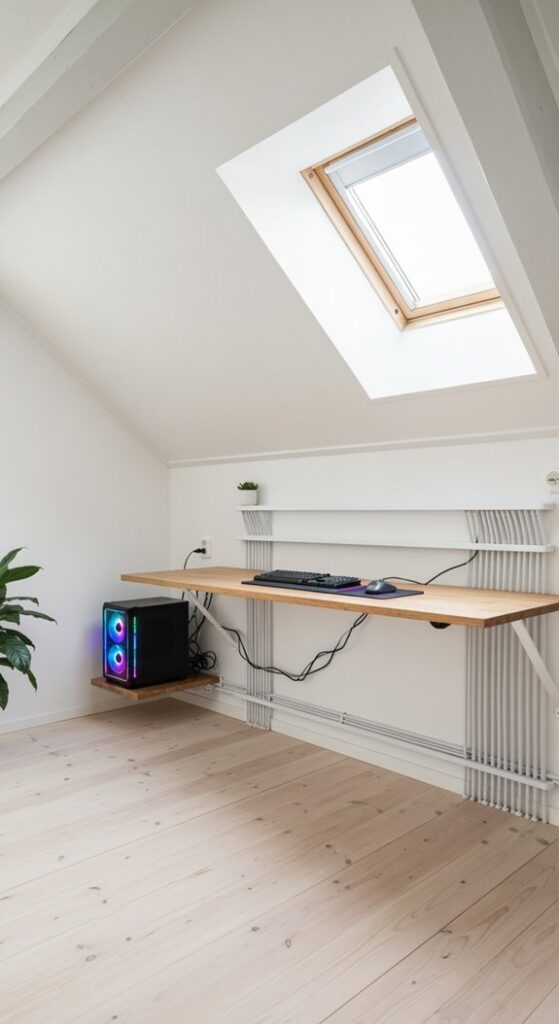
Amazon Find: Cable Raceway Kit
Cable raceways can conceal exposed wires running from the desk toward the wall outlet and give the setup a more finished appearance.
9. Compact Ergonomic Gaming Chair
A gaming chair does not need to dominate the room. Look for a design that fits comfortably under the desk when you are finished playing and gives you the adjustments you actually need.
Before buying, check the chair’s overall width and depth rather than focusing only on its appearance. In a tight room, those measurements can make a noticeable difference to how easily you move around the station.

10. Gaming Chair With an Open Layout
Give your chair plenty of breathing room instead of wedging it between the desk and another piece of furniture. An open layout makes it easier to pull the chair back, move around, and access storage.
If your gaming station sits in a bedroom or living area, keeping the chair aligned with the desk also creates a cleaner visual path through the room.

11. Curved Monitor Gaming Station
A curved display can become the centerpiece of a minimalist PC gaming desk. Keep the rest of the setup restrained with a simple keyboard, mouse, compact speakers, and a large desk mat.
For a more immersive appearance, place subtle lighting behind the monitor rather than covering the entire desk with RGB accessories. The curved screen can remain the visual star.

12. Dual-Monitor Productivity Setup
Your gaming setup can work just as hard when the game is turned off. Use one monitor for the main game or work window and the second for communication, guides, music, streaming tools, or other applications.
Keep both displays at a comfortable height and angle. Matching screens are visually tidy, but a mixed-monitor setup can work too if you arrange them deliberately.

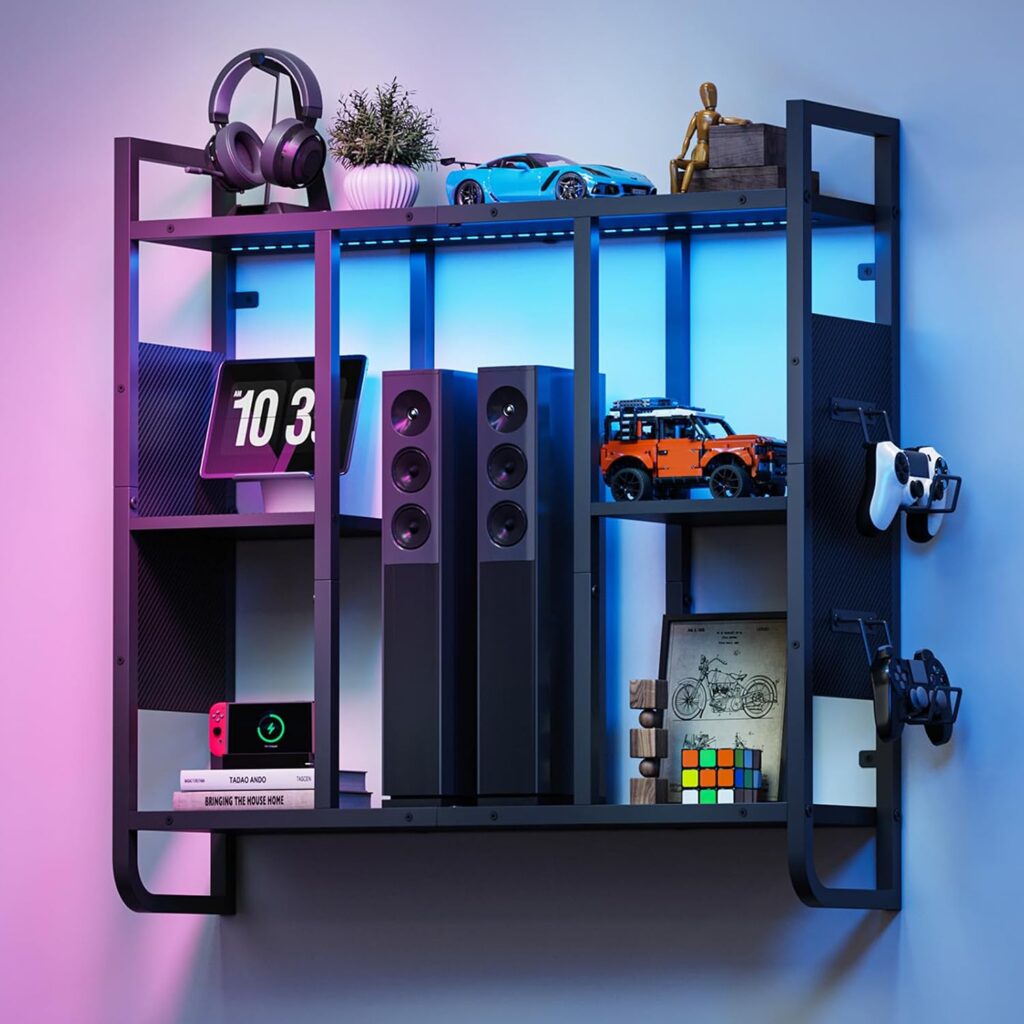
13. Wall-Mounted Gaming Shelves
Take your games and accessories off the desktop with wall-mounted shelves. Use them for controllers, headphones, game cases, collectibles, small speakers, or decorative objects.
For a polished look, arrange shelves in a simple grid or staggered composition. Avoid filling every shelf completely; leaving some open space helps the display feel intentional instead of cluttered.

Amazon Find: Floating Gaming Shelves
Floating shelves move gaming accessories upward and give you display space without taking up valuable floor or desktop area.
14. Tall Vertical Storage Wall
When floor space is limited, build upward. A tall bookcase, narrow cabinet, floating shelves, and wall hooks can create a complete storage zone without requiring a wide piece of furniture.
Keep frequently used items at easy-to-reach heights and reserve the upper shelves for collectibles or equipment you use less often. This approach also gives a small room more visual height.
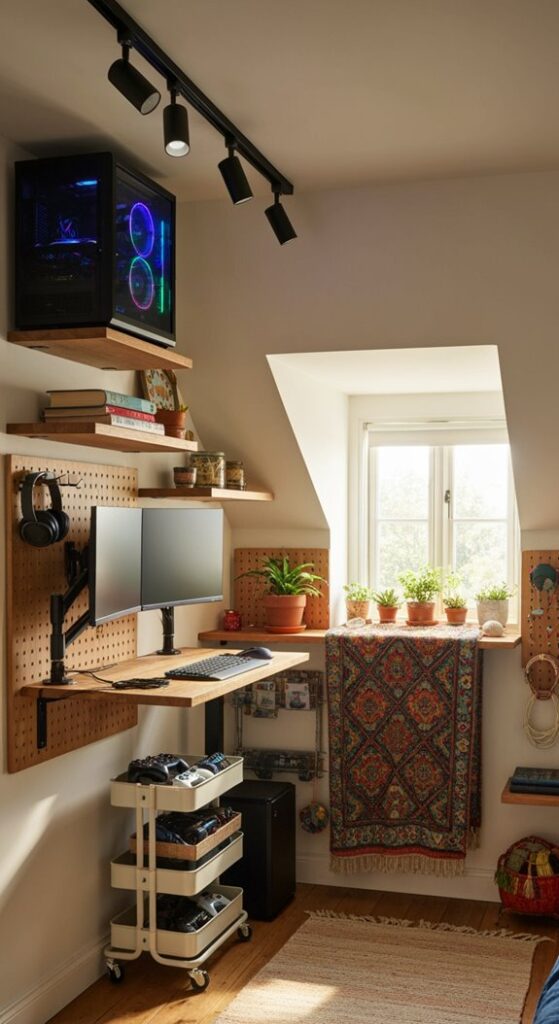
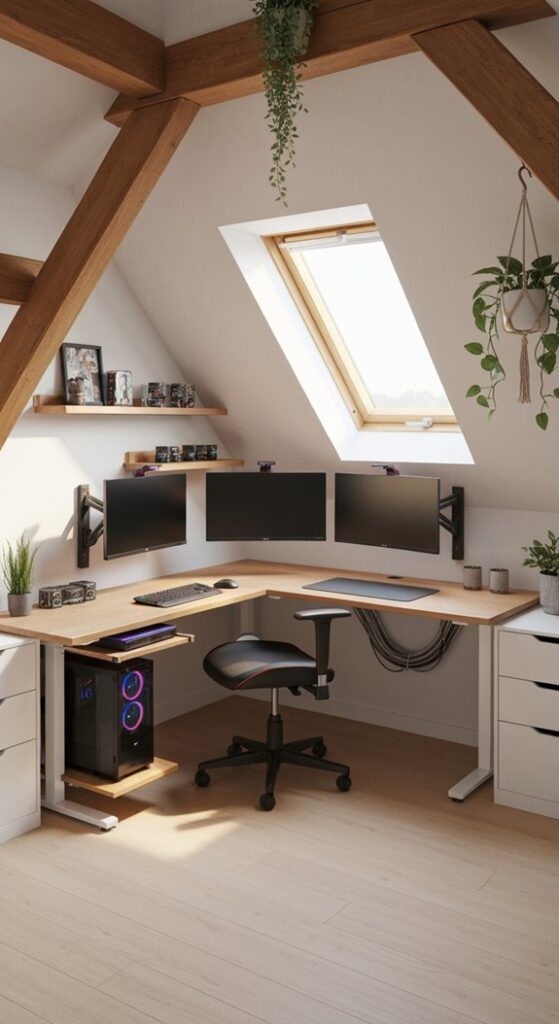
15. Corner Gaming Command Center
Instead of fighting with an awkward corner, make it the main feature of your gaming room. Place an L-shaped desk into the corner and surround it with carefully arranged shelves, lighting, and monitor screens.
Use the walls above both sides of the desk for accessories and decoration. Keeping the center of the desk relatively open will make the whole station feel more spacious.
16. Under-Desk Storage Station
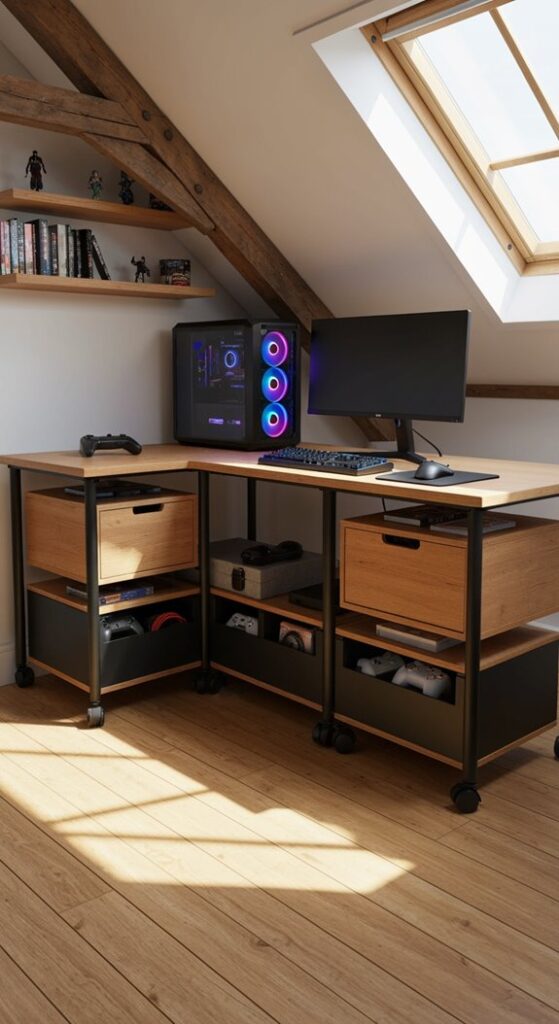
The space underneath your desk can hold far more than people realize. Add compact storage bins or a narrow rolling drawer unit for controllers, cables, spare peripherals, manuals, and other equipment.
Choose storage that does not interfere with your legs or chair. The goal is to reclaim otherwise unused space without making the station feel cramped.
17. Monitor Stand Storage Setup
A monitor stand with storage underneath can turn unused vertical space into a mini organization zone. Use the space for a controller, headphones, USB accessories, or other small items that usually wander across the desk.
This idea is especially useful when your desk is too shallow for larger storage accessories. Keep only frequently used items underneath the monitor so the area remains easy to access.

Amazon Find: Monitor Stand With Storage
A monitor riser with drawers or compartments creates extra organization space while keeping the main desktop relatively clear.

18. Pegboard Gaming Wall
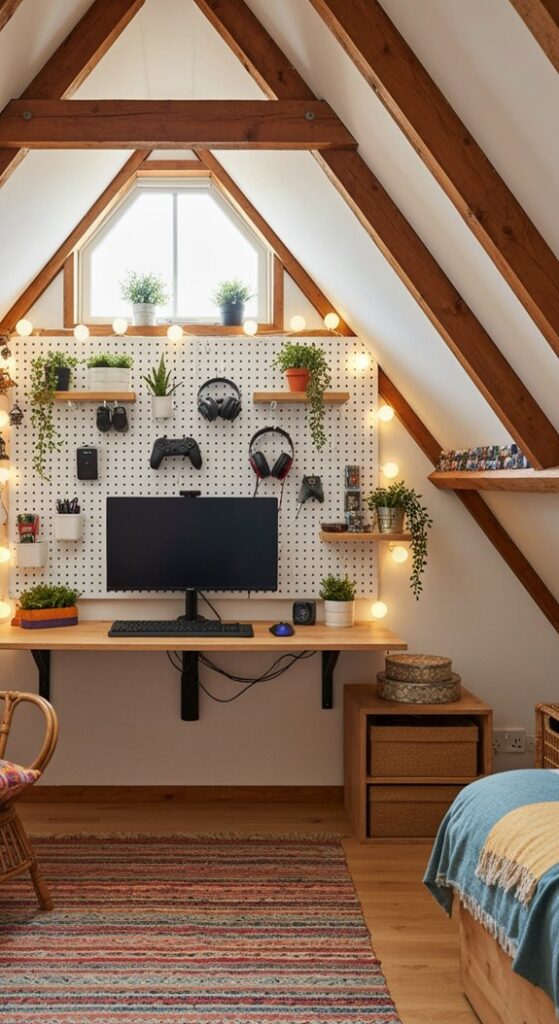
Turn the wall behind your PC into a customizable organization system with a pegboard. Hooks can hold headphones, controllers, cables, and accessories, while small shelves can display collectibles or decorative pieces.
The biggest advantage is flexibility. You can move hooks and shelves whenever your equipment changes instead of drilling new holes throughout the wall.
19. Hidden Controller Storage
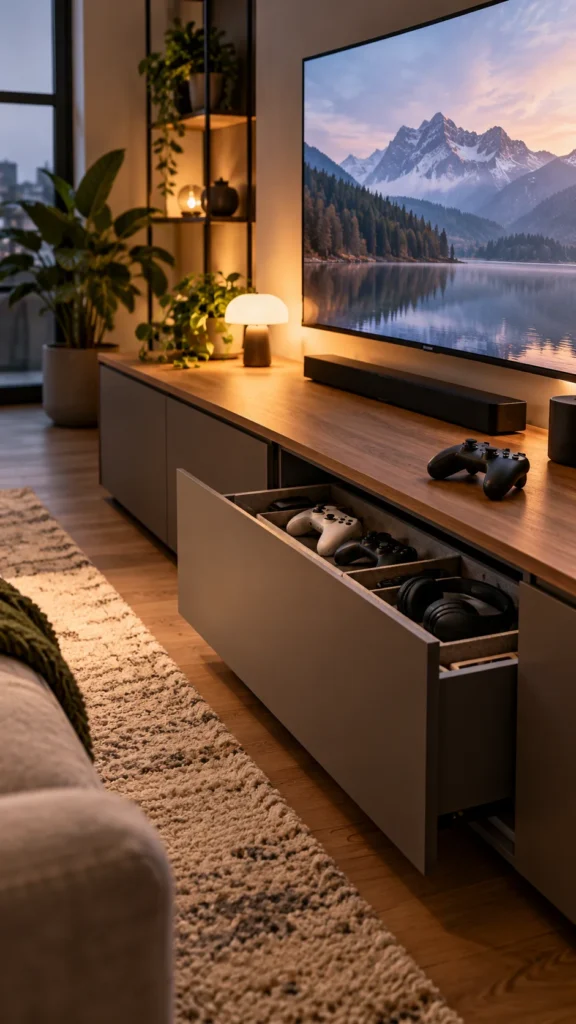
Not every gaming accessory needs to be displayed. Use a small cabinet, drawer, basket, or closed wall unit to keep controllers, cables, spare mice, and other gear out of sight when they are not being used.
Closed storage is particularly useful if you prefer a clean minimalist gaming room. Reserve open shelving for the pieces you actually want to feature.
20. Floating Display Gaming Setup
Combine a floating desk with wall-mounted shelves for a setup that appears almost built into the room. Keep the desktop simple and let the wall provide the personality through artwork, collectibles, lighting, and storage.
This approach works particularly well with a monochromatic palette. Black hardware, a neutral wall, and one accent color can create a dramatic gaming aesthetic without requiring lots of furniture.
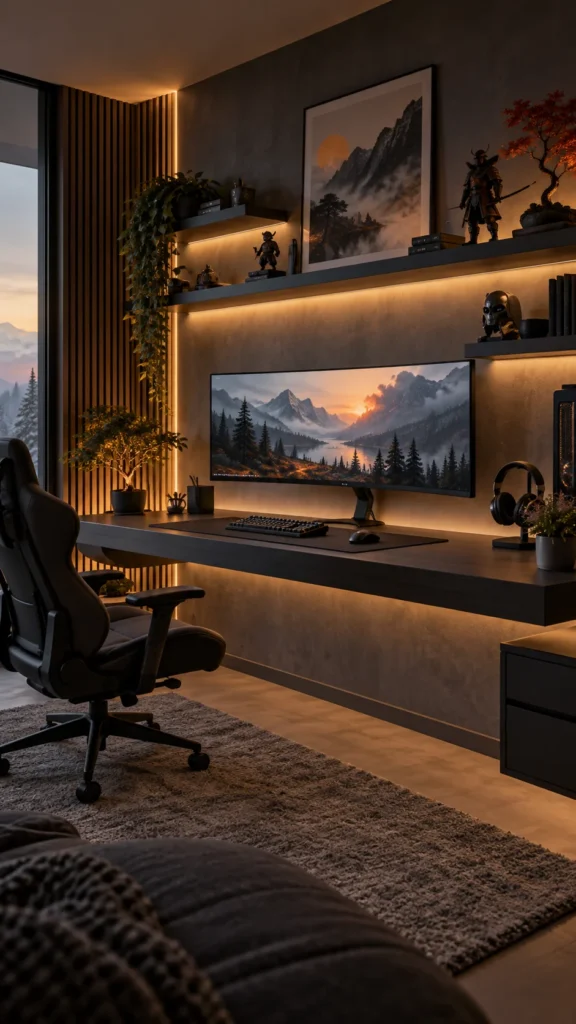
21. Ambient RGB Lighting Setup
RGB lighting is one of the easiest ways to give a PC gaming setup that instantly recognizable gaming-room atmosphere. Instead of placing lights everywhere, hide LED strips behind the desk, monitor, shelves, or wall paneling so the light bounces softly around the room.
Choose one or two colors for a more cohesive look, or use changing colors when you want a more energetic setup. Keep bright light away from directly behind the monitor if it creates distracting reflections.

Amazon Find: RGB LED Strip Lights
LED strips can add colorful ambient light behind a desk, monitor, or shelving without taking up useful gaming surface area.

22. Gaming Desk With a Task Lamp
Not every gaming room needs to glow with RGB. A clean desk lamp can provide practical lighting for reading, working, organizing equipment, or using the computer when you do not want the room completely dark.
Choose an adjustable lamp that can be moved out of your monitor’s direct reflection path. A matte black or neutral design works easily with most gaming desk styles.
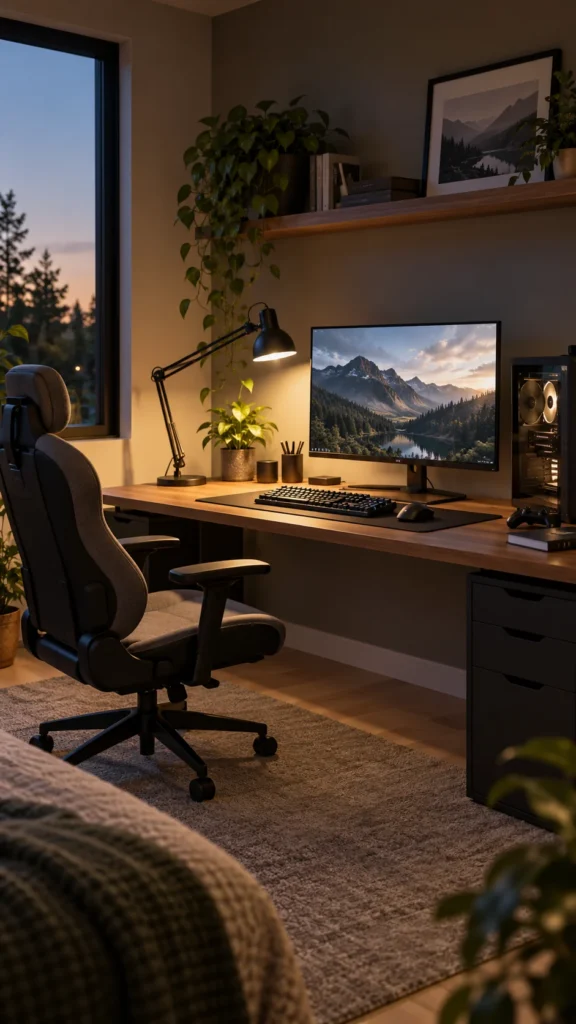
23. Blackout Curtain Gaming Room
If sunlight hits your monitor during the day, window treatments can make the gaming area much easier to control. Blackout curtains also create a darker backdrop for RGB lighting and screens.
Choose curtains that complement the room rather than treating them as purely functional. Charcoal, black, navy, or another deep neutral can work particularly well with a darker gaming aesthetic.

Amazon Find: Blackout Curtains
Blackout curtains can help control strong daylight entering the gaming room and contribute to a darker, more immersive atmosphere.

24. Compact Keyboard and Mouse Zone
A small desk does not mean you have to give up a comfortable gaming experience. Choose peripherals that leave enough room for your preferred mouse movement while keeping the keyboard positioned naturally in front of you.
A compact keyboard can free up additional space, especially if you rarely use a dedicated number pad. Keep the mouse area clear of unnecessary accessories so your most-used controls always have room.
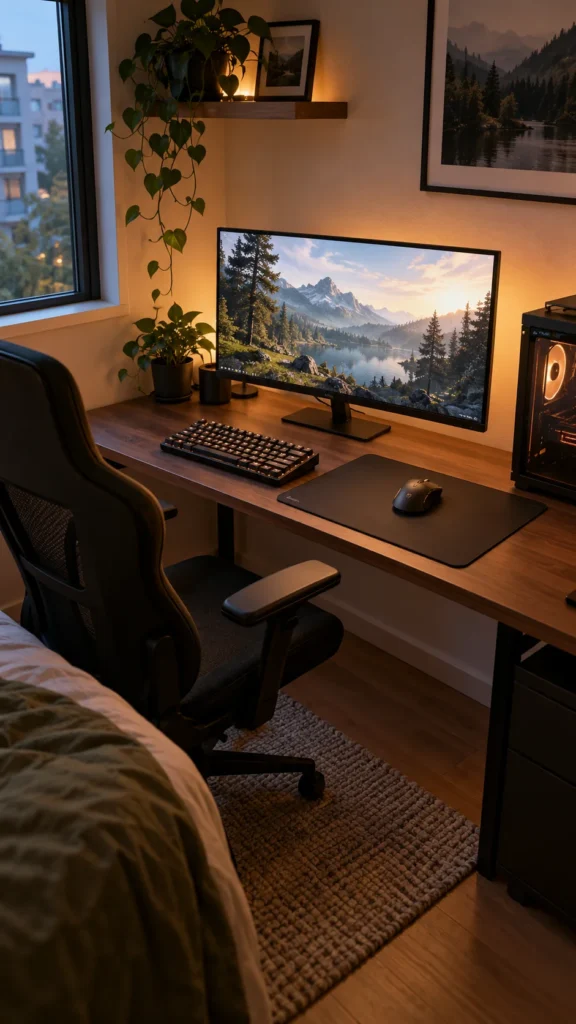
25. Rolling Gaming Cart
A rolling cart can act as a flexible accessory station for headphones, controllers, cables, games, or streaming equipment. Keep it beside the desk during gaming sessions and roll it away when you need additional floor space.
Choose a cart with multiple levels so different categories have their own place. If you move the cart frequently, keep loose cables secured so nothing catches on furniture or wheels.
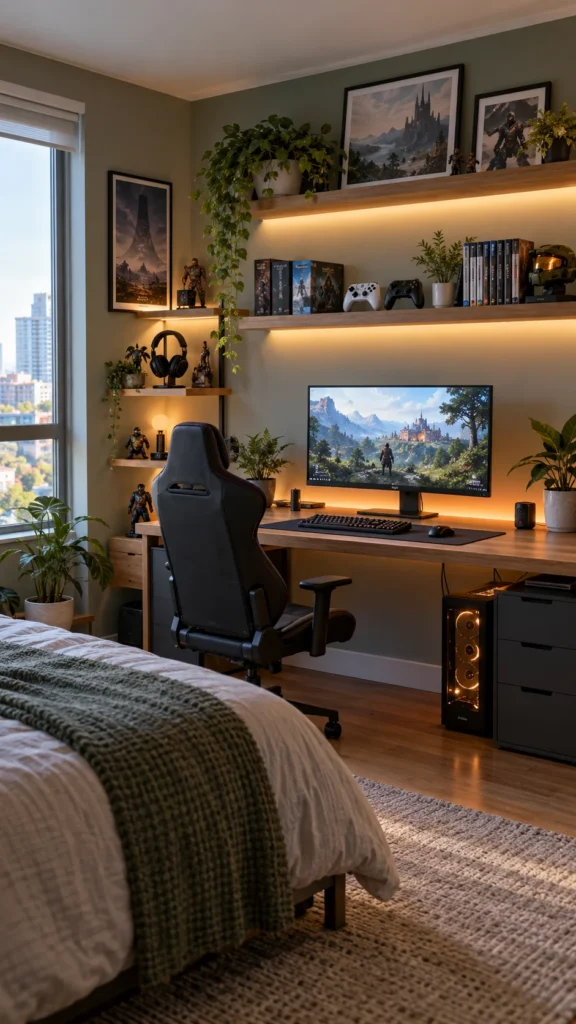
26. Futuristic Themed Gaming Room
Go all-in on a futuristic aesthetic with dark furniture, geometric wall panels, colored LED lighting, sleek monitor stands, and carefully selected gaming artwork. A limited color palette makes the theme feel deliberate rather than chaotic.
Try combining black with one vivid accent color, then repeat that accent in the lighting, desk accessories, and wall decor. Leave some plain wall space so the stronger elements have room to stand out.
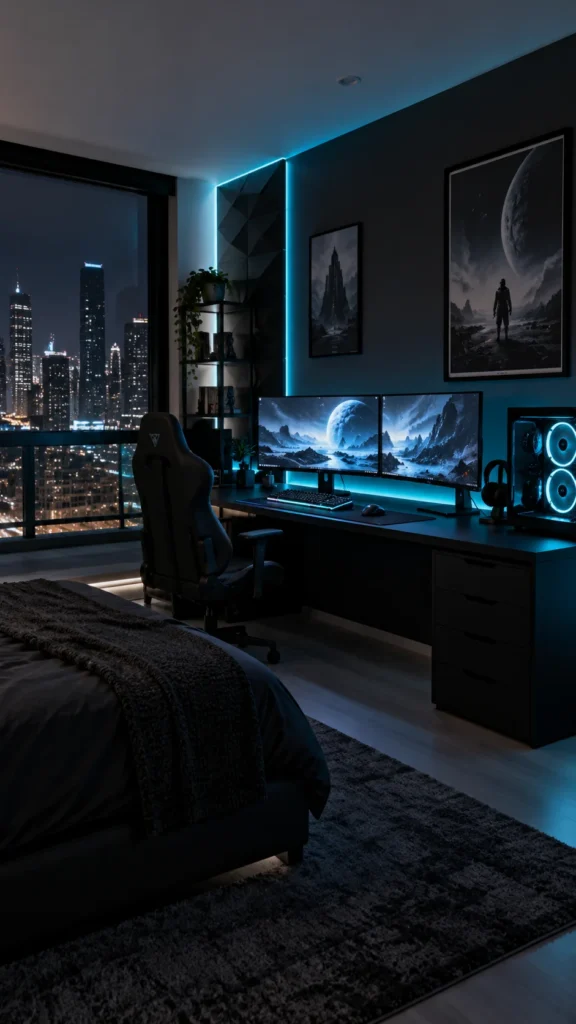
27. Cozy Dark PC Gaming Setup
For a moodier gaming room, use charcoal, black, deep gray, and warm wood tones instead of relying entirely on bright RGB. Add soft ambient lighting, a comfortable chair, a textured rug, and a few shelves for your favorite gaming pieces.
The result feels more like a cozy personal room than a traditional gaming showroom. Keep the lighting layered so you can create a darker gaming atmosphere while still having enough practical light when you need it.

Amazon Find: Gaming Desk Mat
A large desk mat can visually anchor the keyboard and mouse area while adding texture and a finished detail to a minimalist or dark gaming setup.

PC Gaming Setup Shopping Checklist
Essentials:
- Gaming PC
- Monitor or monitors
- Gaming desk
- Comfortable chair
- Keyboard and mouse
- Headset or speakers
- Power strip
- Reliable cable management
Optional setup upgrades:
- Monitor arm
- RGB lighting
- Desk mat
- Wall shelves
- Pegboard
- Controller stand
- Monitor riser
- Decorative wall panels
- Desk lamp
- Storage cart
You do not need to buy everything at once. Start with the equipment that affects how you actually use the PC, then add storage, lighting, and decorative pieces as your setup develops.
Common PC Gaming Setup Mistakes to Avoid
- Buying furniture before measuring: Check desk width, depth, chair clearance, and wall space first.
- Overloading a small desk: Prioritize the equipment you use every session and move decorative items to the walls.
- Ignoring cable routing: Decide where power and data cables will travel before positioning the desk permanently.
- Blocking PC ventilation: Give the computer’s ventilation areas adequate open space and avoid trapping it against walls or inside cramped furniture.
- Using too many colors: Choose a small palette and repeat it across lighting, accessories, and decor.
- Mounting shelves without checking the wall: Use appropriate hardware for the wall type and make sure storage is securely supported.
- Making the room completely dark: Add practical ambient or task lighting so the gaming area remains usable outside gaming sessions.
Frequently Asked Questions
How can I make a small PC gaming setup look crazy?
Focus on one strong visual feature rather than filling the room with accessories. A dramatic monitor arrangement, RGB backlighting, themed wall, floating desk, or carefully arranged collectibles can make a small station feel distinctive without consuming much floor space.
How do I maximize space on a small gaming desk?
Move equipment upward whenever possible. Monitor arms, wall shelves, pegboards, and monitor risers can free the desktop for your keyboard and mouse. Cable trays underneath the desk can also prevent cords and power accessories from taking over the usable surface.
Is an L-shaped desk good for gaming?
An L-shaped desk can be useful when you have a corner available and want more surface area. It can accommodate multiple monitors, speakers, accessories, or a secondary work area. Measure carefully first because some L-shaped desks have a much larger footprint than compact straight desks.
How do I hide cables in a gaming setup?
Use an under-desk cable tray for loose wires, reusable ties for grouping cords, and a wall cable raceway for wires that need to travel toward an outlet. Leave enough slack for normal equipment movement and keep the setup accessible for future upgrades.
What can I put on the wall behind my gaming PC?
Good options include floating shelves, a pegboard, framed gaming artwork, decorative panels, headphones hooks, small collectibles, or hidden cable channels. Choose a few elements that support your theme rather than covering the entire wall with unrelated decorations.
Recommended Finds
Dual monitor arms are useful when you want multiple displays without sacrificing as much desktop space.
Gaming cable management kits can help organize the collection of power, USB, display, and peripheral cables around a PC station.
Gaming wall shelves provide a place for controllers, headphones, collectibles, and decor without taking up valuable floor space.
Final Thoughts
A crazy PC gaming setup is not necessarily the one with the most expensive equipment or the most RGB lighting. The most memorable setups usually have a clear layout, good cable management, useful storage, and a visual theme that reflects the person using the room.
Start by measuring your space and deciding what your PC gaming station actually needs. Then choose the desk layout, organize the cables, build upward with storage, and add lighting and decor last. That approach lets you create a gaming setup that looks impressive while remaining practical enough to use every day.
