
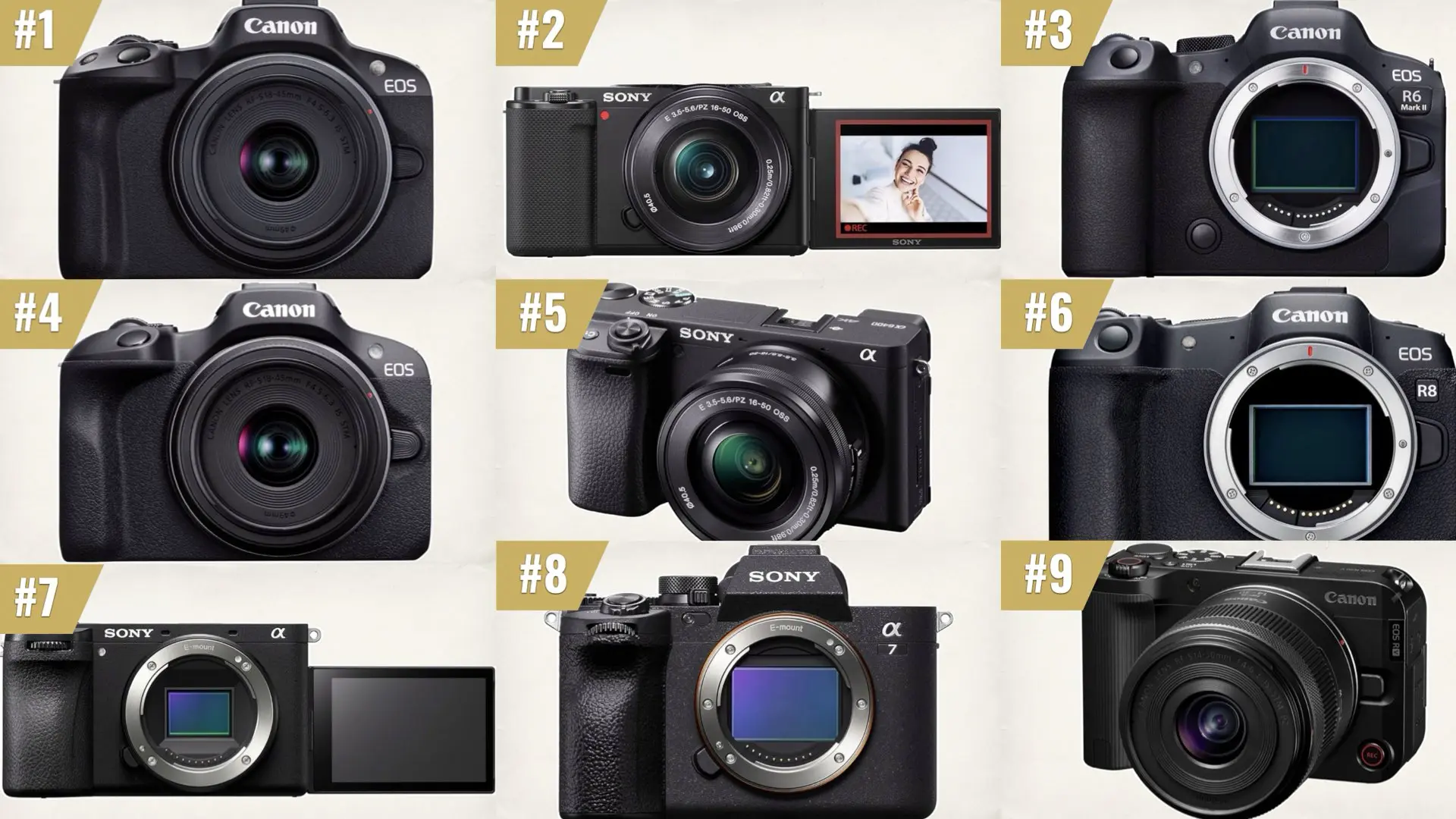

A good streaming camera can make a noticeable difference in how your audience experiences your content. Clear facial expressions, balanced colors, reliable autofocus, and smooth video help create a more engaging live stream, whether you are broadcasting gameplay, hosting a podcast, or recording tutorials.
From affordable plug-and-play webcams to advanced mirrorless cameras and dedicated camcorders, these 12 best cameras for live streaming cover different budgets and content creation styles. The selection includes established models that may still be useful for existing setups or secondhand purchases, alongside options for creators looking to build a more professional streaming studio.
More Streaming and Gaming Setup Ideas:
Best Cameras for Live Streaming: Quick Comparison
| Camera | Camera Type | Best For | Connection |
|---|---|---|---|
| Logitech C920s | 1080p webcam | Beginner streamers | USB |
| Logitech C922x | 1080p webcam | Twitch and gaming streams | USB |
| Logitech BRIO 4K | 4K webcam | Detailed desktop video | USB |
| Razer Kiyo | 1080p webcam | Compact streaming desks | USB |
| Microsoft LifeCam HD-3000 | 720p webcam | Basic casual streaming | USB |
| Panasonic Lumix GH5 | 4K mirrorless | Advanced studio production | HDMI capture |
| Canon VIXIA HF R800 | Full HD camcorder | Small live events | HDMI capture |
| Panasonic HC-V180K | Full HD camcorder | Long-distance subjects | HDMI capture |
| Sony Alpha a5100 | APS-C mirrorless | Compact creator setups | HDMI capture |
| Canon EOS M200 | 4K mirrorless | Lifestyle and talking-head content | HDMI capture |
| Sony Alpha a6400 | 4K mirrorless | Advanced solo creators | HDMI capture |
| Canon EOS C70 | 4K cinema camera | Professional broadcasts | HDMI capture |
Note: Camera resolution does not necessarily represent the resolution available during live streaming. Your camera output, capture device, streaming software, internet connection, and broadcasting platform must support the selected settings.
How to Choose the Best Camera for Live Streaming
Before investing in a streaming camera, consider the type of content you create and how much equipment your streaming desk can accommodate. A webcam may be perfectly adequate for a small gaming facecam, while an interchangeable-lens camera provides more creative control for full-screen video.
- Resolution: Full HD 1080p is a practical starting point for most desktop streaming setups.
- Frame rate: A 30fps camera works well for conversations, while 60fps can provide smoother movement.
- Autofocus: Reliable face tracking is useful when streaming without a camera operator.
- Clean HDMI output: Dedicated cameras should provide an output without distracting camera menus and focus indicators.
- Continuous power: Check whether the camera supports a suitable external power supply for extended broadcasts.
- Heat management: Test the camera for your expected streaming duration before relying on it for an important event.
- Lens compatibility: Interchangeable-lens cameras require a suitable lens for your room dimensions and preferred framing.
- Audio quality: A dedicated microphone is often a more useful upgrade than moving from 1080p to 4K video.
The Perfect Live Streaming Setup Formula
Reliable camera + soft front lighting + clear microphone audio + stable camera mount + compatible streaming software + reliable internet connection = a professional-looking live stream.
12 Best Cameras for Gaming and Live Streaming
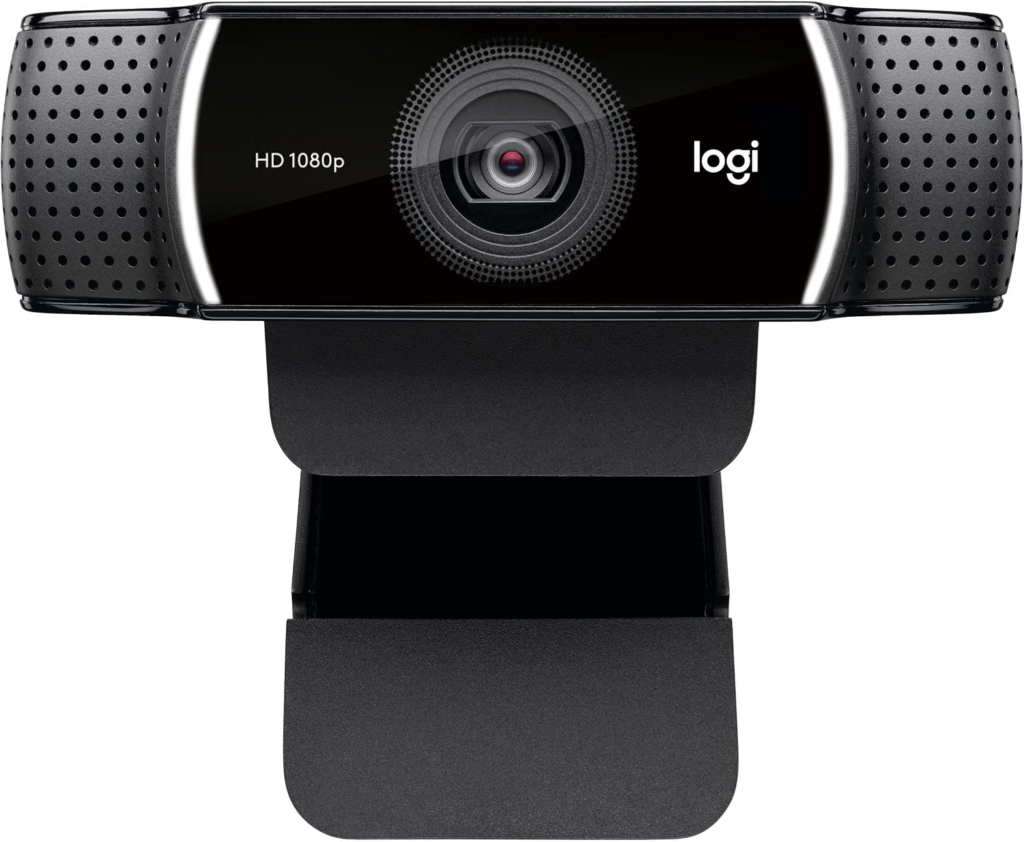
1 Logitech C920s HD Pro Webcam – Best for Beginners
The Logitech C920s is a practical starting point for new Twitch streamers, YouTube creators, and gamers who want a straightforward camera setup. Its compact design fits comfortably above a computer monitor without occupying additional desk space.
The camera offers Full HD video, autofocus, automatic light correction, and a physical privacy shutter. Pair it with a soft desk light and a dedicated microphone to create a clean, beginner-friendly broadcasting station without investing in complicated camera equipment.
- Resolution: 1080p at 30fps
- Connectivity: USB
- Field of view: 78 degrees
- Best feature: Straightforward desktop setup
- Limitation: No 1080p at 60fps option
- Ideal for: Beginners, gaming facecams, and casual broadcasts
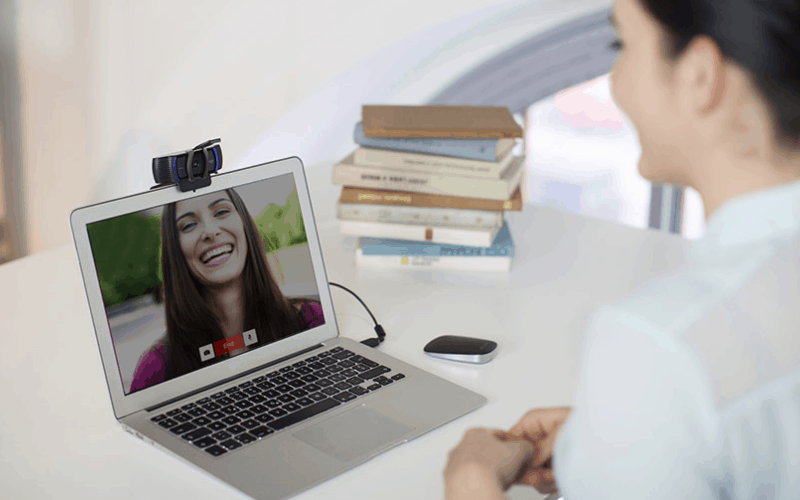
Amazon Find: Logitech C920s HD Pro Webcam
A convenient Full HD webcam for creators building their first live streaming setup.
2 Logitech C922x Pro Stream Webcam – Best for Twitch Gaming
The Logitech C922x is an appealing option for gaming creators who want more flexibility when choosing their webcam frame rate. It supports smoother 720p video at 60 frames per second, which can be useful when displaying animated reactions alongside gameplay.
Its compact construction makes it suitable for dual-monitor gaming desks and smaller streaming stations. Position the camera slightly above eye level and use a diffused light source to create a more flattering image. It can also work well for full-screen conversations when configured at 1080p.
- Resolution: 1080p at 30fps or 720p at 60fps
- Connectivity: USB
- Focus: Autofocus
- Best feature: Flexible resolution and frame rate options
- Limitation: Higher frame rate requires reduced resolution
- Ideal for: Twitch streamers and gaming content creators
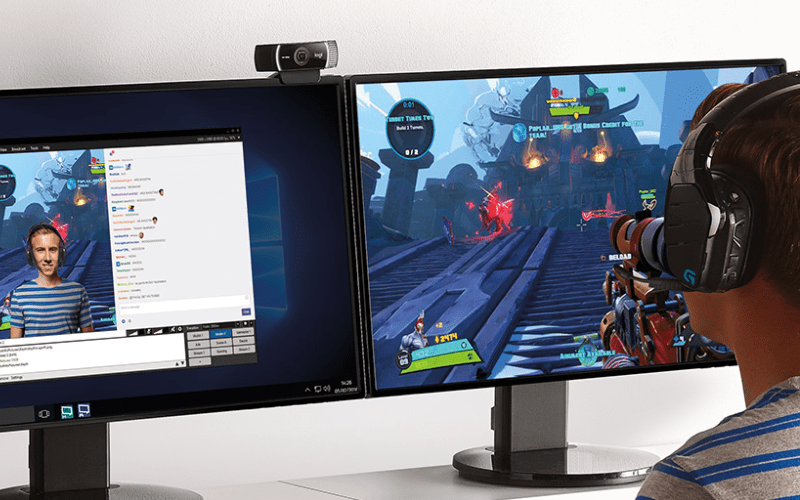
Amazon Find: Logitech C922x Pro Stream Webcam
A dedicated streaming webcam with Full HD video and an optional smoother 720p capture mode.
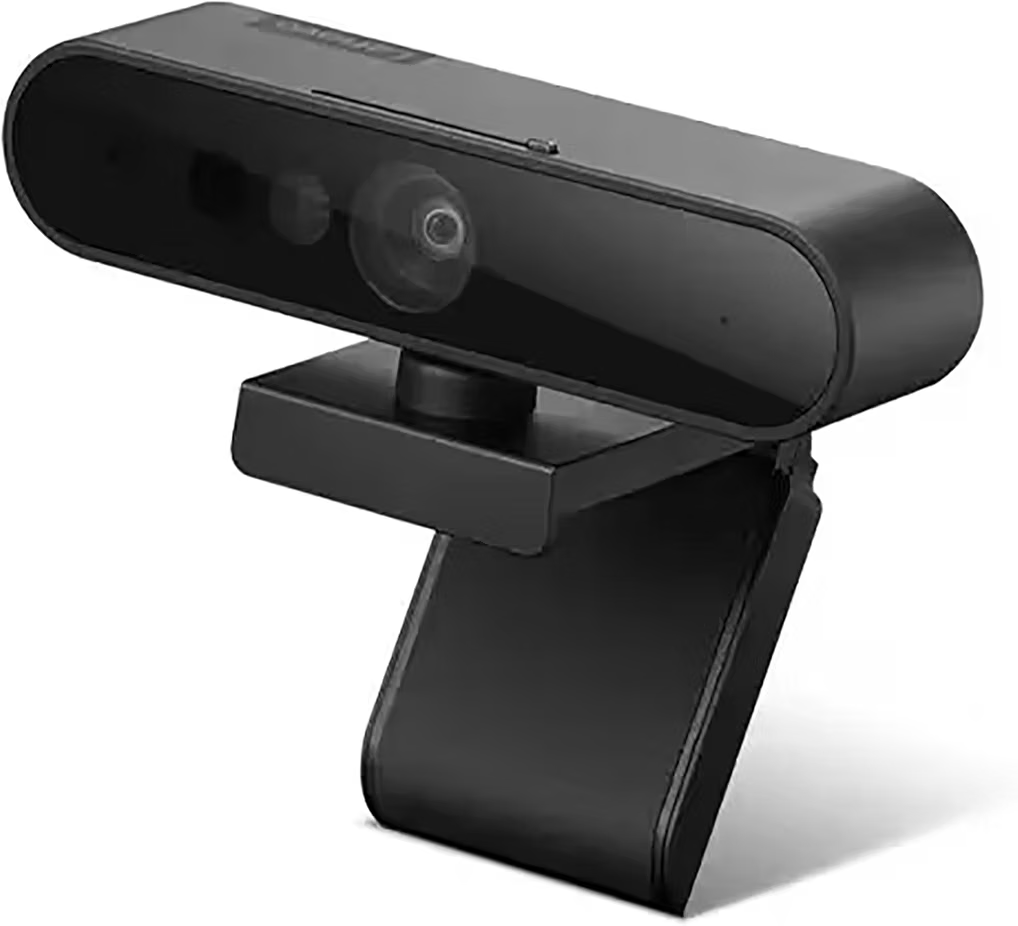
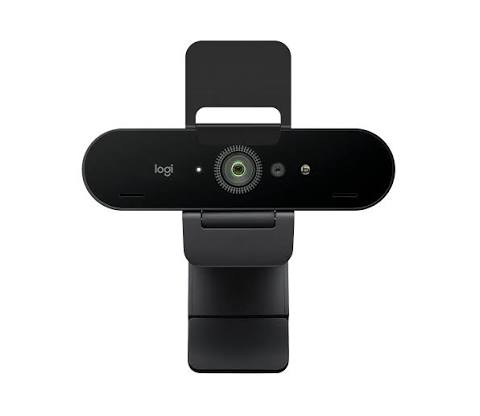
3 Logitech BRIO 4K Webcam – Best for High-Resolution Desktop Video
The Logitech BRIO 4K is worth considering if you frequently appear full-screen during live broadcasts or also record high-resolution video for YouTube. It offers several capture settings, allowing creators to balance image detail with motion smoothness.
Adjustable viewing angles make it useful for both close-up conversations and wider shots that include a carefully decorated streaming background. The webcam also supports HDR functionality, although results depend on the application and lighting conditions. A compatible USB connection is necessary for its higher-resolution modes.
- Maximum capture resolution: 4K at 30fps
- Full HD option: 1080p at up to 60fps
- Connectivity: USB
- Best feature: Multiple high-resolution capture modes
- Limitation: Not every streaming application supports 4K broadcasts
- Ideal for: YouTube creators, podcasts, and professional desktop streams
Amazon Find: Logitech BRIO 4K Webcam
A premium desktop webcam for creators who want detailed video without installing a separate mirrorless camera system.
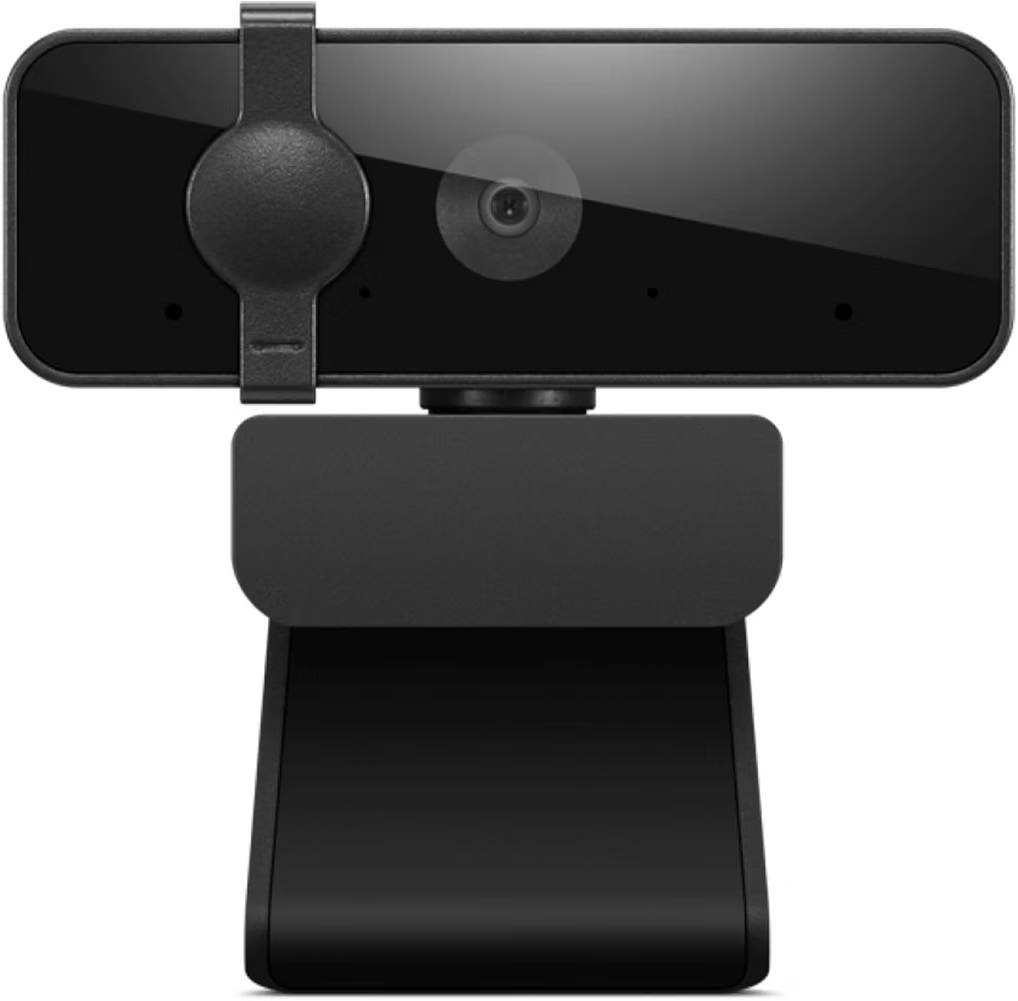
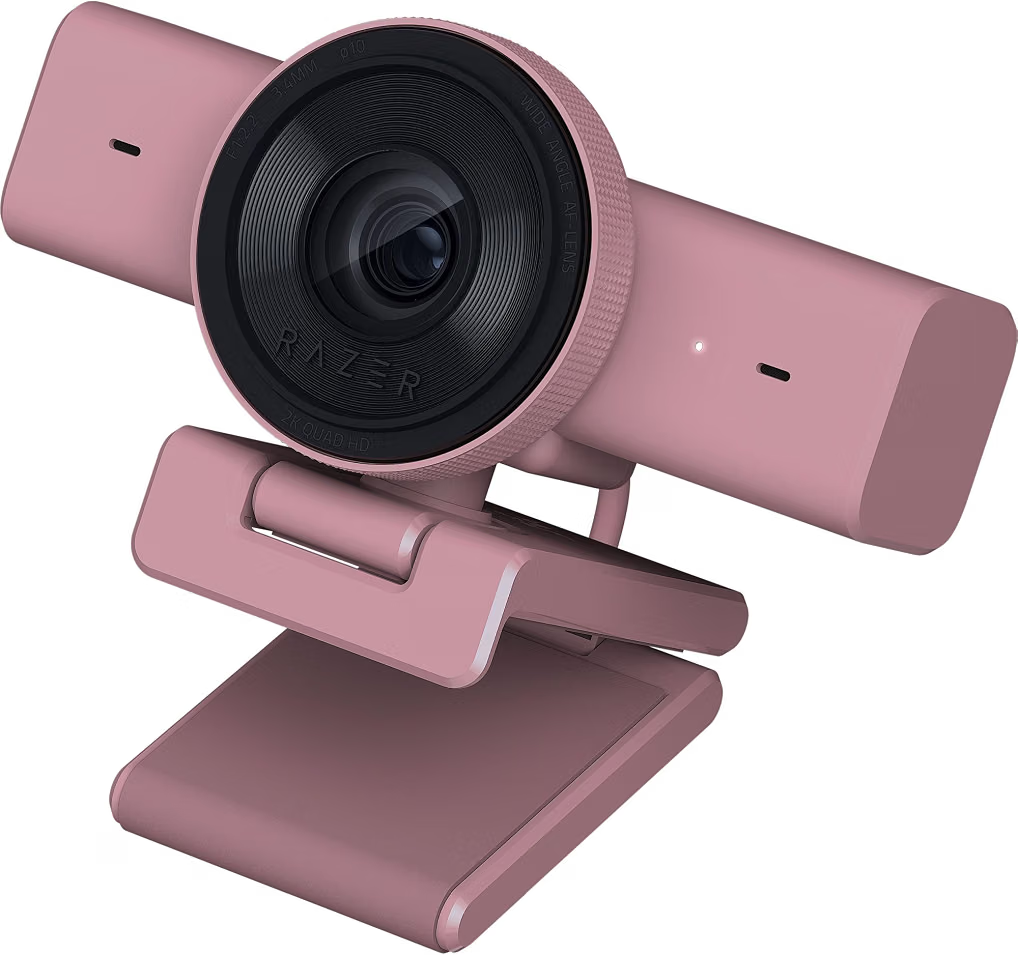
4 Razer Kiyo – Best Streaming Camera with Built-In Lighting
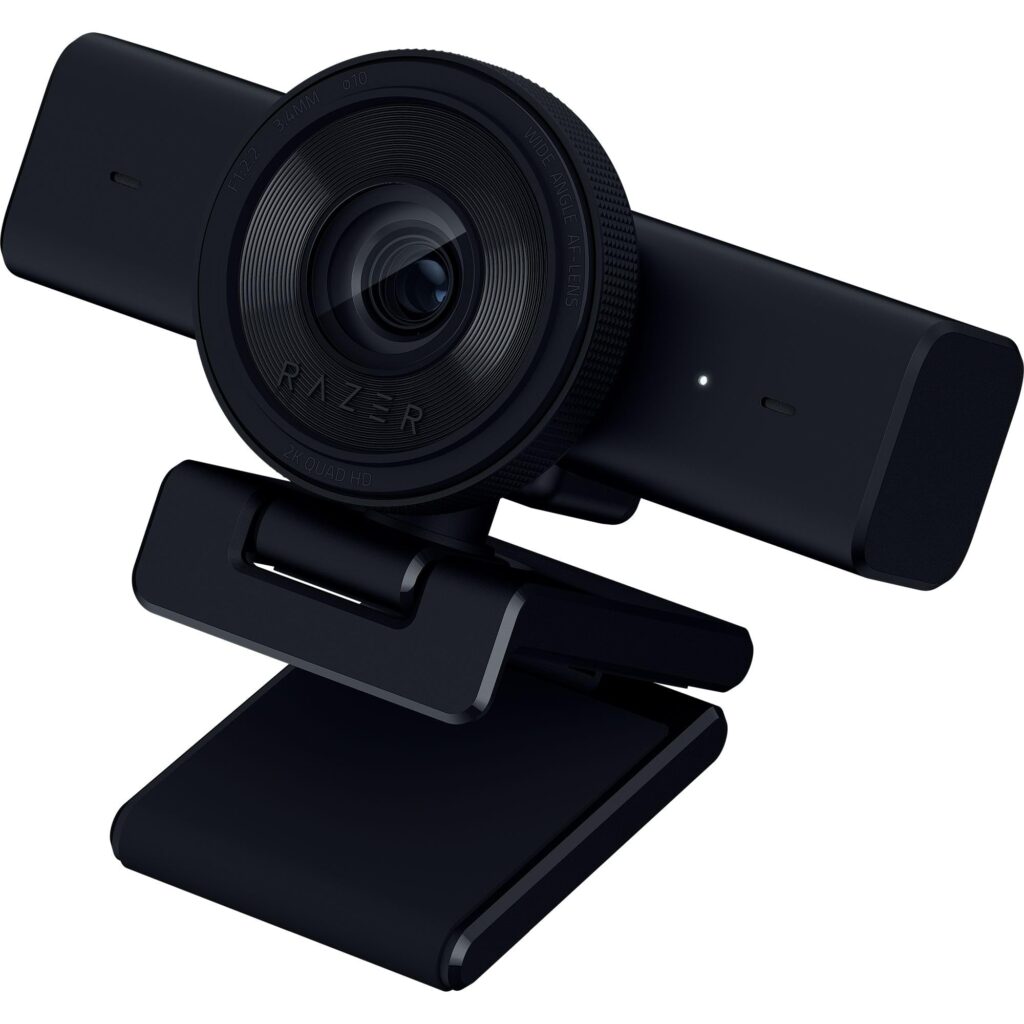
The original Razer Kiyo stands out because of its integrated adjustable ring light. This design is particularly convenient for gamers working with compact desks, limited lighting equipment, or darker bedroom streaming setups.
The circular light surrounds the camera lens and provides direct illumination without requiring a separate ring light stand. Its selectable video modes make it useful for gaming facecams and casual conversations. Creators wearing glasses may prefer additional diffused lighting to reduce visible ring-shaped reflections.
- Resolution: 1080p at 30fps or 720p at 60fps
- Connectivity: USB
- Lighting: Integrated adjustable ring light
- Best feature: Camera and lighting combined in one device
- Limitation: Built-in lighting offers limited positioning flexibility
- Ideal for: Small gaming desks and beginner streaming rooms
Amazon Find: Razer Kiyo Streaming Webcam
A compact gaming webcam with adjustable built-in lighting for creators with limited desk space.
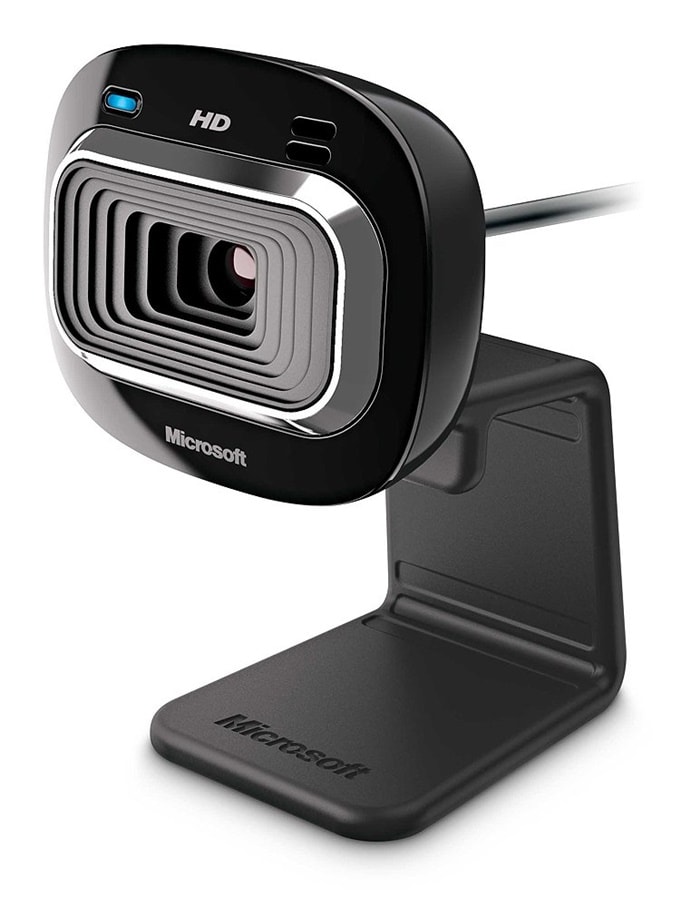
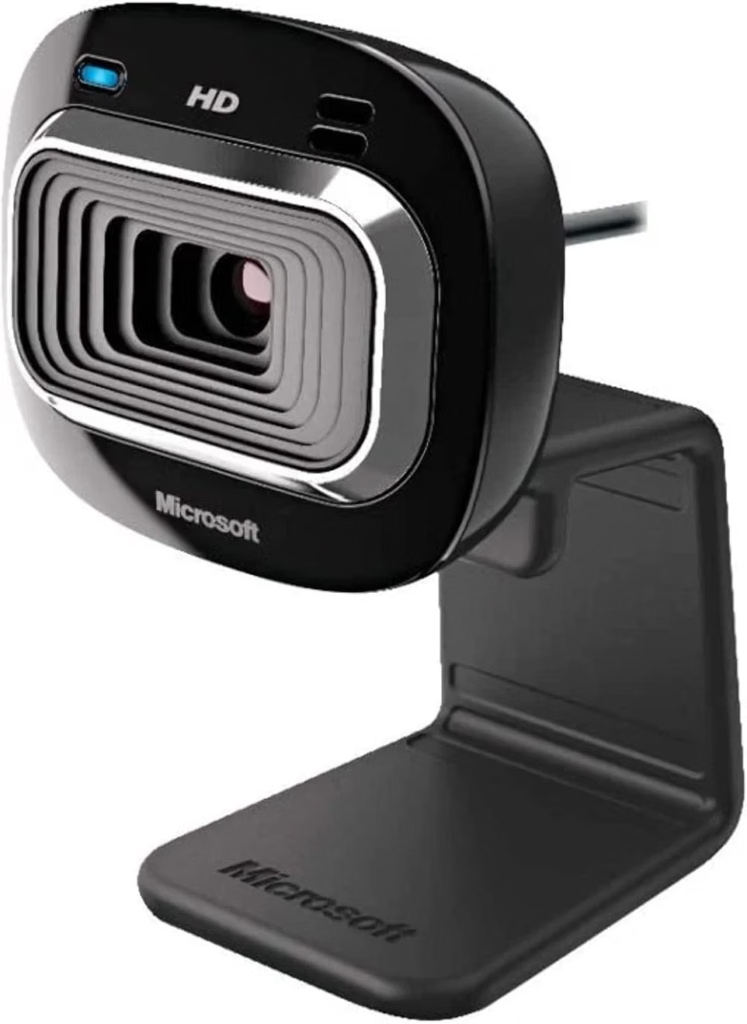
5 Microsoft LifeCam HD-3000 – Basic Legacy Webcam for Casual Streaming
The Microsoft LifeCam HD-3000 is an older webcam that can still be useful for casual broadcasts, particularly if you already own one. Its uncomplicated design makes it suitable for small facecam overlays where high-resolution footage is not the main priority.
Use a well-lit room and position the webcam securely above your monitor. Although its video quality falls behind modern Full HD alternatives, it may be sufficient for experimenting with streaming before making a larger equipment investment. Check operating system compatibility before purchasing this legacy model.
- Resolution: 720p at up to 30fps
- Connectivity: USB
- Best feature: Simple, compact design
- Limitation: No Full HD capture
- Ideal for: Casual broadcasts and reusing existing equipment
Amazon Find: Microsoft LifeCam HD-3000
Explore listings for this basic webcam and compare its cost and compatibility with newer Full HD alternatives.
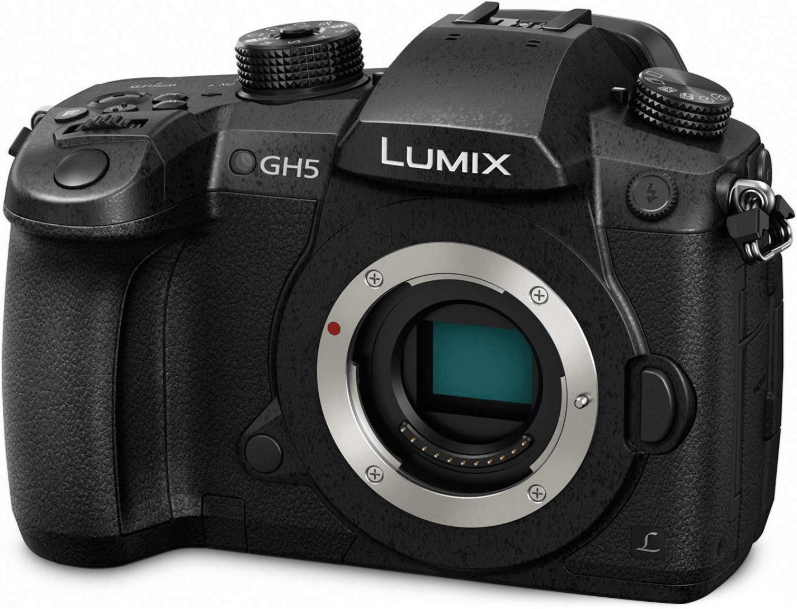
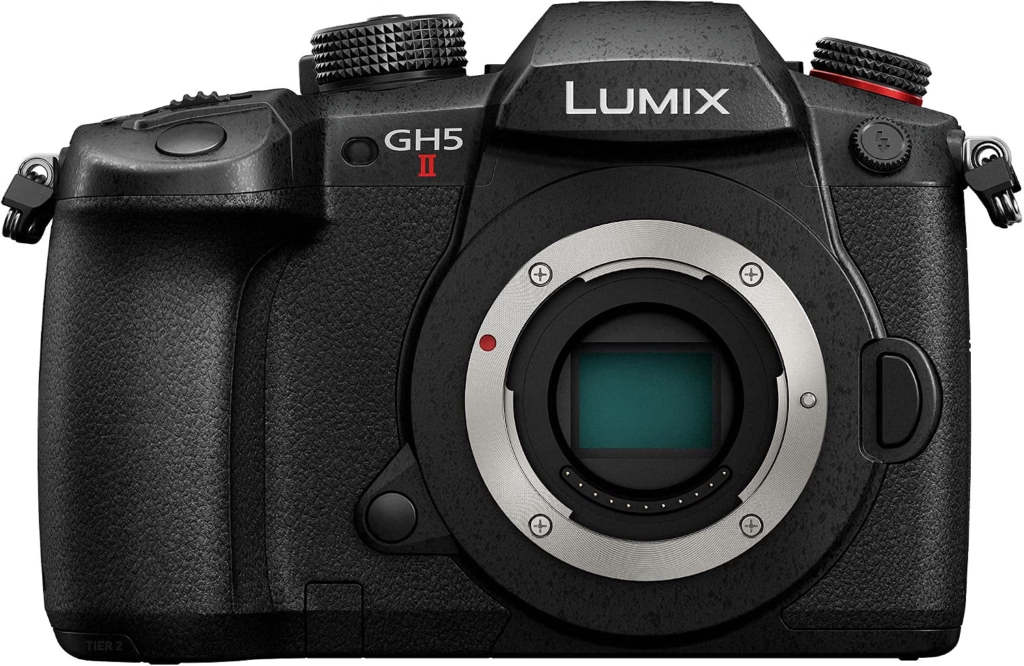
6 Panasonic Lumix GH5 – Best for Advanced Video Creators
The Panasonic Lumix GH5 is a video-oriented mirrorless camera that offers considerably more creative flexibility than a traditional webcam. Its interchangeable-lens system and extensive exposure controls make it suitable for dedicated YouTube studios, video podcasts, and more elaborate streaming productions.
Pair the GH5 with a suitable Micro Four Thirds lens, a compatible HDMI capture device, and a continuous power solution. A tripod and carefully arranged studio lights can help create a consistent, cinematic appearance. Test autofocus behavior before broadcasting, especially if you frequently move around the frame.
- Video capability: Up to 4K at 60fps
- Sensor: Micro Four Thirds
- Connectivity: Full-size HDMI output
- Best feature: Extensive video controls and interchangeable lenses
- Limitation: More complicated and potentially expensive than a webcam setup
- Ideal for: Advanced content creators and studio productions
Amazon Find: Panasonic Lumix GH5 Mirrorless Camera
A video-focused interchangeable-lens camera for creators interested in building an advanced streaming studio.
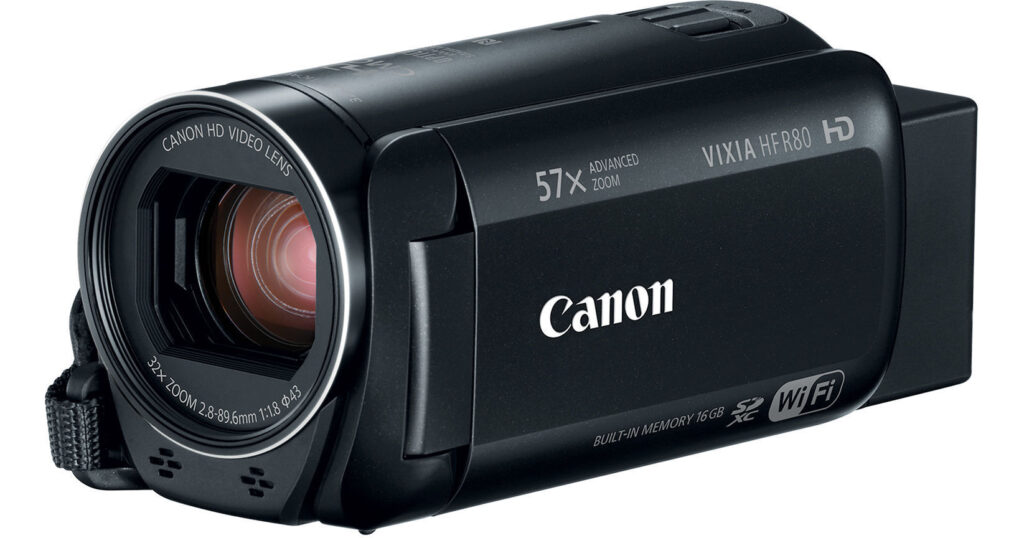
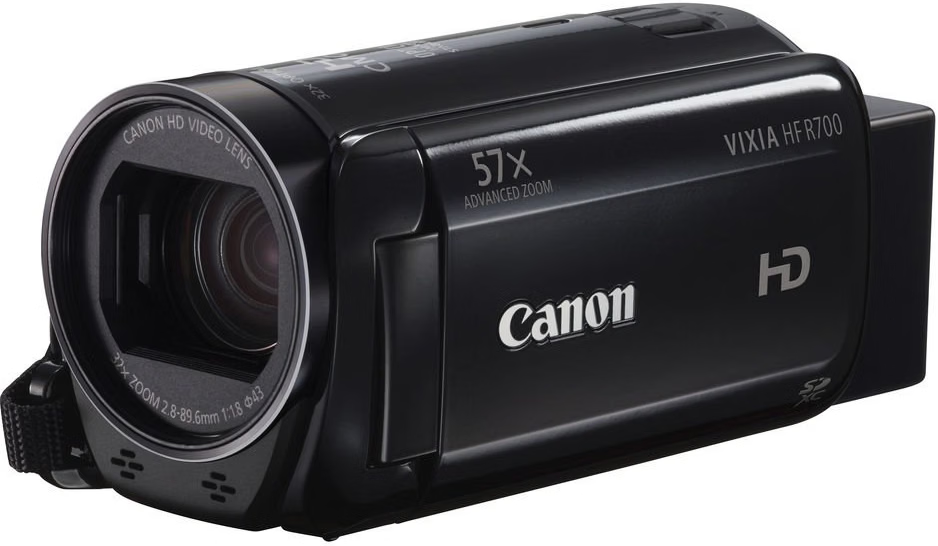
7 Canon VIXIA HF R800 – Best for Small Live Events
The Canon VIXIA HF R800 is a compact camcorder that suits event-style broadcasts where a conventional desktop webcam would be too restrictive. Its integrated zoom lens and adjustable display make it useful for filming presentations, performances, and small gatherings.
Mount the camcorder on a stable tripod and connect its HDMI output to a compatible capture system. For lengthy broadcasts, use an appropriate external power supply. Provide adequate lighting because the smaller sensor is less suitable for dim venues than many larger-sensor cameras.
- Video capability: Full HD 1080p
- Camera type: Camcorder
- Connectivity: Mini HDMI output
- Best feature: Integrated zoom lens and portable design
- Limitation: Less suitable for poorly illuminated environments
- Ideal for: Presentations, family events, and small live broadcasts
Amazon Find: Canon VIXIA HF R800 Camcorder
Explore this established Full HD camcorder for tripod-based streaming and small event coverage.
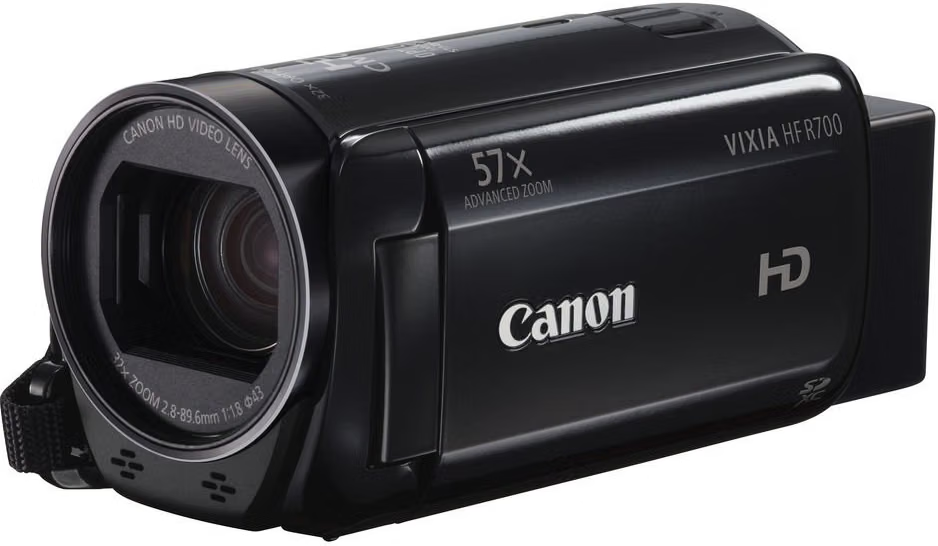
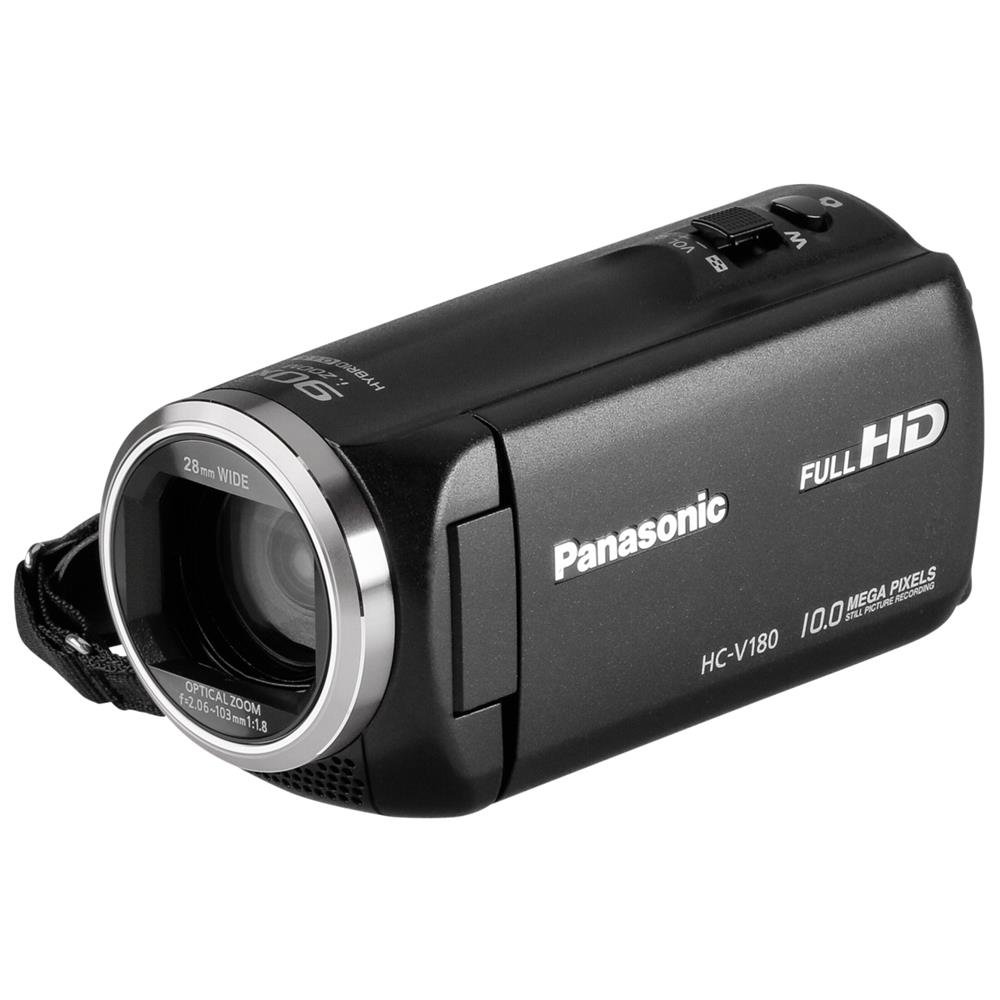
8 Panasonic HC-V180K – Best for Zoom-Based Event Streaming
The Panasonic HC-V180K is another compact camcorder option for creators who need to capture subjects beyond the immediate computer desk. Its built-in zoom lens is particularly useful for recording demonstrations, presentations, and activities from a distance.
A dedicated camera operator can adjust framing throughout a broadcast, making the camcorder more versatile than a fixed webcam for certain events. Use a tripod when working at longer zoom settings and confirm the HDMI output configuration before purchasing a capture device.
- Video capability: Full HD 1080p
- Optical zoom: 50x
- Camera type: Camcorder
- Best feature: Long integrated optical zoom
- Limitation: Smaller sensor and limited low-light performance
- Ideal for: Presentations, workshops, and distant subjects
Amazon Find: Panasonic HC-V180K Camcorder
A compact Full HD camcorder for creators who need flexible framing and long-range zoom capabilities.
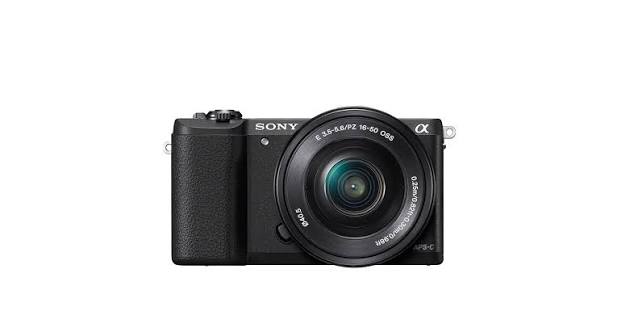
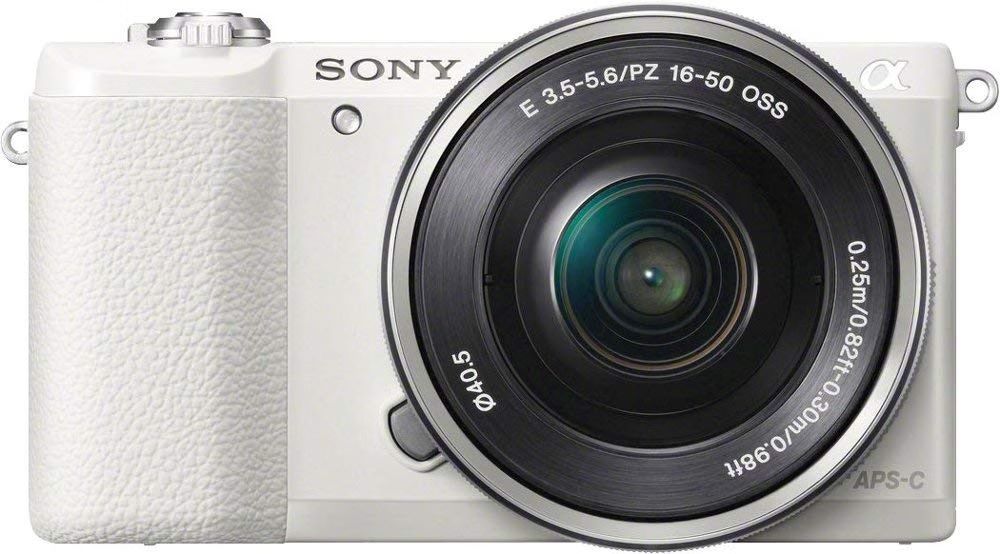
9 Sony Alpha a5100 – Best Entry-Level Used Mirrorless Camera
The Sony Alpha a5100 is an older mirrorless camera that remains an interesting option for creators exploring secondhand streaming equipment. Its APS-C sensor and interchangeable lenses provide greater control over background separation and image composition than a conventional webcam.
Its compact body fits neatly into smaller creator studios, while the flip-up display helps with framing. Pair it with a suitable Sony E-mount lens, compatible HDMI capture hardware, and an external microphone connected to your computer. Check the camera’s condition and test extended operation before relying on it for long broadcasts.
- Video capability: Full HD 1080p at up to 60fps
- Sensor: APS-C CMOS
- Connectivity: Micro HDMI output
- Best feature: Compact interchangeable-lens design
- Limitation: No external microphone input or 4K video
- Ideal for: Secondhand camera buyers and small streaming studios
Amazon Find: Sony Alpha a5100 Mirrorless Camera
Explore used and renewed listings for this compact APS-C camera. Check the included lens, accessories, and seller return policy.
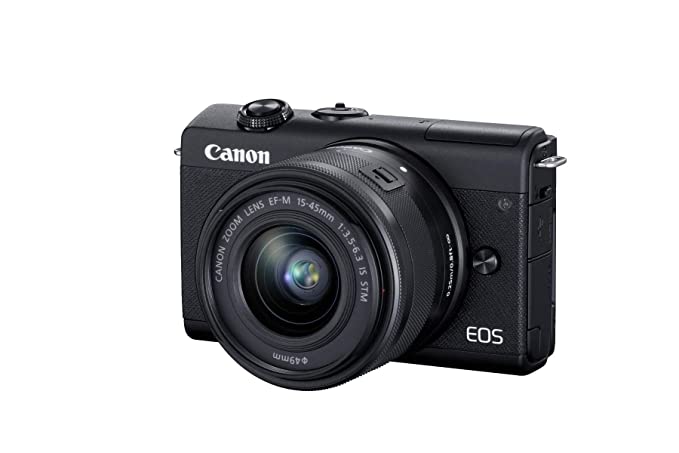
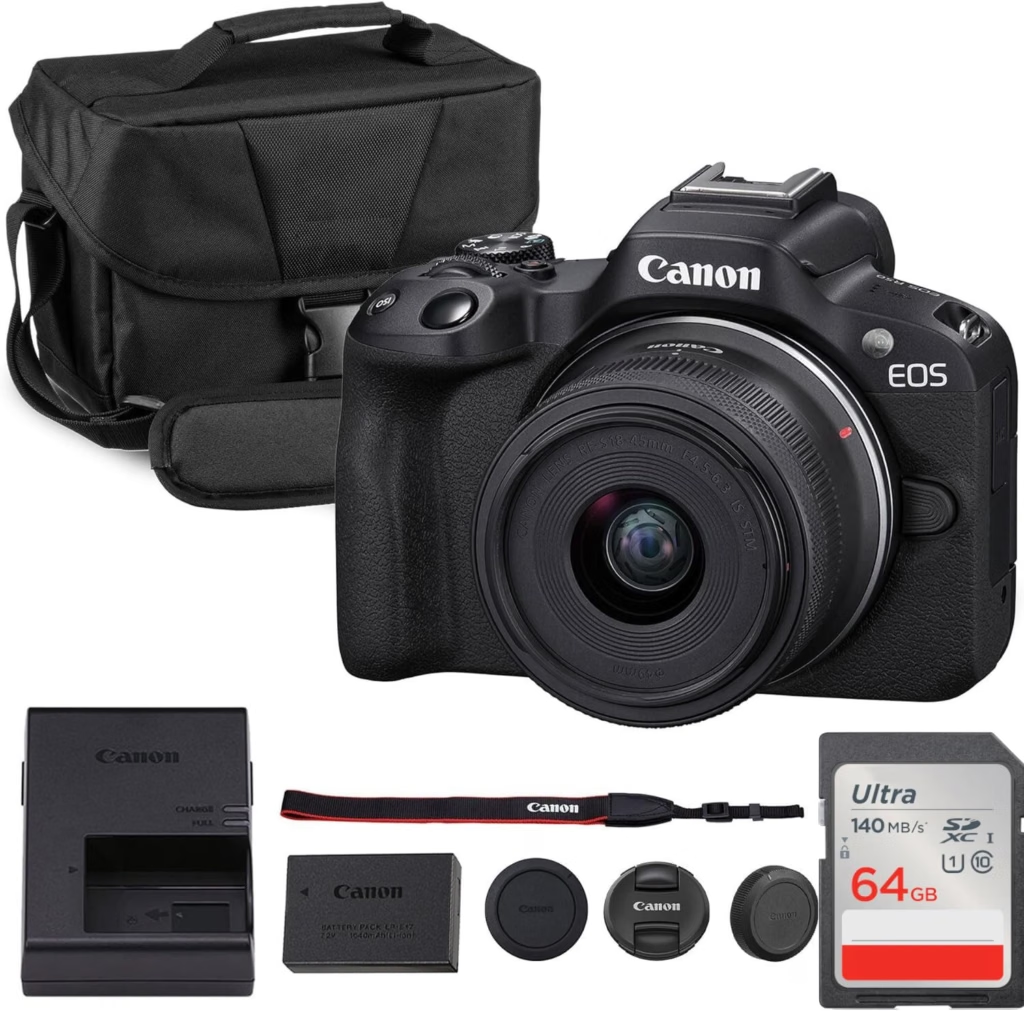
10 Canon EOS M200 – Best for Compact Lifestyle Streaming Studios
The Canon EOS M200 is a compact mirrorless camera that suits creators who prefer a discreet workstation rather than a large professional camera rig. Its lightweight body and upward-tilting touchscreen are convenient for solo content creation.
Use a compatible EF-M lens to frame your face and streaming background. Although the camera supports 4K video, that mode introduces additional cropping and autofocus limitations. Full HD is often the more practical choice for desktop broadcasting. Since the EF-M system is discontinued, consider lens availability before investing.
- Video capability: 4K at approximately 24fps and Full HD at up to 60fps
- Sensor: APS-C CMOS
- Connectivity: Micro HDMI output
- Best feature: Lightweight mirrorless camera body
- Limitation: Discontinued lens system and no external microphone input
- Ideal for: Lifestyle creators, tutorials, and compact studios
Amazon Find: Canon EOS M200 Mirrorless Camera
A compact camera option for lifestyle broadcasts and talking-head video content, particularly when purchased as a suitable used camera kit.
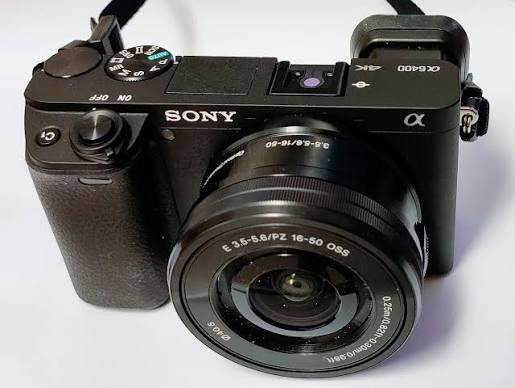
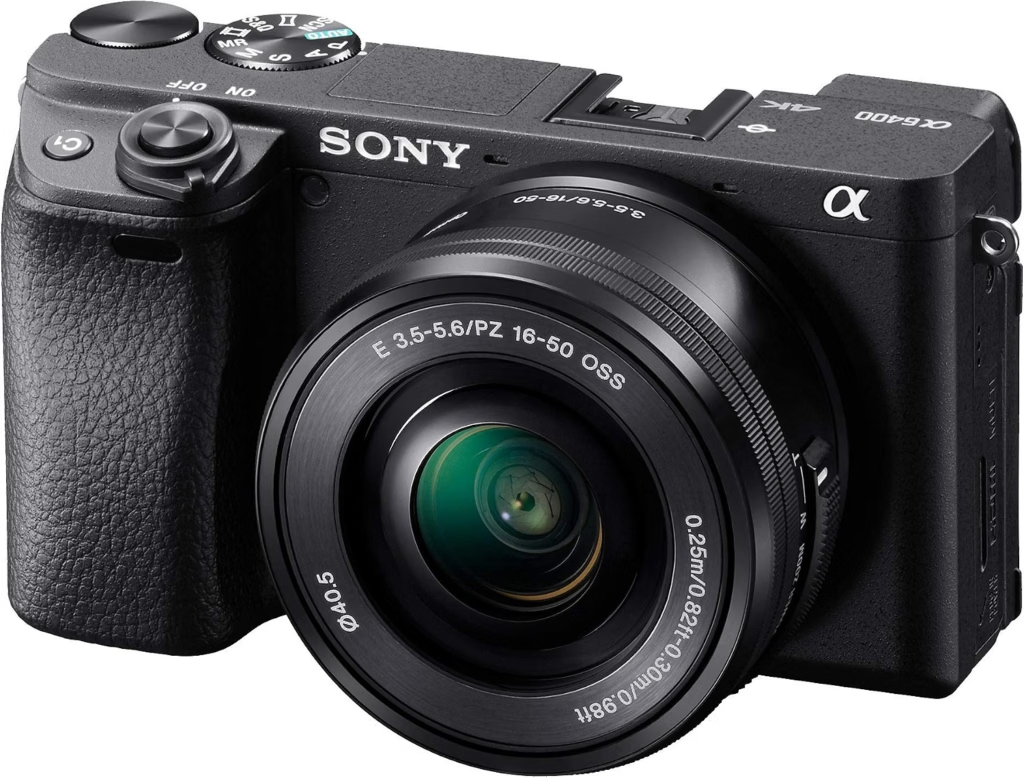
11 Sony Alpha a6400 – Best for Advanced Solo Streamers
The Sony Alpha a6400 is a versatile mirrorless camera for creators seeking professional-looking video and dependable autofocus. Its interchangeable-lens design allows you to experiment with different camera angles, background blur, and lighting arrangements.
Face and eye detection capabilities are particularly useful when broadcasting without a dedicated camera operator. Combine the camera with a suitably wide lens, HDMI capture device, and continuous power arrangement for a permanent streaming station. Test temperature behavior and power settings during extended sessions.
- Video capability: 4K at up to 30fps
- Sensor: APS-C CMOS
- Connectivity: Micro HDMI output
- Best feature: Advanced autofocus and subject tracking
- Limitation: No in-body image stabilization
- Ideal for: YouTubers, solo streamers, and advanced content creators
Amazon Find: Sony Alpha a6400 Mirrorless Camera
A versatile APS-C mirrorless camera for creators looking to upgrade from conventional desktop webcams.
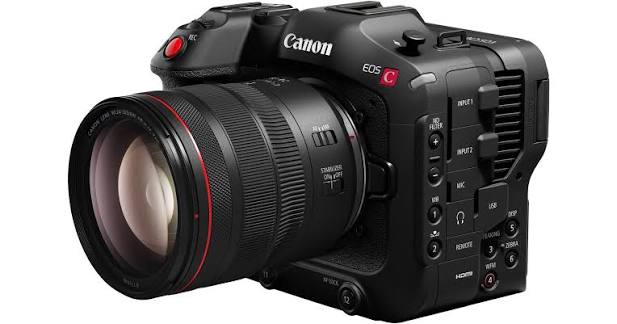
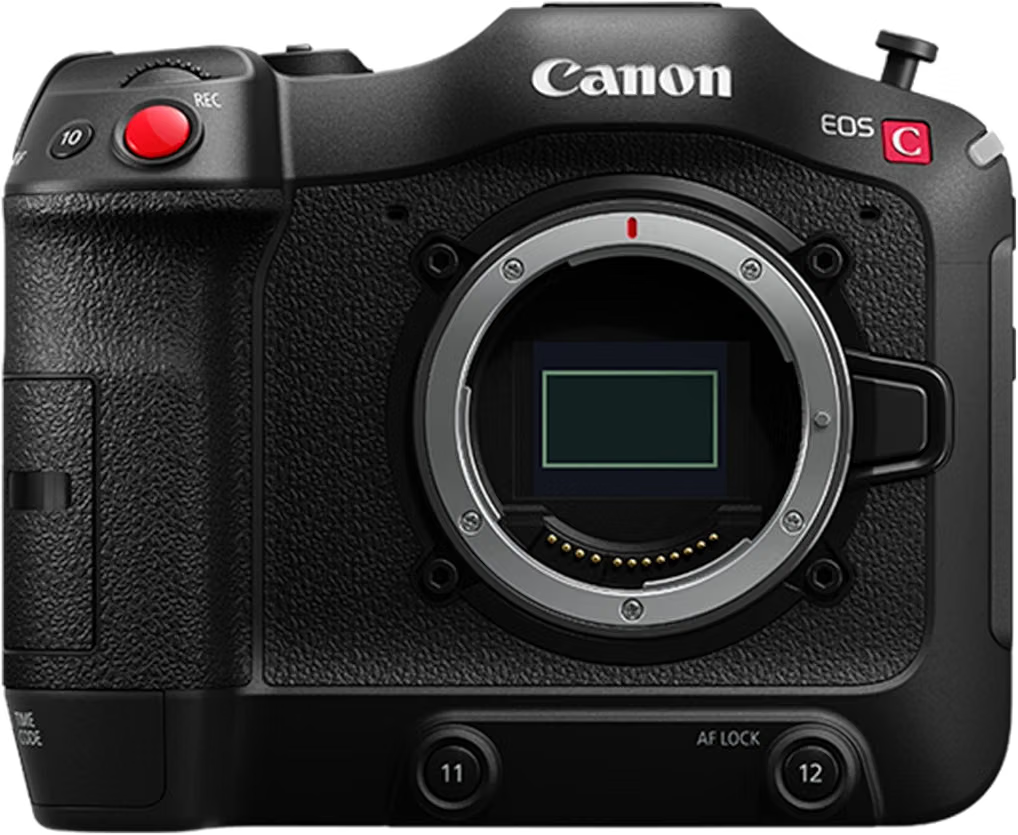
12 Canon EOS C70 – Best for Professional Live Productions
The Canon EOS C70 is a dedicated cinema camera for professional production environments. It is better suited to established video studios, commercial broadcasts, multicamera podcasts, and advanced live events than an ordinary gaming facecam.
Its Super 35 sensor, RF lens mount, professional audio connections, and extensive video controls provide considerable production flexibility. A compatible HDMI capture system or video switcher allows the camera to become part of a larger broadcasting workflow. Factor lenses, lighting, power equipment, and audio hardware into the total investment.
- Video capability: Professional 4K video modes
- Sensor: Super 35 Dual Gain Output CMOS
- Lens mount: Canon RF
- Connectivity: Full-size HDMI output
- Best feature: Professional video and audio controls
- Limitation: Substantial equipment investment and setup complexity
- Ideal for: Professional studios and commercial live broadcasts
Amazon Find: Canon EOS C70 Cinema Camera
A professional cinema camera for advanced live productions requiring extensive control over video and audio.
Webcam vs Mirrorless Camera vs Camcorder for Live Streaming
Choosing the right camera category is often more important than selecting the most expensive model. Each type of camera offers different advantages depending on your streaming environment, content style, and technical experience.
| Feature | Webcam | Mirrorless | Camcorder |
|---|---|---|---|
| Setup difficulty | Easy | Moderate to advanced | Moderate |
| Typical connection | USB | HDMI capture or supported USB mode | HDMI capture |
| Lens flexibility | Limited | Interchangeable lenses | Typically integrated zoom lens |
| Background separation | Limited optical blur | Greater creative control | Model-dependent |
| Additional equipment | Usually minimal | Lens, power, mount, and possible capture card | Power, tripod, and possible capture card |
| Best use | Gaming facecams | High-quality studio content | Events and distant subjects |
Which Live Streaming Camera Should You Choose?
Best for Beginner Streamers: Logitech C920s
Choose this if you want a straightforward Full HD webcam without complicated camera accessories.
Best for Twitch Gaming: Logitech C922x
A practical option for gaming facecams with selectable Full HD and smoother 720p video modes.
Best Premium Webcam: Logitech BRIO 4K
Consider this model if you want high-resolution desktop video and greater flexibility in your capture settings.
Best for Small Streaming Desks: Razer Kiyo
Its integrated ring light can simplify a compact gaming workstation with limited lighting space.
Best Mirrorless Upgrade: Sony a6400
A strong option among these models for solo creators who want interchangeable lenses and advanced autofocus.
Best for Professional Production: Canon EOS C70
Suitable for established production studios that require professional camera controls and advanced broadcasting workflows.
How to Set Up a Camera for Live Streaming
Once you have selected a camera, follow these steps to prepare your streaming workstation. The exact connection method depends on your camera model and broadcasting software.
- Position your camera: Mount it securely at approximately eye level for a natural viewing angle.
- Connect the camera: Plug a webcam directly into a compatible USB port. For HDMI cameras, connect the camera to suitable video capture hardware.
- Prepare continuous power: Use a manufacturer-approved or compatible power solution for extended broadcasts.
- Install streaming software: Configure a compatible broadcasting application such as OBS Studio.
- Add your camera source: Select the appropriate video capture device within the streaming software.
- Configure video settings: Choose a resolution and frame rate supported by the camera, computer, and streaming platform.
- Adjust your lighting: Position a soft light in front of you and use less intense decorative lighting behind the desk.
- Connect your microphone: Check audio levels and make sure your voice remains synchronized with the video.
- Prepare your background: Remove distracting clutter and arrange decorative elements within the camera frame.
- Run a test broadcast: Check picture quality, audio synchronization, connection stability, and camera temperature before going live.
Essential Live Streaming Equipment Checklist
A great camera is only one component of a successful streaming setup. These accessories can help improve the overall quality, comfort, and reliability of your broadcasts.
| Equipment | Purpose | Amazon Finds |
|---|---|---|
| Streaming camera | Capturing live video | Explore cameras |
| USB microphone | Clear voice capture | Explore microphones |
| HDMI capture card | Connecting compatible dedicated cameras | Explore capture cards |
| Adjustable key light | Soft facial illumination | Explore lighting |
| Camera tripod | Stable camera positioning | Explore tripods |
| Desk camera mount | Space-saving camera support | Explore mounts |
| Acoustic panels | Managing unwanted sound reflections | Explore panels |
| RGB background lights | Decorative streaming atmosphere | Explore RGB lights |
| Wired headphones | Monitoring broadcast audio | Explore headphones |
How to Improve Live Streaming Camera Quality on a Budget
Upgrading your camera isn’t always the most effective way to improve your broadcasts. Better lighting, thoughtful framing, and correctly configured settings can make a significant difference using equipment you already own.
- Face a natural light source: Position your desk near a window and use sheer curtains to soften harsh daylight.
- Clean your camera lens: Remove dust and fingerprints using suitable lens-cleaning materials.
- Raise the camera: Keep the lens near eye level instead of pointing upward from the desktop.
- Simplify your background: Arrange shelves, plants, and decorative objects without overcrowding the visible frame.
- Reduce excessive backlighting: Avoid placing very bright windows or RGB lights directly behind your head.
- Adjust exposure and white balance: Use compatible camera controls to create natural-looking skin tones and balanced brightness.
- Choose practical video settings: A stable 1080p or 720p stream can be more enjoyable than an unreliable higher-resolution broadcast.
- Improve audio first: A dedicated microphone can make conversations easier for your audience to understand.
Common Live Streaming Camera Mistakes to Avoid
- Buying a camera based only on megapixels: Still photography resolution does not determine live video quality.
- Assuming 4K recording means 4K streaming: Verify the camera’s actual live output and broadcasting software compatibility.
- Ignoring additional equipment costs: Mirrorless cameras may require a lens, capture device, compatible cable, mount, and external power supply.
- Using inadequate lighting: Even a premium camera can produce disappointing footage in a poorly illuminated room.
- Forgetting about camera overheating: Test extended operation and follow the manufacturer’s temperature and ventilation requirements.
- Choosing the wrong lens: Check your desk dimensions and camera distance before purchasing a lens for a compact streaming room.
- Overlooking audio synchronization: Separate camera and microphone devices may require timing adjustments.
- Buying outdated equipment without checking compatibility: Older cameras may have limited software support, discontinued accessories, or worn components.
- Using an unstable camera mount: Select a mount designed to support the combined weight of the camera and lens.
- Skipping a test broadcast: Verify your entire setup before starting an important live stream.
Frequently Asked Questions
1. What is the best camera for beginner live streamers?
The Logitech C920s is a practical choice among the cameras listed here because it provides Full HD video through a straightforward USB connection. Beginners can combine it with a dedicated microphone and soft front lighting without purchasing a separate lens or HDMI capture card.
2. Is 1080p good enough for Twitch and YouTube live streaming?
Yes. Full HD 1080p is suitable for many gaming streams, conversations, podcasts, and tutorials. A smaller gaming facecam can also look perfectly adequate at 720p. Choose resolution and frame rate settings based on your computer, available upload bandwidth, and the platform’s supported broadcasting options.
3. Do I need a capture card for live streaming?
Most USB webcams do not require a separate capture card. Mirrorless cameras and camcorders generally require compatible capture hardware when using HDMI output. Some dedicated cameras support direct USB webcam functionality, although available resolutions, frame rates, and features vary between models.
4. Is a mirrorless camera better than a webcam for streaming?
A mirrorless camera can offer greater control over lenses, depth of field, exposure, and image composition. However, webcams are generally easier to configure and require fewer accessories. For a small gaming facecam, the convenience of a good webcam may outweigh the benefits of a more expensive mirrorless setup.
5. Can I use my smartphone as a live streaming camera?
Yes. Many smartphones can function as streaming cameras through compatible applications or supported operating system features. Use a secure phone mount, reliable connection, and suitable power arrangement. Check compatibility with your broadcasting software and test battery temperature during extended streaming sessions.
Final Thoughts
Choosing the best camera for live streaming comes down to your content, available budget, and the amount of equipment you want to manage. A Logitech C920s or C922x provides a convenient starting point, while the Logitech BRIO offers more flexible desktop capture options. Creators looking for greater control over their image may prefer a mirrorless camera such as the Sony a6400 or Panasonic Lumix GH5.
Remember that professional-looking live streams depend on more than the camera itself. Invest in suitable lighting, clear audio, stable mounting equipment, and a reliable internet connection. Start with a setup that meets your immediate needs and upgrade individual components as your content and production requirements grow.

Our guides are researched, fact-checked and updated as games change. How we research and verify our guides.