


A family game room should feel like a place where everyone wants to spend time together, not simply a room packed with entertainment equipment. The best layouts combine active games, tabletop activities, comfortable seating, storage, and a little personality so different family members can enjoy the room in their own ways.
You can create a family game room in a basement, bonus room, loft, spare bedroom, or even one section of a larger living area. The key is to plan the room around how your family actually plays, relaxes, and gathers.
What to Include in a Family Game Room
- A comfortable area for sitting and watching
- A table for board games, cards, puzzles, or crafts
- At least one active game if the room has enough space
- Storage for games, controllers, accessories, and equipment
- Good general lighting and task lighting
- A snack or drink area if the room is used for longer gatherings
- Flexible furniture that can accommodate different activities
- Personal touches that reflect your family’s interests
Step 1: Choose the Right Room
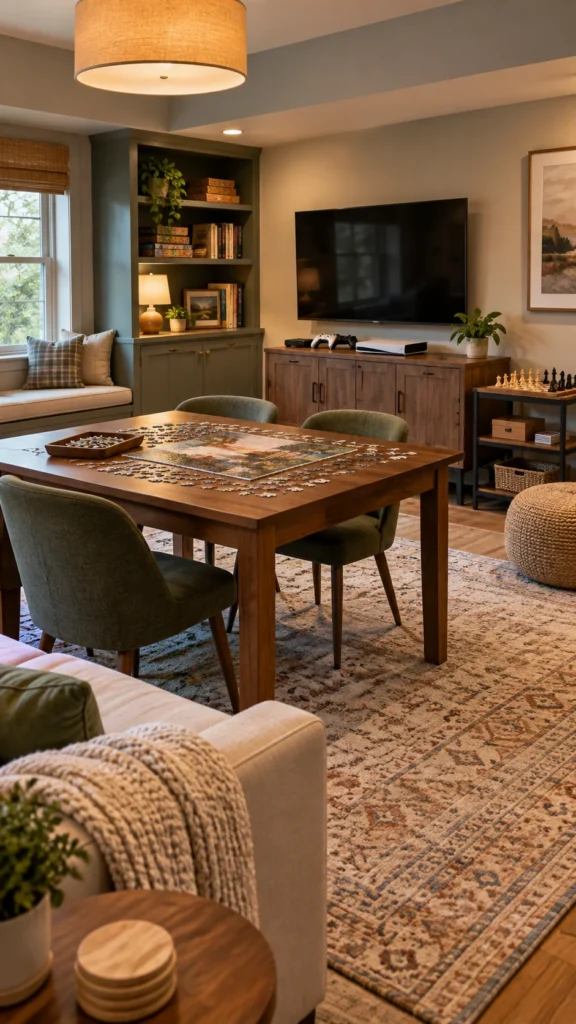
Start with the room you already have rather than assuming you need a dedicated entertainment space. A finished basement can accommodate larger games, while a spare bedroom may be better suited to a compact gaming and board-game setup. A loft or bonus room can work particularly well because it can be separated from the main living areas without being completely isolated.
Measure the room before buying anything. Pay attention to doorways, windows, columns, stairs, outlets, and existing furniture. Most importantly, mark the areas needed for movement around game tables and active equipment.
| Room Type | Works Well For | Planning Priority |
|---|---|---|
| Basement | Pool, foosball, TV, lounge seating | Lighting, moisture control, circulation |
| Bonus room | Mixed activities | Flexible furniture |
| Spare bedroom | Gaming, board games, reading | Space-saving storage |
| Loft | Lounge and tabletop games | Furniture scale and open floor space |
| Open living area | Casual family game nights | Visual separation from other zones |
Step 2: Decide What Your Family Actually Plays
Before choosing furniture, make a list of the activities your family already enjoys. Maybe everyone gathers around board games, while the kids prefer video games and adults enjoy billiards or cards. You do not need to include every possible activity just because you have the room for it.
Pick two or three primary activities and build the room around them. Then add smaller activities that can be stored away when they are not being used. This prevents the space from becoming crowded and makes cleanup much easier.

Step 3: Create Separate Activity Zones
A multi-use game room works better when each activity has a natural home. Put the TV and gaming setup along one wall, a board-game table in the center, and active equipment along another wall if space allows. A rug, shelving unit, or change in furniture arrangement can visually define each area without building permanent walls.
Keep louder or more active games away from reading and relaxation areas. This simple zoning strategy lets several family members use the room at the same time without constantly getting in each other’s way.

Amazon Find: Area Rug for the Game Room
An area rug can visually define a lounge or board-game zone while adding softness and helping the room feel more comfortable.

Step 4: Add a Comfortable Seating Area
Comfortable seating is one of the most important parts of a family game room. A sofa or sectional can work for gaming, watching movies, and relaxing between games. Add a few lightweight chairs, bean bags, or floor cushions if you regularly have several people using the room at once.
Avoid pushing every seat against the walls simply because it seems like the easiest layout. Depending on the room, floating a sofa or arranging chairs around a central table can make conversation and group games feel much more natural.
Step 5: Choose a Game Table
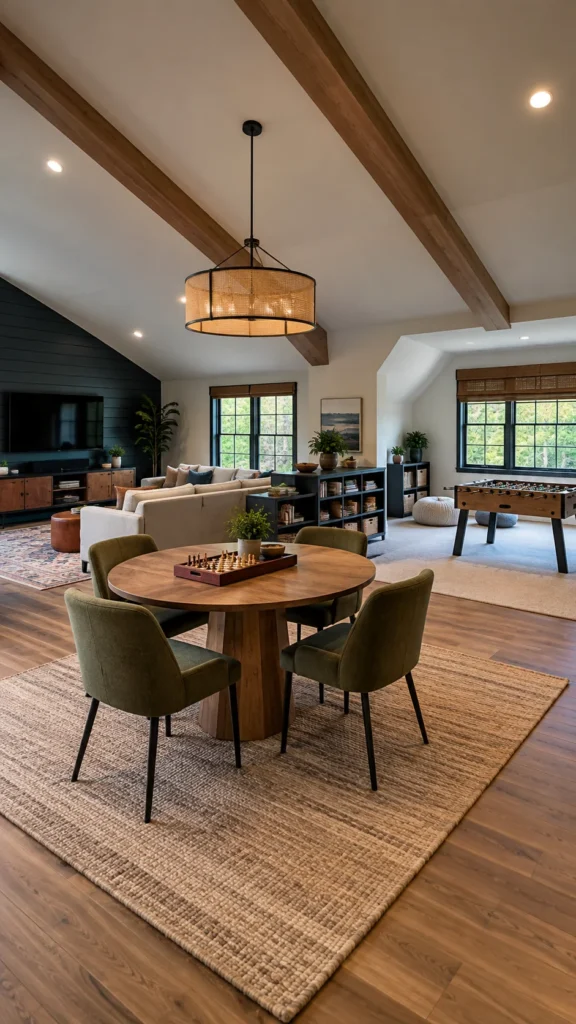
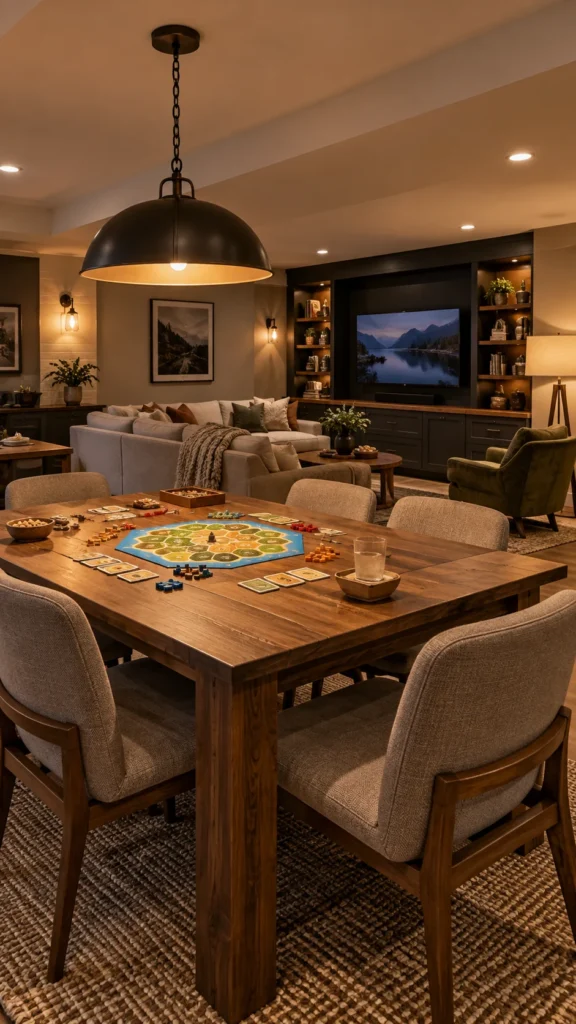
A sturdy table can become the heart of a family game room. It can handle board games, cards, puzzles, crafts, snacks, and homework when the room is not being used for entertainment. Choose the largest table that leaves comfortable walking space around it rather than filling the room with oversized furniture.
For smaller rooms, consider a folding table, expandable dining table, or table with built-in storage. Keep chairs close enough that setting up a game does not require moving half the room.
Amazon Find: Folding Game Table
A folding table can provide a dedicated surface for games while allowing you to reclaim floor space when the family needs the room for another activity.

Step 6: Add One or Two Active Games
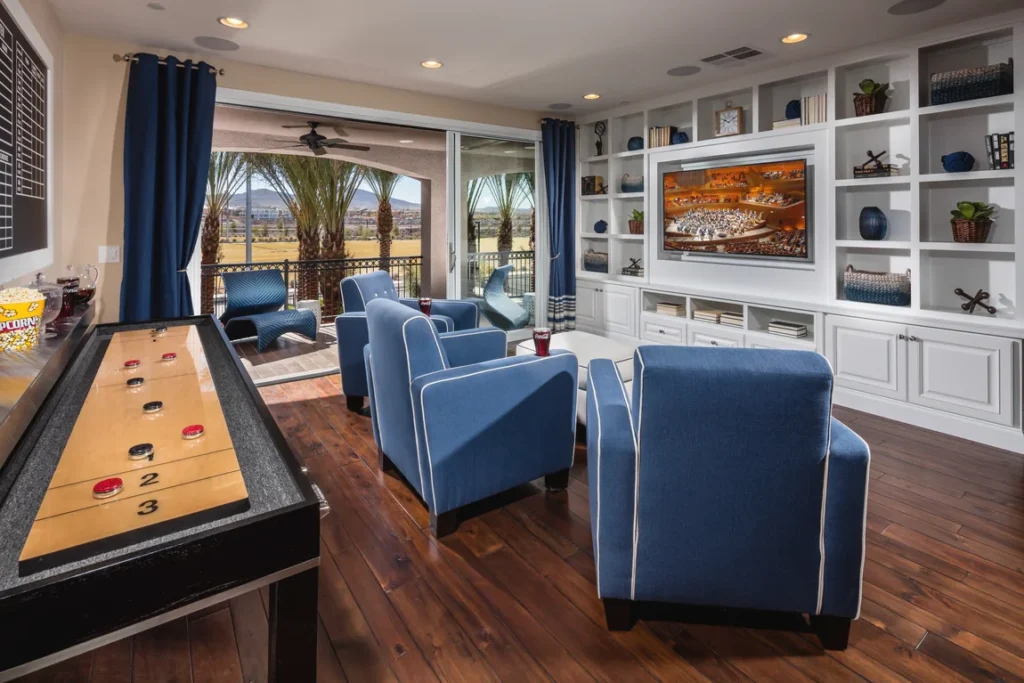
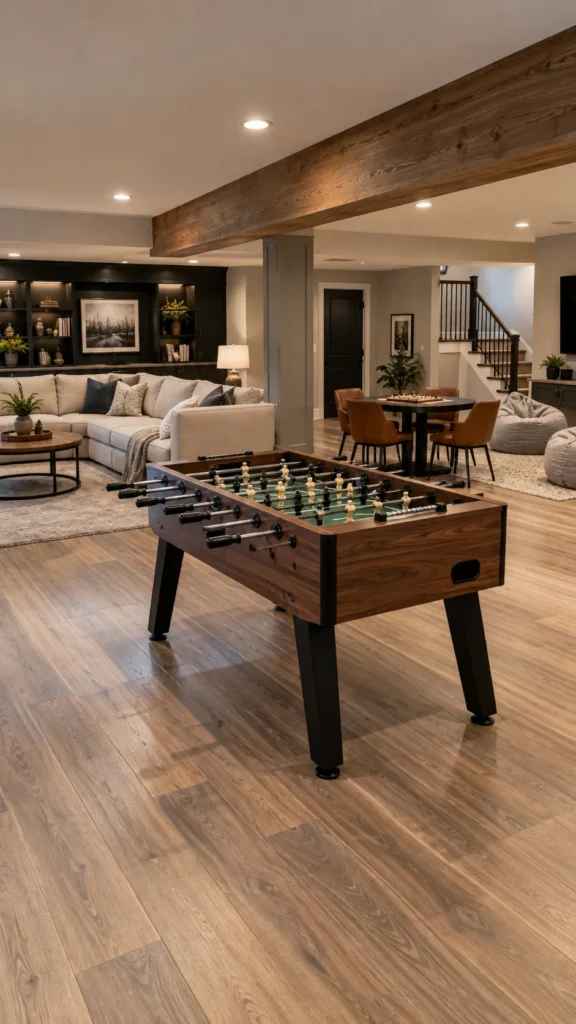
If the room is large enough, include an activity that gets people moving. Foosball, shuffleboard, table tennis, air hockey, or another compact game can give the family something to do besides sitting around a screen or table.
Measure the equipment’s footprint and the space required to use it before purchasing. A game table may technically fit against a wall but still be impractical if players cannot stand comfortably or move around it.
Step 7: Build a Family-Friendly Gaming Station
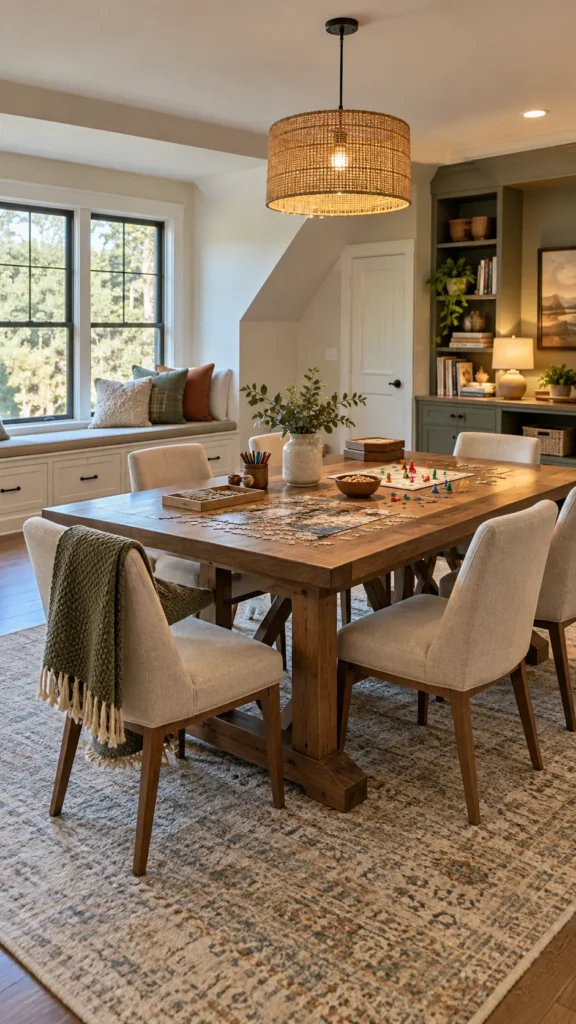
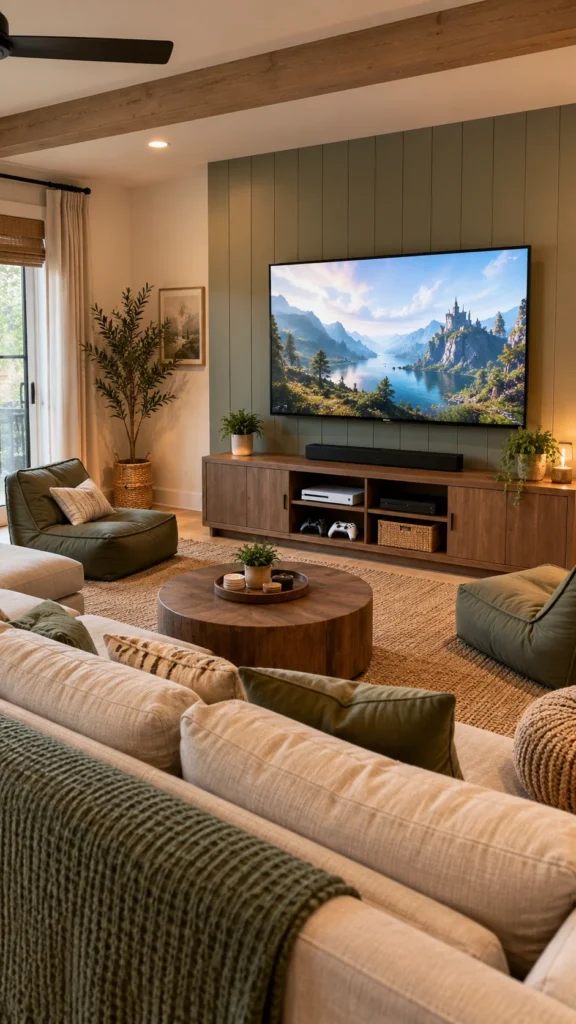
For families who enjoy video games, create a shared gaming station rather than allowing equipment to spread throughout the room. A wall-mounted TV or monitor can save floor space, while a media console underneath can store consoles, controllers, remotes, and games.
Use seating that allows several people to see the screen comfortably. If multiple consoles or devices are connected, label cables and controllers so family members can quickly identify what belongs where.
Amazon Find: Gaming Cable Management
Cable clips, sleeves, and organizers can help keep television, console, speaker, and charging cables grouped together and away from walking paths.

Step 8: Create a Game Storage System
Good storage can make the difference between a game room that gets used and one that becomes a cluttered catch-all. Group board games, puzzles, cards, controllers, sports equipment, and small accessories by category.
Open shelves work well for items used frequently, while closed cabinets can hide equipment and visual clutter. Use baskets or bins for smaller pieces. If children use the room, keep appropriate games within easy reach so putting things away is simple.

Step 9: Add a Scoreboard or Game-Night Wall
Give the room a personal touch with a simple scoreboard, chalkboard, whiteboard, or framed game-night rules. It can be used to keep track of friendly competitions or simply display the family’s favorite games and activities.
You can also use the wall for framed game artwork, family photos, tournament brackets, or a rotating display of favorite memories. Keeping the display changeable makes it easy to refresh without redecorating the entire room.
Amazon Find: Chalkboard or Whiteboard
A wall-mounted board can track scores, display the week’s game choice, or give everyone a place to leave simple notes.

Step 10: Set Up a Snack and Drink Area
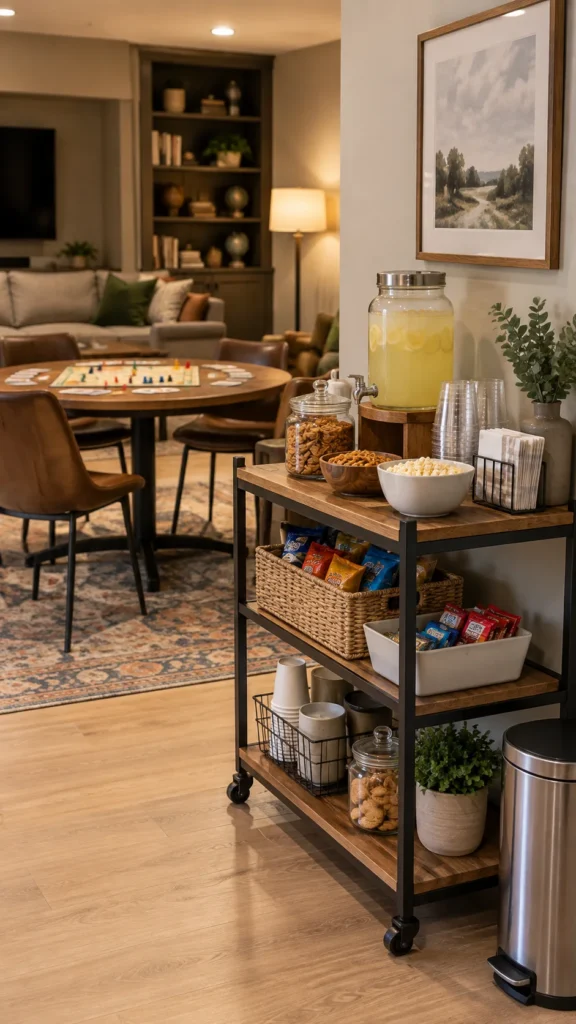
A small refreshment station can make long game nights more convenient. You do not need a full built-in bar. A narrow cabinet, console, rolling cart, or small counter can hold cups, napkins, snacks, and other supplies.
Keep drinks and food away from electronics whenever possible. A nearby trash or recycling container can also make cleanup easier and prevent wrappers and empty cups from collecting around the seating area.
Amazon Find: Rolling Snack Cart
A rolling cart can serve as a temporary snack station and then move out of the way when the family wants more floor space.

Step 11: Get the Lighting Right
A game room should not rely entirely on bright overhead lighting or decorative LEDs. Start with enough general illumination to move safely through the room, then add focused lighting over game tables, desks, or reading areas.
Dimmable lighting is useful when the same room needs to support board games, gaming, movie nights, and casual conversation. Accent lighting can add personality, but it should complement the functional lighting rather than replace it.
Step 12: Make the Room Comfortable for Different Ages
A family game room should work for everyone from younger children to adults. Include seating at different heights when appropriate, easy-to-reach storage for children’s games, and comfortable seating for adults who may spend longer periods in the room.
Keep small game pieces and equipment that are unsuitable for younger children stored securely when necessary. Active games should have enough clearance, and furniture should be arranged so major walkways remain unobstructed.

Step 13: Choose a Timeless Decorating Style
You do not need to turn the room into a heavily themed entertainment center. Neutral walls, durable furniture, warm wood, and a simple rug provide a flexible foundation. Then use artwork, pillows, signs, collectibles, and lighting to bring in the family’s personality.
This approach is especially useful when children’s interests change quickly. Instead of repainting or replacing furniture every few years, you can simply rotate smaller decorative elements.
Step 14: Plan for Cleanup
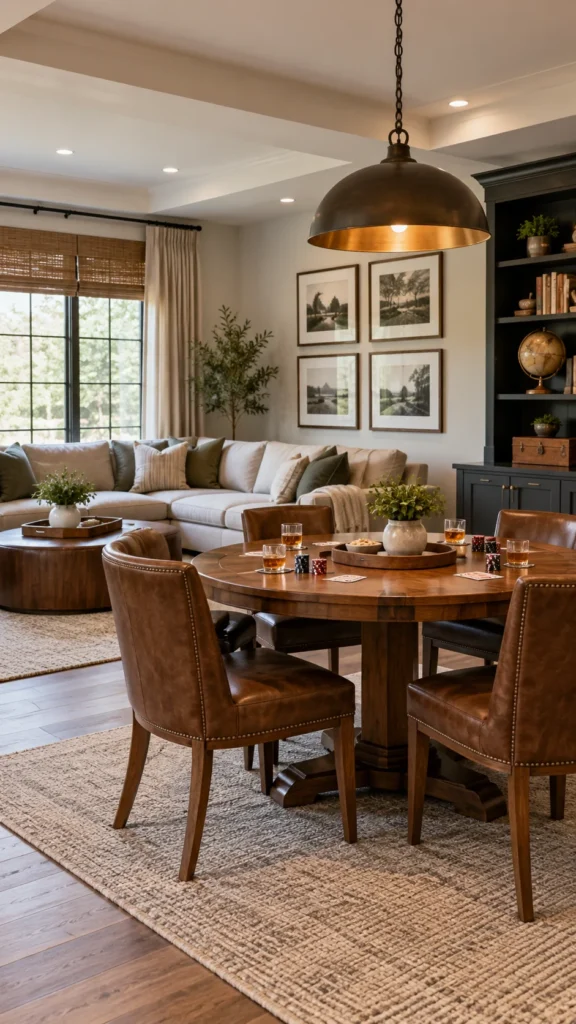
Think about cleanup before the first game begins. Every activity should have a logical storage location. Use baskets for loose items, shelves for board games, cabinets for electronics, and dedicated hooks or racks for sports equipment.
A five-minute reset at the end of family game night is much easier when everything has a designated home. Avoid storage systems that require complicated sorting if you know your family will not use them consistently.
Step 15: Add Personal Family Details
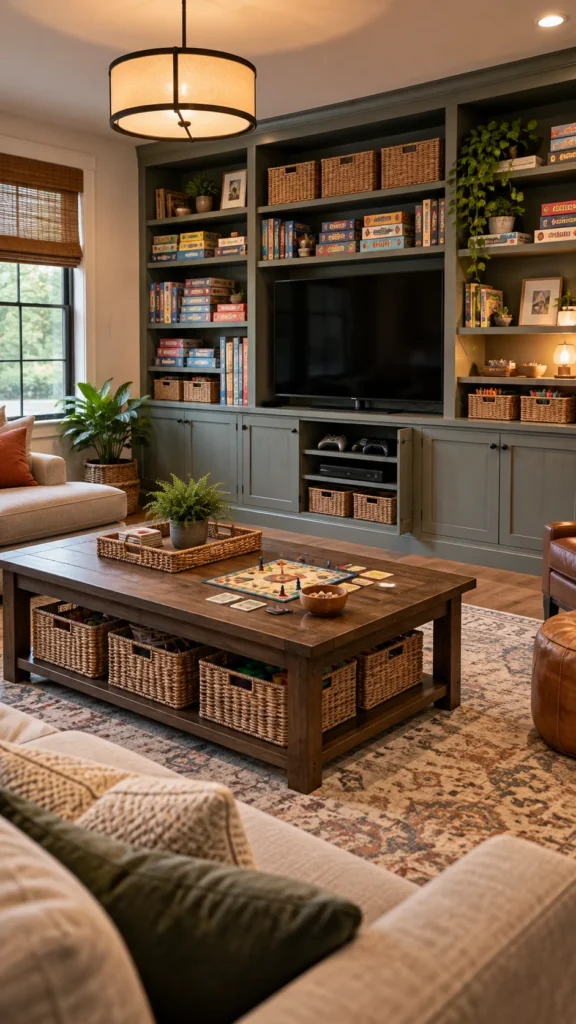
The finishing touches should make the room feel like it belongs to your family. Display favorite game boxes, framed family photos, homemade artwork, sports memorabilia, or a collection of items connected to your shared hobbies.
A simple gallery wall can work better than covering every surface with decorations. Leave some room for new memories and interests to be added over time.
Step 16: Leave Room for the Layout to Change
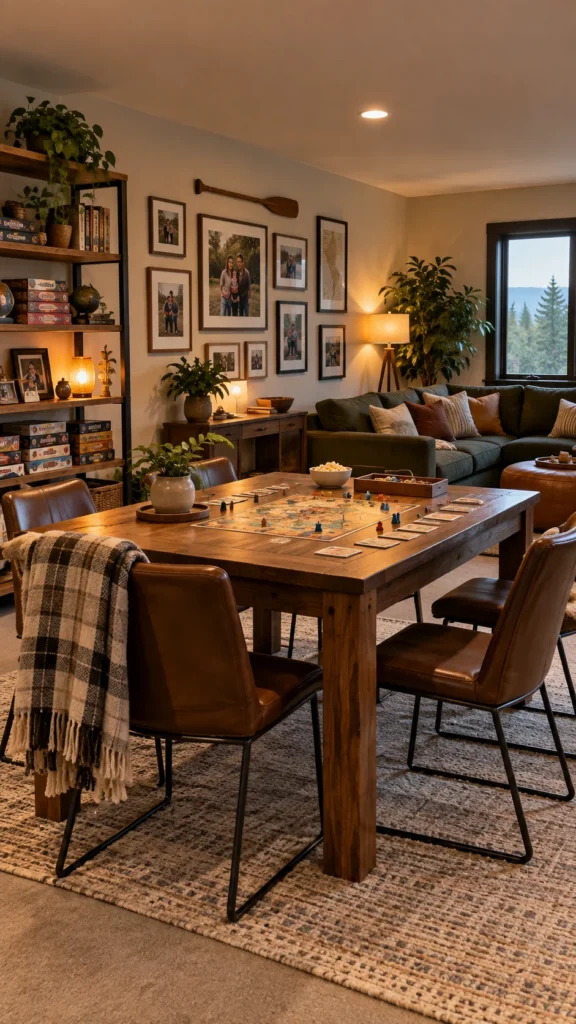
Family game rooms rarely stay exactly the same. Children grow, new hobbies appear, and the games everyone enjoys can change. Choose movable furniture where possible so you can switch from a board-game layout to a movie-night setup without a major project.
A flexible room may ultimately be more useful than one designed around a single large piece of equipment. Keep some open floor area and avoid permanently filling every available wall or corner.

Family Game Room Shopping Checklist
Start with the essentials:
- Comfortable seating
- Game or activity table
- Storage shelves, cabinets, or baskets
- Appropriate general lighting
- Task lighting where needed
- Safe cable organization
- Rug or other soft furnishing where appropriate
Add extras based on your family’s interests:
- Foosball or another active game
- Gaming console and TV setup
- Arcade-style equipment
- Snack cart
- Scoreboard
- Wall art
- Bean bags or additional movable seating
Common Family Game Room Mistakes to Avoid
- Trying to fit every game into one room: Choose activities your family genuinely uses instead of overcrowding the space.
- Forgetting circulation space: Leave comfortable paths around tables, seating, and active games.
- Buying furniture before measuring: Check the room and equipment dimensions first.
- Ignoring storage: A beautiful game room can quickly become messy without designated homes for accessories.
- Using only decorative lighting: Make sure tables, stairs, walkways, and activity areas have adequate illumination.
- Putting electronics near refreshments: Create some separation between food and sensitive equipment.
- Over-theming the room: Use removable decor so the room can adapt as family interests change.
Amazon Find: Game Room Storage Bins
Storage bins are useful for separating cards, dice, controllers, puzzles, craft supplies, and other small game-room accessories.

Family Game Room FAQs
1. What should a family game room have?
Start with comfortable seating, a suitable table, practical storage, good lighting, and enough open space to move around. Then add activities your family actually enjoys, such as board games, video games, billiards, foosball, puzzles, or crafts.
2. How much space do I need for a family game room?
There is no single required room size. A small room can work well for board games, video games, puzzles, and a compact lounge. Larger rooms provide more options for active games. The important consideration is leaving enough clearance to use furniture and equipment comfortably.
3. How can I create a family game room on a budget?
Reuse furniture where possible and prioritize the activities your family already enjoys. A dining table can serve as a board-game table, an existing bookcase can hold games, and a few baskets can improve organization. Add decorative elements gradually rather than buying everything at once.
4. How do I make a small game room work for the whole family?
Use multifunctional furniture and vertical storage. A wall-mounted TV can free floor space, while folding tables and movable seating can change the layout when needed. Choose a few versatile activities instead of several large pieces of game equipment.
5. How do I keep a family game room organized?
Give each category of equipment a specific storage location and keep frequently used items easy to access. Use shelves for board games, bins for small pieces, and cabinets or drawers for electronics. A simple cleanup routine after game night can keep the room under control.
Recommended Finds
- Family Game Room Storage — Useful for organizing board games, cards, puzzles, controllers, and small accessories.
- Family Game Room Wall Decor — Choose simple signs, framed artwork, or personalized pieces that fit the family’s interests.
- Family Game Night Accessories — Look for practical additions such as scoreboards, card holders, storage solutions, and tabletop organizers.
Final Thoughts
Learning how to create a family game room is less about filling a room with expensive entertainment equipment and more about planning a space around the way your family spends time together. Start with the activities everyone enjoys, create comfortable zones, and make storage part of the design from the beginning.
Keep the furniture flexible, leave room to move, and add personal details that make the space feel like your family’s own. With a thoughtful layout, even a modest basement, bonus room, or spare bedroom can become a welcoming spot for game nights, movie nights, friendly competitions, and everyday time together.
