
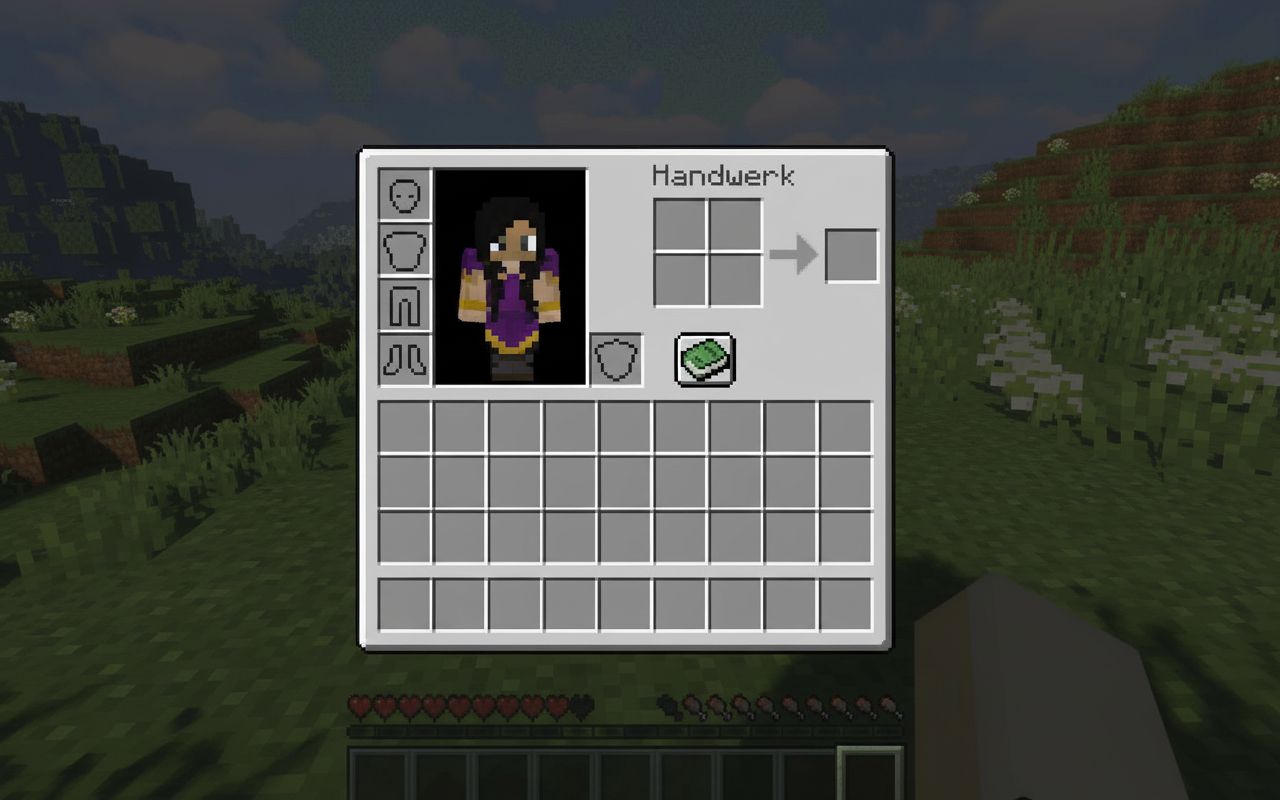

Keep Inventory is a Minecraft game rule that lets you keep your items after death. When it is enabled, you do not drop your tools, armor, weapons, blocks, or other inventory items when you die.
This is useful if you are exploring dangerous caves, fighting bosses, playing with friends, building a large survival world, or simply do not want to lose your progress after one mistake.
Command: /gamerule keepInventory true
Turns It Off: /gamerule keepInventory false
Works In: Minecraft Java Edition and Bedrock Edition
Needs Cheats / Commands: Yes
Main Use: Keeps your items after death
Note: In Bedrock, enabling cheats can disable achievements for that world
Related Guides: You can also check our Minecraft Guides, What Does Mending Do in Minecraft, How to Make a Ladder in Minecraft, and How to Allocate More RAM to Minecraft for more Minecraft tips.
What Is Keep Inventory in Minecraft?
Keep Inventory is a game rule that controls whether players keep their inventory after dying. Normally, when you die in Minecraft, your items drop at the death location and you must return to collect them before they despawn.
When Keep Inventory is turned on, your items stay with you after death. You respawn with your tools, armor, weapons, blocks, and other items still in your inventory.
This setting is especially helpful for beginners, casual worlds, creative survival builds, multiplayer worlds with friends, and worlds where you do not want item loss to slow down progress.
Keep Inventory Command
The command to turn on Keep Inventory is:
/gamerule keepInventory trueTo turn it off again, use:
/gamerule keepInventory false| Command | Effect |
|---|---|
/gamerule keepInventory true |
Players keep inventory after death. |
/gamerule keepInventory false |
Players drop inventory after death again. |
How to Enable Keep Inventory in Minecraft Java Edition
In Minecraft Java Edition, you can enable Keep Inventory using the chat command. You need commands enabled in your world.
Method 1: In a New Java World
- Open Minecraft Java Edition.
- Click Singleplayer.
- Click Create New World.
- Go to the world settings.
- Turn Allow Commands on.
- Create the world.
- Open chat by pressing T.
- Type
/gamerule keepInventory true. - Press Enter.
If the command works, the world will now keep your inventory after death.
Method 2: In an Existing Java World
If commands are already enabled in your Java world, open chat and type:
/gamerule keepInventory trueIf commands are not enabled, you can temporarily enable them through LAN:
- Pause the game.
- Click Open to LAN.
- Set Allow Cheats to ON.
- Click Start LAN World.
- Open chat and enter
/gamerule keepInventory true.
How to Enable Keep Inventory in Minecraft Bedrock Edition
In Minecraft Bedrock Edition, you can enable Keep Inventory through the world settings or by using the command after cheats are enabled.
Method 1: Use World Settings
- Open Minecraft Bedrock Edition.
- Select your world.
- Click the Edit button or pencil icon.
- Go to Game settings.
- Turn on Activate Cheats if needed.
- Find Keep Inventory.
- Turn it on.
- Load your world.
This is the easiest method for Bedrock players because you do not need to type the command manually.
Method 2: Use the Command
You can also open chat and type:
/gamerule keepInventory trueBedrock commands are usually more forgiving with capitalization, but using the same format as Java is still a safe option.
Does Keep Inventory Disable Achievements?
In Minecraft Bedrock Edition, enabling cheats usually disables achievements for that world. Since using commands and some game rule changes require cheats, turning on Keep Inventory may stop achievements from being earned in that world.
In Minecraft Java Edition, there is no Xbox-style achievement system like Bedrock. Java uses advancements, and commands are commonly used in worlds where cheats are enabled.
| Edition | Effect on Achievements |
|---|---|
| Java Edition | Uses advancements, not Bedrock-style achievements. |
| Bedrock Edition | Enabling cheats can disable achievements for that world. |
Does Keep Inventory Keep XP?
Keep Inventory mainly controls whether players keep their inventory after death. In many normal cases, players also avoid the usual item-loss problem, but XP behavior can depend on version and game rule behavior.
To test your world safely, store your valuable items, gain a small amount of XP, enable the command, and check what happens after dying in a controlled place.
How to Turn Off Keep Inventory
To disable Keep Inventory, use this command:
/gamerule keepInventory falseAfter this, players will drop their items again when they die, just like normal survival Minecraft.
Is Keep Inventory Cheating?
That depends on how you like to play. Minecraft is a sandbox game, so every world can have its own rules. Some players see Keep Inventory as a cheat because it removes the risk of losing items after death. Other players use it as a comfort setting to make the game less stressful.
Keep Inventory is useful if you:
- Play casually and do not want to lose progress.
- Are teaching a new player how to play Minecraft.
- Are building or exploring far from spawn.
- Play on a private world with friends.
- Want less frustration after accidental deaths.
It may not be ideal if you want a strict survival experience where death has bigger consequences.
Why Is Keep Inventory Not Working?
If Keep Inventory is not working, check these common issues:
- Commands are not enabled: Turn on cheats or open to LAN with cheats enabled.
- Wrong command spelling: Use
/gamerule keepInventory true. - Missing slash: Make sure the command starts with
/. - You typed it in the wrong place: Enter the command in chat, not on a sign or command block unless you know what you are doing.
- You are on a server: You may need operator permissions.
- Server rules override it: Some servers disable or control game rules through plugins.
Keep Inventory on Multiplayer Servers
On multiplayer servers, only players with permission can usually change game rules. If you are not the server owner or operator, the command may not work.
Server owners can enable it by running:
/gamerule keepInventory trueIf the server uses plugins, mods, or custom death systems, those may affect how inventory is handled after death.
Best Uses for Keep Inventory
- Exploring ancient cities, caves, and the Nether.
- Learning Minecraft as a beginner.
- Playing with younger or casual players.
- Testing builds, farms, and redstone machines.
- Playing adventure maps or private survival worlds.
- Avoiding frustration after accidental lava or void deaths.
Final Thoughts
Keeping inventory in Minecraft is simple. Use the command /gamerule keepInventory true to stop players from dropping items after death.
Java players can enable it with commands or by using the Open to LAN method in an existing world. Bedrock players can turn it on through world settings or use the same game rule command after enabling cheats.
If you want to return to normal survival rules, use /gamerule keepInventory false. Whether you consider it cheating or not depends on your playstyle, but it is a useful option for safer and more relaxed Minecraft worlds.
FAQs
What is the command to keep inventory in Minecraft?
The command is /gamerule keepInventory true.
How do you turn off Keep Inventory?
Use /gamerule keepInventory false to turn it off.
Does Keep Inventory work in Java Edition?
Yes, Keep Inventory works in Minecraft Java Edition if commands are enabled.
Does Keep Inventory work in Bedrock Edition?
Yes, Bedrock players can enable Keep Inventory through world settings or with the game rule command.
Does Keep Inventory disable achievements?
In Bedrock Edition, enabling cheats can disable achievements for that world. Java Edition uses advancements instead of Bedrock-style achievements.
Why is the Keep Inventory command not working?
The most common reasons are disabled cheats, wrong spelling, missing permissions, or server settings overriding the game rule.
Can I use Keep Inventory on a server?
Yes, but you usually need operator or admin permission to change the game rule on a multiplayer server.

Abhigyan identifies himself as a tech geek, gaming cognoscenti, and also a connoisseur of music. Unidentified and mysterious phenomena never fail to gather his undivided attention. When not reading about bizarre and perplexing entities across the Universe, he can often be found cheering for his favorite teams in Football.