
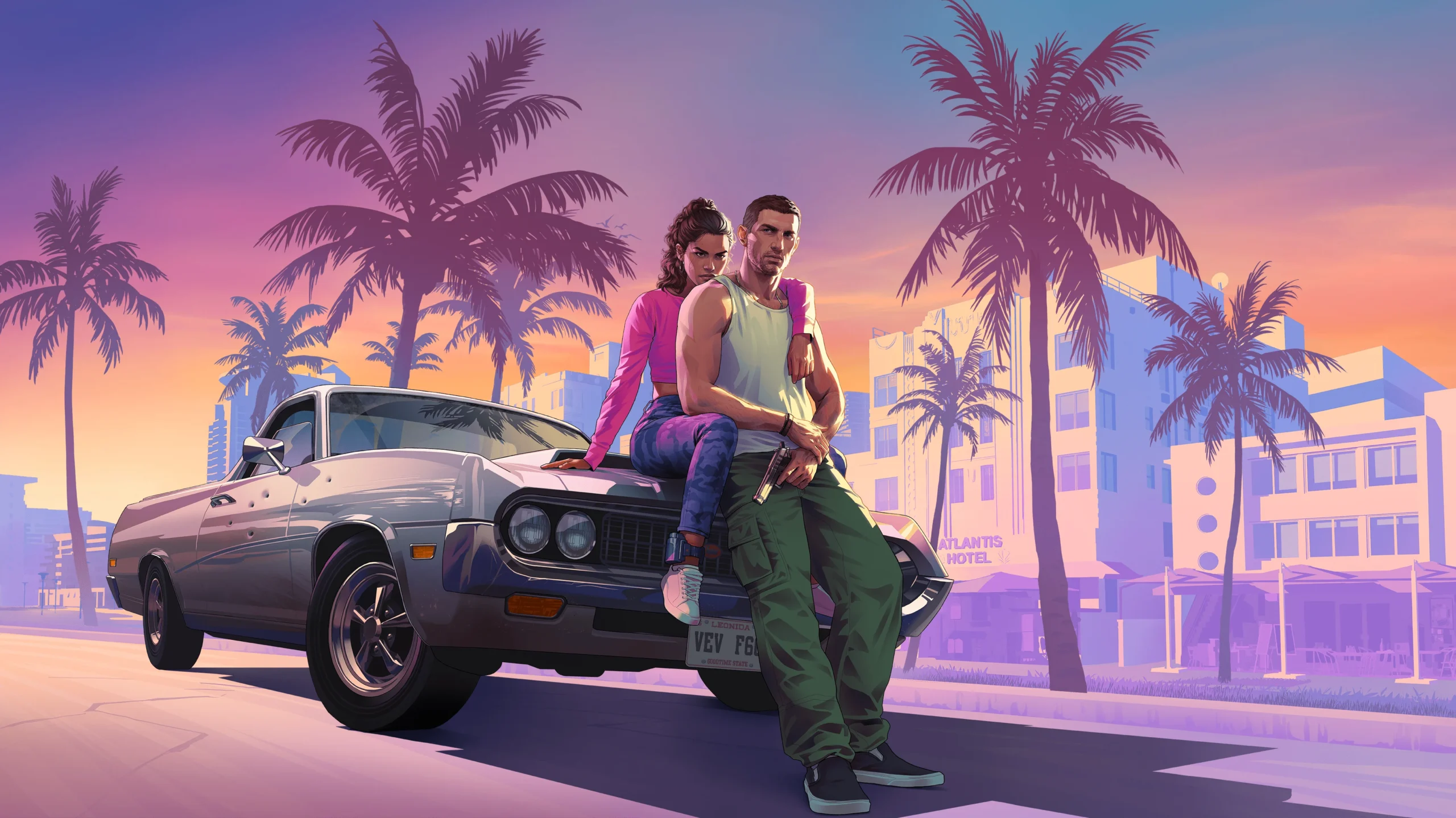

Quick answer: To pause GTA 6, press the Options button on PS5 (top right of the DualSense) or the Menu button on Xbox Series X|S (the three-line button in the middle). This opens the pause menu with Jason and Lucia’s stats, the Map, your mission Brief and Progress. The game world stops while it’s open, and you can pause during cutscenes too. Pressing Up on the D-pad opens the phone instead, which is for in-game apps rather than pausing.
Last updated: November 18, 2026
Pause button by platform
| Platform | Button | Where it is |
|---|---|---|
| PS5 / PS5 Pro | Options | Top right of the DualSense, next to the touchpad |
| Xbox Series X|S | Menu | Middle right, the button with three lines |
| Xbox Cloud Gaming / Remote Play | Menu or Options | Same as your controller |
Playing on another screen? See GTA 6 Remote Play and playing on Xbox One through the cloud.
What’s in the GTA 6 pause menu
| Tab | What it shows |
|---|---|
| Jason and Lucia | Each character’s cash, body shape, calories and Criminal Profile |
| Map | A satellite-style map of Leonida with a legend of icons |
| Brief | Your current objective, recent dialogue and help messages |
| Progress | Stats, vehicles, weapons, animals you’ve studied, and later the Cheats list |
From the main menu you can also reach Game, Store, Help, Photo Studio, Settings, Retry Checkpoint and Restart Mission, start a new game, or quit after saving.
Can you pause cutscenes and combat?
Yes. You can pause during cutscenes and pick up where you left off, and time stops while the menu is open, so chases and shootouts are frozen too. Be careful un-pausing in the middle of a fight, though: the action carries on instantly, so get your bearings before you close the menu.
Pause menu vs the phone
Pressing Up on the D-pad opens Jason’s or Lucia’s phone, which is how you check the time, use apps and enter cheats. The phone is an in-game tool, not a pause screen, so use Options or Menu when you actually need to step away. Our GTA 6 phone apps guide covers what each app does.
Settings worth changing
- Copyrighted music: turn it off if you stream or record, to avoid takedowns.
- Gore: lower the gore level if you prefer less graphic violence. See our GTA 6 parents guide for other content settings.
- Display: check brightness and HDR in Settings first. Frame rate options are covered in GTA 6 frame rate.
FAQ
How do you pause GTA 6 on PS5?
Press the Options button at the top right of the DualSense controller.
How do you pause GTA 6 on Xbox?
Press the Menu button, the one with three lines in the middle of the controller.
Does time stop when you pause GTA 6?
Yes. Time doesn’t advance while the pause menu is open.
More GTA 6 guides: Beginner tips · Cheat codes · Missions list · Phone apps
Grand Theft Auto VI is developed and published by Rockstar Games. Stealthy Gaming is not affiliated with Rockstar Games or Take-Two Interactive.

Hi, I’m Ankit Kumar, the founder of StealthyGaming. I handle everything from SEO to researching and writing gaming articles. I’m passionate about helping fellow gamers stay updated with the latest tips, guides, and news. When I’m not optimizing content, I’m probably testing out new games or digging into strategies to make my articles as helpful and engaging as possible.
We label leaks and unconfirmed details and update this guide as Rockstar confirms more. How we research and verify our guides.