


A small bedroom or home office shouldn’t stop you from building an impressive PC gaming setup. With clever furniture choices, organized cables, wall-mounted accessories, and thoughtful lighting, even a narrow corner can become a comfortable gaming station that looks stylish without feeling overcrowded.
These 17 PC gaming setup ideas for small rooms cover everything from compact gaming desks and monitor arrangements to affordable DIY furniture makeovers and multifunctional gaming bedrooms. You can create a dedicated battlestation or combine your gaming area with a home office and guest room without sacrificing valuable floor space.
More Gaming Room Ideas to Explore:
17 Creative PC Gaming Setup Ideas for Small Rooms
1 Build a Budget-Friendly PC Gaming Station
An attractive gaming station doesn’t have to begin with expensive RGB accessories or custom-built furniture. Start with a simple desk, a functional computer, a comfortable chair, and the peripherals necessary for your favorite games.
Choose a black or natural wood desk and introduce personality through an oversized mousepad, a small lamp, and one framed gaming print. Reuse your existing keyboard and monitor if they meet your needs. This approach creates a complete-looking workstation while leaving room for future upgrades.
Budget tip: Allocate money to functional equipment and comfortable furniture before purchasing decorative lighting and collectibles.
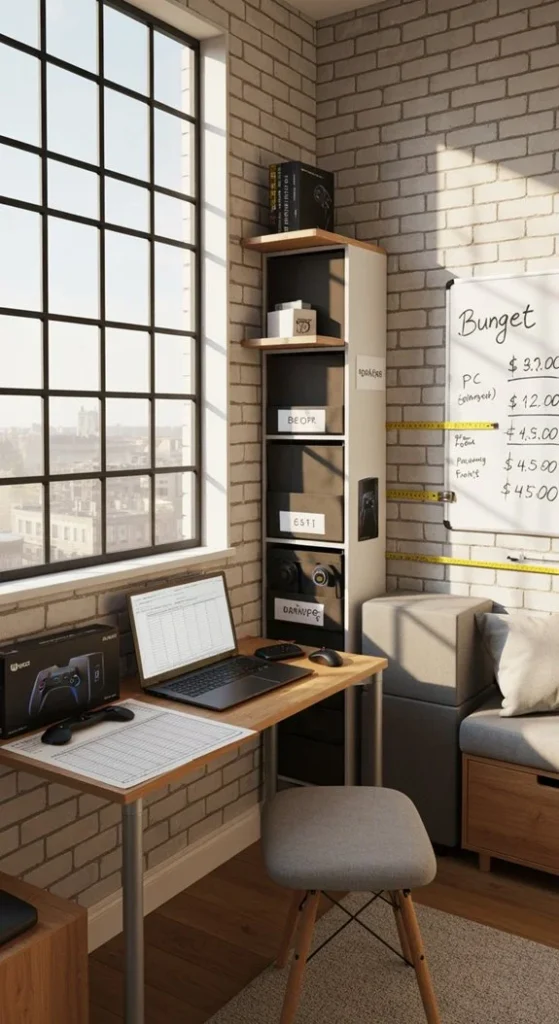
Image credit: @spacesavvylife.com
2 Choose a Gaming Desk That Fits Your Room Dimensions
A desk that is too large can make a small gaming bedroom difficult to navigate. Instead of selecting furniture based entirely on appearance, measure the available area and choose a desktop that accommodates your equipment without restricting movement.
A desk around 40 to 48 inches wide may work for a compact single-monitor setup. A wider surface around 48 to 60 inches can accommodate certain dual-monitor arrangements, depending on the screen sizes. Check that the desk provides sufficient depth for comfortable viewing and keyboard placement.
Planning tip: Mark the proposed desk footprint on the floor with removable painter’s tape before purchasing. Test whether doors, drawers, and nearby furniture remain accessible.
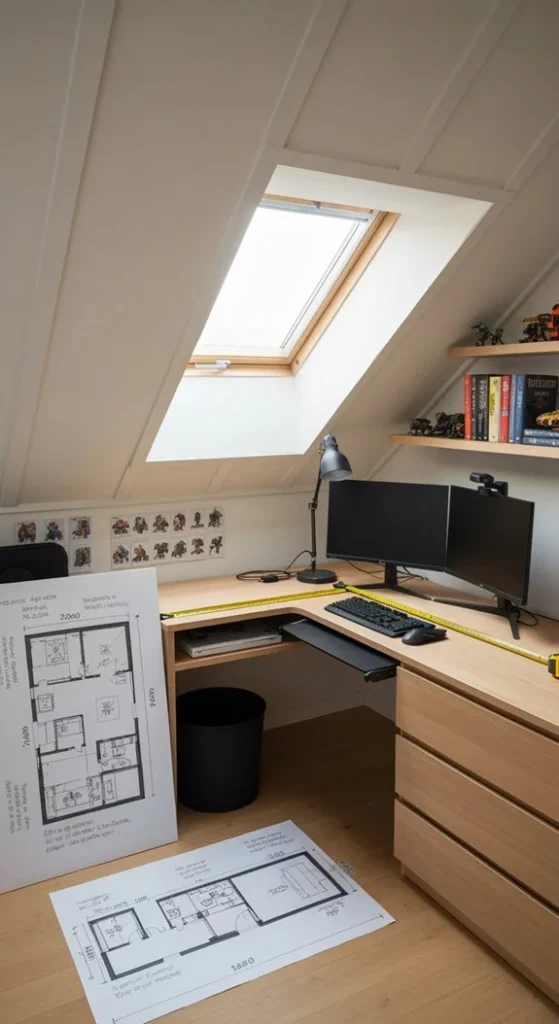
Image credit: @spacesavvylife.com
Amazon Find: Compact PC Gaming Desk
A compact gaming desk provides a dedicated workstation without occupying an entire bedroom wall. Compare dimensions and equipment weight limits before choosing a model.
3 Use a Floating or Compact Corner Gaming Desk
Unused bedroom corners offer an excellent opportunity to create a dedicated PC gaming station. A compact L-shaped desk can follow two adjoining walls, while a properly supported floating desk creates a streamlined appearance with fewer visible furniture legs.
Position your main monitor on the larger work surface and reserve the secondary section for charging accessories, speakers, or office supplies. Add a slim shelf above the desk for lightweight decorations. Light wood or white furniture works particularly well in small rooms with neutral walls.
Safety tip: A floating desk must be installed using suitable structural support and mounting hardware rated for the combined weight of the desk and equipment. A freestanding corner desk is a simpler alternative for renters.
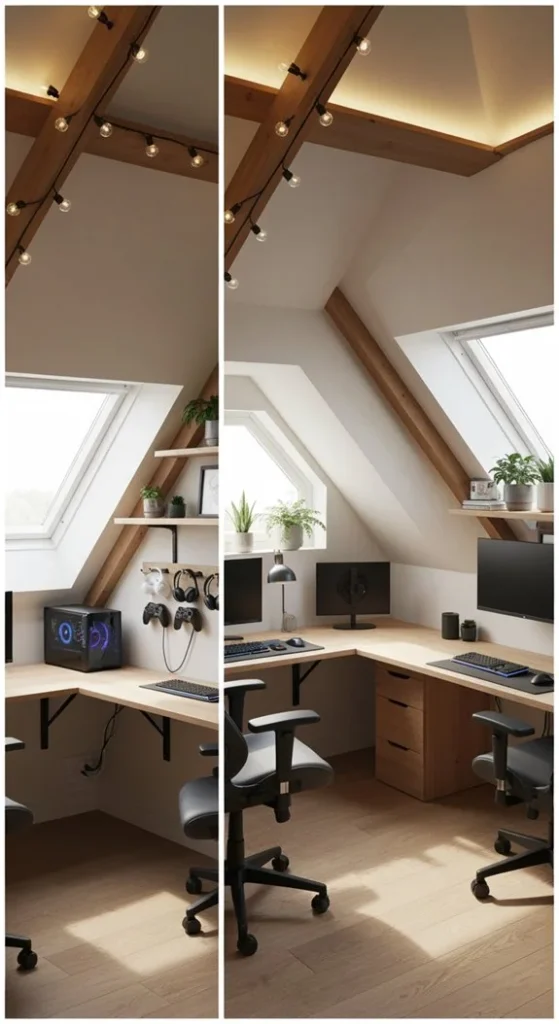
Image credit: @spacesavvylife.com
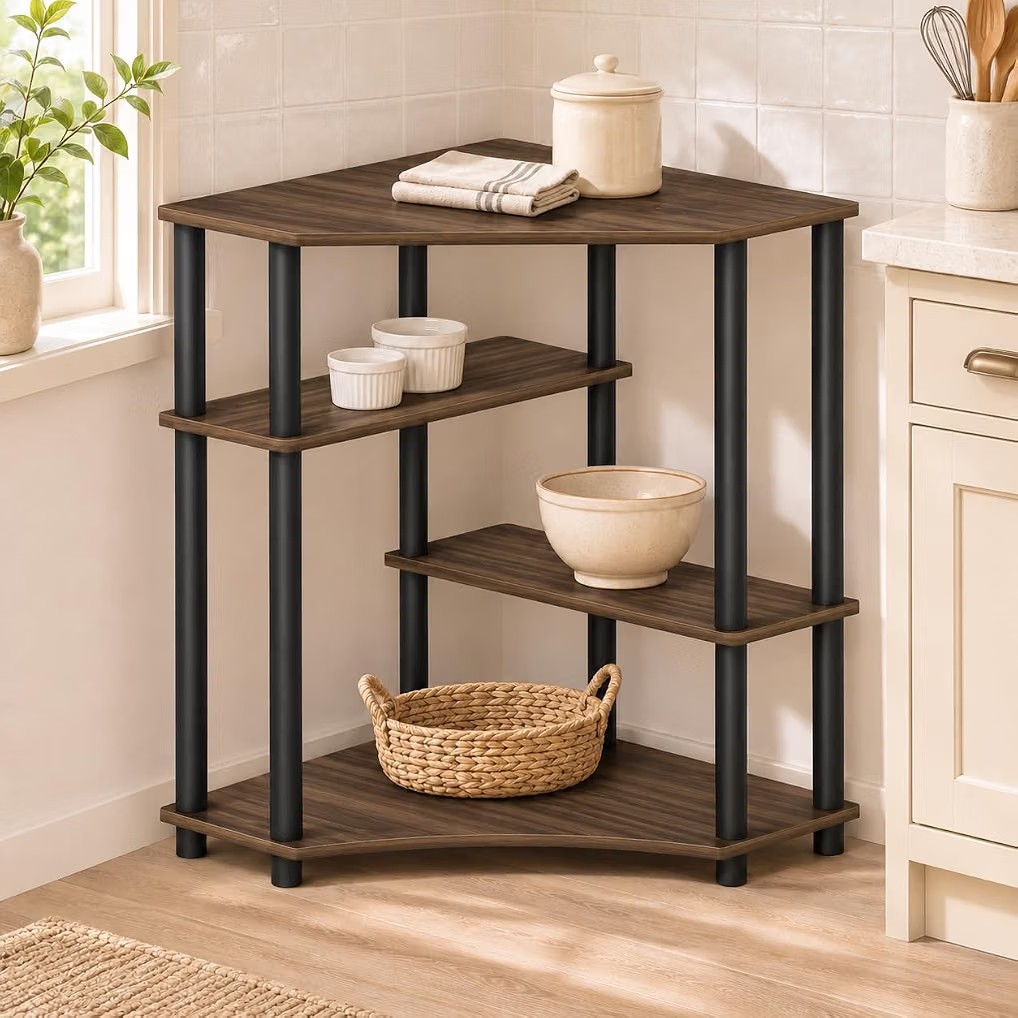
Amazon Find: Small L-Shaped Gaming Desk
An L-shaped gaming desk makes use of otherwise overlooked corners and offers separate areas for computer equipment and everyday accessories.
4 Free Up Desktop Space with an Adjustable Monitor Arm
Traditional monitor stands can occupy a surprisingly large portion of a small gaming desk. An adjustable monitor arm lifts the display above the desktop, leaving more room for keyboard movement, a larger mousepad, and frequently used accessories.
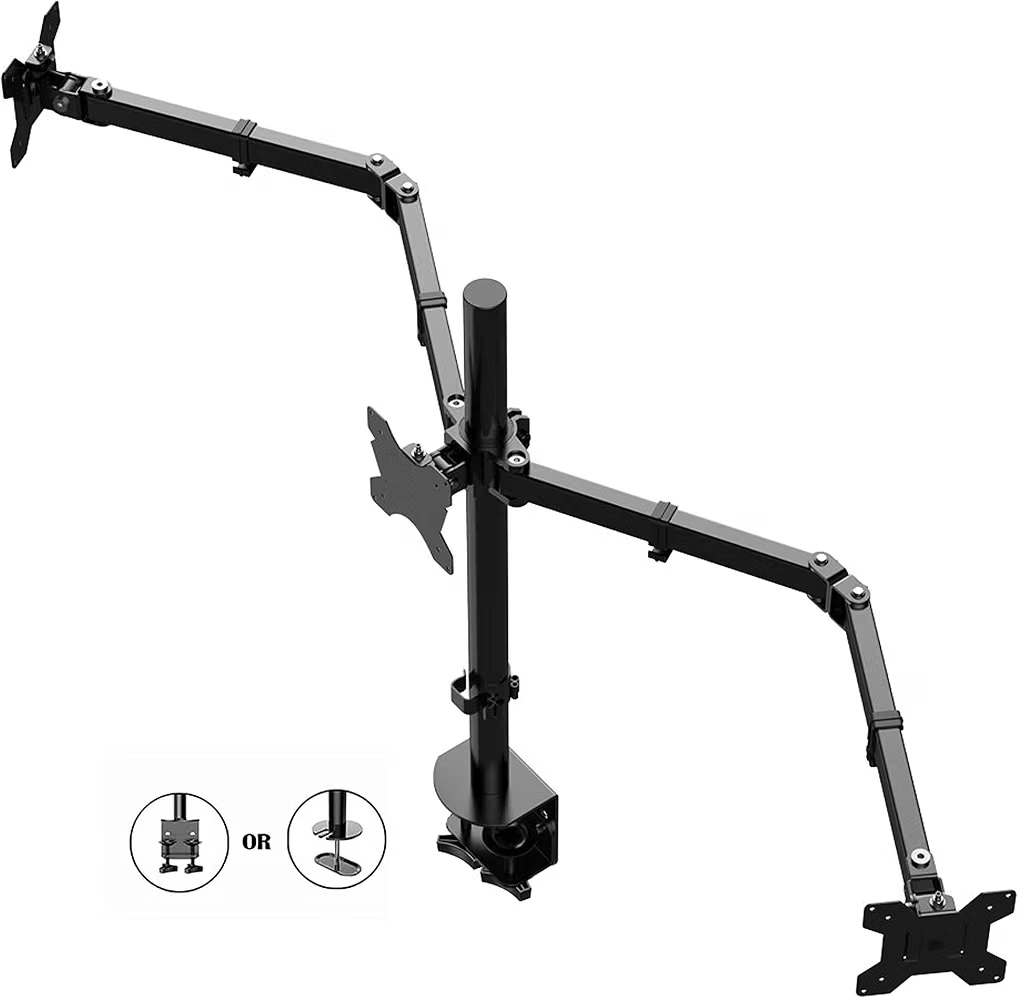
Choose a compatible monitor arm that allows you to adjust screen height, distance, and viewing angle. Route display and power cables along the arm to create a cleaner appearance. The open surface underneath can hold a small speaker or accessories that do not obstruct the screen.
Buying tip: Confirm the monitor’s VESA mounting compatibility, weight, and dimensions. Check that your desktop construction can safely support the mount.
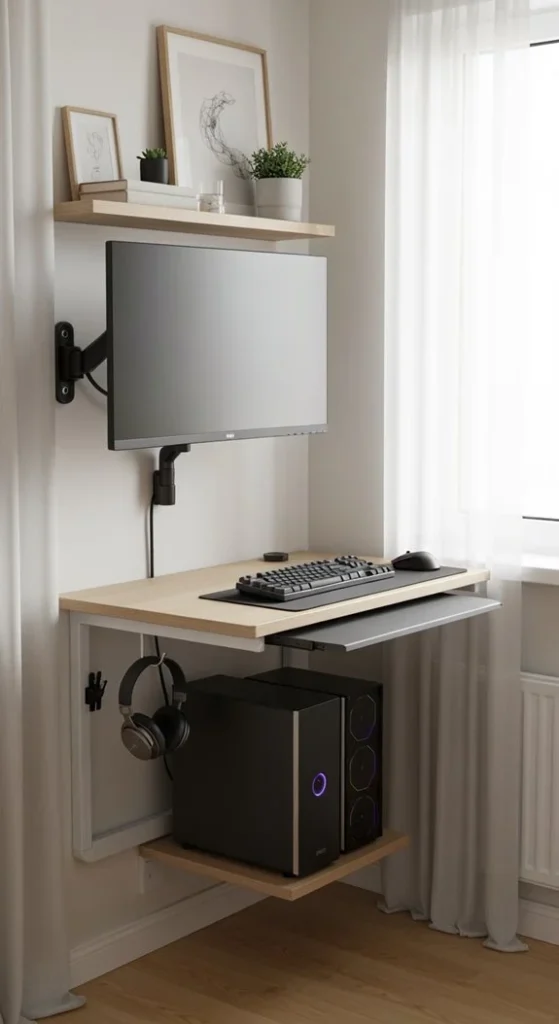
Image credit: @spacesavvylife.com
Amazon Find: Adjustable Gaming Monitor Arm
A compatible monitor arm frees up desktop space and allows greater flexibility when positioning your gaming display.
5 Organize Cables with a Hidden Under-Desk System
Loose cables can make even a beautifully decorated gaming station appear messy. In a small room, visible wires also compete with the limited space available around furniture and walking paths.
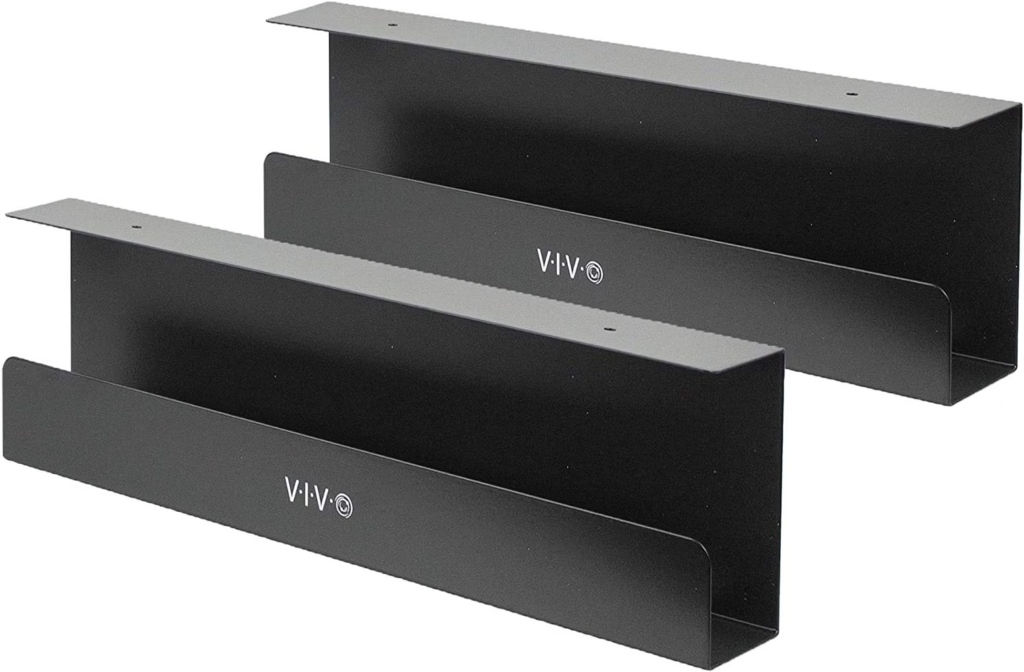
Install an under-desk cable tray to contain suitable power adapters and excess wiring. Use reusable hook-and-loop straps to group related cables, then route individual connections along the desk legs. Adhesive cable clips can keep frequently used charging cords within reach.
Safety tip: Keep power connections accessible and ventilated. Avoid overloaded power strips, tightly pinched cables, and electrical cords running underneath rugs.
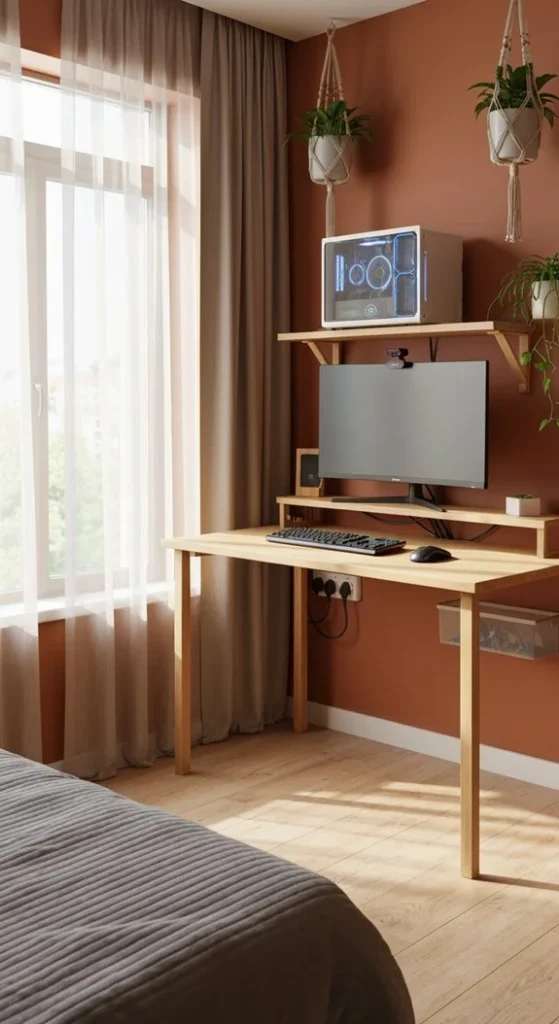
Image credit: @spacesavvylife.com
Amazon Find: Under-Desk Cable Management Kit
Cable trays, reusable straps, and cord clips help keep your gaming equipment organized without filling the desktop with unnecessary wires.
6 Choose a Compact Ergonomic Gaming Chair
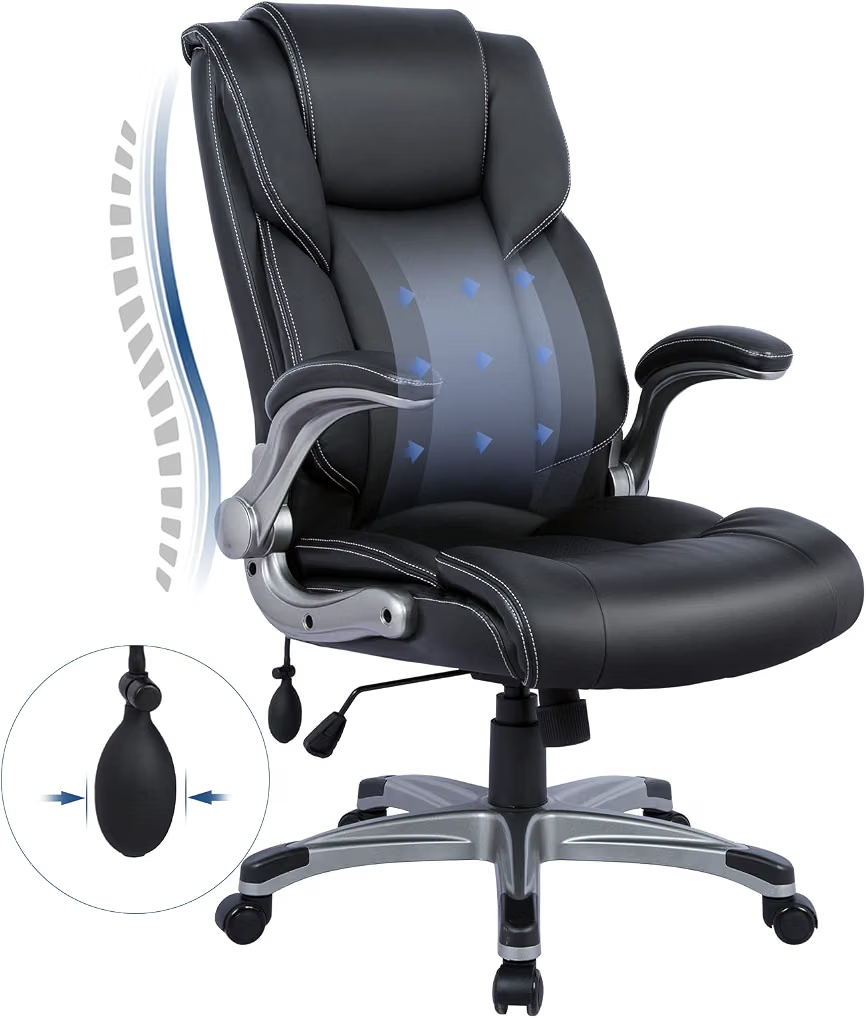
Oversized racing-style gaming chairs can overwhelm narrow rooms, especially when the desk is positioned close to a bed or wardrobe. A streamlined ergonomic office chair offers an attractive alternative with a smaller visual footprint.
Look for adjustable seat height, suitable lumbar support, and armrests that fit beneath your desk. Mesh upholstery can create a lighter appearance, while black or gray fabric coordinates easily with most gaming furniture. Check the width of the chair base as well as the seat itself.
Comfort tip: Select a chair that fits your body rather than simply choosing the smallest available model. Take regular breaks to stand and move during extended gaming sessions.
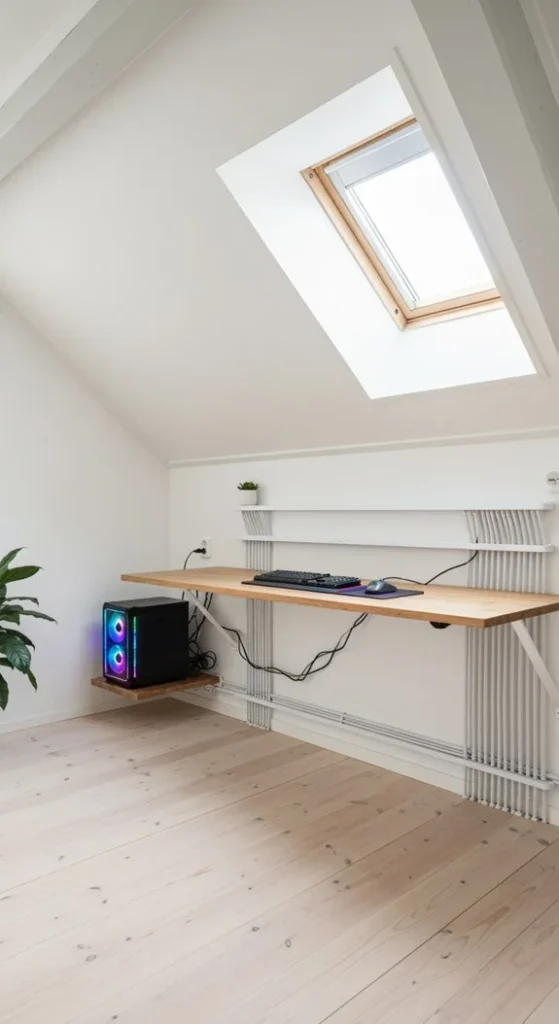
Image credit: @spacesavvylife.com
Amazon Find: Compact Ergonomic Office Chair
A streamlined adjustable office chair can provide comfortable seating for gaming while fitting more easily into a compact workstation.
7 Plan Your Gaming Chair Around Clear Walking Paths
Furniture placement matters just as much as furniture size when designing a PC gaming setup for a small room. A poorly positioned chair can block a wardrobe, restrict access to the bed, or make it difficult for someone else to move through the room.
Position the desk against a wall that allows you to move the chair backward comfortably. Store spare accessories under shelves or inside cabinets instead of placing boxes beside the chair. Choose a low-profile rug or suitable chair mat that allows the wheels to move without catching.
Layout tip: Test your room arrangement with the chair occupied, pulled out, and tucked away. Keep exits and frequently used pathways clear in every position.
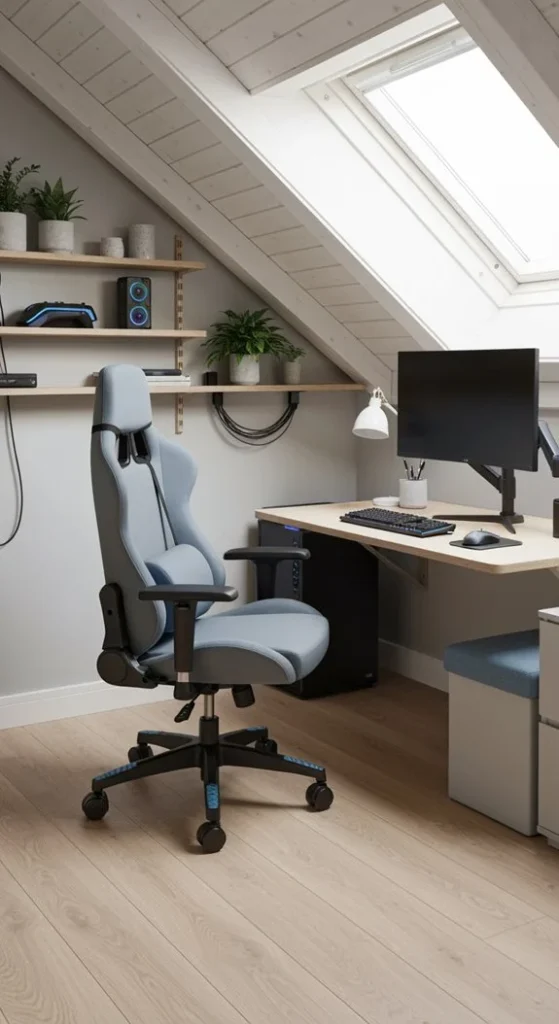
Image credit: @spacesavvylife.com
8 Select a Space-Saving Gaming Monitor Arrangement
A single well-positioned monitor can be more practical than an oversized multi-screen arrangement in a compact gaming bedroom. A 24-inch display is worth considering for a smaller desk, while a 27-inch monitor may suit a workstation with adequate viewing distance.
Center the main display directly in front of your seating position and arrange speakers or accessories along the sides. Choose a slim monitor stand or compatible desk mount to preserve mouse movement space. Keep surrounding decorations understated so the workstation doesn’t feel crowded.
Buying tip: Match the monitor’s resolution, refresh rate, and connectivity to your PC capabilities and gaming preferences. Avoid buying a larger display simply because it looks impressive.
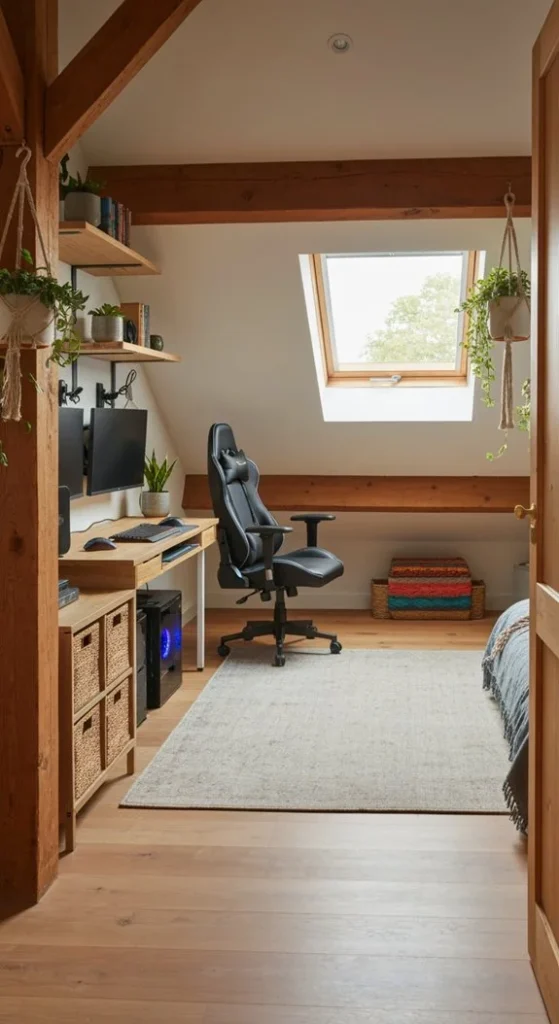
Image credit: @spacesavvylife.com
9 Install Dual Monitors on a Compact Gaming Desk
Dual monitors can be incredibly useful for gamers who stream, follow game guides, participate in online chats, or use their gaming station for work. You don’t necessarily need an enormous desk to accommodate two displays.
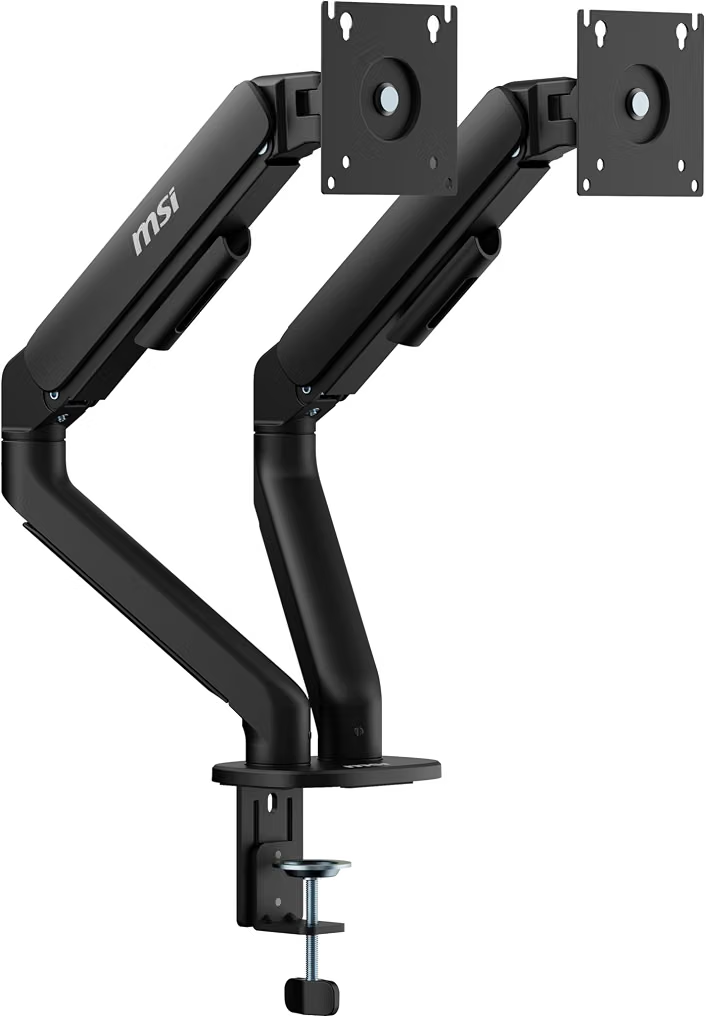
Use a compatible dual-monitor arm to suspend both screens above the desktop. Position your main gaming display in the center and angle the secondary screen slightly inward. A portrait-oriented secondary monitor can reduce horizontal space requirements when it is primarily used for chat, documents, or web browsing.
Small-space tip: Measure the combined monitor dimensions and mount extension before purchasing. Make sure neither display obstructs a doorway, window, or nearby storage unit.
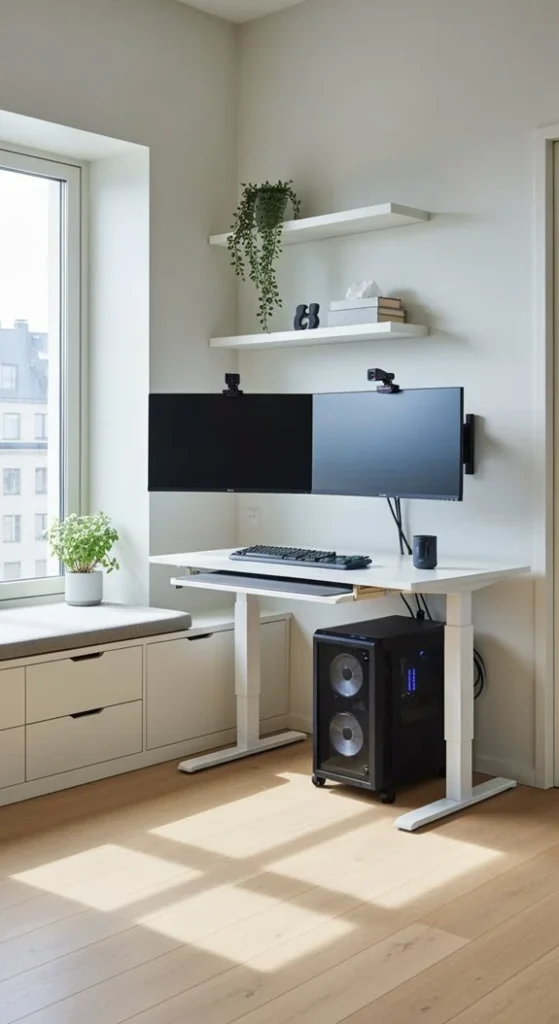
Image credit: @spacesavvylife.com
Amazon Find: Dual Monitor Desk Mount
A dual-monitor mount helps create an organized multi-screen gaming workstation without relying on two bulky monitor bases.
10 Combine Your PC Gaming Room with a Home Office
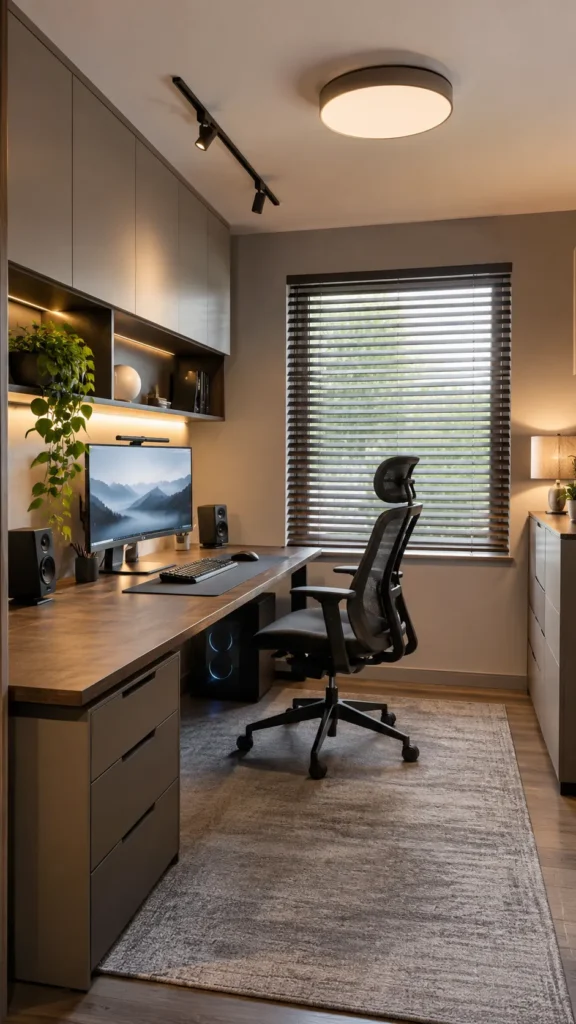
When you don’t have a separate room dedicated to gaming, create a workstation that supports both productivity and entertainment. A shared office and gaming setup allows you to use the same computer, monitor, desk, and chair for multiple activities.
Choose streamlined furniture, neutral wall colors, and closed storage for paperwork. Keep gaming accessories in a dedicated drawer and introduce adjustable lighting that can switch from practical daytime illumination to a relaxing evening atmosphere. Install window blinds to control daylight and minimize monitor glare.
Organization tip: Separate office supplies and gaming accessories into different compartments so switching between activities requires minimal rearranging.
11 Create a Sophisticated Black-and-White Gaming Setup
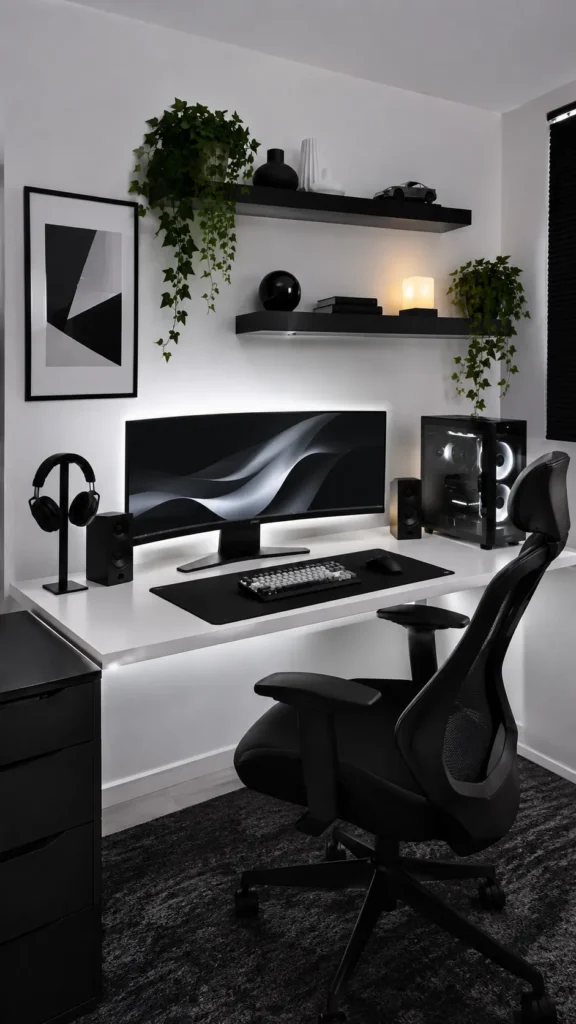
A monochrome color palette gives a small gaming room a clean, modern appearance. Black computer equipment, white furniture, and carefully coordinated accessories create visual contrast without introducing too many competing colors.
Pair a white gaming desk with a black ergonomic chair and a matching PC tower. Introduce dark floating shelves against white walls, then repeat the same colors through framed artwork, storage containers, and decorative cushions. A small yellow or electric-blue accent can add personality without overwhelming the room.
Budget tip: Build your color scheme around the computer equipment and furniture you already own instead of replacing perfectly functional accessories.
12 Turn an Awkward Wall Column into a Gaming Accent Feature
Architectural features such as protruding columns, shallow wall recesses, and uneven corners can make small-room furniture arrangements challenging. Instead of trying to conceal these details, use them to create an interesting gaming backdrop.
Paint a protruding column matte charcoal or black and install matching shelves on the adjoining wall sections. Display a few gaming prints or lightweight decorative accessories to connect the feature with your workstation. The contrast between dark and light surfaces can give an otherwise plain room more definition.
Renter-friendly alternative: Use removable wallpaper suitable for your wall finish to introduce a similar accent without permanently changing the paint.
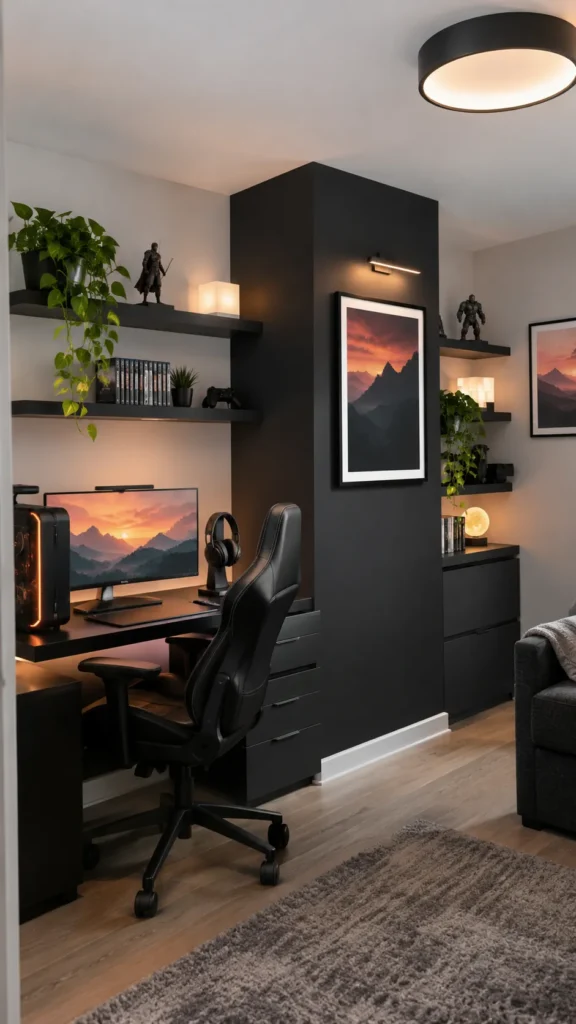
13 Decorate Floating Shelves with Subtle Gaming Accessories
Floating shelves provide valuable display space without requiring additional floor-standing furniture. They are especially useful when your gaming room also needs to look welcoming as a home office or guest bedroom.
Arrange a combination of gaming collectibles, a decorative clock, small framed prints, and artificial greenery on narrow shelves. Include a compact illuminated decoration for evening ambiance. Leave gaps between objects and repeat the colors already present in your furniture.
Safety tip: Install shelves using appropriate mounting hardware and stay within their weight limits. Avoid placing heavy or unsecured objects directly above computer equipment.
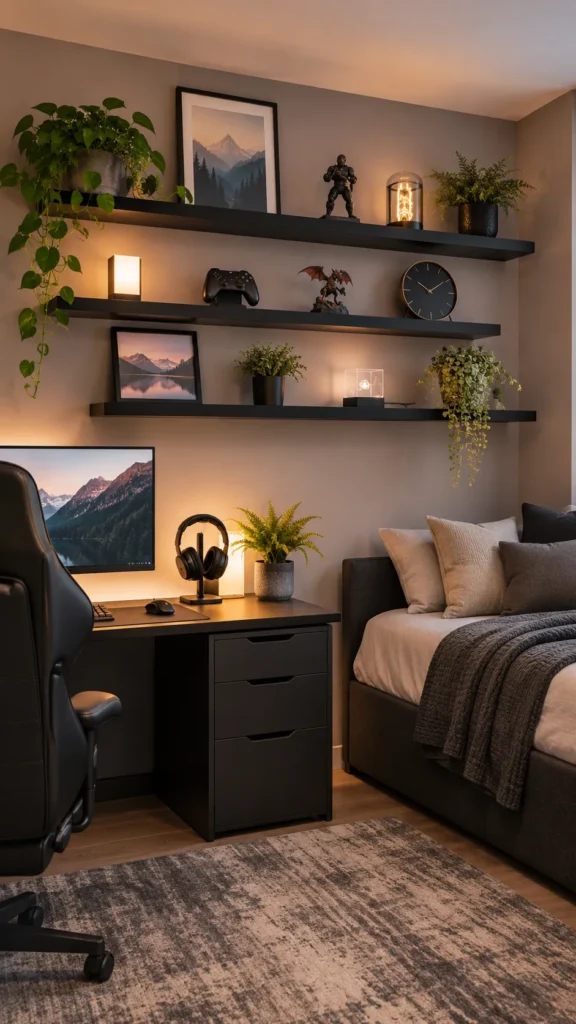
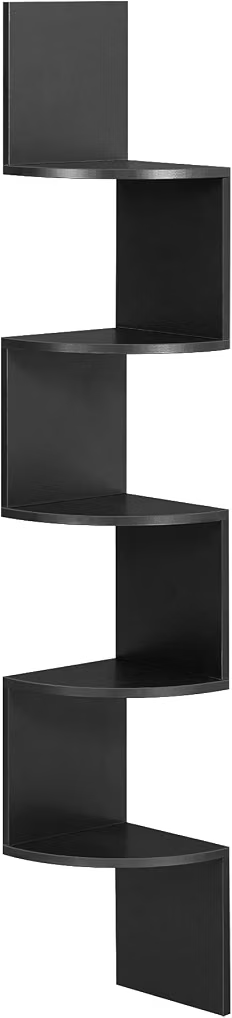
Amazon Find: Black Floating Gaming Room Shelves
Wall-mounted shelves provide a dedicated display area for lightweight gaming collectibles, framed artwork, and decorative accessories.
14 Add Ambient LED Lighting Behind Your Gaming Desk
Indirect LED lighting can make a compact PC gaming setup feel more immersive without introducing bulky lamps or oversized decorative fixtures. A gentle glow behind the desk creates separation between the furniture and wall, highlighting the workstation after dark.
Install a suitable LED strip along the rear edge of the desk and coordinate its colors with your PC tower. Electric blue and purple work beautifully in futuristic setups, while amber and warm white create a more relaxed atmosphere. Conceal the light source so the glow remains visible without exposing individual LEDs.
Lighting tip: Choose dimmable lights and avoid excessive brightness, flashing effects, or direct reflections on your gaming monitor.
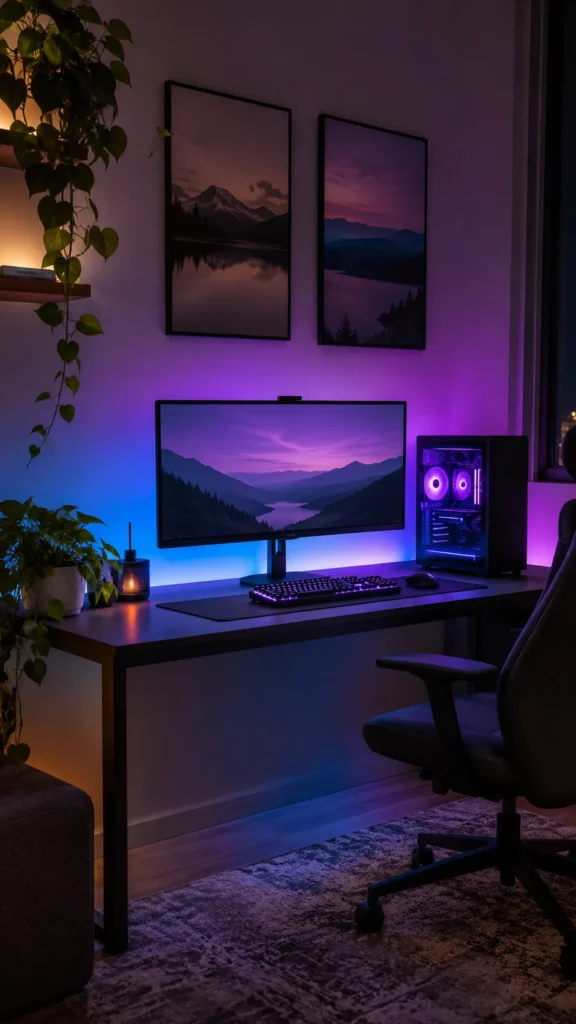
Amazon Find: RGB Gaming Desk LED Strip Lights
Adjustable LED strip lights introduce customizable ambient colors behind your gaming desk without taking up additional floor space.

15 Give Existing Gaming Desk Drawers a DIY Makeover
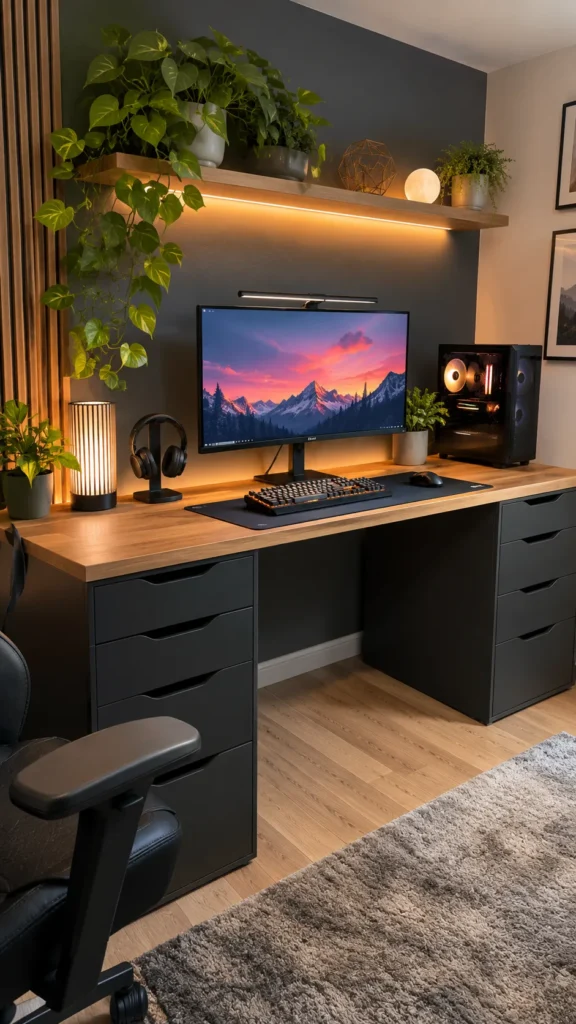
An ordinary desk with outdated drawers can become an attractive custom-looking gaming workstation with a simple furniture makeover. Updating existing furniture is particularly useful when you are working with limited space and a modest decorating budget.
Remove the drawer handles and prepare the surfaces using a cleaning, priming, and painting method suitable for the furniture material. Paint the drawer fronts matte black while keeping the main desk white for a contemporary two-tone appearance. Alternatively, combine charcoal drawers with a natural wood desktop.
DIY tip: Allow the finish to cure according to the paint manufacturer’s instructions before reinstalling hardware or placing equipment nearby. Use adequate ventilation while painting.
16 Create Personalized DIY Gaming Wall Art
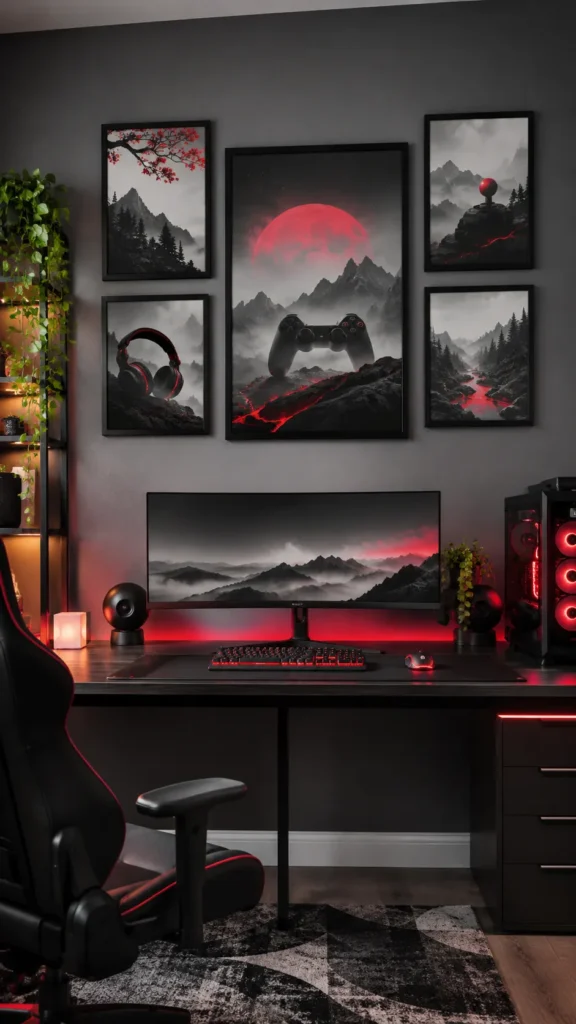
Gaming-themed artwork is an affordable way to personalize your workstation without sacrificing valuable desk space. A coordinated arrangement of prints inspired by your favorite games can make the room feel like a dedicated gaming retreat.
Create a collection of licensed game posters, purchased digital artwork, original illustrations, or your own gaming-inspired designs. Arrange them in matching black frames above the desk or along a nearby accent wall. For a subtle appearance, choose monochrome prints with one repeated accent color.
Budget tip: Reuse existing picture frames and update their contents. Arrange the artwork on the floor first to test spacing before hanging it on the wall.
17 Style a Guest Daybed as a Cozy Gaming Lounge
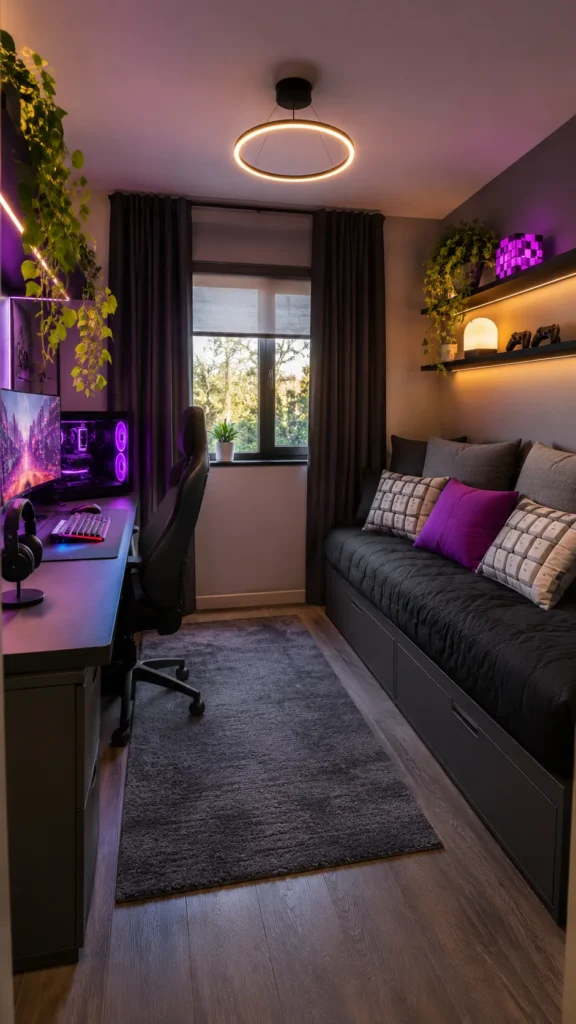
A small gaming room can still accommodate overnight guests when the furniture serves more than one purpose. A compact daybed or divan offers a comfortable sleeping surface while functioning as a casual lounge during everyday use.
Place the daybed against the wall opposite your PC gaming station. Add large back cushions, a dark bedcover, and playful keyboard-inspired pillow covers. Introduce one bright accent cushion to connect the sleeping area with your gaming room color palette. Store spare bedding in suitable under-bed drawers or a nearby cabinet.
Space-saving tip: Choose a daybed with integrated storage to reduce the need for extra furniture. Keep access to the sleeping area and room exits unobstructed.
Final Thoughts
The best PC gaming setup ideas for small rooms combine clever furniture arrangements, comfortable seating, organized accessories, and meaningful decorative details. A compact corner desk, adjustable monitor mount, coordinated lighting, and thoughtful storage can help you create an impressive gaming station without needing an entire room dedicated to entertainment.
Start by measuring your available space and organizing the equipment you already own. Choose upgrades that improve functionality before introducing decorative accessories. With careful planning and a little creativity, even the smallest bedroom or home office can become a stylish and comfortable PC gaming retreat.

Our guides are researched, fact-checked and updated as games change. How we research and verify our guides.