
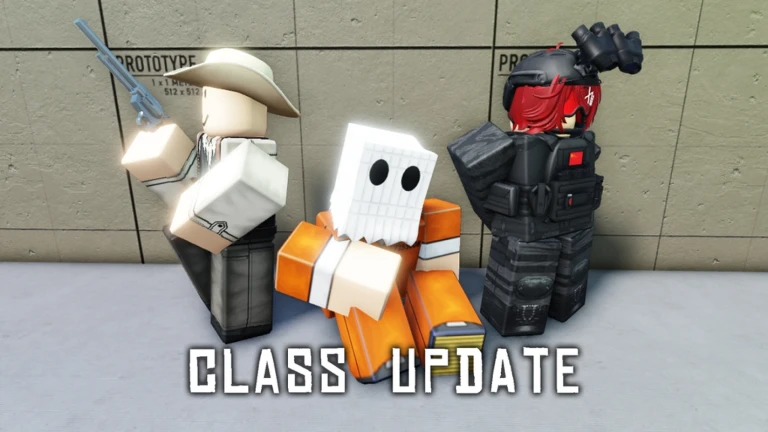

Fate Trigger in Roblox is a fast paced FPS arena experience where every kill grants random buffs, turning matches into chaotic skill based battles.
With no health bars and instant respawns, knowing the controls is essential to stay competitive and keep your momentum.
This guide explains all confirmed controls in Fate Trigger, exactly as they work in game.
Fate Trigger Gameplay Overview
Before diving into the controls, it helps to understand how the game works.
Fate Trigger uses
- One Hit KO system with no health bars
- Random buff drops after every kill
- Instant respawns with buffs retained
- Pure skill based combat with no pay to win
Because deaths are instant, reaction speed and aim matter far more than positioning or defense.
Fate Trigger Controls PC Keyboard and Mouse
These are the official controls shown in the game description.
| Input | Action |
|---|---|
| M1 Left Mouse Button | Fire weapon |
| M2 Right Mouse Button | Aim |
| Q | Switch weapon |
| F | Inspect weapon |
| M | Return to lobby |
Movement follows standard Roblox FPS controls using W A S D for movement and mouse movement for camera control.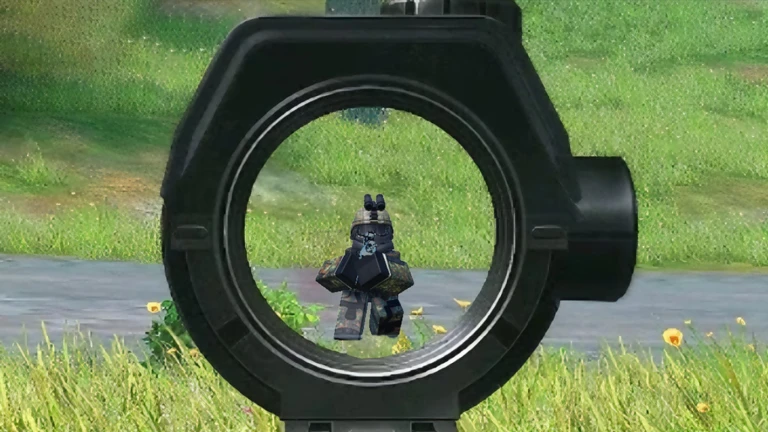
How Each Control Works in Combat
Fire Weapon M1
Primary attack. Since Fate Trigger is one hit KO, accuracy matters more than spray control.
Aim M2
Used to line up precise shots. Aiming is essential when buffs increase speed or enemy movement becomes unpredictable.
Switch Weapon Q
Instantly swaps your current weapon. Useful when buffs change your playstyle mid fight.
Inspect Weapon F
Purely cosmetic. Allows you to view your weapon up close during downtime.
Back to Lobby M
Exits the match and returns you to the lobby.
Why Controls Matter in Fate Trigger
Because there are
- No health bars
- No armor systems
- No second chances
Every engagement is decided by reaction time and aim.
Knowing exactly when to aim, fire, or switch weapons lets you take advantage of buffs like
- Super speed
- Reload bonuses
- Shields
Even with buffs, poor control awareness will get you eliminated instantly.
Platform Support
Fate Trigger is currently designed for
- PC keyboard and mouse
Controller or mobile support is not officially listed in the game description, so keyboard and mouse is the recommended setup for best performance.
Beginner Control Tips
- Avoid hip firing at long range
- Aim before peeking corners
- Switch weapons immediately if buffs favor a different playstyle
- Use inspect only when safe
- Leave matches using M instead of resetting
Small habits matter in one hit KO games.
Final Thoughts
Fate Trigger is a pure FPS skill test, not a class based or ability driven shooter. Its simple control scheme keeps the focus on reflexes, positioning, and adapting to random buffs on the fly.
Once you memorize the controls, the game becomes less about buttons and more about surviving chaos and chaining kills.

Abhigyan identifies himself as a tech geek, gaming cognoscenti, and also a connoisseur of music. Unidentified and mysterious phenomena never fail to gather his undivided attention. When not reading about bizarre and perplexing entities across the Universe, he can often be found cheering for his favorite teams in Football.