
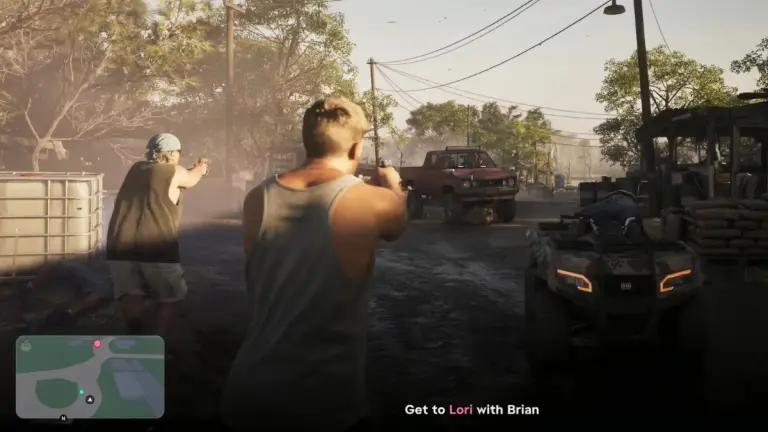

Quick answer: In GTA 6’s default control scheme you sprint by clicking the left stick (L3/LS), jump with Cross/A, crouch with Circle/B, take cover with R1/RB and interact with Triangle/Y. Aim with L2/LT and shoot with R2/RT, hold L1/LB for the weapon and item wheel, press D-pad Up for the phone and the touchpad (PS5) or View button (Xbox) for the map. Focus is L3 + R3 together. A Classic scheme brings back the older GTA layout.
Last updated: November 26, 2026
GTA 6 changed a few long-standing GTA habits: sprinting is no longer done by tapping a face button, and sitting, leaning and flipping cars all have hidden inputs the tutorial skips. The tables below are for the Default scheme on PS5 and Xbox Series X|S, checked against GTABase’s controls guide and Shacknews’ PS5 list, with hidden controls from Beebom and Kotaku. Where sources disagree we say so. Rockstar hasn’t published an official controls page.
GTA 6 on-foot controls (PS5 and Xbox)
| Action | PS5 | Xbox |
|---|---|---|
| Move | Left stick | Left stick |
| Sprint | L3 (click left stick) | LS (click left stick) |
| Jump / climb | Cross | A |
| Crouch | Circle | B |
| Sit, rest or lean (hold) | Hold Circle | Hold B |
| Take cover | R1 | RB |
| Interact | Triangle | Y |
| Aim | Hold L2 | Hold LT |
| Holster weapon | L1 | LB |
| Weapon and item wheel | Hold L1 | Hold LB |
| Objective / minimap info | D-pad Down | D-pad Down |
| Detonate explosives | D-pad Right | D-pad Right |
| Look behind | Hold R3 | Hold RS |
Combat, melee and weapon controls
| Action | PS5 | Xbox |
|---|---|---|
| Fire / throw | R2 | RT |
| Aim down sights / zoom | R3 while aiming | RS while aiming |
| Scope zoom in and out | D-pad Up / Down | D-pad Up / Down |
| Switch aiming shoulder | D-pad Left while aiming | D-pad Left while aiming |
| Quick weapon swap | Triangle while aiming | Y while aiming |
| Quick throw | Hold R1 | Hold RB |
| Lock on in melee | Hold L2 | Hold LT |
| Punch / kick | Square | X |
| Heavy attack | Hold Square | Hold X |
| Grapple | Hold R2 | Hold RT |
| Block / counter | Cross (hold to block, time it to counter) | A |
| Stealth takedown from behind | Hold R2, then tap Square | Hold RT, then tap X |
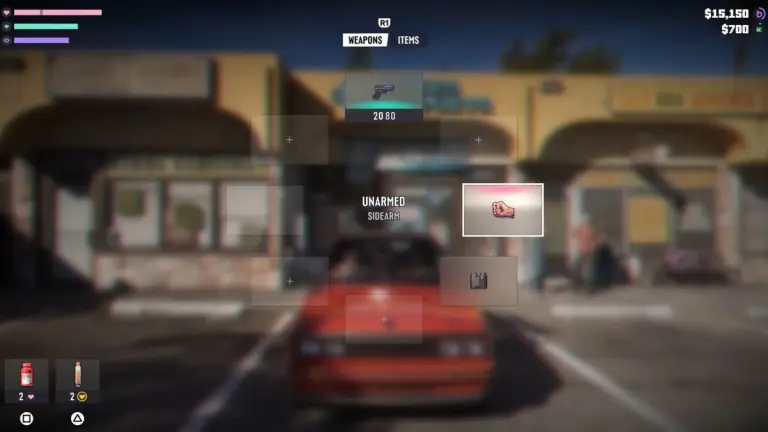
The wheel’s slots and what you can carry are covered in our weapon wheel guide.
Wrestling moves
GTA 6 has wrestling-style melee moves. Beebom documents them; we haven’t seen a second guide yet, so treat these as provisional:
- Running moves (clothesline, dropkick, spear, running knee): sprint with L3, then press Square.
- Slams and suplexes: hold R2 to grapple, hold Square, push the left stick in a direction and press Square.
- Sleeper hold: hold R2, then tap Square repeatedly.
- Aerial moves (flying elbow, swanton): jump from a height, then press Square.
On Xbox use RT for R2 and X for Square. In the Classic scheme these use Circle/B instead of Square/X.
Driving, boat and aircraft controls
| Action | PS5 | Xbox |
|---|---|---|
| Accelerate | R2 | RT |
| Brake / reverse | L2 | LT |
| Handbrake | Cross | A |
| Horn / nitrous | L3 | LS |
| Exit vehicle | Triangle | Y |
| Duck in seat | Hold Circle | Hold B |
| Turn signals | D-pad Left / Right | D-pad Left / Right |
| Vehicle menu | Hold D-pad Left | Hold D-pad Left |
| Vehicle info on HUD | D-pad Down | D-pad Down |
| Aircraft throttle up / down | R2 / L2 | RT / LT |
| Aircraft yaw | Square / Circle | X / B |
| Landing gear | L3 | LS |
| Bicycle pedal / brake | R2 / L2 | RT / LT |
| Bicycle sprint / bunny hop | Cross / Circle | A / B |
Sources disagree on three driving inputs, so check the on-screen prompt:
- Radio: Shacknews says tap D-pad Left to change station and hold it for the radio menu; GTABase only lists holding it; Beebom says double-tapping D-pad Left switches the radio on or off.
- Double-tap Triangle/Y when exiting: GTABase says you jump out; Beebom says it leaves the engine running (or the boat moving).
- Headlights (Circle/B) and firing from the car (R1/RB) are listed by Shacknews only.
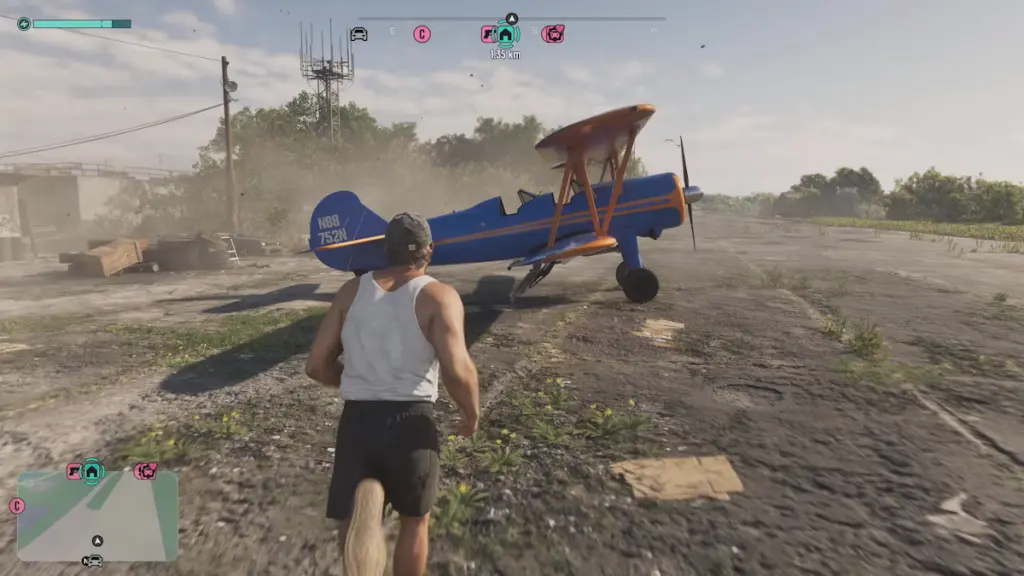
Want to try the aircraft controls early? Our plane and jet guide shows where the first plane spawns.
Phone, map, Focus and character switching
| Action | PS5 | Xbox |
|---|---|---|
| Phone | D-pad Up | D-pad Up |
| Map | Touchpad | View button |
| Pause menu | Options | Menu |
| Photo mode | Pause menu > Photo Studio | Pause menu > Photo Studio |
| Focus | L3 + R3 together | LS + RS together |
| Partner menu | Hold D-pad Right | Hold D-pad Right |
| Switch character | D-pad Right (see note) | D-pad Right (see note) |
GTABase and PowerPyx say you hold D-pad Right and press R1/RB to switch between Jason and Lucia, while VGC only mentions D-pad Right. Free switching opens up after Chapter 1. Focus unlocks during the Chapter 1 story; see our Focus system guide and special abilities guide. Photo Studio is explained in our photo mode guide, and the pause menu in how to pause GTA 6.
Hidden controls the game doesn’t tell you
- Flip an upside-down car: stand next to it, press L3/LS, then hold Square/X (Beebom, Kotaku).
- Sit on the ground or lean on a wall: hold Circle/B in the right spot (Beebom, Kotaku).
- First-person inspect view: hold L2/LT, then press R3/RS (GTABase, Beebom, KeenGamer).
- Vault over a car bonnet: sprint at it and press Cross/A.
- Lean on a railing: press R3/RS next to it.
- Push a jet ski: hold R1/RB from behind.
- Flip off another driver: hold L2/LT, then press R1/RB.
- Hand the wheel to your partner: hold D-pad Right, then press Cross/A.
- Hold a door for your partner: hold Triangle/Y.
- Wheelies and stoppies on a motorbike: pull back or push forward on the left stick while accelerating.
The last seven come from Beebom only, so treat them as provisional until a second guide lists them.
Control schemes, aim assist and first person
- Schemes: Settings > Control Scheme offers Default, Classic and Left-Handed (GTABase, Dexerto, Shacknews). Classic restores the older GTA run, crouch and jump layout.
- Rebinding single buttons: no source describes full button remapping yet, so assume you pick a scheme rather than rebind each button.
- Controller settings: sensitivity, acceleration, response curve, invert options, deadzones, DualSense haptics and adaptive triggers (Dexerto, KeenGamer). Our best settings guide has recommended values.
- Aim assist: Settings > Gameplay > Combat has Lock-On, Partial and Free Aim (BGR, KeenGamer).
- First-person mode: there isn’t a full first-person mode at launch, only the inspect view, scoped aiming and some phone views. See GTA 6 missing features.
FAQ
How do you run in GTA 6?
Click the left stick (L3 on PS5, LS on Xbox). Switch to the Classic control scheme if you prefer the older layout.
How do you crouch in GTA 6?
Press Circle on PS5 or B on Xbox. Holding the same button lets you sit or lean.
How do you open the map in GTA 6?
Press the touchpad on PS5 or the View button on Xbox.
Can you change the controls in GTA 6?
You can pick Default, Classic or Left-Handed schemes and tweak sensitivity, deadzones and aim assist. Full button-by-button remapping hasn’t been documented.
Does GTA 6 have first person?
Not a full first-person mode at launch. You can use the first-person inspect view by holding L2/LT and pressing R3/RS.
More GTA 6 guides: Beginner tips · Best settings · Weapon wheel · How to steal cars · Wanted level · GTA 6 hub
Grand Theft Auto VI is developed and published by Rockstar Games. Stealthy Gaming is not affiliated with Rockstar Games or Take-Two Interactive.

Hi, I’m Ankit Kumar, the founder of StealthyGaming. I handle everything from SEO to researching and writing gaming articles. I’m passionate about helping fellow gamers stay updated with the latest tips, guides, and news. When I’m not optimizing content, I’m probably testing out new games or digging into strategies to make my articles as helpful and engaging as possible.
We label leaks and unconfirmed details and update this guide as Rockstar confirms more. How we research and verify our guides.